


To effectively clean your JBL speakers, start by using a soft, dry cloth to wipe down the exterior surfaces. This simple method removes dust and fingerprints without damaging the finish. In this article, you’ll learn additional techniques and tips to keep your JBL speakers looking and sounding their best. Maintaining the cleanliness of your speakers not only enhances their aesthetic appeal but also ensures optimal performance for a superior listening experience.
Understanding the Speaker Components
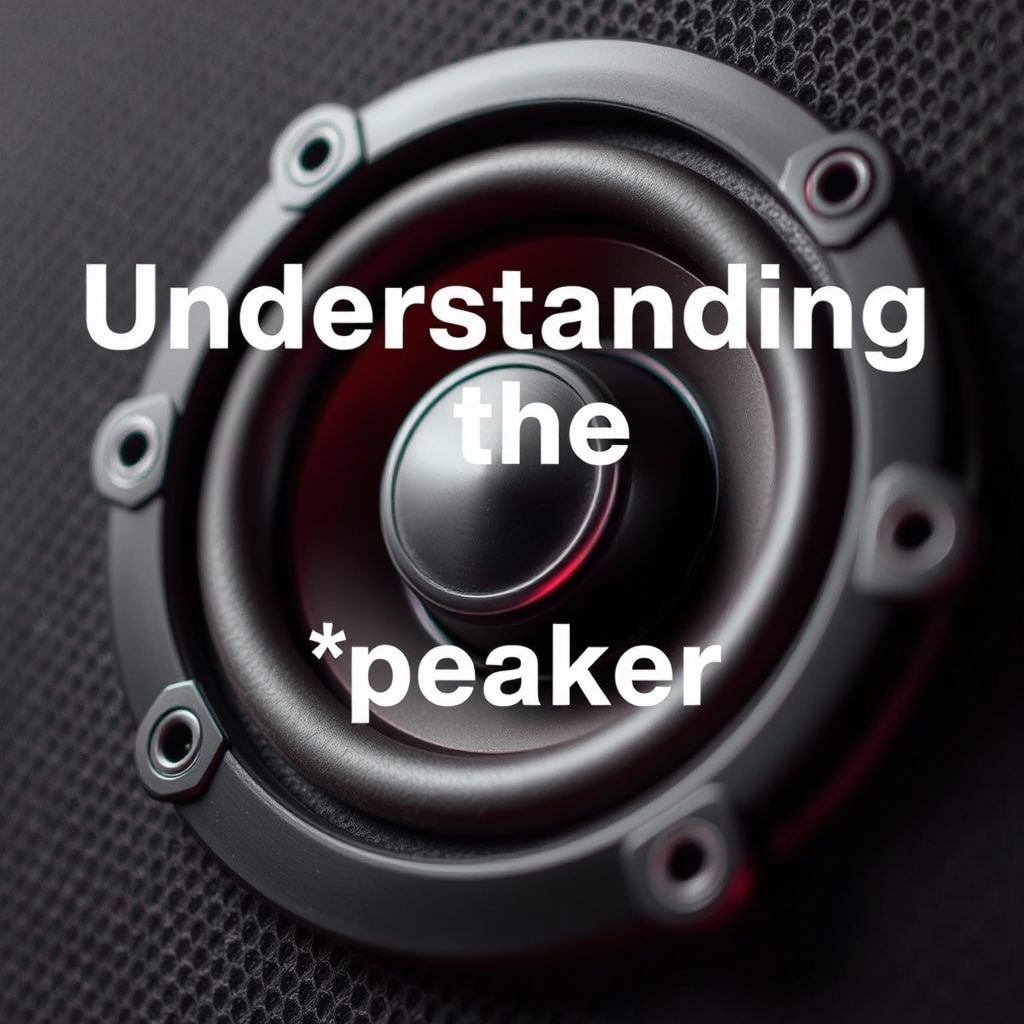
Before diving into the cleaning process, it’s crucial to understand the different components of your JBL speakers. Typically, JBL speakers consist of several key parts, including the grill, casing, and drivers. Each of these components may be made from different materials, which can dictate the appropriate cleaning methods.
– Grill: Often made from fabric or metal mesh, the grill protects the speaker drivers but can accumulate dust and dirt over time. Cleaning it requires a gentle touch to avoid tearing or damaging the material.
– Casing: The outer casing, usually crafted from plastic or wood, houses the internal components. This surface can attract fingerprints and smudges, making it essential to clean without using harsh chemicals that could damage the finish.
– Drivers: These are the actual sound-producing elements of the speaker and are typically made of sensitive materials. Cleaning the drivers requires extra caution to avoid pushing dust and debris into the speaker itself.
Recognizing these components and their materials helps you select the right cleaning methods and supplies, minimizing the risk of damage during the cleaning process.
Gathering Necessary Cleaning Supplies
To clean your JBL speakers effectively, you will need a few essential supplies:
– Microfiber Cloths: These are ideal for dusting and wiping down surfaces without scratching the finish. They are non-abrasive and highly absorbent, making them perfect for electronics.
– Soft Brushes: A small, soft-bristled brush can help remove dust from hard-to-reach areas, especially around the drivers and grill.
– Mild Soap: A gentle soap mixed with water can be used for deeper cleaning when needed. It is crucial to ensure that the soap is free of harsh chemicals that might damage the materials.
– Water: Clean water is essential for dampening cloths. Always use it sparingly to avoid moisture damage.
Using non-abrasive materials is vital for maintaining the integrity of your speakers. Abrasive cleaners and rough cloths can scratch surfaces and degrade the sound quality over time.
Cleaning the Exterior Surfaces
When it comes to cleaning the exterior surfaces of your JBL speakers, begin with a soft, dry microfiber cloth. This initial step helps to remove dust and fingerprints effectively. For deeper cleaning, dampen the cloth slightly with water and a few drops of mild soap. Here’s how to do it:
1. Wipe the Casing: Gently wipe down the casing, ensuring that no moisture seeps into any openings. Use circular motions to lift away dirt without pushing it into the seams.
2. Cleaning the Grill: To clean the grill, use the soft brush to remove loose dust first. Then, if necessary, lightly wipe the grill with a damp microfiber cloth, ensuring not to saturate it. For fabric grills, it might be best to use the brush alone to avoid any risk of water damage.
Cleaning the Speaker Drivers
Cleaning the speaker drivers requires a gentle approach, as they are the most sensitive part of the speaker. Here’s a detailed method to clean them safely:
1. Dust Removal: Use a soft brush to delicately remove any dust from the driver surfaces. Ensure that you brush away from the center to avoid pushing debris deeper into the speaker.
2. Avoiding Moisture: Never apply water or cleaning solutions directly to the drivers. If the drivers seem particularly dirty, consider using a slightly damp cloth to wipe the area around the drivers without getting any moisture on them.
3. Regular Maintenance: Regularly check the drivers for dust accumulation. The sooner you clean them, the less build-up there will be, ensuring better sound quality.
Maintaining the Sound Quality
Regular cleaning is essential for preventing dust buildup, which can significantly affect your JBL speakers’ performance. Dust accumulation can lead to muffled sound or distortion, diminishing your overall listening experience. To maintain sound quality:
– Establish a Cleaning Routine: Make it a habit to dust your speakers weekly and perform a deeper clean monthly. This will minimize the potential for buildup.
– Proper Storage: When not in use, consider covering your speakers or storing them in a dust-free environment. This will help prevent dust accumulation and ensure your speakers look and sound great when you next use them.
– Avoiding Overexposure: Keep your speakers away from areas where they might be exposed to excessive dust, such as near open windows or construction zones.
Troubleshooting Common Issues
Even with regular maintenance, you might encounter issues like crackling sounds or sound distortion, often due to dirt and dust buildup. Here are some common problems and their solutions:
– Crackling Sounds: This can happen when dust obstructs the drivers. Cleaning the speaker drivers with a soft brush can help eliminate the crackling.
– Sound Distortion: If your speakers sound distorted, check for any debris on the drivers and clean them as previously described. Additionally, ensure that the speaker connections are secure and free from dust.
– Low Volume Output: Sometimes, dirt can affect electrical connections. Ensure all connections are clean and secure, and consider lightly cleaning the speaker terminals with a dry cloth.
When to Seek Professional Help
While regular cleaning can address most issues, there are scenarios where professional help may be necessary. Consider seeking assistance if:
– Internal Issues: If you notice any internal damages or if the speakers are not functioning correctly despite cleaning, professional diagnosis and repair may be warranted.
– Unsure About Cleaning Techniques: If you are uncertain about how to clean certain components, especially internal parts, it’s best to consult a professional to avoid damaging your speakers.
– Persistent Problems: If cleaning does not resolve issues like sound distortion or crackling, a professional technician can provide insights and repairs that DIY methods cannot.
Cleaning your JBL speakers not only improves their appearance but also enhances their performance. By following these steps and using the right techniques, you can ensure your speakers remain in top condition for years to come. Don’t forget to regularly maintain them and, if in doubt, consult a professional for assistance. Happy listening!
Common Speaker Cleaning Issues and Solutions
| # | Issue | Cause | Solution |
|---|---|---|---|
| 1 | Crackling Sounds | Dust on Drivers | Clean with Soft Brush |
| 2 | Sound Distortion | Blocked Connections | Check and Clean Connections |
| 3 | Low Volume Output | Debris in Terminals | Clean Terminals with Dry Cloth |
| 4 | Overheating | Blocked Vents | Ensure Vents are Clear |
| 5 | Flickering Lights | Electrical Issues | Consult a Technician |
| 6 | No Sound | Disconnected Wires | Reconnect All Wires |
| 7 | Static Noise | Interference | Change Source Device |
Frequently Asked Questions
How can I safely clean my JBL speaker without damaging it?
To safely clean your JBL speaker, start by turning it off and disconnecting it from any power source. Use a soft, lint-free cloth slightly dampened with water or a mild soap solution to gently wipe the exterior surfaces. Avoid using harsh chemicals or submerging the speaker in water, as this can damage the internal components.
What materials do I need to clean my JBL Bluetooth speaker?
To clean your JBL Bluetooth speaker, you will need a soft, lint-free cloth, a small brush or toothbrush, cotton swabs, and a mild cleaning solution or water. These materials will help you effectively remove dust, grime, and any stubborn spots without scratching or damaging the speaker’s surface.
Why is it important to clean my JBL speaker regularly?
Regularly cleaning your JBL speaker is important to maintain its sound quality and prolong its lifespan. Dust and debris can accumulate in the speaker grills and ports, which may obstruct audio performance and lead to potential damage. Keeping your speaker clean ensures optimal performance and a better listening experience.
What is the best method to remove stubborn stains from my JBL speaker?
The best method to remove stubborn stains from your JBL speaker is to use a mixture of water and isopropyl alcohol (50/50 ratio). Dampen a soft cloth with the solution and gently rub the stained area until the stain lifts. Always test the solution on a small, inconspicuous area first to ensure it does not affect the finish.
Which areas of my JBL speaker should I focus on when cleaning?
When cleaning your JBL speaker, focus on the mesh grills, buttons, and any rubberized surfaces where dirt and oils can accumulate. Pay attention to the charging port and connections, as these areas can collect debris that may affect performance. Regular cleaning of these areas will help maintain both aesthetics and functionality.
References
- https://www.jbl.com/support/faq/how-to-clean-your-jbl-speakers.html
https://www.jbl.com/support/faq/how-to-clean-your-jbl-speakers.html - https://www.lifewire.com/how-to-clean-your-speaker-system-1846745
https://www.lifewire.com/how-to-clean-your-speaker-system-1846745 - Google Scholar Google Scholar
https://scholar.google.com/scholar?q=cleaning+jbl+speakers - Google Scholar Google Scholar
https://scholar.google.com/scholar?q=maintenance+jbl+speakers - Google Scholar Google Scholar
https://scholar.google.com/scholar?q=speaker+cleaning+techniques - https://www.bbc.com/future/article/20200518-how-to-clean-a-bluetooth-speaker
https://www.bbc.com/future/article/20200518-how-to-clean-a-bluetooth-speaker - https://www.huffpost.com/entry/how-to-clean-your-bluetooth-speaker_n_5c95fbcde4b0c5c4a5d0b90e
https://www.huffpost.com/entry/how-to-clean-your-bluetooth-speaker_n_5c95fbcde4b0c5c4a5d0b90e - Google Scholar Google Scholar
https://scholar.google.com/scholar?q=how+to+clean+jbl+speakers - how to clean jbl speakers – Search results
https://en.wikipedia.org/wiki/Special:Search?search=how+to+clean+jbl+speakers - https://www.ncbi.nlm.nih.gov/search/research-articles/?term=how+to+clean+jbl+speakers
https://www.ncbi.nlm.nih.gov/search/research-articles/?term=how+to+clean+jbl+speakers

[…] Dust accumulation on projector air filters and vents can increase operating temperature and contribute to brightness instability. Resolution mismatches between the source device and projector can cause “blank” screens or unstable refresh behavior until the source is corrected. Wired HDMI connections typically provide more stable timing than wireless casting when flicker or dropouts appear. […]
[…] frequent real-world issue: lens contamination and partial dust accumulation can create localized softening or haze-like reduction in contrast. Cleaning can restore contrast […]
[…] Dust accumulation can increase fan workload, which indirectly increases total power draw and can reduce overall efficiency. Lamp-based projectors typically lose brightness as they age, and compensating by running higher brightness modes can increase electricity use. […]
[…] Ensure proper ventilation to keep the projector stable during longer sessions. Dust accumulation can reduce airflow; clean intake vents […]
[…] Filter cleanliness and dust accumulation (which can affect optics and perceived […]