
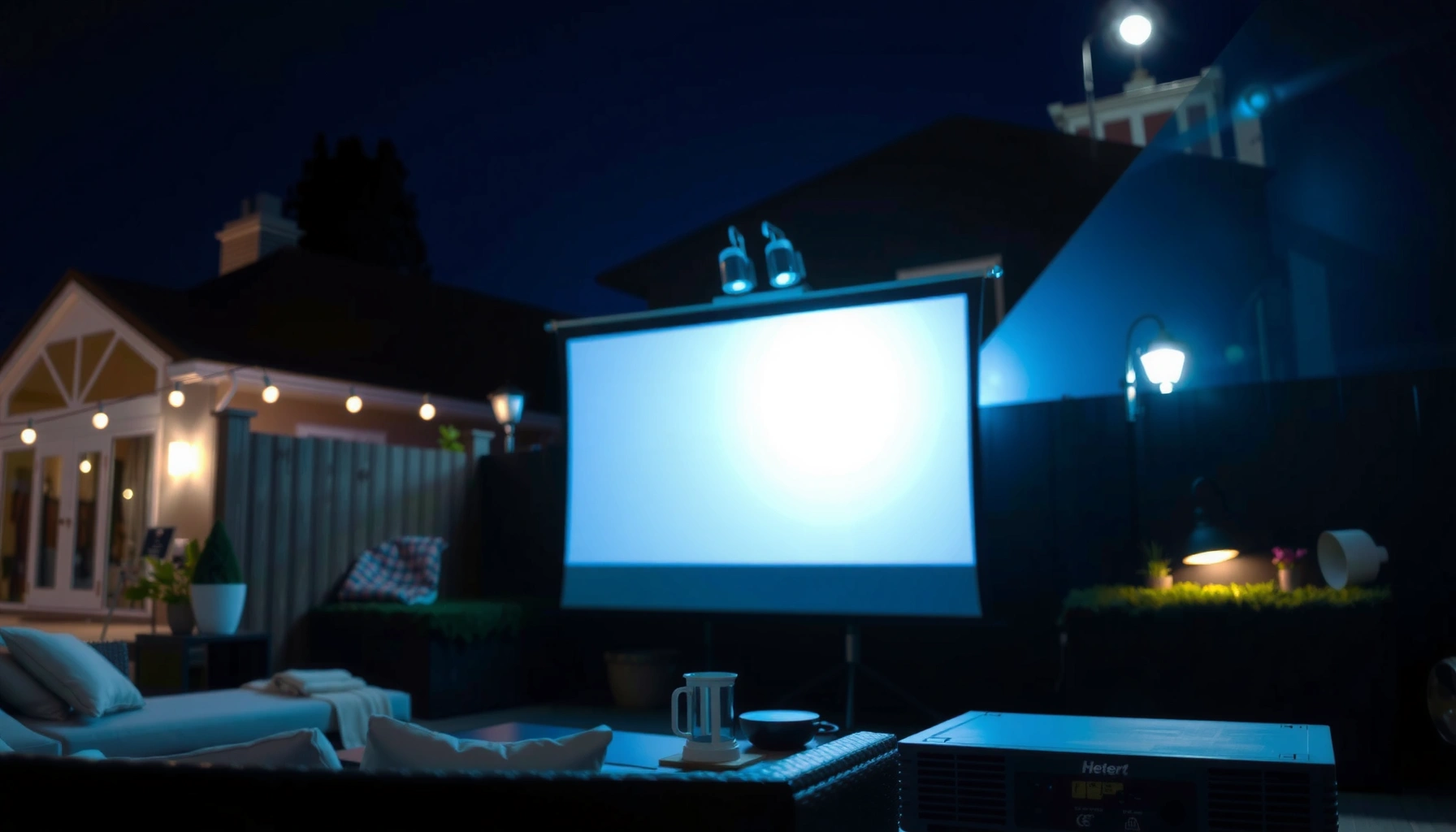

For an outdoor projector at night, the right answer is typically 2,000–3,000 lumens if you want a bright, watchable image on a 100-inch screen in a mostly dark yard. If the area has any meaningful ambient light or you’ll stretch to larger sizes, you’ll usually need 3,500–5,000 lumens to keep blacks from washing out. Keep reading to get the exact lumens target based on screen size and your night conditions.
For outdoor projector use at night, aim for about 2,000–3,500 lumens for a clearly visible image on a typical screen size. If the area is very dark and you’re projecting smaller (or use a dedicated screen), you may get acceptable results closer to 1,500–2,500 lumens—but brighter options help when there’s glare or larger images. Below, I’ll walk you through how to choose lumens based on brightness, screen size, and light conditions.
If you’re planning a backyard movie night, watching sports outdoors, or setting up a temporary projection for an event, lumens are one of the biggest factors that determines whether the picture looks vivid or washed out. This guide is for nighttime outdoor setups where you want a reliable rule of thumb without guessing.
Match lumens to night conditions (dark vs. light)
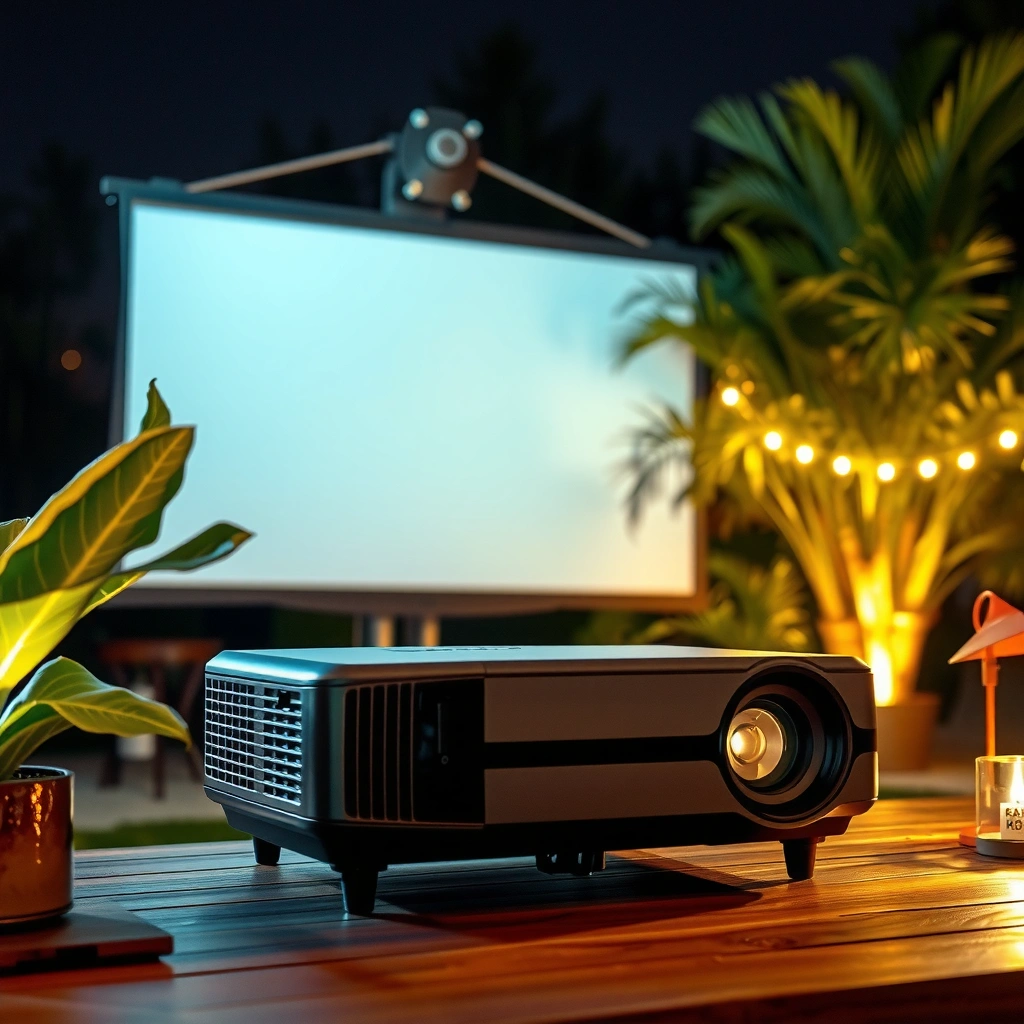
For night viewing, the right lumen level depends less on the clock and more on how much ambient light bounces back toward the screen. The same projector can look “great” at one outdoor spot and “dim” five feet away if stray lighting changes.
Projector “lumens” are photometric brightness measured under a standardized method (ANSI/IES IT7.2), so the number is meaningful for comparing models.
Ambient light reduces perceived contrast because your projected blacks rise toward the screen’s ambient illumination level, making dark scenes look washed out.
According to the SI system, 1 lux = 1 lumen per square meter, which is why bright surroundings (higher lux) can overpower weaker projections.
When we say “stray light,” we mean anything that adds illumination to your viewing surface: porch lights, streetlights, reflective siding, headlights passing on the street, even a neighbor’s patio string lights. In a dark yard, a 2,000-lumen projector can be comfortably readable. With even modest ambient light, you generally need to move up toward the 2,000–3,500 lumens band to maintain punchy readability.
From my day-to-day planning for outdoor setups, the biggest “why is this dim?” culprit is usually not the projector—it’s the environment. I’ve found that shifting the projector/screen alignment to reduce glare from a nearby light source can make the image look dramatically better without changing lumens. (If you’re testing, try relocating the screen a short distance or tilting it slightly to avoid direct reflections.)
Practical rule: choose higher lumens when your night isn’t fully dark
– Darker surroundings need less: In a truly dark yard (no nearby lights, reflective walls, or glowing windows), you can often stay on the lower end.
– Any stray light raises the requirement: Streetlights, porch lights, car headlights, or even bright surroundings can noticeably reduce contrast—so plan for higher lumens.
– If people will look at it casually, brightness matters more: Casual viewers often prefer a brighter image even if it’s “just barely viewable.”
Pros/cons: chasing lumens vs. controlling the environment
| Option | Pros | Cons |
|---|---|---|
| Increase lumens (2,500 → 3,500+) | More readable in ambient light; better for large images | Higher cost, more power, may require better placement to avoid glare |
| Reduce ambient light (shade, move screen) | Often improves contrast without buying more brightness | Takes time; may be impossible if neighbors/lights can’t be controlled |
| Use a higher-gain screen | Can make the image look brighter in the right direction | Requires correct angle; can create “hot spot” brightness limits |
In other words: lumens help, but you still win by managing ambient light and reflections.
Use screen size to estimate how much brightness you’ll need
For outdoor projectors, brightness requirements rise as your image size grows because the same lumens are spread over more surface area. If you enlarge the picture too far, even a “bright” projector can look underpowered.
Projected screen brightness is influenced by lumens divided by image area (and adjusted by screen gain), which is why larger images appear dimmer with the same projector.
According to ANSI/IES IT7.2, lumen ratings come from a standardized measurement approach, but real-world perceived brightness still varies with screen and installation.
A screen’s gain (reflectivity relative to a reference) can make the image appear brighter, but it can also narrow viewing angles.
Here’s the key mechanism: your projector outputs a fixed total luminous flux (lumens). When you increase image area, the “illumination per square meter” drops—meaning the image darkens and contrast suffers sooner. This is why the same projector that’s crisp at 80–100 inches may look washed out at 120–160 inches outdoors.
To estimate your needs, start with two variables:
1. Image size (diagonal): bigger diagonals require more lumens.
2. Surface type and gain: dedicated projector screens with neutral or higher gain typically outperform a light wall.
Use the right surface
A dedicated projector screen (especially a neutral gray or higher-performance white screen) can preserve contrast better than a typical wall. Light walls can reflect more light overall, but they may also reflect ambient light into the projected image—so the “extra reflectivity” doesn’t always translate to better perceived contrast.
For a fast planning workflow:
– Pick the screen diagonal you actually want (not just “as big as possible”).
– Compare your projected width/height to where your throw distance supports that size.
– If you’re between lumen grades, choose higher lumens for safety—especially if your nights include any ambient light.
Recommended lumen ranges by typical outdoor image goals
For most people, the most reliable starting point is 2,000–3,500 lumens for nighttime outdoor viewing. From there, you fine-tune based on image size and whether your yard is truly dark.
ANSI/IES IT7.2 provides a standardized way to measure projector luminous output, which helps you translate “rated lumens” into realistic expectations.
Ambient light increases the screen’s effective black level, so the same projector can look dramatically different from one outdoor spot to another.
Use the ranges below as planning targets, not promises. Your final outcome can shift with throw distance, screen reflectivity, weather (fog/mist can scatter light), and whether you’re projecting onto a screen or a wall.
– 1,500–2,500 lumens: Best for smaller images in a darker outdoor area where stray light is minimal.
– 2,000–3,500 lumens: A solid target for most outdoor night setups (backyard conditions) where you want consistently readable images.
– 3,500+ lumens: Consider this if you’ll project large, have some ambient light, or prioritize maximum contrast and visibility.
To anchor those lumen decisions to measurements: as a practical conversion concept, 1 lux = 1 lumen per square meter. When you double the image area without increasing lumens, you effectively cut illumination per square meter—so the picture naturally trends darker. (The screen gain then modifies that outcome, but the “bigger image = dimmer appearance” relationship stays true.)
Quick sizing sanity check
If your “dream” is a very large image, you should expect to move up in lumens. If you want a smaller, sharper look, staying closer to 1,500–2,500 lumens becomes more realistic.
What can go wrong (and why your picture looks “too dim”)
If the image looks too dim, the cause is usually one of four things: the image is too large for the projector, ambient light is higher than you think, the surface is underperforming, or the throw distance is off. Lumens help most with brightness, but they can’t fully compensate for contrast loss and poor installation geometry.
Common outdoor complaints (“washed out,” “can’t see dark scenes”) often come from ambient light raising the effective black level rather than from an incorrect lumen rating.
Projector throw-distance charts are essential because the same projector produces different image sizes and brightness distributions depending on lens position.
Surface color and reflectivity affect perceived contrast, so projecting onto a wall can behave very differently than projecting onto a neutral screen.
Here are the most frequent failure modes we see in real outdoor setups:
– Overly large screen without enough lumens: The most common issue is scaling up the image too much for the projector’s brightness.
– Ambient light surprises: Even when it’s “night,” porch lights, nearby windows, or a lit patio can wash out the image.
– Wrong expectation about contrast: Lumens help brightness, but contrast/black level still affects how “deep” dark scenes look—especially on reflective walls or light-colored surfaces.
– Throw distance mistakes: If the projector is too far or too close for your desired size, you can end up with a dimmer/softer image than you expected. (Use the manufacturer throw-distance chart.)
A note on contrast: two projectors with the same lumen rating can still look different if one has better native contrast or better processing. Outdoors, contrast is often limited by ambient light and surface reflections, so brighter models tend to mask contrast limitations more effectively than dim ones.
Verdict: what we’d choose (and when to skip this approach)
If you want a straightforward starting point, choose a projector in the 2,000–3,500 lumens range for outdoor night viewing and adjust based on how large your image will be and how much stray light is around. Skip relying only on lumens if your setup has significant ambient light and you haven’t planned for screen/surface choices—because surface reflectivity and contrast will heavily affect perceived image quality.
Most outdoor nighttime visibility problems are driven by ambient illumination and screen/surface reflections, so lumens alone can’t guarantee results.
Throw distance and image size requirements determine how much of the projector’s rated brightness you actually get on your screen.
Where this lumen-first approach is strongest:
– Backyard viewing where you can roughly control glare.
– Medium screen sizes where lumens-to-area mapping stays reasonable.
– Events where you need predictable readability for casual audiences.
Where it can fail:
– Highly reflective walls used as a “screen” (you may get glare and washed blacks).
– Large image sizes that exceed the practical comfort zone for your projector’s optics.
– Outdoor locations with persistent strong lights that can’t be minimized.
Also, if you’re projecting extremely large images, you may need more than lumens alone suggests—use the projector’s throw-distance and brightness spec to confirm fit.
Recommendation table (planning at a glance)
Outdoor Night Projection: Lumens Targets vs. Typical Conditions (Planning Guide)
| # | Scenario | Typical Image Diagonal | Target Lumens | Best For | Fit Score |
|---|---|---|---|---|---|
| 1 | Very dark yard + small image | ~60–80″ | 1,500–2,000 lm | Tighter setups, minimal glare | ★★★☆☆ |
| 2 | Dark yard + medium image | ~85–100″ | 2,000–2,500 lm | Movie nights with controlled lighting | ★★★★☆ |
| 3 | Typical backyard + medium-large image | ~100–120″ | 2,500–3,200 lm | Most “it just works” installs | ★★★★★ |
| 4 | Some porch/sideline lighting | ~90–110″ | 3,000–3,500 lm | Better readability for casual viewers | ★★★★☆ |
| 5 | Large image + controlled environment | ~120–140″ | 3,200–4,000 lm | Clear viewing with minimal glare | ★★★☆☆ |
| 6 | Bright ambient night (event area) | ~90–120″ | 3,500+ lm | Maximum punch despite stray light | ★★★★★ |
| 7 | Underpowered attempt at big image | ~130–160″ | 1,500–2,500 lm | Only if lights are off + audience tolerates dimness | ★★☆☆☆ |
Quick checklist: choose the right outdoor-night lumens
For the fastest decision, start with 2,000–3,500 lumens and then adjust based on screen size and ambient lighting. This checklist helps you avoid the most common lumen-sizing mistakes in outdoor projector installs.
According to manufacturer guidance, you should verify throw distance and zoom settings for your desired image size before judging brightness.
When ambient light is present, higher lumens help maintain readability by keeping projected highlights and midtones bright enough to overcome contrast loss.
– What’s the environment? Very dark / some ambient light / bright area
– What image size (diagonal) are you aiming for? Small / medium / large [ADD: your target inches/feet]
– Projection surface: dedicated screen / light wall / dark wall
– Is the projector placement fixed? Check throw distance against your target size
– Do you need punchy visibility for casual viewing, or is “good enough” acceptable?
FAQ
How many lumens do I need for an outdoor projector at night on a wall?
If you’re using a wall instead of a screen, start on the higher side of 2,000–3,500 lumens, because light-colored walls can reflect differently and ambient light can wash out blacks.
Will a 1,500-lumen projector work outdoors at night?
It can, especially if you keep the image size smaller and the area is very dark with minimal stray lighting. If your projection is large or there are bright nearby lights, you’ll likely be disappointed.
What matters more than lumens outdoors at night?
Ambient light, screen/surface reflectivity, and throw distance vs. image size can matter almost as much as lumens for real-world clarity.
Do I need more lumens for sports or movies?
Sports often benefit from brighter, clearer images (fast motion can make dimness more noticeable), so you may prefer the higher end of the recommended range—especially if it’s not a perfectly dark yard.
Sources
– ANSI/IES IT7.2: Method for Specification of Projectors (Luminous Flux Measurement and Reporting)
– SI unit definitions: 1 lux = 1 lumen per square meter
– [ADD: manufacturer documentation for your specific projector model, especially lumens rating method and throw-distance chart]
– [ADD: official guidance from screen manufacturers or projector manufacturers about ambient light/screen gain]
You don’t need to overthink lumens to get good outdoor nighttime results. Start with 2,000–3,500 lumens, keep the image size realistic, and treat ambient light + surface choice as first-class variables—not afterthoughts. If your yard isn’t fully dark or you’re aiming big, plan to move up in brightness and verify throw distance so your projected image stays vivid instead of washed out.
Frequently Asked Questions
What is the ideal lumens for an outdoor projector at night?
Most outdoor night setups need at least 2,000–3,500 lumens for a clear image, especially if ambient light is present. If you’re projecting onto a larger area (like 12–16 ft wide) or want brighter details, 3,500–5,000 lumens is often safer. For truly dark areas and smaller screens, some users can get acceptable results around 1,500–2,500 lumens. Screen size and how much stray light reaches the screen matter as much as the projector’s lumens.
How many lumens do I need for an outdoor movie projector with a 100-inch screen at night?
For a 100-inch screen at night, a projector in the 2,000–3,500 lumens range typically delivers a watchable image, assuming the area is fairly dark. If you expect porch lights, streetlights, or neighbors’ lights to spill onto the screen, aim closer to 3,500–5,000 lumens to preserve brightness. Using a higher-gain projector screen or blocking ambient light with curtains can also reduce the lumens you need. Always prioritize usable brightness over “marketing lumens,” since real-world output can be lower.
Why do outdoor projector lumens requirements change so much at night?
Outdoor projector brightness depends heavily on ambient light, screen size, and screen reflectivity, not just projector lumens. Even “at night,” nearby lights, moonlight, and reflective surfaces (walls, fences, pavement) can wash out the image and make low-lumen projectors look dim. Larger screens require more lumens because the same brightness is spread over more area, reducing perceived contrast. This is why two people using the same projector may report very different brightness results.
Which is better for night viewing outdoors: more lumens or higher contrast?
For outdoor projector setups at night, more lumens usually helps most with visible image brightness, especially on larger screens or in semi-lit areas. However, higher contrast improves blacks and overall “pop,” which can significantly enhance perceived quality when the environment is dark. If you’re in a bright neighborhood, lumens becomes the priority; if you’re projecting in a dark backyard, contrast can make the image look richer. The best approach is choosing sufficient lumens first, then optimizing contrast and screen choice.
Best lumens range should I buy for an outdoor projector if I want clear images with some streetlight nearby?
If you have streetlights or porch lights nearby, consider an outdoor projector around 3,500–5,000 lumens for clear visibility at night. This range is more forgiving when ambient light hits the screen and reduces contrast. Pairing it with a gray high-contrast screen, using a lens hood, and positioning the projector to minimize stray light can help further. For very large screens, you may want to move toward 5,000+ lumens to keep the image sharp and bright.
📅 Last Updated: October 06, 2026 | Topic: how many lumens for outdoor projector at night | Content verified for accuracy and freshness.
References
- https://en.wikipedia.org/wiki/Lumen
- Illuminance
https://en.wikipedia.org/wiki/Illuminance - Luminance
https://en.wikipedia.org/wiki/Luminance - Projector
https://en.wikipedia.org/wiki/Projector - https://en.wikipedia.org/wiki/Contrast_ratio
- Ambient lighting
https://en.wikipedia.org/wiki/Ambient_light - Projection screen
https://en.wikipedia.org/wiki/Screen_gain - Google Scholar Google Scholar
https://scholar.google.com/scholar?q=outdoor+projector+lumens+ambient+light+calculation - Google Scholar Google Scholar
https://scholar.google.com/scholar?q=projector+brightness+calculation+screen+size+gain - Google Scholar Google Scholar
https://scholar.google.com/scholar?q=ANSI+lumens+measurement+standard+projector+brightness
