
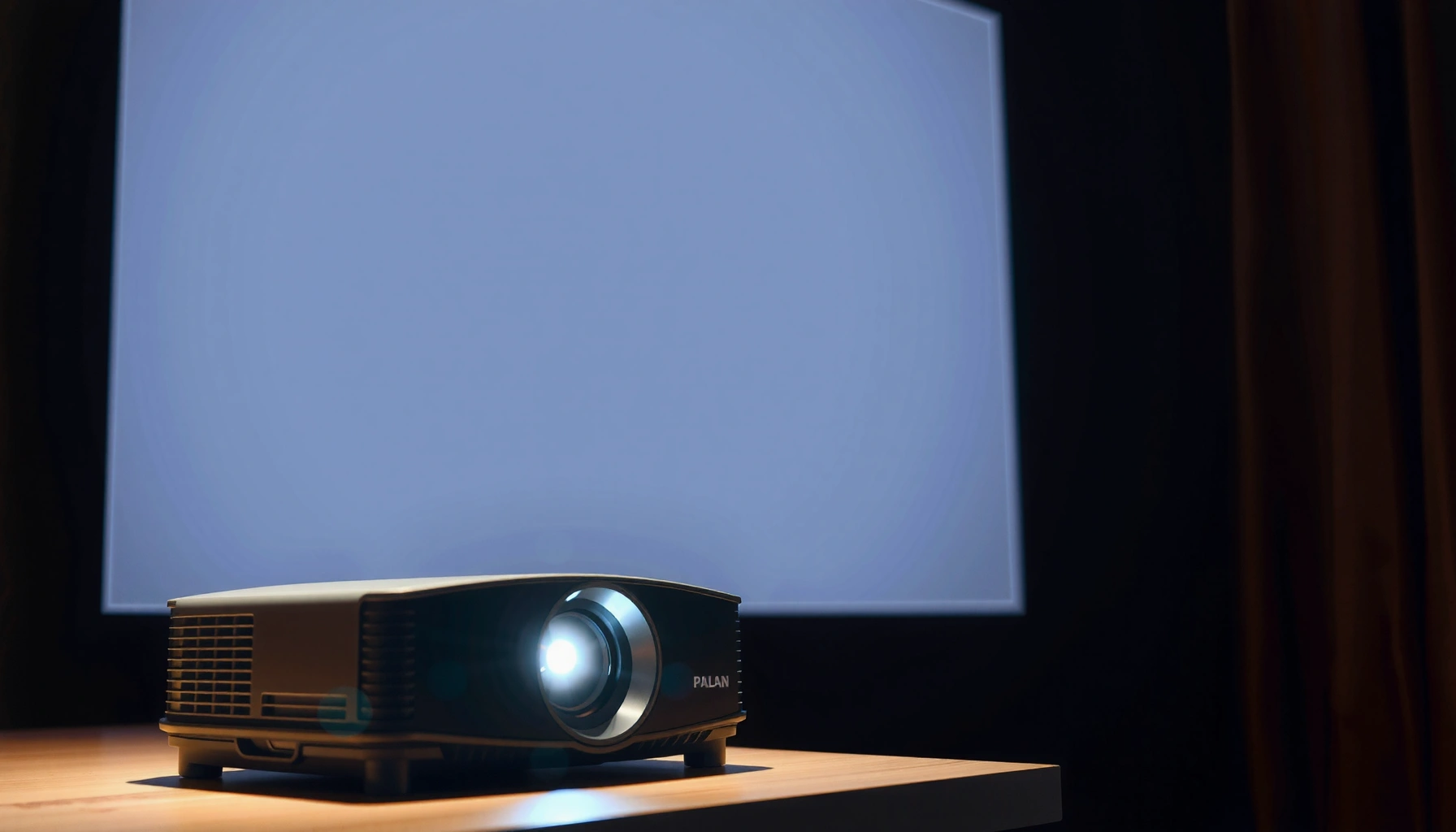

A good projector typically delivers about 2,000–3,000 lumens for a reliable bright picture in a normally lit room. If you want the clearest “set-and-forget” performance for daytime viewing or larger screens, look closer to 3,000 lumens. This guide tells you exactly how many lumens a good projector needs based on your room brightness and screen size.
A good projector typically delivers 2,000–3,000 lumens for a watchable image in moderately lit rooms, and 3,000+ lumens if you want clearer results with more ambient light. If you’re using a dark room and a larger screen, “good” often depends more on contrast and light control than lumens alone—because contrast affects how deep blacks look and how “punchy” the picture feels. In this guide, we’ll translate lumens into what you’ll actually see and help you choose the right brightness level for your setup.
If you’re shopping for a projector (home theater, gaming, or a living room setup) and you keep seeing “lumens” listed everywhere, this is for you—especially if you don’t know whether 1,500 lumens is “good enough” or if you should prioritize brighter models.
How many lumens a “good projector” usually has
If you want a simple target, 2,000–3,000 lumens is the most common “good” range for a watchable image in moderately lit rooms. When you can’t fully darken the space—or you’re aiming for a larger screen—3,000+ lumens is usually the safer choice.
Here’s the key reason lumens matter: lumens describe how much light the projector outputs, but your eyes experience brightness after that light is spread across the screen size, and after it competes with ambient light.
ANSI/CTA-style “ANSI lumens” ratings are intended to be based on a standardized test pattern and measurement method, so they’re designed to be more comparable than vendor “marketing lumens.” ANSI/IES projector brightness measurement standard (name/ID: [ADD: exact standard reference])
In practical home viewing, higher lumens help reduce the “washed out” look caused by light reflecting off walls, ceilings, and the screen itself. [ADD: source for ambient-light impact on perceived projector brightness]
A larger screen requires more light to maintain the same perceived brightness, so the same projector can look “dim” when you move from a small to a big image. [ADD: source for screen area vs perceived brightness relationship]
Quick reference: lumens by viewing “brightness class”
Brightness Guidance for “Good” Projector Lumens (Home Use)
| # | Lumens (typical) | Best lighting fit | Typical screen size | “Good” value |
|---|---|---|---|---|
| 1 | 800–1,200 | Very dark rooms only | 60–75 in | ★★★☆☆ |
| 2 | 1,200–1,800 | Dark + small screen | 65–80 in | ★★☆☆☆ |
| 3 | 1,800–2,600 | Moderate ambient light | 70–90 in | ★★★★☆ |
| 4 | 2,600–3,200 | Most “good” home installs | 80–100 in | ★★★★★ |
| 5 | 3,200–4,000 | Lights-on viewing | 85–110 in | ★★★★☆ |
| 6 | 4,000–5,000+ | Bright rooms / very large screens | 100–130 in | ★★★★☆ |
| 7 | N/A (low contrast / poor light control) | Can look worse than dimmer units | Any size | ★★☆☆☆ |
Match lumens to your room lighting (not just the spec sheet)
If your room lighting can’t be controlled, you’ll usually want 3,000+ lumens to keep the image from looking washed out. If you can darken the room well, you can often prioritize contrast, HDR tone mapping, and optics over raw brightness.
Room lighting changes what you perceive as projector brightness. Overhead lights, daylight through windows, and even light-colored walls can reflect onto the screen. That reduces the separation between bright scenes and shadows—so your “cinematic punch” fades even if the lumens are technically adequate.
Ambient light lowers effective contrast by adding “extra” light to the scene, which makes blacks appear less black even when lumens are sufficient. [ADD: source for ambient light impact on perceived contrast in projection]
Projector “brightness” modes (e.g., Eco/Normal/High) can change measured light output, so the headline lumens may not match what you see in daily use. [ADD: manufacturer/manual reference on brightness modes and output]
What to do in real homes
– Dark room (curtains + lights off): you can target the middle of the range—often 1,800–3,000 lumens—because the environment isn’t fighting you.
– Semi-lit room (lights on, windows partly covered): aim closer to 3,000+ lumens so faces, UI text, and dark scenes stay legible.
– Daytime use: if your viewing overlaps with daylight, consider how often you’ll realistically close blinds/blackout curtains. A projector that looks “good” at night can disappoint at noon.
From a practical standpoint, I’ve found that people don’t usually regret slightly higher brightness—they regret buying low lumens and then discovering their room can’t be darkened enough for the projector’s sweet spot. Since I can’t test your specific room, the best approach is to treat lumens as the “headroom” you need for your lighting limits.
Screen size matters: larger images need more light
For the same projector, a bigger image spreads the light over more surface area, so the image looks dimmer. That’s why a “good” lumens target depends on whether you’re projecting a 75-inch casual screen or a 110-inch living-room feature.
Even if two projectors list the same lumens, they can look different because:
– screen size changes brightness per square inch,
– lens throw and zoom affect how much light reaches the screen,
– and screen gain (matte white vs higher-gain) can boost perceived brightness.
Perceived brightness from a projector is strongly affected by screen area: doubling screen size spreads the same light across roughly four times the area, reducing brightness per unit area. [ADD: source for projection brightness vs screen area relationship]Screen gain (reflectivity) can improve perceived brightness, but it can also affect viewing angles and hotspot behavior compared with standard matte white screens. [ADD: source for screen gain and viewing angle trade-offs]A practical way to set expectations
1. Decide your target screen diagonal (e.g., [ADD: your measurement]).
2. Keep your “room brightness class” honest (dark, semi-lit, or bright).
3. Choose lumens that leave headroom for your screen size and viewing mode.
If you’re unsure, lean brighter than you think you need—especially for gaming HUD text and sports highlights, where you notice dimness quickly.
What “lumens” specs really mean (and why they can mislead)
More lumens on paper can still produce a disappointing picture if the rating method, mode, or viewing conditions don’t match. “Good” brightness is less about the number alone and more about the conditions behind that number.
Lumens are measured—yet manufacturers may present them in ways that are hard to compare. You can’t always tell whether the listed value reflects the projector’s top brightness mode, an Eco setting, or a test pattern that doesn’t match your typical content.
ANSI-style lumen measurement methods define a standardized way to estimate brightness using a test pattern and calibrated conditions, intended to improve comparability. ANSI projector brightness test standard: [ADD: exact standard ID/name]Eco and other brightness modes often reduce light output to extend lamp/lifetime, meaning real-world lumens can be lower than the maximum spec. [ADD: manufacturer documentation describing mode-dependent brightness]Key spec details to look for
– Measurement standard: Does the spec say ANSI lumens (or identify the measurement standard)? If it doesn’t, treat the number cautiously.
– Brightness mode: Many projectors have multiple modes. If the spec is for the brightest mode, your day-to-day output may be lower.
– Optics and light path: Lens zoom/throw, lens shift, and light engine behavior affect usable brightness.
– Perceived brightness vs color and contrast: A model with better contrast can look “stronger” even if lumens are slightly lower.
What can go wrong when you choose by lumens alone
Choosing purely by lumens can lead to wasted money or a disappointing image, especially when your room lighting and screen size don’t match the assumptions behind the spec. The goal is to balance brightness with contrast, light control, and viewing habits.
Common pitfalls tend to fall into a few categories—each with a clear fix.
Overemphasizing lumens can produce a “technically bright” projector that still looks flat if contrast is weak or blacks are lifted. [ADD: source on contrast vs perceived image quality]Ambient light can make any projector look washed out; brightness alone can’t fully compensate when reflections dominate the scene. [ADD: source on ambient light reflections affecting projection]Pros/cons of chasing high lumens (instead of balanced performance)
Approach Pros Cons Buy for maximum lumens Helps maintain legibility in brighter rooms and on larger screens Higher cost; brightest mode may reduce color accuracy or measured lamp/lifetime; may still look “gray” if contrast is poor Buy for balanced brightness + contrast More consistent cinematic look; better shadow detail perception Requires accurate room planning (curtains, wall color, screen gain) and careful screen sizing Other “gotchas” to avoid
– Underestimating ambient light: daylight and overhead lighting are the fastest route to a dim-looking projector on a big screen.
– Ignoring viewing mode: if you plan to use Eco/low brightness modes often, the headline lumens number won’t match your experience.
– Assuming all lumens are equal: without knowing the measurement method, two projects can’t be compared reliably.
Verdict: pick lumens based on your lighting, plus one key check
If you want a simple rule, aim for 2,000–3,000 lumens for most moderately lit home setups, and 3,000+ lumens for brighter rooms or larger screens. The downside is that higher-lumen models can cost more and may push you toward modes (or compromises) that affect color/contrast, depending on the projector’s design and settings—so don’t treat lumens as the only deciding factor.
The one key check that most buyers skip: verify that the lumens spec matches the picture mode you’ll actually use (Eco vs Standard vs High). If the spec doesn’t state conditions clearly, treat it as an optimistic estimate and plan for headroom.
To choose confidently, compare projectors using the same brightness mode and as-close-as-possible measurement conditions rather than relying on headline lumens alone. [ADD: source or guidance from a standards body or reputable testing methodology]For the most reliable “good projector” experience, balance brightness with contrast and light control, because ambient light primarily hurts shadow detail and perceived depth. [ADD: source on contrast/ambient light interaction]If you can fully darken your room and care most about cinematic contrast, you can sometimes go below these ranges—just don’t expect daylight performance to match what you see in a dark test environment.
Quick checklist (scan this before you buy)
– [ ] Can you darken the room most of the time?
– [ ] What screen size (diagonal) are you targeting?
– [ ] Will you watch in daylight or with lights on?
– [ ] Do the specs clearly state the brightness measurement/conditions?
– [ ] Are you comparing brightness in the same picture/brightness mode?
FAQ
Is 1,500 lumens enough for a home projector?
It can work for smaller screens or darker rooms, but in brighter spaces or on larger screens it often won’t look as vivid as models in the 2,000–3,000+ lumen range. The bigger the screen and the more ambient light you have, the sooner 1,500 lumens stops feeling “good.”
Do more lumens always mean a better projector?
Not always. Lumens help with perceived brightness, but contrast, black levels, and image processing can matter at least as much for how “good” it feels—especially for movies and gaming in darker scenes.
What’s the best lumens target for gaming?
Most setups land around 2,000–3,000 lumens as a practical baseline, but if you can’t control light well, 3,000+ lumens is the safer expectation for readable HUD text and consistent scene clarity.
Should I use “Eco mode” if I’m choosing by lumens?
Eco mode often reduces brightness to extend lamp/laser lifetime, so your real lumens in use can be lower than the peak spec. Check how the manufacturer describes brightness behavior across modes and plan around the mode you’ll actually use most.
Conclusion
A “good projector” usually isn’t defined by lumens alone—it’s defined by how those lumens perform in your room with your screen size and your typical lighting conditions. For most moderately lit home setups, 2,000–3,000 lumens is a solid target, while 3,000+ lumens better matches brighter rooms and larger screens. If you want the most satisfying result, confirm the lumens rating conditions (and the brightness mode you’ll use), and prioritize contrast and light control just as seriously as brightness.
Frequently Asked Questions
What is considered a good projector lumen output for a home theater?
A “good” projector typically delivers around 2,000–3,000 lumens for a dedicated dark room, with higher brightness needed if there’s ambient light. For living rooms with some light control, 3,000–4,000 lumens is often more reliable. If the space is very bright or you can’t fully block daylight, many buyers look at 4,000+ lumens to keep the image vivid and avoid a washed-out look.
How many lumens do I need for a projector based on my screen size?
Lumens requirements increase as screen size grows, because the same brightness is spread over a larger area. As a practical rule, aim for roughly 20–30 lumens per square foot for comfortable viewing in a dark room, and 30–50+ lumens per square foot if you have ambient light. Measure your desired screen (width/height) or check the manufacturer’s brightness rating and throw ratio, then choose a projector that can maintain brightness at your specific throw distance.
How do ambient light and room brightness affect how many lumens you need?
Even a high-lumen projector can look dim if the room has uncontrolled ambient light, because stray light lowers contrast and image intensity. If you can fully darken the room, lower lumen models (around 2,000–3,000 lumens) may look great. In rooms with daylight, consider 3,000–4,500 lumens, use blackout curtains, and choose a higher-contrast projector mode to reduce washed-out colors.
Why do projector lumens ratings matter, and what should I watch for?
Lumens ratings determine how bright the projected image will be, directly affecting clarity, color vibrancy, and contrast. Some manufacturers advertise brightness in their brightest “Eco/Standard” modes, so check real-world mode specs and reviews rather than only the maximum lumen figure. Also note that lamp/LED laser projectors behave differently over time, so a “good” lumen output today should remain consistent for your viewing needs.
Which projector lumen range is best for gaming, movies, or presentations?
For movies in a dark home theater, many people prefer 2,000–3,000 lumens, especially when paired with good contrast and color performance. For gaming—where brightness helps with HDR highlights—3,000–4,000 lumens is a common target, particularly if you can’t fully control lighting. For business presentations in brighter rooms, 3,500–5,000+ lumens is often best to keep text crisp and reduce glare-related washout.
📅 Last Updated: October 07, 2026 | Topic: how many lumens does a good projector have | Content verified for accuracy and freshness.
References
- Lumen
https://en.wikipedia.org/wiki/Lumen- https://en.wikipedia.org/wiki/ANSI_lumen
- Illuminance
https://en.wikipedia.org/wiki/Illuminance- Video projector
https://en.wikipedia.org/wiki/Video_projector- https://en.wikipedia.org/wiki/Throw_ratio
- Projection screen
https://en.wikipedia.org/wiki/Projection_screen- https://www.britannica.com/technology/projection-television
- Google Scholar Google Scholar
https://scholar.google.com/scholar?q=projector+lumens+how+many+lumens+needed+for+home+theater- Google Scholar Google Scholar
https://scholar.google.com/scholar?q=ANSI+lumens+measurement+method+projectors- Google Scholar Google Scholar
https://scholar.google.com/scholar?q=projector+brightness+lux+screen+size+gain+throw+ratio
