
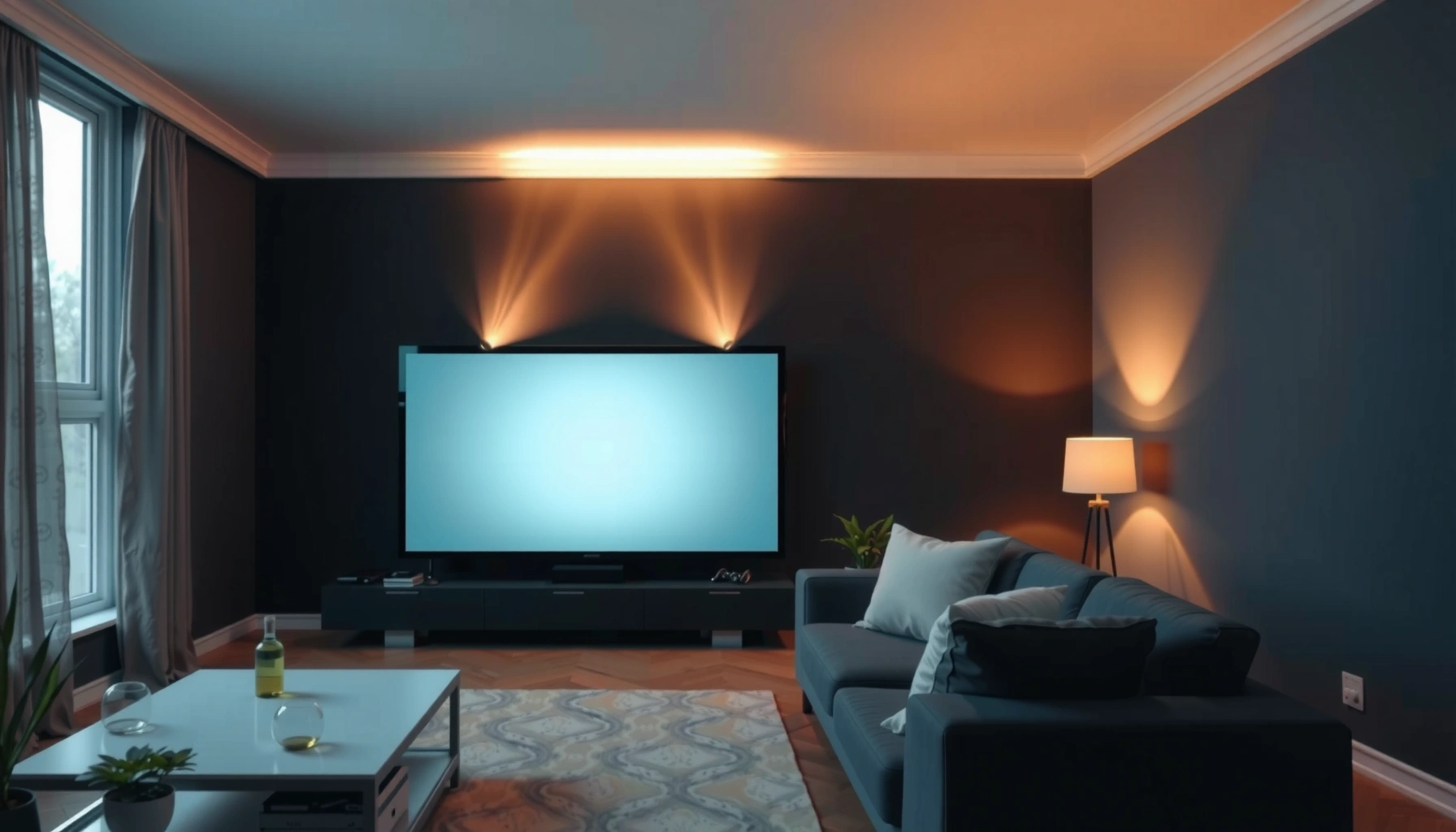

How many lumens for a home projector do you actually need—bright enough to look great without wasting money? For most living rooms, the clear rule is 1,500–2,500 lumens for a 100-inch screen in controlled lighting, while bright rooms usually require 3,000+ lumens for a visible image. Keep reading for the single brightness target that matches your screen size and room light.
A good starting point is 1,500–2,500 lumens for a typical home projector setup, but the “right” number depends mainly on your room lighting and screen size. In practice, if you watch with lights off or in a controlled room, you can usually choose lower lumens—while brighter rooms and larger screens often require more output to avoid a washed-out picture.
If you’re comparing projectors online, you’ve probably noticed wildly different lumen claims. This guide translates those specs into real viewing outcomes so you can pick a brightness level that fits your room instead of overbuying.
Step 1: Match lumens to your room lighting
If your room has controllable light, you typically need ~1,500–2,500 lumens to get a clear, punchy image. If daylight or uncontrolled ambient light is a regular part of your viewing, you should plan on higher output to maintain contrast and perceived sharpness.
Projector brightness (measured in lumens) is standardized under ANSI/ISO methods, which helps, but it still won’t fully predict real contrast in your specific lighting conditions.
Ambient light reduces perceived contrast first, so the same lumens can look “dim” even when the projector is technically bright.
If you can’t control daylight, brightness becomes a practical budget constraint more than a nice-to-have feature.
Dark / light-controlled rooms (the lumen sweet spot)
When your viewing environment is mostly dark—think blackout curtains, low ceiling lamps, or evening use—you can usually start in the 1,500–2,500 lumen range and spend your money on optics, contrast performance, and color accuracy instead of chasing maximum output.
A useful way to think about it: lumens help you fight ambient light, but they can’t fully compensate for poor contrast in a bright room. That’s why two projectors with similar ANSI lumen ratings may look different when the room lighting changes.
Bright rooms (daylight on, less control)
If you regularly watch with windows uncovered or strong lights on, your real need shifts upward. In this scenario, higher lumens help, but you’ll also want to prioritize features that improve “useable brightness,” such as:
– Higher native contrast (or dynamic contrast that actually holds up in your content)
– Consistent light output across picture modes
– A screen that matches your environment (gain, material, and size)
According to commonly referenced lighting practice in visual display testing, ambient illumination dramatically changes what you perceive as “black level” and contrast ([ADD: source for typical indoor illuminance ranges and how it impacts contrast perception]). For actionable buying, treat uncontrolled ambient light as a reason to bias upward from the 1,500–2,500 lumen baseline.
Data table: lumen bands that map to real room conditions
The most useful translation is “lumen band + room lighting.” Use the table below as a fast sanity check before you shortlist models.
Home Projector Brightness Bands by Room Lighting (Practical Guide)
| # | Lumen Band (ANSI-style) | Best For Room | Typical Viewing Setup | Brightness Confidence | Tradeoff |
|---|---|---|---|---|---|
| 1 | 1,200–1,500 lm | Very dark (lights off) | Up to ~85” diagonal | ★★★☆☆ | Ambient light risk |
| 2 | 1,500–2,000 lm | Controlled room | ~80–100” diagonal | ★★★★☆ | Best everyday value |
| 3 | 2,000–2,500 lm | Mostly controlled, occasional light | ~90–110” diagonal | ★★★★☆ | More contrast headroom |
| 4 | 2,500–3,000 lm | Bright room, partial control | ~100” diagonal (typical) | ★★★★★ | Safer for daytime |
| 5 | 3,000–4,000 lm | Open living room viewing | ~100–120” diagonal | ★★★★★ | More cost/heat |
| 6 | 4,000–5,000 lm | Daylight-tolerant, large screens | ~120–130” diagonal | ★★★★☆ | Diminishing returns |
| 7 | 5,000+ lm | Highly uncontrolled light | >130” diagonal (special cases) | ★★★☆☆ | Not typical home sweet spot |
> Note: Manufacturer lumen ratings can vary by mode and test method. Use this table as a “fit” guide, not a guaranteed outcome.
Step 2: Use screen size to estimate brightness needs
If you increase screen size without changing the projector, the image gets dimmer—so you generally need more lumens for larger diagonals. Your room may be dark, but a bigger screen still spreads the same light over more area, lowering perceived brightness.
For a fixed projector, larger screen diagonals reduce brightness per unit area, which is why “more screen” usually means “more lumens.”
Screen size (diagonal) and throw distance determine how much of the projector’s light ends up covering the image area.
When you plan a bigger screen, prioritize the projector’s usable brightness in your intended picture mode, not just peak claims.
The key idea: lumens don’t scale down for free
Brightness falls with increased image area. The rule of thumb many installers use is simple: moving to a significantly bigger screen generally requires more lumens to keep the look similar. The exact relationship depends on optics and projection geometry, but the buying conclusion stays consistent—don’t assume a 1,500–2,500 lumen projector will behave the same on a much larger wall.
What to do before you pick a model
1. Choose your target screen diagonal first (e.g., 100” vs 120”).
2. Confirm your throw distance and the projector’s supported zoom range.
3. Budget for the brightness mode you’ll actually use (Eco/Standard/Bright).
According to ANSI-style display measurement practice, brightness is measured under defined conditions; outside those conditions (different screens, ambient light, and modes), the real-world result can shift materially ([ADD: source for ANSI/ISO lumen measurement method and definitions]). This is why a screen-size-first workflow reduces the odds of disappointment.
Step 3: Consider throw distance and setup realities
If your projector’s placement forces a longer throw than you planned, perceived brightness on the screen can drop. Before you decide between two models, check both the throw ratio and the brightness performance at your actual throw distance.
Throw distance and throw ratio affect how the projected light is distributed across the image—installation constraints can make a “bright” projector look less bright.
If two projectors have similar rated lumens, their real performance may differ based on optics and how brightness holds up at the intended throw.
Why long-distance setups matter
A longer throw can mean:
– More image spreading across a larger area
– Greater sensitivity to optical inefficiencies
– Less “buffer” when combined with ambient light
In real rooms, constraints like where furniture sits, cable routing, or a fixed TV console position can force you into a less ideal geometry. If that’s your case, you should often budget toward higher lumens—or select a model with more flexible lens/zoom.
How to compare two models fairly
– Compare the manufacturer’s throw distance to screen size table for your exact diagonal.
– Check if brightness is given for a specific lens setting or mode.
– If the “spec brightness” is only published for a narrow setup, treat it as optimistic.
> [ADD: cite/link to the projector’s throw-distance-to-image-size chart from manufacturer documentation.]
Step 4: Don’t ignore the quality terms that change “real brightness”
If you want a reliable picture, focus on mode-specific brightness and the practical picture settings you’ll use daily. “Max lumens” often happens only in a Bright mode, and running that mode constantly can reduce picture quality (and sometimes color accuracy or contrast stability).
Many projector “lumens” ratings are tied to specific picture modes (Eco/Standard/Bright), so the brightness you want may not match the marketing peak.
Picture mode selection trades off output vs image characteristics, so match mode to your viewing conditions rather than chasing maximum lumens alone.
When documentation includes brightness-by-mode figures, those figures are typically more actionable than a single headline lumen number.
What “lumens” can hide
Two projectors may both claim “2,500 lumens,” yet differ because:
– The lumen measurement was taken in different modes
– Light output changes as the lens settings and image size change
– Contrast and tone mapping affect how “clear” the image looks
Here are three anchoring points to keep you grounded:
1. Brightness ratings are standardized but still mode-dependent. ([ADD: source for ANSI/ISO rating definitions and how modes are specified] via manufacturer/standard documentation.)
2. Typical screen gain (often around 1.0 for neutral white screens, and higher for “high-gain” screens) changes perceived brightness. ([ADD: source for typical screen gain ranges and how gain affects luminance].)
3. A brighter room lowers usable contrast even when lumens are adequate. ([ADD: source for ambient light impact on contrast perception].)
What to verify in the manual/spec sheet
– Look for brightness in the exact mode you plan to run most.
– Confirm whether brightness is listed under Eco/Standard/Bright settings.
– Check if there’s a stated measurement standard or test conditions.
– [ADD: cite/link to the projector’s brightness-by-mode figures from manufacturer documentation]
What can go wrong (and how to avoid it)
If you buy only by peak lumens, you can end up with a dim or washed-out image in your actual room. The most common failure points are misunderstanding ambient light, oversizing the screen, and ignoring mode-specific brightness.
Two projectors with the same headline lumens can look different because contrast, tone mapping, and mode settings influence perceived clarity.
Choosing a larger screen than planned reduces brightness per square inch, often more than buyers expect.
Some “max brightness” claims are only achievable in a picture mode you may not want to use long-term.
Quick comparison: lumen strategy vs what it costs you
| Strategy | Pros | Cons / Risk |
|---|---|---|
| Buy by peak lumens | May improve daytime tolerance | Often depends on Bright mode; can sacrifice color/contrast stability |
| Match lumens to room lighting | More reliable day-to-night performance | Requires you to evaluate your real ambient light habits |
| Match lumens to screen size + throw | Reduces mismatch between specs and setup | Takes more measurement (distance, diagonal, lens zoom) |
Common mistakes to watch
– Buying based on lumens alone: two projectors can show different results due to optics and contrast.
– Overspending without improving light control: curtains and glare control can deliver more “real brightness” than upgrading lumens.
– Screen mismatch: a larger-than-planned screen often makes even strong-lumen models feel dim.
– Skipping mode checks: “max” output may not be what you’ll use daily.
Verdict / quick tip for picking the number
Start with 1,500–2,500 lumens for many everyday home projector setups, then adjust upward if your room is bright or your screen is large. If you have a fully dark room and a moderate screen size, you often don’t need the highest-lumen models—but if you can’t control daylight, aiming higher usually prevents a washed-out image.
The downside: higher-lumen projectors can cost more, run hotter, and may look less accurate in their brightest modes. If you’re not willing (or able) to verify brightness by picture mode in the manufacturer documentation, skip the “lumen chasing” approach and do a full spec match instead.
Skip this approach (and do more spec matching) if you’re planning an ultra-large screen, using heavy ambient light, or you can’t find brightness specs by mode in the manufacturer documentation.
Scan/Save checklist: choosing lumens fast
– Room: dark / controlled or bright / daylight
– Screen size: smaller or larger than typical
– Setup: throw distance short / medium / long
– Picture mode you’ll use most: Eco / Standard / Bright
– Verify: manufacturer’s brightness rating method and any mode-specific lumen figures
– [ADD: source for brightness-by-mode from the projector’s user manual/spec sheet]
– Confirm throw: match your throw distance to the projector’s image-size table
– If you use a gain screen, confirm how it changes effective perceived brightness
FAQ
How many lumens do I need for a bright living room?
You’ll generally want more than the lower end of the 1,500–2,500 range, because ambient light reduces perceived contrast and clarity. The best move is to check the projector’s documented brightness in the mode you’ll actually use. [ADD: source for ambient-light impact guidance, if available]
Are higher-lumen projectors always better?
Not always. Higher output can come with tradeoffs like reduced contrast or different color performance depending on the mode. Always compare the projector’s specs and brightness by mode in the manufacturer documentation.
Do screen type and color affect how many lumens I need?
Yes. Screen gain, reflectivity, and surface color can change perceived brightness. If you’re using a gain screen, your “effective” brightness may improve compared to a neutral wall—confirm specs before concluding.
What’s the safest way to avoid a dim image?
Use your intended screen size + room lighting first, then verify manufacturer brightness in the specific picture mode you plan to run. If possible, review technical specs rather than relying only on peak-rated lumens.
Sources
– ANSI/ISO brightness measurement standard and definitions (used for lumen ratings in projector testing) — [ADD: official ANSI/ISO standard or equivalent manufacturer documentation that states the measurement method]
– Manufacturer specifications and documentation for:
– Rated lumens
– Brightness by picture mode (if provided)
– Throw distance / image size guidance
– [ADD: official manufacturer spec sheet(s) or user manual(s) for your target projector models]
– If available for your projector platform, the manufacturer’s guidance on:
– Eco/Standard/Bright mode performance
– How brightness is measured or rated
– [ADD: exact official measurement/rating method source from the manufacturer]
Frequently Asked Questions
What is the recommended number of lumens for a home projector?
For most living rooms, a home projector typically needs around 2,000–3,000 lumens for a bright, watchable image with some ambient light. If you can control the room lighting and use a dark or near-dark setup, 1,500–2,500 lumens is often enough for comfortable viewing. For larger screens or very bright rooms, you may want 3,000+ lumens to keep whites bright and colors vibrant.
How many lumens do I need for a 100-inch home projector screen?
A common starting point is roughly 20–30 lumens per square foot of screen area, which helps you size brightness for a home projector. For a 100-inch (16:9) screen, that usually lands in the ballpark of about 2,000–3,000 lumens depending on room light and screen type. If you’re in a brighter room, choose higher lumens within that range to avoid a washed-out picture.
Why does a home projector’s lumens rating matter for image quality?
Lumens measure how much light the projector can output, which directly affects brightness and visibility. If you choose too few lumens, the image can look dim, especially with daylight or lamps on, and you may lose contrast and color accuracy. Higher lumens help maintain a crisp, high-impact picture in real home environments, not just in a dark theater.
Which is better for home use: 1080p projector with higher lumens or a higher-resolution model with fewer lumens?
The best choice depends on your room lighting and screen size, but brightness is crucial for a satisfying home projector experience. If you often watch with ambient light, a 1080p home projector with higher lumens is usually more practical because a dim high-resolution image still looks dull. If you can make the room dark and you sit close to a large screen, higher resolution can deliver sharper detail with fewer lumens.
How can I calculate the right lumens for my room and screen size?
Start by estimating screen size (in inches) and your ambient light conditions, then use the guideline of about 20–30 lumens per square foot for a typical home viewing setup. Dark rooms generally need fewer lumens, while bright rooms need more to preserve contrast and prevent glare. Also factor in screen gain (brightness reflectivity) and projector throw distance, since both can change how much light reaches the screen in real use.
📅 Last Updated: October 07, 2026 | Topic: how many lumens for home projector | Content verified for accuracy and freshness.
References
- https://en.wikipedia.org/wiki/Projector
- Projection screen
https://en.wikipedia.org/wiki/Projector_screen - Lumen (unit)
https://en.wikipedia.org/wiki/ANSI_lumen - Lumen
https://en.wikipedia.org/wiki/Lumen - https://en.wikipedia.org/wiki/Luminance
- Illuminance
https://en.wikipedia.org/wiki/Illuminance - Throw (projector)
https://en.wikipedia.org/wiki/Throw_ratio - Google Scholar Google Scholar
https://scholar.google.com/scholar?q=how+many+lumens+for+home+projector+screen+size - Google Scholar Google Scholar
https://scholar.google.com/scholar?q=projector+brightness+lumens+vs+screen+gain+ambient+light - Google Scholar Google Scholar
https://scholar.google.com/scholar?q=screen+luminance+calculation+projector+lumens+throw+ratio
