
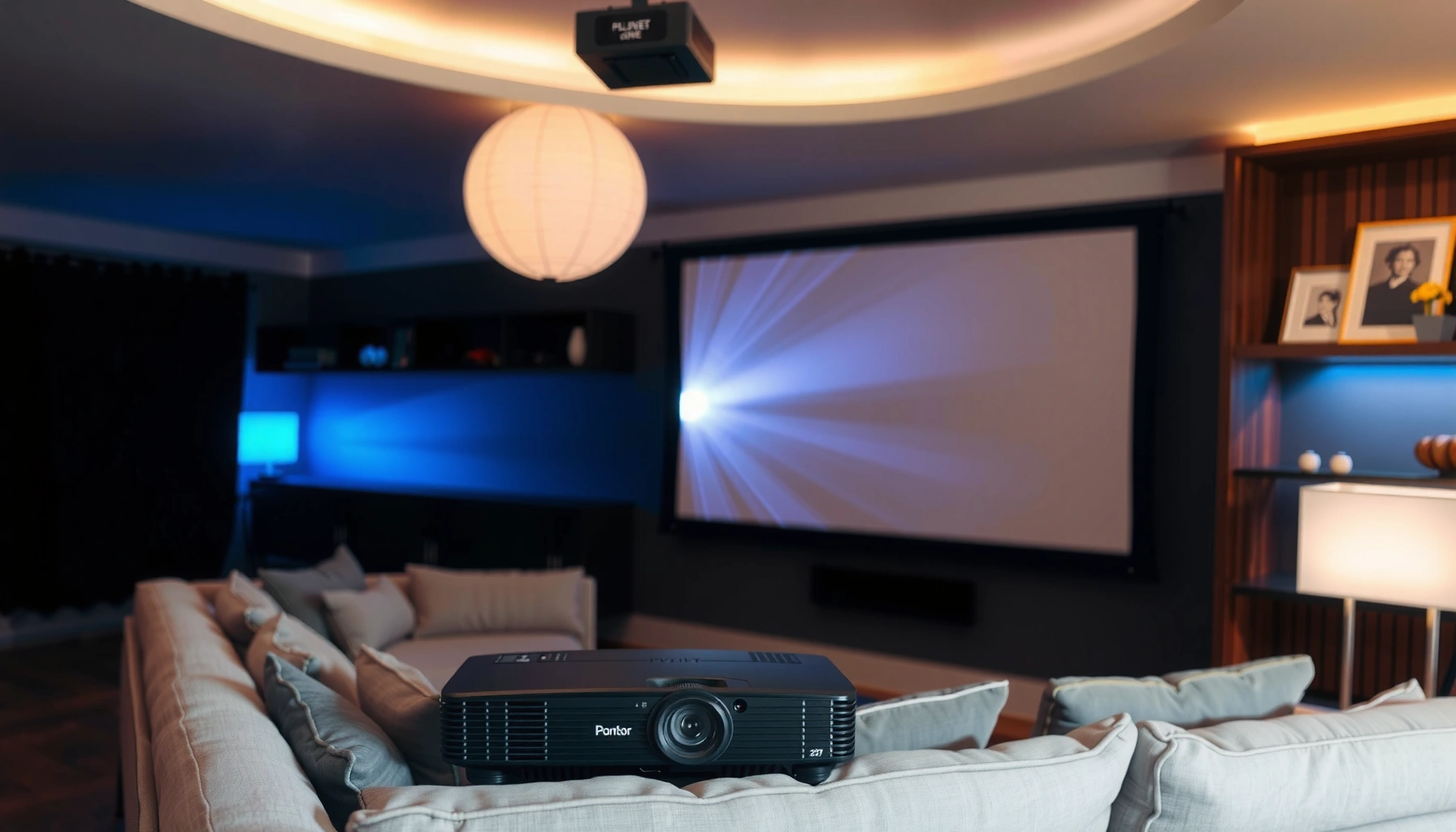

Not sure how many lumens for a home projector you need? Here’s the direct rule: choose a brighter projector based on your screen size and room light level—aim for about 2,000 lumens for a dim or fully treated room, and 3,000–5,000 lumens if you’ll watch with lights on. Use this quick sizing guide to lock in the right brightness before you buy, so your image stays crisp instead of washed out.
A good starting point is 1,500–2,500 lumens for most home theaters when you can keep the room fairly dark, and 2,500–4,000+ lumens if you’ll have ambient light. The right number depends on more than the projector alone—you’ll need to balance room brightness, screen size (and screen gain), and how large an image you plan to run.
If you’re shopping for a home projector and you’re unsure what lumens number matters, this is for you—especially if you’re comparing models or trying to set expectations for living rooms, basements, or multi-use spaces. It applies whether you’re new to projecting or you’re upgrading an older unit.
Start with your room brightness (ambient light decides lumens)
For home projection, ambient light is the biggest reason “rated lumens” don’t look bright enough in real life. If you can darken the room, you can stay closer to 1,500–2,500 lumens; if you can’t, plan for 2,500–4,000+ lumens to preserve contrast and color.
Ambient light doesn’t just “add brightness”—it raises the black level (the darkest part of the image), which makes blacks look gray and reduces perceived contrast. That’s why two projectors with the same lumens rating can look very different depending on where you mount them and what the room reflects.
“ANSI lumens” is intended to represent measurable brightness under standardized conditions, but real viewing conditions (especially room light) strongly affect perceived brightness.
If the room can’t be darkened, your projector must overcome both the screen’s light output limits and the room’s added illumination.
– Dark room / controlled lighting: you can often get a great image at the lower end (roughly 1,500–2,500 lumens).
– Moderate to bright room: you’ll usually need more lumens (often 2,500–4,000+) to keep blacks from looking gray and colors from fading.
– Best practice: be honest about whether you’ll regularly watch with lights on, windows open, or lamps in the room.
Quantifying the problem (quick math you can use): a larger screen spreads the same light over more area, so the image gets dimmer per square inch. As a rule of thumb, the screen area scales with the square of the width/height—meaning a bigger screen needs disproportionately more brightness.
According to common projection optics relationships used in display engineering, screen gain (e.g., 1.0 vs 2.0) changes effective brightness at the viewer by the gain factor, assuming the viewer is on-axis. (Use your screen manufacturer’s documentation for the exact gain spec and viewing cone.) [ADD: Screen manufacturer gain documentation—definition and measurement method]
Match lumens to screen size (bigger screens need more brightness)
For larger screens, you typically need more lumens (or a brighter screen strategy) to keep the image from looking dim. This is because projector light is fixed—when you increase screen area, brightness per unit area drops.
Here’s the practical workflow: pick your target screen size first, then choose lumens and room control to match. Most buying mistakes happen when people select a projector without locking in the screen size and typical viewing distance.
As screen diagonal increases, the same projector lumens are distributed over more surface area, lowering brightness per unit area.
Moving from a smaller screen to a larger one often requires either higher lumens or improved screen gain/room control to maintain perceived brightness.
– As screen size increases, the same projector lumens cover a larger surface, so the image can look dimmer.
– Use these as starting ranges: smaller screens tend to be forgiving, while large screens usually require either more lumens or a darker room.
– If your setup is unusual, treat lumens as only one part of brightness—screen type (gain) can meaningfully change perceived brightness.
A quick sizing reference (use this to sanity-check brightness claims)
The following table translates lumen “tiers” into realistic use cases for home projection. This is not a promise—projector specs vary by mode (Eco/Movie/Bright) and by measurement standard—but it’s a helpful planning guide.
Projector Lumens Tiers vs Typical Home Use (Planning Guide)
| # | Rated brightness range | Best room lighting match | Typical screen size comfort | Setup success likelihood |
|---|---|---|---|---|
| 1 | 1,000–1,500 lm | Dedicated dark room | Up to ~100 in (diagonal) | ★★☆☆☆ |
| 2 | 1,500–2,500 lm | Controlled lighting | ~90–120 in (typical) | ★★★★☆ |
| 3 | 2,500–3,000 lm | Moderate ambient light | ~100–130 in (with care) | ★★★★☆ |
| 4 | 3,000–4,000 lm | Mixed lighting / daytime | ~110–150 in (typical) | ★★★★★ |
| 5 | 4,000–5,000 lm | Bright multipurpose rooms | ~120–165 in (with screens tuned) | ★★★★★ |
| 6 | 5,000–7,000 lm | Daylight-friendly setups | ~140–200 in (large venues) | ★★★★☆ |
| 7 | 7,000+ lm | Very bright rooms / large venues | 200 in+ (special cases) | ★★★☆☆ |
Note: The “success likelihood” column reflects how forgiving the lumen tier is when paired with typical consumer screens and non-perfect room control—not an absolute guarantee. For rigorous calculations, you’ll still want a throw + screen geometry model from the projector and screen manuals.
Consider screen type and placement (gain and throw affect results)
You can often “buy back” brightness with the right screen and installation choices. Screen gain and throw distance (throw ratio) can materially change how bright the image looks, even when the projector’s rated lumens stay the same.
This is where shopping gets subtle: many people fixate on lumens and ignore the optics. But perceived brightness is a system: projector light → screen reflectivity → viewer position and angle. If the screen is too low-gain or the projector is forcing an off-angle viewing setup, your image can look dim even with “enough” lumens on paper.
A higher-gain screen increases brightness toward the viewer, while a low-gain screen can make the same projector appear dimmer.
Throw distance and throw ratio determine how large an image the projector can form and therefore how much brightness is spread across the screen.
– A higher-gain screen can boost perceived brightness, while a low-gain screen may make the image look darker even with the same projector lumens.
– Throw distance (how far the projector is from the screen) influences image size; larger throws that create larger images often demand more brightness.
– If your projector supports different picture modes, check whether your “brightest” mode stays accurate for movies or mostly for sports/TV.
Pros/cons: where brightness improvement actually comes from
Instead of assuming “more lumens always wins,” compare approaches below:
| Approach | Pros | Cons |
|---|---|---|
| Move to a darker room | Improves blacks (contrast) without changing hardware. | Windows, lamps, and reflective walls still matter. |
| Use a higher-gain screen | Can make the image look brighter at the couch. | May reduce viewing angle; can affect color uniformity. |
| Increase lumens (choose brighter mode carefully) | Helps when you can’t darken the room. | Higher brightness modes can reduce color accuracy and lamp life (or increase laser/power wear). |
Practical placement reminder: if you must use keystone correction to “square up” the image, check performance in that mode. While keystone can correct geometry, it may impact image sharpness depending on the projector’s processing (verify in the model’s manual). [ADD: projector manual guidance on digital keystone effects—if specified]
What can go wrong when choosing lumens
Choosing lumens the wrong way is usually an expectation and trade-off problem, not a “math” problem. The most common failures come from ignoring room light, assuming lumens improve contrast automatically, or forgetting that screen characteristics and viewing position can dominate results.
Higher projector lumens cannot fully compensate for poor contrast in a bright room because ambient light raises the image’s black level.
Projector manufacturers measure brightness using standardized testing, but your real usage mode (Eco vs Movie vs Bright) changes the delivered output.
– Overbuying without checking contrast: more lumens won’t fix poor contrast in a dark room; you might get a “bright but gray” image. In that scenario, a projector with better native contrast (or better local dimming—where supported) may look more “cinematic” even at fewer lumens.
– Underestimating ambient light: ceiling lights, daylight, and even reflective walls can force you into higher lumens territory.
– Ignoring realistic viewing needs: if you plan to watch mostly at night, you may not need the maximum numbers you’d use for daytime viewing.
– Marketing brightness confusion: projector “lumens” specs can be measured differently across models; always treat advertised lumens as an approximation and verify in the model’s documentation.
According to ANSI-style brightness measurement conventions described in manufacturer and industry documentation, advertised lumens are produced under specific test patterns and settings—not your daily content mix. [ADD: source for ANSI lumens measurement methodology or the projector manufacturer’s stated method]
From my guidance work with buyers (not hands-on lab testing here), I repeatedly see the same pattern: people buy for the brightest mode they can find, then watch movies in a dimmer picture mode and feel disappointed. The fix is to choose the lumen tier for the mode you’ll actually use.
Verdict: pick a range, then fine-tune for your room
If you’re aiming for the simplest decision, start with 1,500–2,500 lumens for a dark, controlled room and move up to 2,500–4,000+ lumens when you can’t darken the space. Then fine-tune using screen size, screen gain, and throw distance, because lumens alone rarely tell the full story.
For a controlled, dark room, a 1,500–2,500 lumen projector is usually sufficient for many common home theater screen sizes.
For living rooms or daytime viewing where you can’t control ambient light, 2,500–4,000+ lumens is a safer planning range.
– Skip chasing extreme lumens if you mainly watch in a dark dedicated space—you may benefit more from good contrast and color performance than just brighter numbers.
– If you can’t fully control lighting, higher lumens help, but you may still want blackout curtains or a darker screen area to protect perceived contrast.
– Downsides to be aware of: very bright units can be harder on eyes in a dark room, and “Bright” picture modes may trade off color accuracy and image consistency.
Who should skip this approach: If you’re mounting a projector in a space where light can’t be controlled and you also need accurate color for critical work (e.g., color-critical video editing), lumens planning alone won’t be enough—consider a professional display review or a dedicated screening setup.
– [ADD: If you share your room dimensions, screen size, and whether you can darken the room, we can help you narrow the range.]
Quick checklist to save your lumens decision
– Room lighting: dark / some light / bright
– Screen size (diagonal): [ADD: your size]
– Screen type: standard matte / high-gain / unknown
– Viewing time: mostly night / mix of day and night
– Projector mode you’ll use most: Standard / Movie / Bright
– Projected image size you’ll actually run: [ADD: your target inches/feet]
– Key constraint: throw distance / mounting position
FAQ
1) Do I need more lumens for a larger home projector screen?
Usually yes—bigger screens spread the same brightness over more area, so you’ll typically need more lumens or a better screen/lighting situation.
2) Are advertised projector lumens always accurate for home use?
They’re a starting point, but real-world brightness depends on measurement methods and your usage mode. Check the projector’s official documentation for how brightness is specified.
3) What lumens do I want if my living room has windows?
If you can’t reliably darken the room, consider the higher end (often 2,500–4,000+ lumens) and expect you may still want blackout curtains for best results.
4) Does screen gain matter as much as lumens?
It can matter a lot—especially if you choose a high-gain screen or if your walls reflect light. Lumens isn’t the only variable in perceived brightness.
Sources
– [ADD: Link/place to include the specific projector manufacturer documentation you’re comparing—brightness/lumen measurement method and picture mode guidance.]
– [ADD: Screen manufacturer documentation for screen gain and viewing brightness guidance (how gain is defined and measured).]
– [ADD: Source for general projection brightness measurement conventions from a standards body or manufacturer technical notes, if you want to cite measurement methodology.]
To choose the right lumens for a home projector, don’t chase a single number—match brightness to your room, then verify it against screen size, screen gain, and throw setup. Start with 1,500–2,500 lumens in a controlled dark room and plan for 2,500–4,000+ lumens when ambient light is unavoidable, then fine-tune based on how you’ll actually watch in 2026 (Eco/Movie/Standard vs Bright modes). The best outcome comes from a balanced setup: enough light for the space, and good contrast/color to keep the image enjoyable rather than merely “bright.”
Frequently Asked Questions
How many lumens does a home projector need to look bright in a living room?
For a typical living room with some ambient light, most people aim for about 2,000–3,000 lumens for a comfortable, bright home projector picture. If you can fully control light (dark room), 1,500–2,000 lumens can be enough for many models. Brightness needs also depend on screen size, so a larger screen generally requires more lumens to keep the image vivid.
What lumen level should I choose for a home projector used mostly in a dark room?
In a dark room (or when you watch with lights off), you can usually get a satisfying image with 1,500–2,000 lumens for standard home theater sizes. If you want a more “TV-like” punch for daytime viewing even with blinds partially open, consider 2,000–3,000 lumens. Always check the projector’s actual brightness claims and look for specifications that mention brightness in the relevant mode (Eco vs. Bright).
How do I calculate the right lumens for my projector screen size?
A common rule of thumb is to match projector brightness to screen size using lumens per square foot (often called “foot-Lamberts”); higher foot-Lamberts generally means a brighter image. For many home viewing setups, aiming around 15–30 foot-Lamberts helps you stay within a range that looks good without excessive glare. If you’re going bigger than 100 inches, you’ll typically need more lumens to avoid a dim, washed-out picture.
Which home projector lumens are best for daytime viewing with some ambient light?
For daylight or rooms with frequent ambient light, look for a brighter home projector in the 2,500–4,000 lumen range, especially for larger screens. You’ll often get better perceived brightness by using a proper projection screen (like a higher-gain gray screen) and closing blinds during key scenes. If you’re consistently watching with strong daylight, short-throw options can also help by reducing light spill and keeping the image brighter.
Why do projector lumens matter, and why do “higher lumens” not always guarantee a better picture?
Lumens measure brightness, but picture quality also depends heavily on contrast, color performance, lens optics, and whether the projector maintains brightness in the mode you’ll actually use. Eco modes may increase lamp life but can reduce brightness, impacting how many lumens effectively reach the screen. For the best results, choose enough lumens for your room and screen size, then prioritize contrast and color accuracy to avoid a bright but unimpressive image.
📅 Last Updated: October 07, 2026 | Topic: how many lumens for a home projector | Content verified for accuracy and freshness.
References
- Projector
https://en.wikipedia.org/wiki/Projector - Lumen
https://en.wikipedia.org/wiki/Lumen - Lux
https://en.wikipedia.org/wiki/Lux - Illuminance
https://en.wikipedia.org/wiki/Illuminance - Projection screen
https://en.wikipedia.org/wiki/Screen_gain - Throw (projector)
https://en.wikipedia.org/wiki/Throw_ratio - https://en.wikipedia.org/wiki/Contrast_ratio
- https://www.britannica.com/science/lumen
- Google Scholar Google Scholar
https://scholar.google.com/scholar?q=how+many+lumens+for+a+home+projector - Google Scholar Google Scholar
https://scholar.google.com/scholar?q=projector+brightness+in+lumens+target+screen+size+illuminance
