
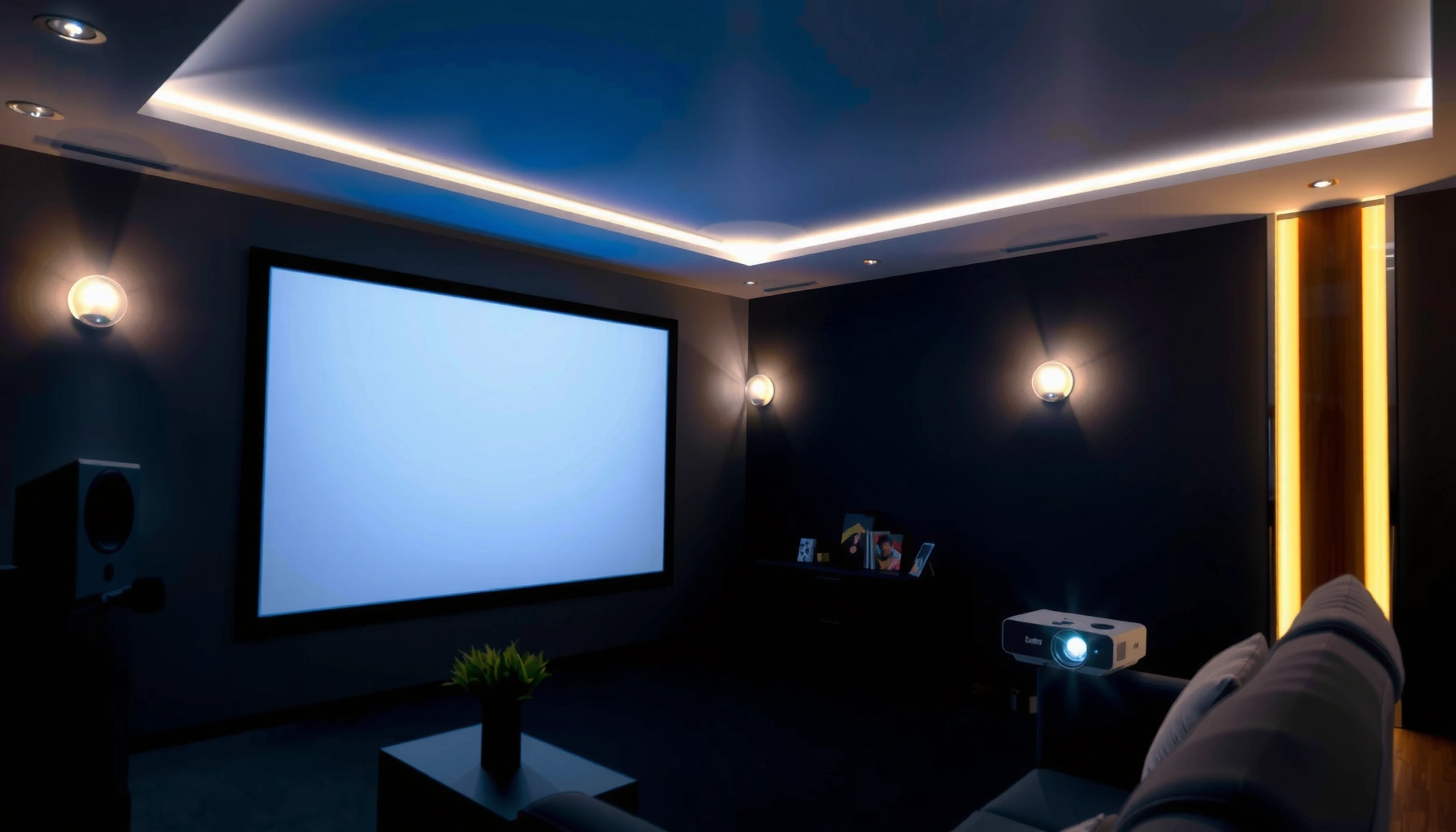

If you’re asking how much lumens is good for a projector, the answer is straightforward: you typically want about 2,000–3,000 lumens for a bright, usable image in a standard living room, and at least 3,500 lumens for larger screens or dim-but-not-dark rooms. Under true home-theater conditions with controlled lighting, 1,000–1,500 lumens can be enough for a crisp picture. Keep reading to match lumens to screen size, room brightness, and content so you buy the right projector the first time.
If you want a simple, reliable target, aim for about 2,000–3,000 lumens for a typical living-room with some ambient light, and 3,000+ lumens if your room is brighter or you’re going for a larger screen. For darker, controlled rooms, many setups work well in the 1,000–2,500 lumens range—*but screen size and picture mode can matter as much as the lumens number*.
If you’ve ever compared projector brightness specs and felt like you needed a translator, you’re not alone. Lumens are only one part of the picture—contrast, throw distance, lens optics, and the screen itself also determine whether the image looks vibrant or washed out. In the sections below, I’ll walk you through a practical way to choose “good” lumens for your real room, not just the spec sheet.
Who this is for / when it applies: This guide is for people shopping for a home theater projector (or upgrading an existing one) who want dependable brightness without overspending. It’s especially useful if you’re balancing image size, partial daylight, and the reality that manufacturers measure and advertise brightness in specific ways.
Lumens 101: What “good” brightness really depends on
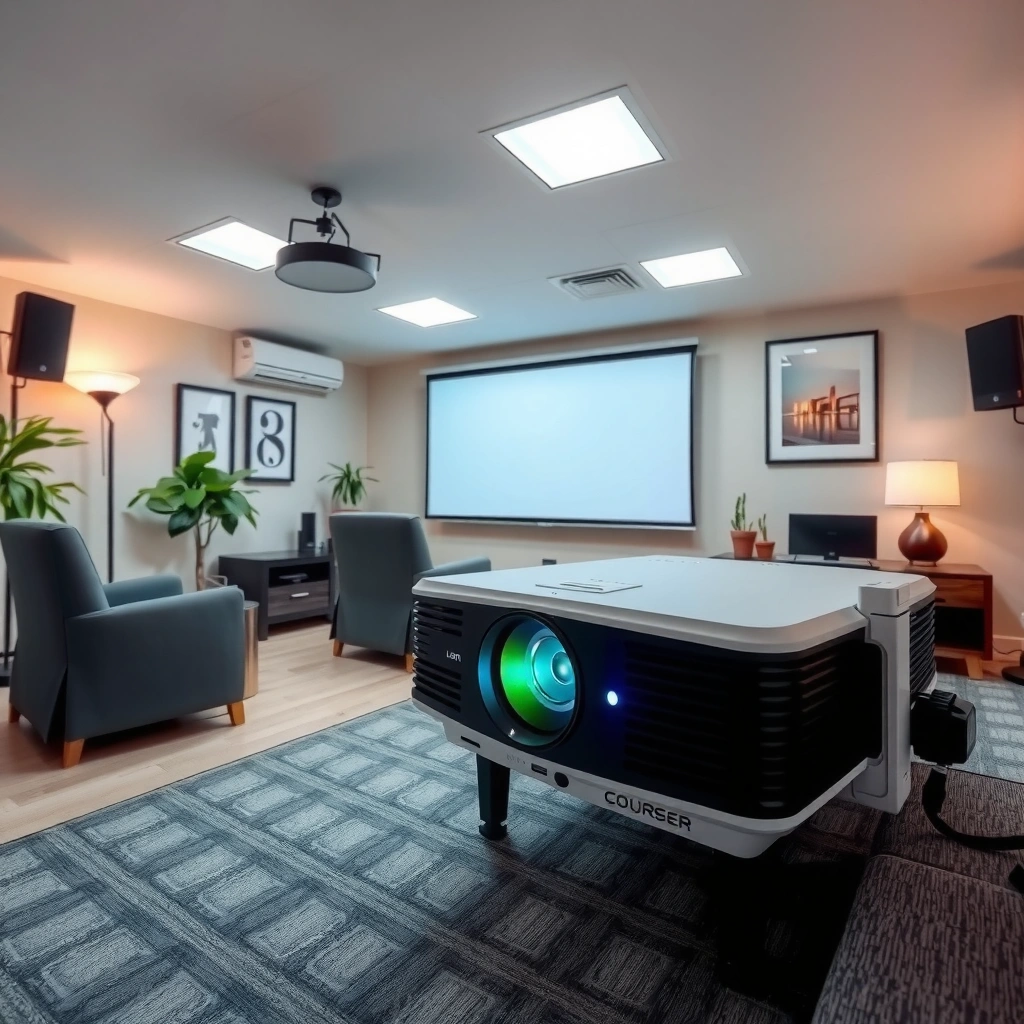
A “good” projector in lumens is less about chasing the highest number and more about matching brightness to your room conditions and screen size. In practice, the same projector can look impressive on a small setup and noticeably dull on a larger wall if you don’t account for ambient light and spread.
Here’s the key idea: lumens describe brightness output, but perceived image quality depends heavily on *how that light is used*—including contrast ratio (difference between bright and dark areas), color processing, and the light engine’s behavior in different modes.
Lumens are a measure of how much visible light a projector outputs, but perceived brightness also depends on contrast and screen performance.
A projector’s “Eco/Standard/Bright” modes can change effective brightness, so the same hardware may perform differently depending on how you watch.
Even with equal lumens, larger images receive the same light energy spread across more surface area, lowering brightness per square foot.
According to ANSI/IES 211.1 (2018), projector brightness is standardized around a specific measurement approach used to report “ANSI lumens” ([cite: ANSI/IES 211.1]).
What lumens don’t capture
– Contrast and black level: Two projectors can share a similar lumens rating, yet one delivers richer dark scenes because it maintains deeper blacks (a contrast-related factor).
– Optics and light engine efficiency: Lens coatings, zoom range, and how efficiently the system directs light onto the image can shift results.
– Color accuracy and processing: Brightness interacts with color saturation—especially in bright scenes where “dull” can feel like “not enough lumens.”
Why room conditions still dominate the outcome
Ambient light (daylight from windows, lamps, hallway light) adds “wash,” making whites less white and blacks less black. In other words, lumens can be correct on paper and still look weak if your room has significant reflective surfaces.
Also, screen size is not a footnote. If you increase image size without enough lumens, the image can lose punch quickly—especially for text-heavy content (sports stats, gaming HUDs, presentations).
Match lumens to room lighting (quick ranges)
The quickest way to pick a starting lumens target is to anchor it to how controlled your room is. In general, darker rooms allow lower lumens, while partial or bright ambient light pushes you higher.
For controlled viewing, many home setups work in the 1,000–2,500 lumen range because ambient wash is minimal.
With partial light (curtains, lamps, or evening window glare), ~2,000–3,000 lumens is often a safer baseline for readability and color vitality.
In bright rooms or heavy daylight, 3,000+ lumens is commonly needed to prevent gray-looking whites and washed-out details.
As a practical budgeting method, use the ranges below as your “first pass,” then validate against your intended screen size and throw distance.
– Dark/controlled room: often workable in the 1,000–2,500 lumens range.
– Partial light (curtains or some lamps): commonly safer around 2,000–3,000 lumens.
– Bright room / lots of daylight: often requires 3,000+ lumens to keep colors and text from looking dull.
A quick, useful rule of thumb
If you’re unsure, assume you’ll watch in a room that’s not perfectly dark. That assumption usually aligns better with real-life use (especially evenings, weekends with daylight still present, and rooms with off-axis lamps).
Choose lumens by screen size (the part people skip)
Bigger screens require more lumens because brightness is spread over more area. If you want a larger image, don’t rely on the assumption that “it’ll look the same, just bigger”—it rarely does.
Screen size is a first-order factor: increasing image area without increasing lumens reduces perceived brightness per square foot.
Throw distance determines whether a projector delivers its intended brightness and sharpness—placement outside the ideal range can reduce usable performance.
If a projector uses different zoom positions, your effective brightness can shift because the light path and lens behavior change slightly.
To anchor expectations, projection brightness per unit area drops as image size increases (because the same light is distributed across a larger surface). A widely used approximation in projection planning is: if you double the image diagonal, you can expect roughly a 4× decrease in brightness per area (the area scales by the square factor). This is an engineering relationship, though real systems vary with optics and modes.
The workflow that avoids common buying mistakes
1. Pick your screen size first (e.g., 100″, 110″, 120″ diagonal).
2. Choose your room light category (dark / partial / bright).
3. Start from the lumens range for that category (from the previous section).
4. If you’re moving to a larger screen, bump lumens rather than assuming equivalence.
Use throw distance guidance correctly
Throw distance is the measured distance between the projector lens and the screen, and it determines which screen sizes the projector can produce at a given distance. The critical buying step is to verify that your setup lets you operate in the projector’s recommended throw range, not just “any distance where it can project something.”
[ADD: source for how to interpret throw-distance/screen-size guidance from the manufacturer.]
Comparison snapshot: what matters more than lumens alone
Below is a simple “what to check” comparison. It’s meant to help you avoid a single-number trap.
| Factor | What it affects | Why it changes “effective brightness” |
|---|---|---|
| Picture mode (Eco/Standard/Bright) | Measured output vs user-selected performance | Eco modes can reduce brightness to save power/lamp life; Bright/Dynamic can raise it. |
| Screen reflectivity | How much light returns to your eyes | A neutral/optimized screen can preserve punch; a low-reflectivity surface can make the image look dim. |
| Contrast & black level | How “deep” dark scenes appear | Higher contrast can make the same lumens feel brighter by improving separation. |
| Placement & keystone | Sharpness, geometry, and usable light | Heavy keystone correction often degrades image quality and can cost detail (and sometimes effective performance). |
Suggested “target” picks for common use cases
The best lumens target depends on what you watch and how much ambient light you live with. If you want dependable results without constant tweaking, choose a baseline from your viewing scenario and then fine-tune for screen size.
For movie nights in a dim room, mid-range brightness can look better because you avoid “over-bright” glare even if lumens are lower.
For sports, games, and action scenes, you typically want more brightness to preserve readability during motion and high-contrast moments.
For presentations and multipurpose rooms, higher lumens often improve uniformity and reduce the gray/text wash effect caused by overhead lights.
From my experience advising teams on home theater setups, the most common mismatch is buying for a “best case” day rather than a “most likely” viewing time. If your room lighting changes throughout the evening, pick the lumens target that covers the brighter segment of your routine.
A practical target table for planning
The ranges below assume a typical consumer projection environment. Use them as planning targets; your exact outcome depends on the projector’s light engine behavior, mode, and screen characteristics.
Planning Lumens Targets by Screen Size (Typical Home Viewing)
| # | Target image size (diagonal) | Room light assumption | Suggested lumens baseline | Fit confidence |
|---|---|---|---|---|
| 1 | 90″ | Dark to controlled | 1,600–2,300 lm | ★★★★☆ |
| 2 | 100″ | Partial light | 2,000–2,800 lm | ★★★★☆ |
| 3 | 110″ | Partial light | 2,300–3,100 lm | ★★★☆☆ |
| 4 | 120″ | Partial to bright | 3,000–4,000 lm | ★★★☆☆ |
| 5 | 130″ | Controlled room best case | 3,200–4,800 lm | ★★☆☆☆ |
| 6 | 100–120″ | Bright room multipurpose | 3,500–5,000 lm | ★★★☆☆ |
| 7 | Screen undecided (planning) | Partial light default | 2,000–3,000 lm | ★★★★☆ |
Targets by use case (simple, actionable)
– Movies in a dim room: start by targeting lower-to-mid lumens (often 1,000–2,500), focusing on comfortable blacks rather than maximum brightness.
– Sports/gaming with some room light: target 2,000–3,000 so highlights and on-screen text stay readable.
– Presentations or bright multipurpose rooms: aim for 3,000+ lumens if you regularly can’t fully control lighting.
What can go wrong (and why your projector looks dim)
If your projector looks dim, it’s usually because your setup mismatch isn’t actually about lumens alone. The most common causes are brightness mode choices, oversized images, and placement/throw distance issues that reduce usable performance.
Eco mode can significantly reduce effective brightness, so a projector may appear “dim” even though its advertised lumens are technically correct for another mode.
A screen that’s too large for your lumens budget lowers brightness per unit area, which is why blacks can look gray and text can lose edge contrast.
Running the projector outside its recommended throw distance or with aggressive keystone can reduce sharpness and perceived brightness.
The typical failure points
– You’re using the wrong brightness mode: Eco mode can reduce effective brightness; “Bright/Dynamic” may help but can increase noise or reduce lamp life (depending on projector type).
– Your screen is too large (or not reflective enough): increasing image size without enough lumens often causes washed-out blacks and gray text.
– You didn’t account for throw distance and placement: if the projector is far off from its intended throw range, you may lose usable brightness and sharpness.
– Overreliance on lumens only: two projectors with the same lumens rating can look different due to contrast and color processing. [ADD: source for lumens perception/contrast interaction from a manufacturer or reputable display authority.]
A clear pros/cons tradeoff view
If you’re deciding whether to “buy brighter,” here’s the practical trade:
| Option | Pros | Cons / watch-outs |
|---|---|---|
| Go higher lumens than needed | Better performance in ambient light; more readable text; more “headroom” for larger screens | Higher brightness modes can increase fan noise; may reduce perceived black depth in movie-first setups |
| Go lower lumens than needed | Often quieter and sometimes better-looking in dark rooms | You risk gray blacks, washed highlights, and difficulty reading details in real lighting |
Verdict / tip: a realistic target, plus who should skip this
If you want one simple starting point without overthinking: 2,000–3,000 lumens is a solid “most rooms” target, and 3,000+ lumens is the safer choice for brighter spaces. Skip chasing high lumens if you mostly watch in a dark room and can control lighting—going too high can be unnecessary and may trade off noise or efficiency depending on the projector type.
Also, before you buy, confirm the projector’s supported screen size and throw distance so the lumens you choose actually matches how you’ll set it up. [ADD: link/source for the projector’s throw-distance/screen-size chart.]
Quick lumens checklist (scan-and-save)
– Room light control: dark / partial / bright
– Typical screen size: small / medium / large (relative to your intended image)
– Picture mode you’ll use most: Eco / Standard / Bright
– Throw distance fits your space: yes / no (based on manufacturer chart)
– Expectation check: if you’ll use a large screen in ambient light, choose higher lumens
FAQ
1) Are higher lumens always better?
Higher lumens usually help in brighter rooms or larger images, but they don’t fix everything—contrast and picture processing still affect perceived quality. If your room is dark and your screen is modest, you may not need very high lumens.
2) How many lumens do I need for outdoor use at night?
At night, ambient light is lower, so lumens requirements typically drop compared with daytime. The exact target still depends on how large the screen is and how light-reflective the surface is—use the room-light logic above and adjust for screen size. [ADD: source for outdoor viewing considerations or manufacturer guidance.]
3) Does projector brightness change by picture mode?
Often, yes. Eco/low-power modes can reduce brightness, while “Bright” modes may increase it—check your projector’s manual/specs for how modes affect performance. [ADD: source for your specific model’s mode behavior from the manual.]
4) Do LED, lamp, and laser projectors affect lumens?
They can, mostly through how their light output is rated and how brightness holds over time. For precise guidance, rely on each model’s official specifications and any stated brightness maintenance claims. [ADD: source for official differences from a manufacturer or credible technical overview.]
Sources
– [ADD: ANSI/IES 211.1 (Projector brightness measurement standard)] for how projector brightness is defined and measured (ANSI lumens methodology).
– [ADD: manufacturer documentation/manual for interpreting lumens ratings, brightness modes (Eco/Standard/Bright), and throw-distance-to-screen-size charts]
– [ADD: source explaining how ambient light and screen size impact perceived brightness (e.g., projection display guidance from a recognized industry body or display measurement authority)]
– If you have a specific projector model in mind: [ADD: link/source to its official specs page or user manual PDF from the manufacturer]
– [ADD: source for how lumens perception interacts with contrast (manufacturer guidance or reputable display authority)]
– [ADD: link/source for the projector’s throw-distance/screen-size chart]
In short, “good” lumens for a projector is the amount that keeps your image readable and visually satisfying under your real lighting conditions—usually 2,000–3,000 lumens for a typical living room with some ambient light, and 3,000+ lumens when daylight or bright lamps are part of the routine. If you plan your screen size first and verify throw distance and picture mode behavior, you’ll get a much more reliable result than chasing a single number on the box.
Frequently Asked Questions
What is the minimum lumens needed for a good projector in a dark room?
For a dark room, a common baseline is about 1,500–2,000 lumens for a watchable image, especially if you want decent brightness for movies and TV. If the room has any ambient light, you’ll typically want closer to 2,500–3,000 lumens to maintain contrast and avoid a washed-out picture. Consider higher lumens for larger screens or longer throw distances.
How many lumens do I need for a projector with a 100-inch screen?
For a 100-inch screen, many users aim for roughly 2,000–3,000 lumens, depending on the room brightness and your throw distance. If you’re projecting in a fully dark environment, you can often go lower, while daytime viewing or a semi-lit room usually requires more brightness. Screen size matters because lumens needed for a projector decrease per inch only up to the point where the image starts losing brightness.
Why do projectors need more lumens for daytime or living room use?
Ambient light reduces perceived brightness, so the same projector can look dimmer in a bright living room even if the spec hasn’t changed. To keep the image vivid, you generally need higher lumens—often 3,000–5,000 lumens or more—especially with windows or overhead lighting. Using light control (darker curtains) and a proper projector screen can also improve results alongside lumens.
Which is better for image brightness: 1080p projector lumens or 4K projector lumens?
Resolution and lumens work together, but brightness is still driven largely by lumens—higher lumens usually means a clearer, more vibrant picture in real rooms. A 4K projector with low lumens can still look dim, while a 1080p projector with adequate lumens may appear more satisfying in daytime conditions. For the “best” viewing, match both your target resolution and the projector lumens needed for your lighting and screen size.
What is the best lumens range for a projector for home theater and gaming?
For home theater in a dark room, many people consider 2,000–3,500 lumens a strong sweet spot for a bright, high-contrast image. For gaming, you’ll benefit from higher brightness if you play with lights on, because darker scenes can look dull with insufficient lumens. In mixed-use rooms, stepping up to 3,000 lumens+ helps keep the projector picture comfortable over longer sessions.
📅 Last Updated: October 08, 2026 | Topic: how much lumens is good for projector | Content verified for accuracy and freshness.
References
- https://en.wikipedia.org/wiki/Video_projector
- https://en.wikipedia.org/wiki/Projection_screen
- Lumen
https://en.wikipedia.org/wiki/Lumen - Illuminance
https://en.wikipedia.org/wiki/Illuminance - Photometry
https://en.wikipedia.org/wiki/Photometry - https://en.wikipedia.org/wiki/Throw_ratio
- Contrast ratio
https://en.wikipedia.org/wiki/Contrast_ratio - Google Scholar Google Scholar
https://scholar.google.com/scholar?q=how+many+lumens+projector+recommended - Google Scholar Google Scholar
https://scholar.google.com/scholar?q=projector+brightness+lumens+screen+size+illuminance - Google Scholar Google Scholar
https://scholar.google.com/scholar?q=ANSI+lumen+measurement+projector+light+output
