


Getting local channels on a smart TV is entirely possible and often straightforward. Many smart TVs come equipped with built-in tuners or allow for the use of streaming services to access local broadcast channels. This flexibility means viewers can enjoy their favorite local content without the need for cable subscriptions or additional equipment. In this article, we’ll explore the various options available for accessing local channels on your smart TV, equipping you with the knowledge to make the best choice for your viewing preferences.
Understanding Smart TV Capabilities
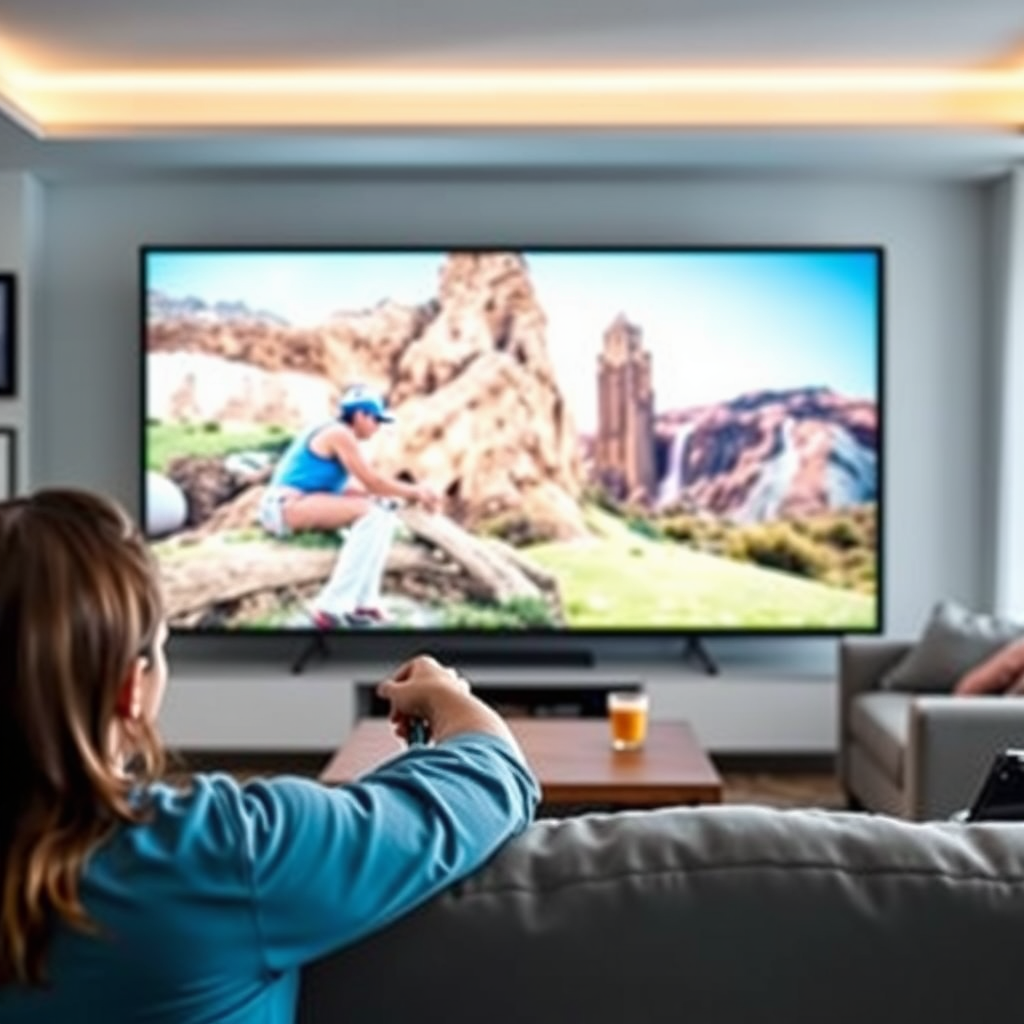
Smart TVs are designed to connect to the internet and stream content from various platforms, but they also often have built-in capabilities for receiving local channels. Most modern smart TVs come equipped with digital tuners that allow you to receive over-the-air (OTA) broadcasts. To utilize this feature, it’s essential to check if your specific TV model supports antenna connectivity. If your smart TV has an ATSC (Advanced Television Systems Committee) tuner, you can receive free digital signals from local broadcast stations.
It’s worth noting that the reception quality can vary based on your location, the type of antenna you use, and any obstructions between your antenna and the broadcast towers. Therefore, it’s important to research the specifications of your smart TV to maximize its capabilities.
Using an Antenna
A digital antenna is one of the most effective ways to access local channels transmitted over the air. These antennas can pick up signals from local broadcasters, allowing you to watch channels such as ABC, NBC, CBS, and FOX without a subscription fee. When selecting an antenna, consider whether to opt for an indoor or outdoor model based on your location and signal strength.
Placement of the antenna can significantly affect signal strength and channel availability. It is advisable to place the antenna near a window or on a higher floor if you live in a multi-story building to improve reception. Additionally, using a signal amplifier can help enhance the quality and range of channels you can receive, particularly in areas farther away from broadcast towers.
Streaming Services for Local Channels
For those who prefer not to use an antenna, numerous streaming services provide access to local channels, often as part of their live TV packages. Popular options include Hulu + Live TV, YouTube TV, and Sling TV, which offer access to major networks along with a variety of cable channels.
Each service has different subscription plans, so it’s crucial to evaluate your viewing preferences before signing up. For example, YouTube TV offers an extensive channel lineup, including most major networks, while Sling TV allows more customization through add-on packages. Streaming services often provide free trials, enabling you to test them out before committing to a subscription.
Checking Local Channel Availability
Before investing in any equipment or subscriptions, you should verify what local channels are available in your area. Various online tools, such as antennaweb.org or the FCC’s DTV reception maps, can help you identify which channels you can receive based on your location.
Local network websites also provide information on how to access their content. Many networks stream their local broadcasts through their apps or websites, allowing viewers to watch news and other programming live or on-demand. This can be an excellent option for those who prefer to watch content on their own schedule.
Local Channel Availability by Major Cities (2023)
| # | City | Major Channels | Antenna Type | Signal Strength |
|---|---|---|---|---|
| 1 | New York, NY | ABC, NBC, CBS, FOX | Indoor/Outdoor | High |
| 2 | Los Angeles, CA | NBC, CBS, ABC | Outdoor | High |
| 3 | Chicago, IL | ABC, NBC, CBS | Indoor | Medium |
| 4 | Houston, TX | CBS, FOX, NBC | Indoor | Low |
| 5 | Phoenix, AZ | NBC, ABC, FOX | Outdoor | High |
| 6 | Philadelphia, PA | CBS, FOX, NBC | Indoor | Medium |
| 7 | San Antonio, TX | ABC, CBS, NBC | Outdoor | High |
Connecting External Devices
If you’re looking to enhance your access to local channels, consider connecting external devices like Roku, Amazon Fire TV, or Apple TV to your smart TV. These devices often support apps that stream local broadcasts live and can provide additional content options beyond what your smart TV offers natively.
For instance, many of these devices have dedicated channels or apps for local news stations, allowing you to watch live broadcasts and catch up on past episodes. Additionally, they may allow you to install apps from various streaming services that offer local channels as part of their packages, providing a more comprehensive viewing experience.
Troubleshooting Common Issues
While accessing local channels on a smart TV is generally straightforward, you may encounter some common issues. Firstly, ensure that your smart TV is updated to the latest software version, as manufacturers often release updates that enhance performance and fix bugs.
If you find that certain channels are missing, try rescanning the TV’s channel list. This process will search for and add any available channels. Adjusting the position or type of antenna can also help improve reception if you are using one. Sometimes, a simple repositioning can lead to a significant improvement in signal strength.
Additional Options for Local Programming
In addition to the methods mentioned above, you can explore local news station websites or apps for live streaming options. Many local channels have their own apps that allow viewers to watch news broadcasts, sports events, and other programming on-demand.
Some local channels may offer on-demand content through their platforms, making it easy to catch up on missed shows or special events. This can be a convenient option for those who prefer watching content when it fits their schedule.
In summary, accessing local channels on your smart TV is feasible through built-in tuners, antennas, streaming services, and external devices. By exploring these various methods, you can find the best fit for your viewing needs and stay connected to your local broadcasts. Whether you choose to go the traditional route with an antenna or embrace the flexibility of streaming services, the options available allow you to enjoy your favorite local programming without hassle.
Frequently Asked Questions
Can I watch local channels on my smart TV without cable?
Yes, you can watch local channels on your smart TV without a cable subscription by using an HDTV antenna. This device picks up over-the-air signals from local broadcast stations, allowing you to access channels like ABC, NBC, CBS, and FOX for free. Just connect the antenna to your TV, scan for channels, and enjoy live programming.
How can I access local channels on my smart TV using streaming services?
Many streaming services offer local channels as part of their packages. Services like Hulu + Live TV, YouTube TV, and Sling TV provide access to local broadcasts depending on your region. Simply subscribe to one of these services and download the corresponding app on your smart TV to start streaming local content.
Why can’t I find local channels on my smart TV?
If you can’t find local channels on your smart TV, it may be due to the lack of an antenna or a streaming service subscription. Additionally, ensure your TV is connected to an antenna or the internet, and perform a channel scan in the settings to detect available broadcasts. If you’re using an antenna, ensure it’s properly positioned for the best signal reception.
What is the best antenna for receiving local channels on a smart TV?
The best antenna for receiving local channels on a smart TV depends on your location and proximity to broadcast towers. Indoor antennas like the Mohu Leaf or the RCA Antenna are popular for urban areas, while outdoor antennas like the Clearstream 2V are ideal for rural settings. Research your area’s signal strength and choose an antenna that meets your needs for optimal reception.
Which smart TVs have built-in features for accessing local channels?
Many smart TVs come equipped with built-in features for accessing local channels, including those with integrated tuners like Samsung, LG, and Sony models. These TVs allow you to connect an antenna directly and scan for channels without needing additional devices. Check the specifications of your TV to confirm it has a digital tuner for optimal local channel access.
References
- Smart TV
https://en.wikipedia.org/wiki/Smart_TV - Congress’ September to-do list remains incomplete thanks to GOP
https://www.nbcnews.com/tech/tech-news/how-watch-local-tv-without-cable-rcna118092 - Blogs
https://www.pbs.org/education/blog/how-to-watch-local-tv-without-cable - Google Scholar Google Scholar
https://scholar.google.com/scholar?q=can+you+get+local+channels+on+smart+tv - Google Scholar Google Scholar
https://scholar.google.com/scholar?q=watch+local+channels+without+cable - Google Scholar Google Scholar
https://scholar.google.com/scholar?q=smart+tv+local+channels+access - can you get local channels on smart tv – Search results
https://en.wikipedia.org/wiki/Special:Search?search=can+you+get+local+channels+on+smart+tv - https://www.ncbi.nlm.nih.gov/search/research-articles/?term=can+you+get+local+channels+on+smart+tv
https://www.ncbi.nlm.nih.gov/search/research-articles/?term=can+you+get+local+channels+on+smart+tv
