

Yes, you may still need a streaming device even if you own a smart TV. Smart TVs come with built-in streaming capabilities that can allow access to popular services like Netflix, Hulu, and Amazon Prime. However, there are scenarios where a dedicated streaming device can significantly enhance your viewing experience, offering a wider range of apps, better performance, and regular updates. In this article, we’ll explore the reasons you might consider adding a streaming device to your entertainment setup.
Understanding Smart TV Capabilities
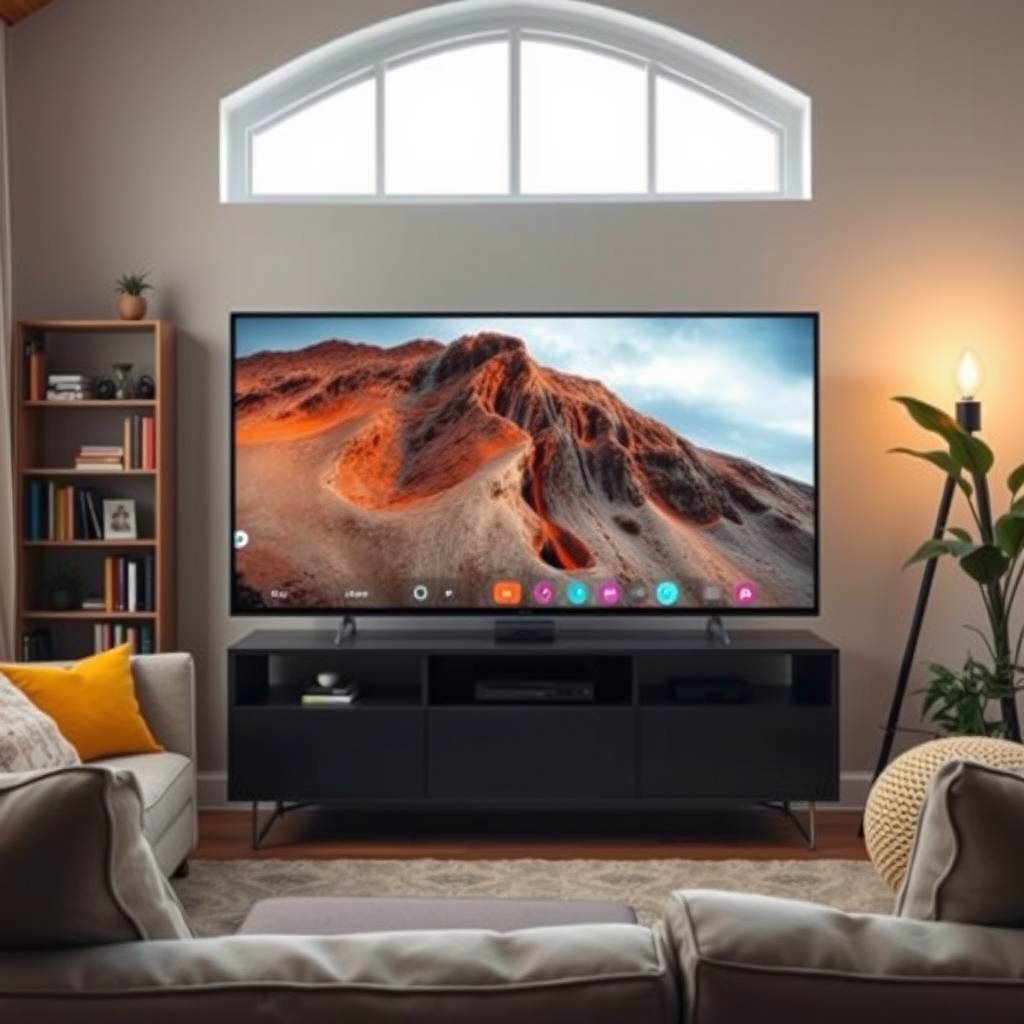
Smart TVs have revolutionized how we consume media by integrating internet connectivity and providing access to a plethora of built-in apps. Models from leading manufacturers often include applications for major streaming services such as Netflix, Hulu, YouTube, and Amazon Prime Video, allowing for immediate access without the need for additional hardware. Furthermore, many smart TVs now come equipped with voice control features, enabling users to navigate their favorite shows and movies using voice commands. Compatibility with smart home devices also enhances the user experience, allowing seamless integration into a smart home ecosystem.
However, the capabilities of smart TVs can vary widely depending on the brand and model. For instance, premium models may offer advanced features such as 4K resolution, HDR, and built-in gaming platforms, while budget models may have limited app availability and slower performance. This inconsistency can lead to frustration for viewers who expect a comprehensive streaming experience.
Limitations of Built-in Streaming
Despite their many advantages, built-in streaming services on smart TVs come with notable limitations. Not all smart TVs support every streaming service or app available in the market. Some brands may restrict access to specific platforms, leaving users unable to enjoy certain content. For example, some TV models may not support newer apps like Disney+ or may lack older platforms like HBO Max, which can be a significant drawback for avid viewers.
Moreover, the frequency and quality of software updates can vary by manufacturer. Some smart TVs may not receive timely updates, leading to outdated apps or features. Compatibility issues can also arise, especially when new streaming services are launched or existing ones undergo significant changes. This inconsistency can hinder the overall viewing experience and may lead users to seek additional solutions.
Benefits of a Streaming Device
Investing in a dedicated streaming device can provide several benefits that enhance the overall viewing experience. One of the key advantages is that streaming devices often receive more frequent updates and new features compared to smart TVs. For instance, platforms like Roku and Amazon Fire Stick regularly roll out software updates that add new functionalities and improve user interfaces, ensuring users have access to the latest content and features.
Additionally, streaming devices typically offer a wider selection of apps and services. Many devices support a vast array of niche and international content, catering to diverse viewing preferences. For example, platforms like Roku provide access to various free channels and subscription services that might not be available on standard smart TVs. This extensive library can significantly enhance your entertainment options.
Performance Considerations
Performance is another critical factor that can influence your viewing experience. Streaming devices are designed with optimized hardware that can provide better performance, including faster loading times and smoother playback. Users often report that dedicated devices reduce buffering times and improve the overall responsiveness of the streaming experience, which is particularly beneficial for action-packed movies or sports events.
Moreover, many streaming devices support advanced features such as 4K resolution and HDR (High Dynamic Range), which can significantly enhance viewing quality. If you own a 4K TV, using a streaming device that supports this feature can ensure you are getting the most out of your television. In contrast, some smart TVs may not support these advanced formats or may struggle to deliver the same level of visual fidelity.
Top Streaming Devices Comparison (2023)
| # | Device | 4K Support | Voice Control | Price |
|---|---|---|---|---|
| 1 | Roku Ultra | Yes | Yes | $99.99 |
| 2 | Amazon Fire Stick 4K | Yes | Yes | $49.99 |
| 3 | Apple TV 4K | Yes | Yes | $179.00 |
| 4 | Google Chromecast | Yes | No | $39.99 |
| 5 | Nvidia Shield TV | Yes | Yes | $199.99 |
| 6 | Roku Streaming Stick+ | Yes | Yes | $49.99 |
| 7 | Amazon Fire TV Cube | Yes | Yes | $119.99 |
Cost-Effectiveness and Flexibility
Using a streaming device can be a cost-effective solution, particularly if your smart TV has limited capabilities. Streaming devices are generally more affordable than purchasing a new smart TV with advanced features. This investment allows you to upgrade your viewing experience without the hefty price tag of a new television.
Furthermore, streaming devices are portable, meaning you can easily move them between different TVs or locations. This flexibility is ideal for individuals who travel frequently or want to use their device in multiple rooms. For instance, if you have a streaming device connected to your bedroom TV, you can simply unplug it and take it with you on vacation, ensuring you can enjoy your favorite shows no matter where you are.
Popular Streaming Device Options
When considering a streaming device, several options stand out in the market. Here are some of the top devices and their key features:
1. Roku Ultra: Known for its user-friendly interface and extensive app selection, Roku Ultra supports 4K and HDR, making it a top choice for serious viewers. Its price is approximately $99.99.
2. Amazon Fire Stick 4K: This device is popular for its affordability and versatility, supporting both 4K and HDR. Priced at $49.99, it includes Alexa voice control for added convenience.
3. Apple TV 4K: A premium option, Apple TV 4K offers seamless integration with the Apple ecosystem, advanced features, and a price of around $179.00.
4. Google Chromecast: A budget-friendly choice that allows users to cast content from their mobile devices directly to the TV. Priced at $39.99, it supports 4K but lacks voice control.
5. Nvidia Shield TV: Targeted at gamers, this device offers powerful performance, 4K support, and a price of $199.99.
6. Roku Streaming Stick+: Another affordable option that supports 4K, priced at $49.99, and features a compact design.
7. Amazon Fire TV Cube: This device combines a streaming player with an Alexa-enabled speaker, priced at $119.99.
By comparing these options, you can find the streaming device that best fits your specific needs and preferences.
In summary, while a smart TV already provides many streaming options, a dedicated streaming device can enhance your overall viewing experience with better performance, more app choices, and regular updates. If you find your smart TV lacking in features, consider investing in a streaming device for improved entertainment access. Explore your options today to find the best fit for your viewing needs!
Frequently Asked Questions
Do I need a streaming device if I already have a smart TV?
While smart TVs come with built-in apps for popular streaming services, a streaming device can enhance your viewing experience. These devices often provide access to a wider range of apps, better user interfaces, and more frequent updates, ensuring you have the latest features and content available.
What are the benefits of using a streaming device with my smart TV?
Using a streaming device with your smart TV can offer several benefits, including improved content discovery and a more intuitive interface. Additionally, devices like Roku or Amazon Fire Stick often support a larger variety of streaming platforms and can provide exclusive features like voice control or screen mirroring that may not be available on your TV.
How do I choose the best streaming device for my smart TV?
To choose the best streaming device for your smart TV, consider factors such as compatibility with your TV’s operating system, the range of available apps, and user-friendliness. Additionally, look for features like 4K support if you have a 4K TV, and check for any exclusive content or services that may be appealing to you.
Why might my smart TV not support certain streaming apps?
Some smart TVs may not support certain streaming apps due to outdated software or limited hardware capabilities. Manufacturers often prioritize popular apps, so less common services might not be available, making a streaming device a practical solution to access a broader range of content.
Which streaming device is best for enhancing my smart TV experience?
The best streaming device for enhancing your smart TV experience depends on your specific needs, but popular options include Roku, Amazon Fire TV Stick, and Apple TV. Each offers unique features like voice control, gaming capabilities, and various streaming service integrations, so choose one that aligns with your viewing habits and preferences.
References
- https://www.wikiwand.com/en/Smart_TV
https://www.wikiwand.com/en/Smart_TV - https://www.bbc.com/news/technology-55273957
https://www.bbc.com/news/technology-55273957 - https://www.theguardian.com/technology/2021/jan/14/smart-tv-streaming-device
https://www.theguardian.com/technology/2021/jan/14/smart-tv-streaming-device - https://www.pcmag.com/how-to/do-you-need-a-streaming-device-if-you-have-a-smart-tv
https://www.pcmag.com/how-to/do-you-need-a-streaming-device-if-you-have-a-smart-tv - Google Scholar Google Scholar
https://scholar.google.com/scholar?q=smart+tv+streaming+device - Google Scholar Google Scholar
https://scholar.google.com/scholar?q=do+i+need+a+streaming+device+with+a+smart+tv - https://www.sciencedirect.com/topics/computer-science/smart-tv
https://www.sciencedirect.com/topics/computer-science/smart-tv - What is a smart TV? Everything you need to know – Digital Trends
https://www.digitaltrends.com/home-theater/what-is-a-smart-tv/ - do i need a streaming device with a smart tv – Search results
https://en.wikipedia.org/wiki/Special:Search?search=do+i+need+a+streaming+device+with+a+smart+tv - https://www.ncbi.nlm.nih.gov/search/research-articles/?term=do+i+need+a+streaming+device+with+a+smart+tv
https://www.ncbi.nlm.nih.gov/search/research-articles/?term=do+i+need+a+streaming+device+with+a+smart+tv
