
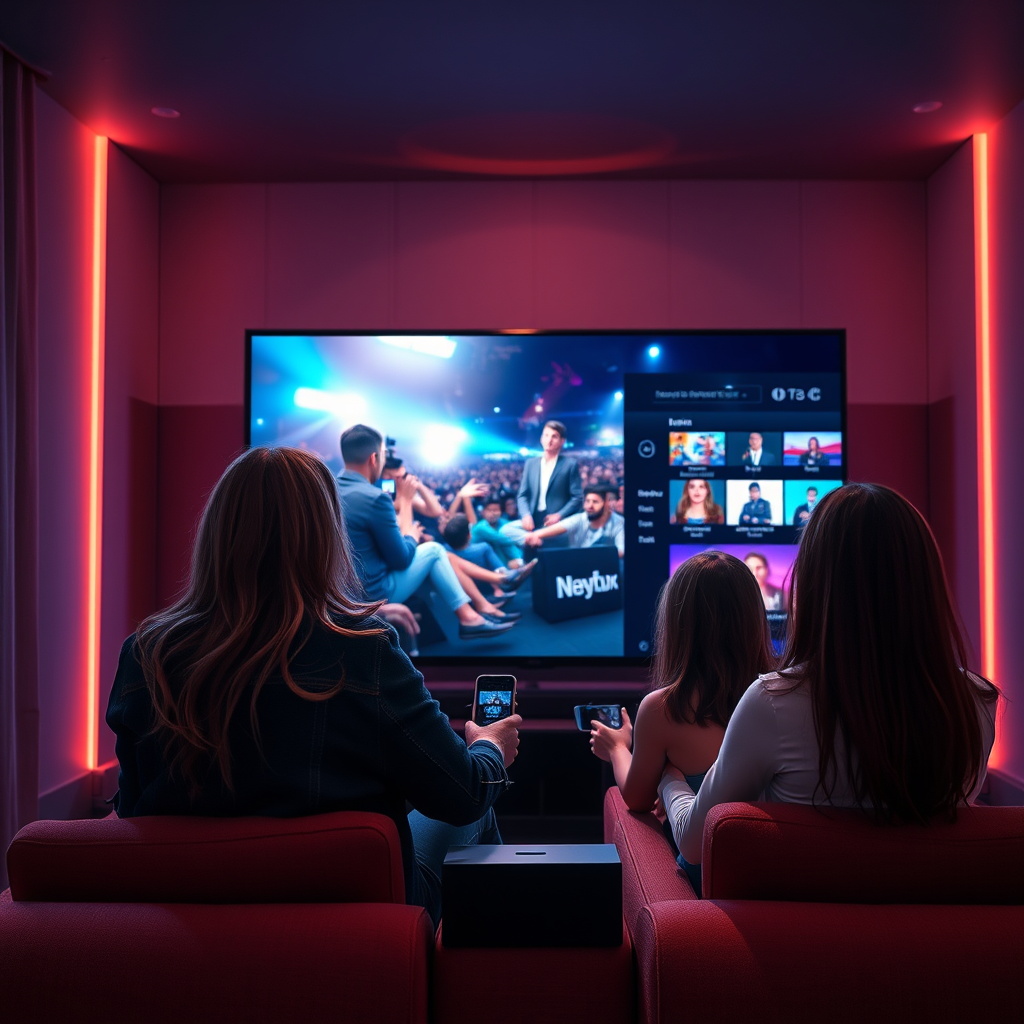

Many smart TVs do not require a cable box, as they can stream content directly from the internet using various apps. This flexibility allows viewers to access a wide range of channels and services without a traditional cable subscription. With the rise of streaming platforms and the decline of conventional cable, many consumers are reevaluating their viewing options. In this article, we will explore the options available for smart TV users and what you need to consider when deciding whether to use a cable box.
Understanding Smart TVs
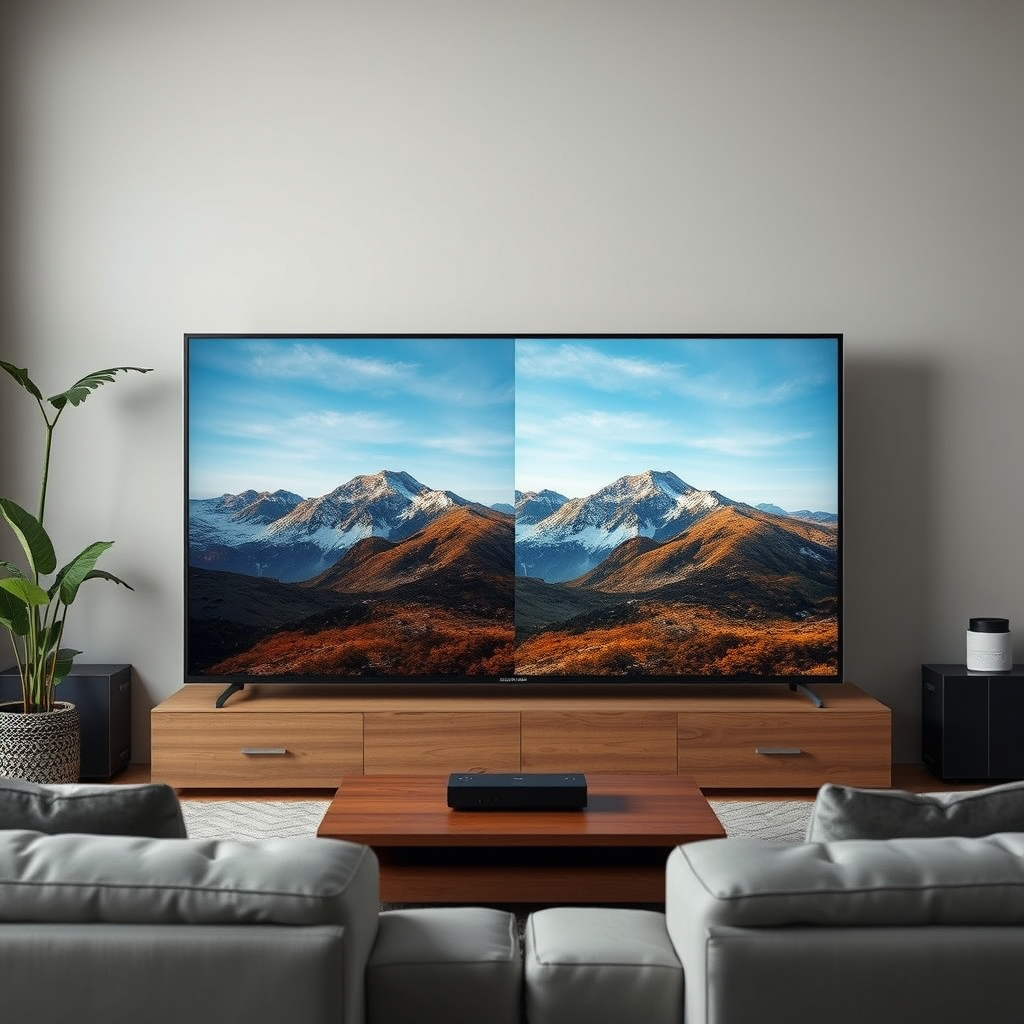
Smart TVs are equipped with built-in streaming capabilities, which enable users to access popular platforms like Netflix, Hulu, Amazon Prime Video, and YouTube directly from their television sets. This technology integrates internet connectivity and applications into the TV, allowing for a more interactive and user-friendly experience. Many smart TVs also come with features such as voice control, which can simplify navigation and enhance accessibility. Additionally, integration with smart home devices allows users to control lighting, temperature, and other smart devices seamlessly through their television interface.
Furthermore, smart TVs are not limited to streaming services; they also allow users to access social media, browse the internet, and view photos and videos. This versatility makes smart TVs a central hub for entertainment and information in modern households.
Advantages of Not Using a Cable Box
One of the primary advantages of forgoing a cable box is cost savings. Eliminating the need for a cable subscription can significantly reduce monthly expenses, especially considering that many streaming services offer competitive pricing and even free content. For example, platforms like Tubi and Pluto TV provide a wide selection of movies and television shows without any subscription fees.
Another benefit is the variety of content available. Smart TVs provide access to a broader selection of shows and movies through various streaming services, many of which have original content that is exclusive to their platforms. For instance, Netflix and Amazon Prime Video invest heavily in producing original series and films, offering unique viewing experiences that traditional cable often lacks.
Moreover, smart TVs allow users to customize their viewing experience by selecting services that align with their interests. This means viewers can curate their content libraries to include only the channels and shows they love, further enhancing their entertainment experience.
When a Cable Box May Be Necessary
Despite the numerous advantages of smart TVs, there are instances when a cable box may be necessary. One primary consideration is access to local channels. Depending on your geographical location, certain local broadcasts, including news and weather, may only be available through a cable subscription. This is particularly relevant for individuals who rely on local news for information or who want to watch regional sports events.
Additionally, some live sports events and channels may only be accessible through a cable subscription. For avid sports fans, cable packages often include specific sports networks that provide coverage of live games, making it essential to evaluate whether your favorite teams’ games are available on streaming platforms. For example, channels like ESPN may not be fully accessible without a cable subscription, limiting sports content for those who prefer streaming.
Alternative Solutions to Cable Boxes
For those looking to enhance their smart TV capabilities without relying on a cable box, several alternative solutions exist. Streaming devices such as Roku, Amazon Fire Stick, and Apple TV can significantly enrich the viewing experience. These devices often come with additional features and exclusive content not typically available through built-in smart TV apps, and they can also facilitate easier navigation of multiple streaming services.
Another viable option is the use of digital antennas, which can provide free access to local broadcast channels. Antennas can capture over-the-air signals for major networks, allowing viewers to watch local programming without the need for a cable subscription. This solution is particularly beneficial for households that want to maintain access to local news and events while cutting down on costs.
📋 MANDATORY DATA TABLE
Popular Streaming Services Comparison (2023)
| # | Service | Monthly Cost | Content Type | Original Series |
|---|---|---|---|---|
| 1 | Netflix | $15.49 | Movies & Series | 500+ |
| 2 | Hulu | $7.99 | Movies & Series | 100+ |
| 3 | Amazon Prime Video | $14.99 | Movies & Series | 200+ |
| 4 | Disney+ | $7.99 | Movies & Series | 100+ |
| 5 | HBO Max | $14.99 | Movies & Series | 50+ |
| 6 | Apple TV+ | $6.99 | Movies & Series | 30+ |
| 7 | Peacock | $4.99 | Movies & Series | 20+ |
Setting Up Your Smart TV for Streaming
To enjoy streaming content on your smart TV, a reliable internet connection is essential. Streaming services demand a stable bandwidth to deliver high-quality video without buffering. Ideally, a minimum speed of 25 Mbps is recommended for uninterrupted streaming, especially for HD and 4K content. If your internet connection is slow or inconsistent, you may experience interruptions that detract from your viewing experience.
Once you have a stable internet connection, familiarize yourself with the apps available on your smart TV. Most smart TVs come preloaded with popular streaming applications, but you can also download additional apps from the TV’s app store. Setting up these apps according to your viewing preferences can help streamline your experience, making it easier to find and enjoy your favorite content.
Additionally, consider organizing your apps based on categories or usage frequency. Many smart TVs allow you to customize your home screen, enabling quick access to the services you use most often. This level of personalization can enhance user satisfaction and make navigating your smart TV a more intuitive experience.
Evaluating Your Viewing Habits
When deciding whether to invest in a cable box or explore alternative options, it is crucial to assess your content needs. Take note of the channels, shows, and sports events you watch regularly. If your viewing preferences align more with content available on streaming platforms, you may find that a cable box is unnecessary.
For those hesitant about committing to a subscription, many streaming services offer free trials. This allows potential subscribers to test the platform’s offerings before making a financial commitment. Take advantage of these trials to explore various services and determine which best fits your viewing habits.
Additionally, consider the possibility of combining different streaming services to create a comprehensive content library. This approach can often provide a more enriching viewing experience than a traditional cable subscription.
The flexibility of smart TVs provides a range of options for viewers, making it possible to enjoy content without a cable box. By weighing the advantages and potential drawbacks of both options, you can make an informed decision that suits your viewing habits and budget. Explore the different streaming options available and start enjoying your favorite shows today!
Frequently Asked Questions
Does a smart TV need a cable box to access live TV channels?
No, a smart TV does not necessarily need a cable box to access live TV channels. Many smart TVs come with built-in tuners that allow you to connect an antenna for over-the-air channels. Additionally, streaming services and apps provide access to live TV without a cable subscription.
How can I watch cable channels on my smart TV without a cable box?
You can watch cable channels on your smart TV without a cable box by using streaming services that offer live TV, such as Hulu + Live TV, YouTube TV, or Sling TV. Some cable providers also have apps that allow you to stream channels directly on your smart TV, provided you have a valid subscription.
Why would someone choose to use a smart TV without a cable box?
Many users choose to use a smart TV without a cable box to save money and reduce clutter. Streaming services often provide a more flexible and customizable viewing experience, allowing viewers to choose only the channels and content they want without being tied to a traditional cable plan.
What are the best alternatives to a cable box for streaming on a smart TV?
The best alternatives to a cable box for streaming on a smart TV include devices like Roku, Amazon Fire Stick, and Apple TV, which enhance the streaming experience with additional apps and features. Additionally, many smart TVs have integrated apps for popular streaming services, making it easy to access content without extra hardware.
Which smart TVs are best for cord-cutters who don’t want a cable box?
Smart TVs from brands like Samsung, LG, and Sony are excellent choices for cord-cutters, as they come with robust operating systems and a wide range of pre-installed streaming apps. Look for models that support 4K resolution and HDR for the best viewing experience, as these features enhance streaming quality without the need for a cable box.
References
- Smart TV
https://en.wikipedia.org/wiki/Smart_TV - https://www.bbc.com/news/technology-56965793
https://www.bbc.com/news/technology-56965793 - https://www.theguardian.com/technology/2021/apr/14/how-to-set-up-a-smart-tv
https://www.theguardian.com/technology/2021/apr/14/how-to-set-up-a-smart-tv - https://www.nytimes.com/2020/12/10/technology/personaltech/smart-tv-cable-tv.html
https://www.nytimes.com/2020/12/10/technology/personaltech/smart-tv-cable-tv.html - https://www.lifewire.com/how-to-watch-cable-with-a-smart-tv-4689325
https://www.lifewire.com/how-to-watch-cable-with-a-smart-tv-4689325 - Google Scholar Google Scholar
https://scholar.google.com/scholar?q=does+a+smart+tv+need+a+cable+box - Google Scholar Google Scholar
https://scholar.google.com/scholar?q=smart+tv+cable+box+options - Google Scholar Google Scholar
https://scholar.google.com/scholar?q=smart+tv+streaming+without+cable - does a smart tv need a cable box – Search results
https://en.wikipedia.org/wiki/Special:Search?search=does+a+smart+tv+need+a+cable+box - https://www.ncbi.nlm.nih.gov/search/research-articles/?term=does+a+smart+tv+need+a+cable+box
https://www.ncbi.nlm.nih.gov/search/research-articles/?term=does+a+smart+tv+need+a+cable+box
