


Cleaning your speakers is essential to maintain their sound quality and longevity. By following a few simple steps, you can effectively remove dust and grime without damaging any components. This guide will provide you with detailed instructions on how to clean various types of speakers, the tools you need, and tips for keeping your audio equipment in optimal condition.
Understanding Your Speakers
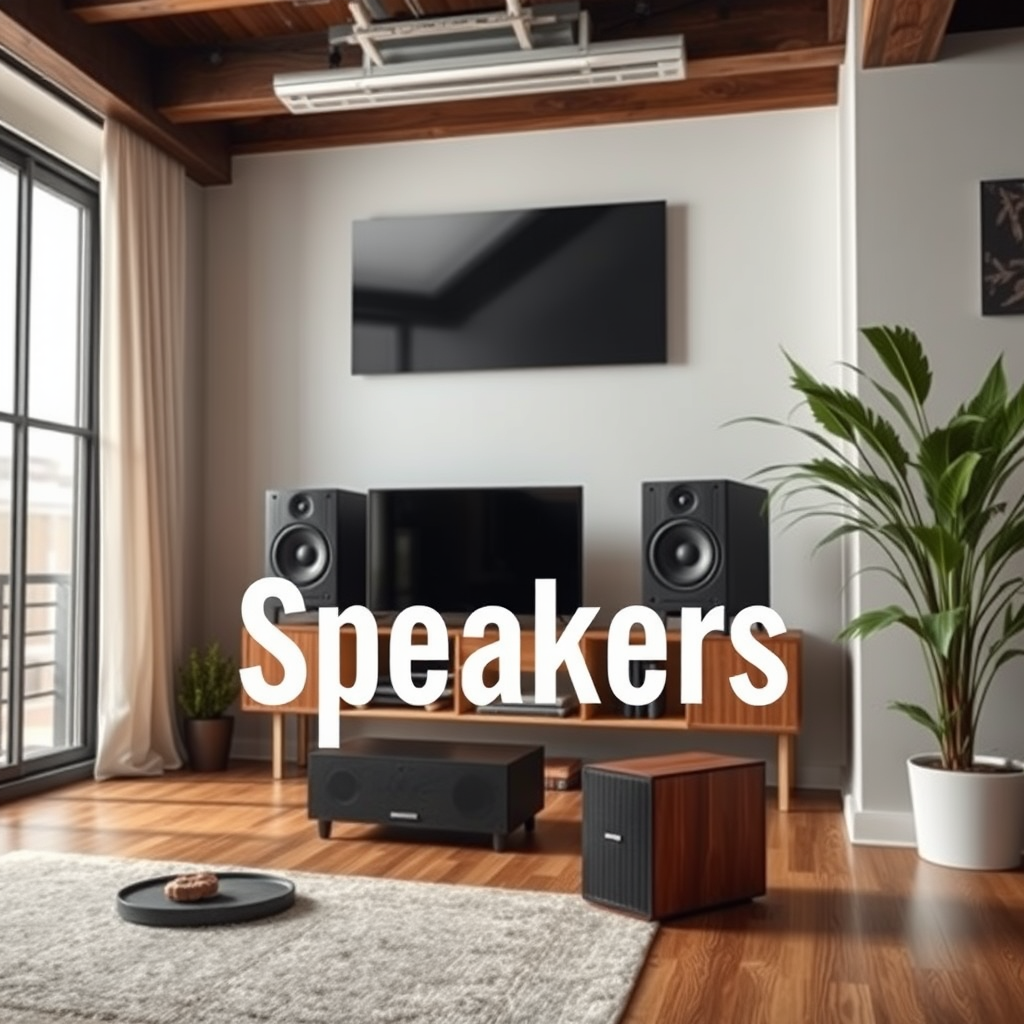
Before embarking on the cleaning process, it is crucial to identify the type of speakers you own. Common types include bookshelf speakers, floor-standing speakers, and portable models. Each type may have different cleaning needs based on its design and materials. For instance, bookshelf speakers often have fabric grilles, while floor-standing speakers may utilize wood or metal finishes.
Recognizing the materials used in your speakers is equally important. Common materials include fabric, metal, and plastic. For example, fabric grilles require gentler cleaning methods to avoid damage or tearing, whereas metal surfaces may be more resilient to cleaning products. Understanding these elements will guide you in selecting the appropriate cleaning technique and tools.
Essential Cleaning Tools
To clean your speakers effectively, you will need the right tools. Here’s a list of essential items:
– Microfiber cloths: These are soft and non-abrasive, making them perfect for wiping down surfaces without scratching.
– Soft brush: A small brush can help dislodge dust from crevices and hard-to-reach areas.
– Compressed air: This is useful for blowing dust out of vents and ports without physical contact.
– Vacuum with brush attachment: Ideal for cleaning fabric grilles, as it can gently remove debris without damaging the material.
– Cleaning solution: For tough stains, a gentle solution specifically designed for electronics can be useful, but always test it on a small area first.
Having these tools on hand will make the cleaning process smoother and more effective.
Step-by-Step Cleaning Process
1. Dusting the Exterior: Begin with a dry microfiber cloth to dust off the external surfaces of your speakers. Use gentle strokes and avoid applying too much pressure to prevent scratches.
2. Cleaning Fabric Grilles: For speakers with fabric grilles, use a vacuum cleaner with a brush attachment to gently remove dust and dirt. Alternatively, a lint roller can be effective for picking up debris without causing damage.
3. Wiping Down Hard Surfaces: For metal, plastic, or wood components, lightly dampen a microfiber cloth with water or a specialized cleaner. Wipe the surfaces, ensuring not to let any moisture seep into cracks or openings.
4. Using Compressed Air: Apply compressed air to clean out any dust from ports and controls. Hold the can upright and maintain a safe distance to avoid moisture buildup.
5. Final Inspection: After cleaning, check all surfaces to ensure they are free from dust or residue.
Speaker Cleaning Techniques for Different Materials
| # | Material | Recommended Cleaning Tool | Frequency of Cleaning | Cautions |
|---|---|---|---|---|
| 1 | Fabric | Vacuum with brush | Monthly | Avoid moisture |
| 2 | Wood | Microfiber cloth | Every two months | Test cleaners first |
| 3 | Plastic | Damp microfiber cloth | Every month | Avoid harsh chemicals |
| 4 | Metal | Microfiber cloth | Every month | Be cautious with moisture |
| 5 | Glass | Glass cleaner & microfiber | As needed | Avoid excess liquid |
| 6 | Rubber | Damp cloth | Every month | Check for degradation |
| 7 | Leather | Leather cleaner | Every three months | Test on hidden areas |
Cleaning Internal Components
Cleaning the internal components of your speakers requires a more careful approach. If you feel comfortable and your speakers’ design allows for it, carefully open the speaker casing by following the manufacturer’s guidelines.
1. Power Down: Ensure the speaker is unplugged and disconnected from any audio system.
2. Opening the Casing: Most speakers will either have screws or clips. Use a suitable screwdriver to remove screws or gently unclasp clips.
3. Internal Cleaning: Use a dry microfiber cloth to wipe down internal parts such as the driver cones and circuit boards. Avoid using any liquid, as moisture can cause irreversible damage to electrical components.
4. Reassemble Carefully: Once you’ve cleaned the interior, carefully reassemble the casing, ensuring that all screws and clips are securely fastened.
Preventative Maintenance Tips
Maintaining your speakers extends beyond cleaning. Here are some preventative maintenance tips to keep your audio equipment in top condition:
– Dust-Free Environment: Keep your speakers in a clean, dust-free area. Consider using speaker covers when not in use.
– Avoid Direct Sunlight: Prolonged exposure to sunlight can damage finishes and internal components. Place speakers away from windows or use UV-filtering blinds.
– Regularly Check Connections: Inspect speaker wires and connections to ensure they are clean and free from corrosion. A small brush or cloth can help maintain these.
– Store Properly: If you need to store your speakers, use original packaging or soft materials to prevent damage.
Common Mistakes to Avoid
While cleaning your speakers, it’s vital to avoid several common pitfalls:
– Harsh Chemicals: Never use cleaning agents that contain alcohol, ammonia, or harsh solvents. These can damage speaker materials and finishes.
– Over-Wetting Cloths: Excess moisture can infiltrate electronic components, leading to shorts and other damages. Always use a damp cloth instead of soaking wet.
– Ignoring Manufacturer Guidelines: Always refer to your speaker’s manual for specific cleaning recommendations to avoid voiding warranties or causing damage.
Frequency of Cleaning
The frequency of cleaning your speakers largely depends on how often they are used and the environment in which they are placed. Here are some general guidelines:
– High-Use Areas: For speakers that are frequently used, such as in a home theater setup, aim to clean them weekly or bi-weekly.
– Moderate Use: For speakers in a living room or office setting, a monthly cleaning is typically sufficient.
– Low Use: If your speakers are rarely used, cleaning them every few months should be adequate.
Maintaining the cleanliness of your speakers not only enhances their performance but also extends their lifespan. By following these steps and incorporating regular cleaning into your routine, you can enjoy clear sound and a pristine appearance. Start today by assessing your speakers and gathering the right tools!
Frequently Asked Questions
How do I safely clean the fabric grilles of my speakers?
To safely clean the fabric grilles of your speakers, start by gently vacuuming them with a brush attachment to remove dust and debris. If there are stains, use a damp cloth with mild soap to spot clean, being careful not to saturate the fabric. Allow the grilles to air dry completely before reattaching them to prevent mildew or damage.
What is the best way to clean dust off speaker surfaces?
The best way to clean dust off speaker surfaces is to use a microfiber cloth, which effectively traps dust without scratching the surface. For stubborn grime, lightly dampen the cloth with a mixture of water and a gentle cleaning solution, then wipe the surface gently. Always ensure that no moisture seeps into the speaker components.
Why is it important to clean my speakers regularly?
Regularly cleaning your speakers is important to maintain sound quality and prolong their lifespan. Dust and debris can accumulate in the grilles and on the surface, potentially affecting audio performance and causing overheating. A clean speaker not only sounds better but also looks more appealing in your space.
Which products are safe to use for cleaning electronic speakers?
Safe products for cleaning electronic speakers include microfiber cloths, isopropyl alcohol, and specialized electronics cleaning wipes. Avoid using harsh chemicals, ammonia-based cleaners, or excessive water, as these can damage speaker components. Always check the manufacturer’s recommendations for any specific cleaning products.
How can I remove sticky residue from my speakers without damaging them?
To remove sticky residue from your speakers without causing damage, apply a small amount of isopropyl alcohol to a soft cloth and gently rub the affected area. Test the solution on an inconspicuous spot first to ensure it does not harm the finish. For tough residue, you may also consider using adhesive remover designed for electronics, following the product instructions carefully.
References
- Loudspeaker
https://en.wikipedia.org/wiki/Loudspeaker - https://www.sciencedirect.com/topics/engineering/loudspeaker
https://www.sciencedirect.com/topics/engineering/loudspeaker - https://www.bbc.com/future/article/20200525-how-to-clean-your-sound-system
https://www.bbc.com/future/article/20200525-how-to-clean-your-sound-system - https://www.nytimes.com/2020/01/17/technology/personaltech/how-to-clean-electronics.html
https://www.nytimes.com/2020/01/17/technology/personaltech/how-to-clean-electronics.html - https://www.verywellhealth.com/how-to-clean-your-speakers-4173810
https://www.verywellhealth.com/how-to-clean-your-speakers-4173810 - https://www.huffpost.com/entry/how-to-clean-your-speakers_n_5d8246d3e4b0c4b0d94b5295
https://www.huffpost.com/entry/how-to-clean-your-speakers_n_5d8246d3e4b0c4b0d94b5295 - Google Scholar Google Scholar
https://scholar.google.com/scholar?q=how+to+clean+speakers - Google Scholar Google Scholar
https://scholar.google.com/scholar?q=speaker+maintenance+cleaning - Google Scholar Google Scholar
https://scholar.google.com/scholar?q=cleaning+audio+equipment - how to clean speakers – Search results
https://en.wikipedia.org/wiki/Special:Search?search=how+to+clean+speakers
