


Connecting speakers to a receiver is a straightforward process that enhances your audio experience. By following a few simple steps, you can ensure that your sound system is set up correctly for optimal performance. This guide will walk you through the necessary connections and tips to get your speakers and receiver working together seamlessly.
Understanding Your Equipment
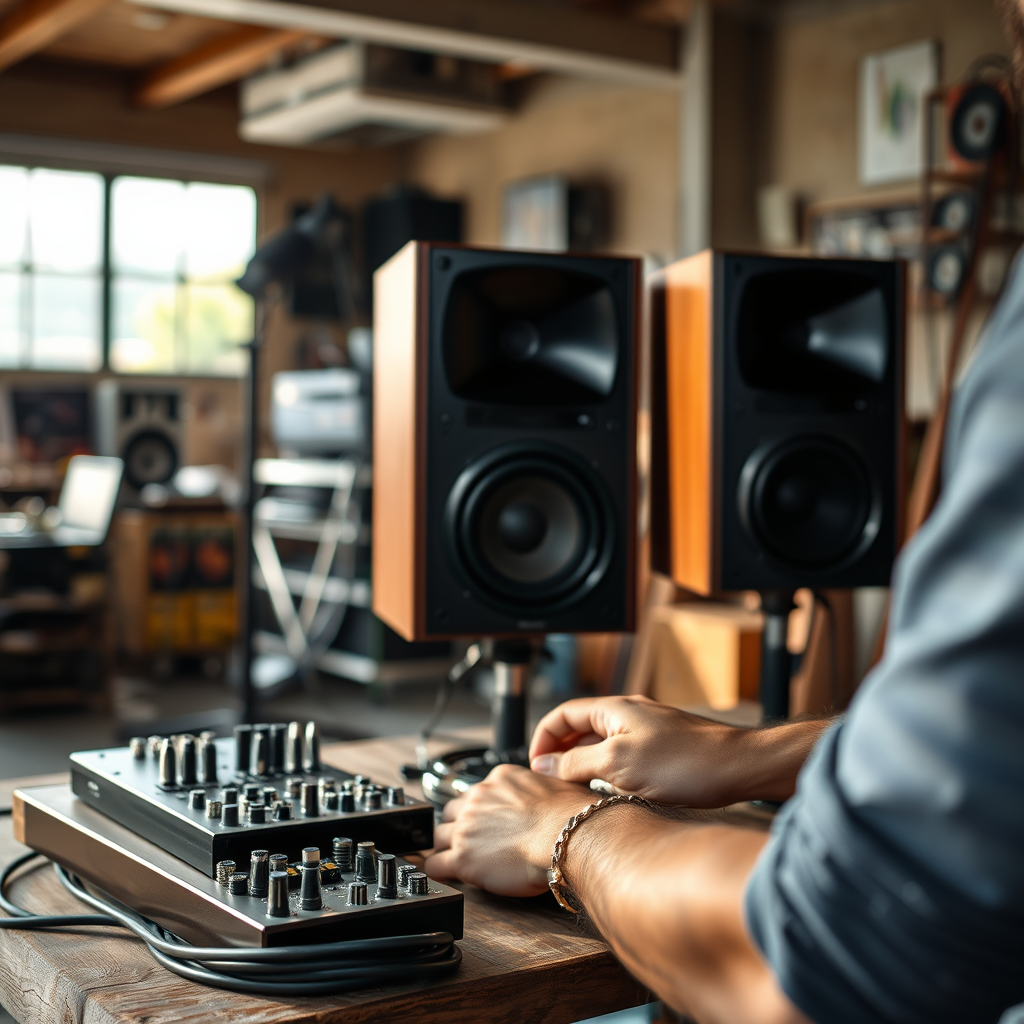
Before diving into the connection process, it’s essential to familiarize yourself with your equipment. Most receivers have a variety of speaker outputs, typically labeled as “Speaker A,” “Speaker B,” or “Surround Sound.” Each output is designed to accommodate specific speaker types, which may include floor-standing speakers, bookshelf speakers, or surround sound units.
Additionally, you’ll need to identify the type and number of speakers you plan to connect. This can range from a simple stereo setup with two speakers to a more complex home theater system with multiple speakers for surround sound. Knowing your equipment well will streamline the setup process and help avoid potential issues later on.
Types of Speaker Connections
When connecting speakers to a receiver, understanding the various types of speaker wire and connectors is crucial.
– Speaker Wire Types: Speaker wire generally comes in two variations: stranded and solid. Stranded wire is composed of multiple thin strands of copper, making it flexible and easier to work with, while solid wire consists of a single thick copper strand, providing better conductivity for longer runs but can be more challenging to manipulate.
– Connectors: There are several methods for connecting speaker wire to the receiver and speakers:
– Bare Wire: This method involves stripping the ends of the speaker wire and inserting the exposed copper into the terminal. It’s straightforward but can be less secure.
– Banana Plugs: These connectors allow for quick and easy connections. They plug directly into the terminals and provide a reliable connection.
– Spade Connectors: Spade connectors are flat, allowing for a secure connection when screwed down. They are ideal for tight spaces and ensure a solid contact.
Understanding these options will help you choose the best method for your audio system.
Preparing the Speaker Wires
Proper preparation of speaker wires is vital for a successful connection.
1. Cutting the Wire: Measure the distance between your receiver and speakers, then cut the speaker wire to the appropriate length. It’s wise to add a bit of extra length to avoid tension on the wires.
2. Stripping the Ends: Using wire strippers, carefully strip about half an inch of insulation from each end of the speaker wire to expose the copper strands. Make sure to twist the strands together to prevent fraying, which can lead to short circuits.
Here’s a quick visual representation of the different steps involved in preparing speaker wires:
Types of Speaker Connections and Their Benefits
| Connection Type | Ease of Use | Reliability | Best For |
|---|---|---|---|
| Bare Wire | Moderate | Variable | Budget Setups |
| Banana Plugs | Easy | High | Quick Connects |
| Spade Connectors | Moderate | Very High | Secure Connections |
Connecting the Speakers to the Receiver
Once your speaker wires are prepared, it’s time to connect them to the receiver and speakers.
1. Identify Terminals: Look for the positive (+) and negative (-) terminals on both the receiver and the speakers. This is critical for maintaining the correct polarity, which ensures that your speakers operate efficiently and correctly.
2. Make the Connection: Depending on your chosen connection method:
– For bare wire, insert the stripped wire into the terminal and tighten the screw to secure it.
– For banana plugs, insert the plug into the terminal until it clicks into place.
– For spade connectors, slide the spade into the terminal and tighten the screw.
It’s advisable to double-check that you have matched the positive and negative connections correctly to avoid potential damage or sound issues.
Positioning Your Speakers
The positioning of your speakers significantly affects sound quality. Proper placement can enhance audio clarity and immersion.
– Distance from Walls: Speakers should be placed away from walls, ideally at least 12 inches, to prevent sound reflections that can muddy the audio clarity.
– Height and Angles: The height of the speakers is also essential. Ideally, tweeters (the high-frequency drivers) should be at ear level when seated. Experiment with angles—aiming speakers towards the listening area can improve the sound stage.
For surround sound setups, consider the recommended configurations:
– Place front speakers in a straight line.
– Position surround speakers at ear level or slightly above, to the sides or slightly behind the listener.
Testing the Connection
After connecting and positioning your speakers, it’s time to test the system.
1. Power On the Receiver: Turn on your receiver and select a test tone or your favorite audio track.
2. Test Each Speaker: Play audio and listen to each speaker individually. You can often find options in the receiver menu to send sound to each speaker in turn.
3. Adjust Settings: Use the receiver’s settings to balance the audio output. Most receivers come with automatic calibration tools that can help optimize speaker settings based on your room’s acoustics.
Troubleshooting Common Issues
Even with careful setup, problems can arise. Here are some common issues and their solutions:
– No Sound: Check all connections to ensure they are secure and correctly matched for polarity. Verify that the receiver is set to the correct input source.
– Sound Distortion: This may occur if the speakers are overdriven or improperly matched with the receiver’s power output. Ensure that the speaker impedance matches the receiver’s specifications.
– Unbalanced Sound: If one speaker sounds louder than the other, adjust the balance settings on your receiver. It may also be necessary to reposition speakers for better sound distribution.
Summarizing these steps will help you successfully connect your speakers to your receiver, ensuring you enjoy high-quality audio. If you encounter any issues, refer back to the troubleshooting section, and don’t hesitate to explore more about sound system setups to enhance your listening experience.
Frequently Asked Questions
How do I connect my speakers to my receiver?
To connect your speakers to your receiver, start by locating the speaker outputs on the back of the receiver. Use speaker wire, ensuring you strip the ends to expose copper, and connect the positive (+) and negative (-) terminals of each speaker to the corresponding terminals on the receiver. Make sure to match the polarity correctly to avoid phase issues that can affect sound quality.
What type of speaker wire should I use for my receiver?
The type of speaker wire you should use depends on the distance between your receiver and speakers. For runs under 50 feet, 16-gauge wire is typically sufficient, while longer distances may benefit from 14-gauge wire to minimize signal loss. Additionally, consider using stranded wire for flexibility and ease of connection.
Why is my speaker not producing sound after connecting to the receiver?
If your speaker isn’t producing sound after connecting to the receiver, check the speaker wire connections for any loose or reversed polarities. Also, ensure that the receiver is set to the correct input source and that the volume is turned up. If the problem persists, test the speaker with another audio source to rule out a malfunction.
What is the best way to connect wireless speakers to a receiver?
The best way to connect wireless speakers to a receiver is by using a wireless adapter or Bluetooth receiver that can be plugged into the receiver’s audio output. This allows you to stream audio wirelessly, providing a clutter-free setup. Ensure that your wireless speakers are compatible with the adapter for optimal performance.
Which receiver settings should I adjust for optimal speaker performance?
For optimal speaker performance, adjust the receiver’s speaker configuration settings, including the speaker size (large or small), distance calibration, and crossover frequency. Additionally, using the receiver’s equalizer settings can help tailor the sound to your room acoustics and personal preferences, enhancing your overall audio experience.
References
- https://en.wikipedia.org/wiki/Speaker_%28audio%29
https://en.wikipedia.org/wiki/Speaker_%28audio%29 - https://www.audioholics.com/how-to-connect-a-receiver-to-a-speaker
https://www.audioholics.com/how-to-connect-a-receiver-to-a-speaker - https://www.lifewire.com/how-to-connect-a-receiver-to-speakers-3134772
https://www.lifewire.com/how-to-connect-a-receiver-to-speakers-3134772 - https://www.audio.com/learn/how-to-connect-your-speakers-to-a-receiver
https://www.audio.com/learn/how-to-connect-your-speakers-to-a-receiver - https://www.crutchfield.com/S-f2S8zL0QfG5/learn/how-to-connect-your-speakers-to-a-receiver.html
https://www.crutchfield.com/S-f2S8zL0QfG5/learn/how-to-connect-your-speakers-to-a-receiver.html - Google Scholar Google Scholar
https://scholar.google.com/scholar?q=how+to+connect+speakers+to+receiver - Google Scholar Google Scholar
https://scholar.google.com/scholar?q=speaker+connections+to+receivers - Google Scholar Google Scholar
https://scholar.google.com/scholar?q=audio+receiver+speaker+setup - how to connect speakers to receiver – Search results
https://en.wikipedia.org/wiki/Special:Search?search=how+to+connect+speakers+to+receiver - https://www.ncbi.nlm.nih.gov/search/research-articles/?term=how+to+connect+speakers+to+receiver
https://www.ncbi.nlm.nih.gov/search/research-articles/?term=how+to+connect+speakers+to+receiver
