


Connecting two Bose speakers can significantly enhance your audio experience by allowing for immersive stereo sound or seamless multi-room playback. This step-by-step guide will walk you through the various methods of pairing your Bose speakers, whether through Bluetooth or Wi-Fi. By following these instructions, you can enjoy a richer and more versatile sound experience across your music and entertainment.
Understanding Bose Speaker Connectivity Options
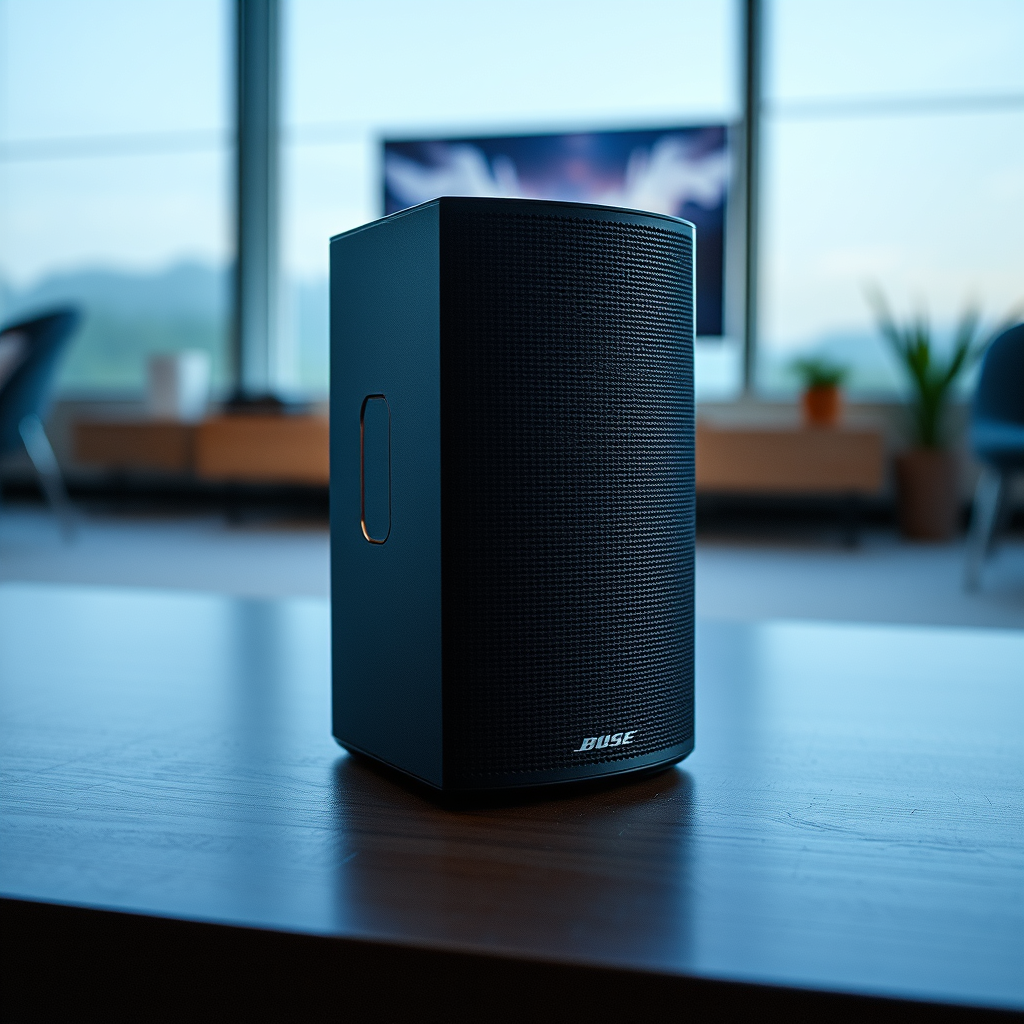
Bose speakers come with various connectivity options, primarily Bluetooth and Wi-Fi, catering to different user needs. Understanding the capabilities of your specific models is crucial before proceeding with the connection process.
– Different Models: Bose offers a wide range of speakers, including the SoundLink series, Home Speaker series, and the Bose Portable Smart Speaker. The SoundLink series primarily utilizes Bluetooth, making it perfect for portable use, while the Home Speaker series can connect via Wi-Fi, allowing for more stable connections and access to streaming services. For example, the SoundLink Revolve can connect to mobile devices via Bluetooth and can be paired with another Revolve for stereo sound. On the other hand, models like the Bose Home Speaker 500 connect via Wi-Fi and can be integrated into a smart home environment.
– Compatibility: Not all Bose speakers are compatible with each other for pairing. Confirm that your speakers support the same connectivity option (Bluetooth or Wi-Fi) and check for specific models that may work together. For instance, pairing two SoundLink Micro speakers for stereo sound is possible, while a SoundLink and a Home Speaker may not connect.
Setting Up for Bluetooth Pairing
To connect two Bose speakers using Bluetooth, follow these steps to ensure a seamless pairing process.
– Enable Bluetooth: First, turn on Bluetooth on both speakers. For most models, press and hold the Bluetooth button until you hear a voice prompt or see a light indicator. Ensure that both speakers are in pairing mode, which allows them to discover each other.
– Pairing Process: Using your mobile device, access the Bluetooth settings and search for available devices. Select the first Bose speaker from the list to connect. After the first speaker is connected, repeat the process for the second speaker. Depending on the model, you may need to follow additional prompts to confirm the connection. Once both speakers are connected, you should be able to enjoy stereo sound or multi-room playback.
Using the Bose Connect App
The Bose Connect app simplifies the process of managing and connecting multiple speakers.
– Downloading the App: The Bose Connect app is available for both iOS and Android devices. Download it from the App Store or Google Play Store. This app allows you to manage your speakers and check for updates, ensuring optimal performance.
– Pairing Speakers: Open the Bose Connect app and follow the on-screen instructions to connect your speakers. The app will guide you through the process of pairing multiple speakers, allowing you to create custom audio settings and switch between stereo and party modes easily.
Bose Speaker Models Connectivity Features
| # | Model | Connectivity Type | Stereo Pairing | Smart Features |
|---|---|---|---|---|
| 1 | SoundLink Revolve | Bluetooth | Yes | No |
| 2 | Home Speaker 500 | Wi-Fi | Yes | Yes |
| 3 | SoundLink Micro | Bluetooth | Yes | No |
| 4 | Bose Portable Smart Speaker | Wi-Fi/Bluetooth | Yes | Yes |
| 5 | SoundTouch 10 | Wi-Fi | Yes | Yes |
| 6 | SoundTouch 30 | Wi-Fi | Yes | Yes |
| 7 | Bose Soundbar 700 | Wi-Fi/Bluetooth | Yes | Yes |
Connecting via Wi-Fi
Connecting your Bose speakers through Wi-Fi opens up additional features and capabilities, particularly for home audio setups.
– Wi-Fi Setup: To connect your Bose speakers to the same Wi-Fi network, use the Bose Connect app or the speaker’s onboard controls. For Wi-Fi-enabled speakers, make sure you are connected to the same network on your smartphone. Open the app, select your speaker, and follow the instructions to connect to Wi-Fi.
– Grouping Speakers: Once both speakers are connected to the same Wi-Fi network, you can create a speaker group for simultaneous playback. In the Bose Connect app, navigate to the “Audio” tab, select “Create a Group,” and choose the speakers you want to include. This feature allows you to play music in multiple rooms or set up a stereo pair for enhanced sound.
Troubleshooting Connection Issues
Even with high-quality technology, users may encounter connectivity issues. Here are some common problems and solutions.
– Common Problems: Issues such as speakers not pairing, dropping connections, or audio lag can occur. Ensure that both speakers are charged, within range of the Bluetooth or Wi-Fi source, and not connected to other devices.
– Solutions: If you’re having trouble pairing, try resetting both speakers and repeating the pairing process. For Wi-Fi issues, check your network settings and ensure both speakers are connected to the same network. Additionally, restarting your router can sometimes resolve connectivity problems.
Enjoying Enhanced Audio Experience
Once your Bose speakers are connected, you can enjoy a more immersive audio experience.
– Stereo vs. Party Mode: Stereo mode allows for a more balanced soundstage, ideal for music listening. Party mode, on the other hand, enables both speakers to play the same audio simultaneously, perfect for gatherings. Choose the setting that best fits your listening environment.
– Maximizing Sound Quality: To optimize sound quality, experiment with speaker placement. Position them at equal distances from your listening area and avoid placing them too close to walls. Additionally, explore the equalizer settings within the Bose Connect app to tailor the audio to your preferences.
Maintenance and Updates
Keeping your Bose speakers in optimal condition ensures a longer lifespan and better performance.
– Regular Updates: Regularly check for firmware updates via the Bose Connect app. Updates can improve functionality and introduce new features, enhancing your overall experience.
– Care Tips: Maintain your speakers by keeping them clean and protected from extreme temperatures or moisture. Store them in a dry place when not in use and consider using a protective case for travel.
Summarizing the key steps to connect two Bose speakers can significantly enhance your audio experience, whether through Bluetooth or Wi-Fi. Follow the outlined steps to enjoy your music in a whole new way, and don’t forget to explore the features of the Bose Connect app to manage your setup seamlessly. For more tips and support, check out Bose’s official resources or contact customer service.
Frequently Asked Questions
How do I connect two Bose speakers using Bluetooth?
To connect two Bose speakers via Bluetooth, first ensure both speakers are powered on and in pairing mode. On your primary speaker, activate Bluetooth and search for devices. Once you see the second Bose speaker appear in the list, select it to pair. For some models, you may need to use the Bose Connect app to manage connections and enable Party Mode or Stereo Mode for simultaneous playback.
What is the best way to connect two Bose speakers for a home theater setup?
The best way to connect two Bose speakers for a home theater setup is to use the Bose Soundbar system, which supports wireless connections. You can connect additional Bose surround speakers through the soundbar’s settings, allowing for an immersive audio experience. Make sure your speakers and soundbar are compatible for seamless integration.
Why won’t my Bose speakers connect to each other?
If your Bose speakers won’t connect to each other, check if both devices are compatible and updated with the latest firmware. Additionally, ensure they are within range of each other and not connected to other devices. Restarting both speakers can also resolve temporary connectivity issues.
Which Bose speakers can be paired together?
Most Bose Bluetooth speakers, such as the SoundLink Revolve and SoundLink Mini, can be paired together. However, it’s essential to verify compatibility between models, as not all Bose speakers support multi-device pairing. Consulting the user manual or the Bose website can provide specific pairing capabilities for your models.
How can I set two Bose speakers to play in stereo mode?
To set two Bose speakers to play in stereo mode, use the Bose Connect app, which allows you to manage speaker settings easily. After connecting both speakers to your device, select the option to create a stereo pair in the app. This will allow one speaker to act as the left channel and the other as the right, enhancing your listening experience.
References
- Customer Support
https://www.bose.com/en_us/support/article/how-to-connect-two-bose-speakers.html - Customer Support
https://www.bose.com/en_us/support/article/connecting-bose-bluetooth-speakers.html - Google Scholar Google Scholar
https://scholar.google.com/scholar?q=how+to+connect+two+bose+speakers - Google Scholar Google Scholar
https://scholar.google.com/scholar?q=Bose+speaker+pairing+instructions - https://www.bbc.com/news/technology-53415330
https://www.bbc.com/news/technology-53415330 - https://www.theguardian.com/technology/2020/nov/16/bose-headphones-and-speakers-review
https://www.theguardian.com/technology/2020/nov/16/bose-headphones-and-speakers-review - https://www.sciencedirect.com/topics/engineering/bluetooth-speakers
https://www.sciencedirect.com/topics/engineering/bluetooth-speakers - https://www.nytimes.com/2020/10/21/technology/personaltech/bose-soundlink-bluetooth-speaker.html
https://www.nytimes.com/2020/10/21/technology/personaltech/bose-soundlink-bluetooth-speaker.html - https://www.nature.com/articles/s41598-020-67744-4
https://www.nature.com/articles/s41598-020-67744-4 - how to connect two bose speakers – Search results
https://en.wikipedia.org/wiki/Special:Search?search=how+to+connect+two+bose+speakers

[…] earbuds within close range during initial pairing improves discovery and reduces retries in the Bluetooth pairing process. Updating iOS/Android can improve Bluetooth behavior because vendors ship fixes to Bluetooth […]