

To fix a smart TV black screen, first check if the TV is turned on and connected properly. If the issue persists, try a power cycle or inspect the HDMI connections. A black screen can be a frustrating experience for users, as it may hinder your ability to enjoy your favorite shows and movies. Fortunately, there are several troubleshooting steps you can follow to effectively resolve the black screen issue on your smart TV.
Check Power and Connections
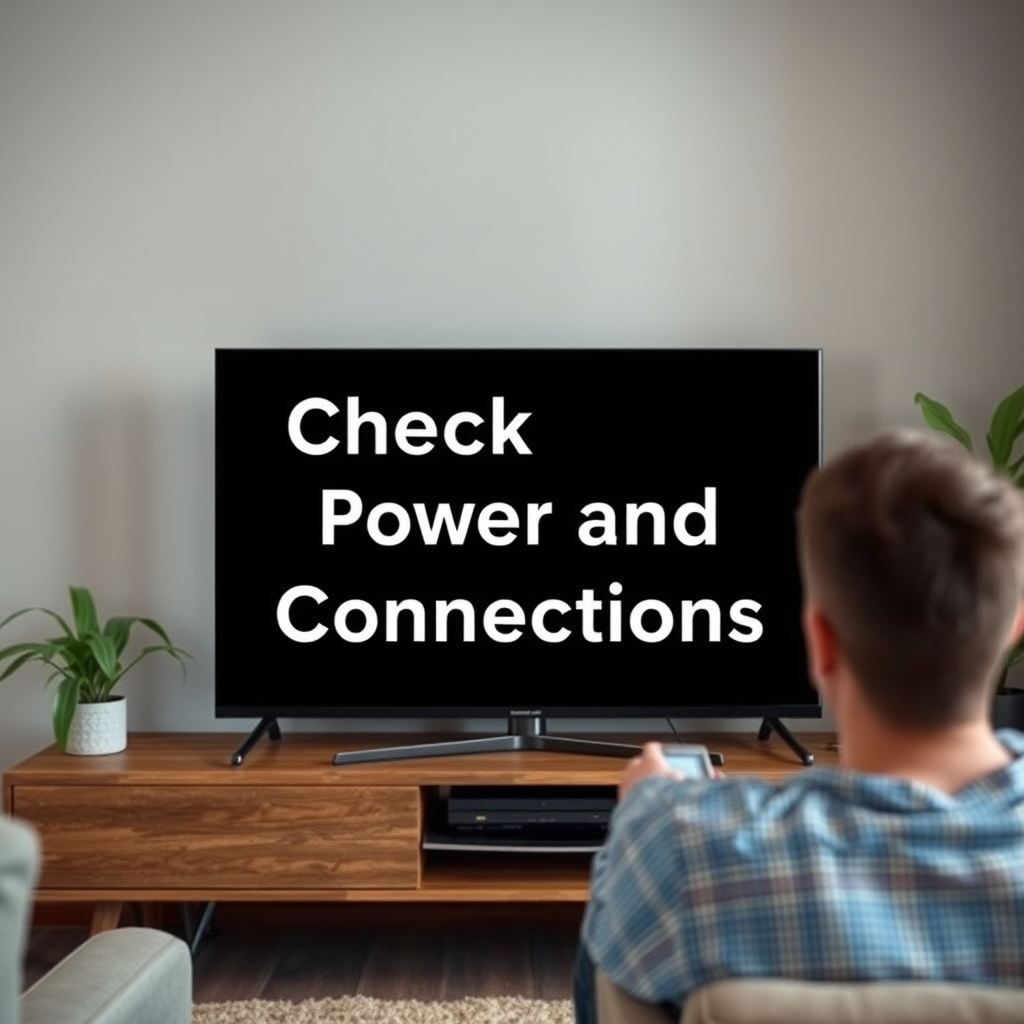
The first step in addressing a black screen on your smart TV is to ensure that the device is powered on and correctly connected. Start by checking if the TV is plugged into a functional power outlet. Use a different appliance to verify that the outlet is working, as a faulty outlet can prevent your TV from receiving power.
Next, inspect the TV remote control. Ensure that the batteries are functional and that the remote is sending a signal to the television. It may seem simple, but sometimes the remote may not be fully operational or the TV might be in standby mode. Look for indicators like lights on the TV that show it is receiving power. If the TV is on but the screen remains black, continue troubleshooting.
Inspect HDMI and Other Cables
If your TV appears to be powered on but the screen remains black, the next step is to inspect the HDMI and AV cables. Ensure that all cables are securely connected to both the TV and any external devices, such as cable boxes, game consoles, or streaming devices. Loose connections can often lead to display issues.
Consider testing different HDMI ports on your TV. Sometimes, a specific port may malfunction, preventing the signal from reaching the display. Additionally, try swapping out the HDMI cables with a known working cable to rule out any faults in the wires themselves. If the issue resolves with a different cable or port, you’ve identified the problem.
Perform a Power Cycle
A power cycle is a common and effective method for resolving many electronic issues, including a black screen on your smart TV. To perform this action, turn off the TV and unplug it from the power source. Wait for at least 60 seconds before plugging it back in and turning it on again.
This process helps reset the TV’s internal components and can often clear any temporary glitches that might be causing the black screen. It’s a simple yet powerful technique that can save you from more complex troubleshooting steps.
Update TV Software
Outdated firmware or software can lead to various issues, including display problems. To check if your smart TV requires an update, navigate to the settings menu. Look for the “Software Update” option, which may be located under “Support” or “About.” If an update is available, follow the manufacturer’s instructions to download and install it.
Regularly updating your TV software not only helps fix existing bugs but also enhances the overall performance of your device, ensuring you have access to the latest features and security improvements.
Factory Reset the TV
If all else fails, performing a factory reset can be a last resort option. Keep in mind that this action will erase all your settings, preferences, and any installed apps. Therefore, it is essential to back up any important data before proceeding.
To reset your smart TV, look for the “Reset” option in the settings menu. This process will restore the TV to its original factory condition, eliminating any software issues that may be causing the black screen. After the reset, you will need to go through the initial setup process again.
Seek Professional Help
If the black screen issue persists despite trying all the troubleshooting steps mentioned above, it may be time to seek professional help. Contact the manufacturer’s customer support for assistance, as they may provide specific troubleshooting tailored to your TV model.
If your TV is still under warranty, discuss warranty options with the support team, as repairs may be covered. A qualified technician can diagnose internal issues, such as hardware failures, that are beyond the scope of typical user troubleshooting.
Common Issues and Solutions for Smart TVs (2024)
| # | Issue | Common Causes | Solutions |
|---|---|---|---|
| 1 | Black Screen | Power Issues, Cable Faults | Check Power, Inspect Cables |
| 2 | No Signal | Incorrect Input Source | Change Input Source |
| 3 | Flickering Screen | Loose Connections, Software Bugs | Secure Connections, Update Software |
| 4 | Audio but No Video | Cable Issues, Hardware Faults | Check Cables, Adjust Settings |
| 5 | Remote Control Issues | Battery Failure, Signal Blockage | Replace Batteries, Clear Obstructions |
| 6 | Screen Artifacts | Overheating, Software Glitches | Cool Down, Update Software |
| 7 | Color Distortion | Cable Issues, Settings Misconfiguration | Check Cables, Adjust Color Settings |
By following these troubleshooting steps, you can effectively address and resolve the black screen issue on your smart TV. If none of the solutions work, don’t hesitate to reach out for professional assistance. Make sure to keep your devices updated and regularly check connections to prevent similar issues in the future. Taking proactive measures can enhance the longevity and performance of your smart TV, ensuring a seamless viewing experience.
Frequently Asked Questions
What are the common causes of a smart TV black screen?
Common causes of a smart TV black screen include issues with the power supply, faulty HDMI cables, incorrect input settings, or software glitches. Additionally, a malfunctioning backlight or a problem with the TV’s mainboard can also lead to a black screen. Identifying the root cause is essential for effective troubleshooting.
How can I fix a black screen on my smart TV?
To fix a black screen on your smart TV, start by checking the power connection and ensuring the TV is turned on. Next, try switching to a different input source or using a different HDMI cable to eliminate connectivity issues. If the problem persists, perform a factory reset or update the TV’s firmware, as these steps can resolve software-related issues.
Why does my smart TV show a black screen but still has sound?
A smart TV that has sound but displays a black screen may be experiencing a backlight issue or a problem with the display panel itself. It could also be due to incorrect picture settings or a hardware malfunction. To troubleshoot, check the TV’s settings, try a different input, and if needed, consult a professional for repair.
Which troubleshooting steps should I take for a Samsung smart TV black screen?
For a Samsung smart TV black screen, first, ensure the TV is powered on and check for any blinking LED indicators. Then, try unplugging the TV for a few minutes and plugging it back in to reset the system. If the issue persists, perform a soft reset by holding the power button for 10 seconds, or navigate to the picture settings to make adjustments.
What is the best way to prevent a black screen on my smart TV?
To prevent a black screen on your smart TV, ensure you regularly update the firmware and check for software updates. Additionally, avoid using faulty or damaged cables, and ensure your TV’s ventilation is adequate to prevent overheating. Regularly rebooting your TV can also help maintain optimal performance and reduce the risk of black screen issues.
References
- https://www.lifewire.com/how-to-fix-a-black-screen-on-your-smart-tv-5078535
https://www.lifewire.com/how-to-fix-a-black-screen-on-your-smart-tv-5078535 - Google Scholar Google Scholar
https://scholar.google.com/scholar?q=smart+tv+black+screen+fix - Google Scholar Google Scholar
https://scholar.google.com/scholar?q=how+to+resolve+smart+tv+black+screen - Google Scholar Google Scholar
https://scholar.google.com/scholar?q=smart+tv+troubleshooting+black+screen - Google Scholar Google Scholar
https://scholar.google.com/scholar?q=how+to+fix+smart+tv+black+screen - how to fix smart tv black screen – Search results
https://en.wikipedia.org/wiki/Special:Search?search=how+to+fix+smart+tv+black+screen - https://www.ncbi.nlm.nih.gov/search/research-articles/?term=how+to+fix+smart+tv+black+screen
https://www.ncbi.nlm.nih.gov/search/research-articles/?term=how+to+fix+smart+tv+black+screen

[…] opens but videos won’t play?Reboot the TV and router first, then retest; if it still fails, update TV software and reinstall/update the YouTube […]
[…] 5. Update TV software […]
[…] Update TV software: go to Settings → System → Check for Updates (wording varies). Updating matters because […]
[…] Update TV software (then relaunch Netflix) […]
[…] Should I factory reset the TV to fix a remote?Usually not first—start with a restart + re-pair because it fixes most remote […]
[…] – Update TV software […]