

To get local channels on your smart TV, you can use an antenna, streaming services, or your cable provider’s app. These methods allow you to access your favorite shows and live events without missing out. In this article, we’ll explore the best methods to access local channels, ensuring you never miss your favorite shows or live events.
Using an Antenna
Types of Antennas
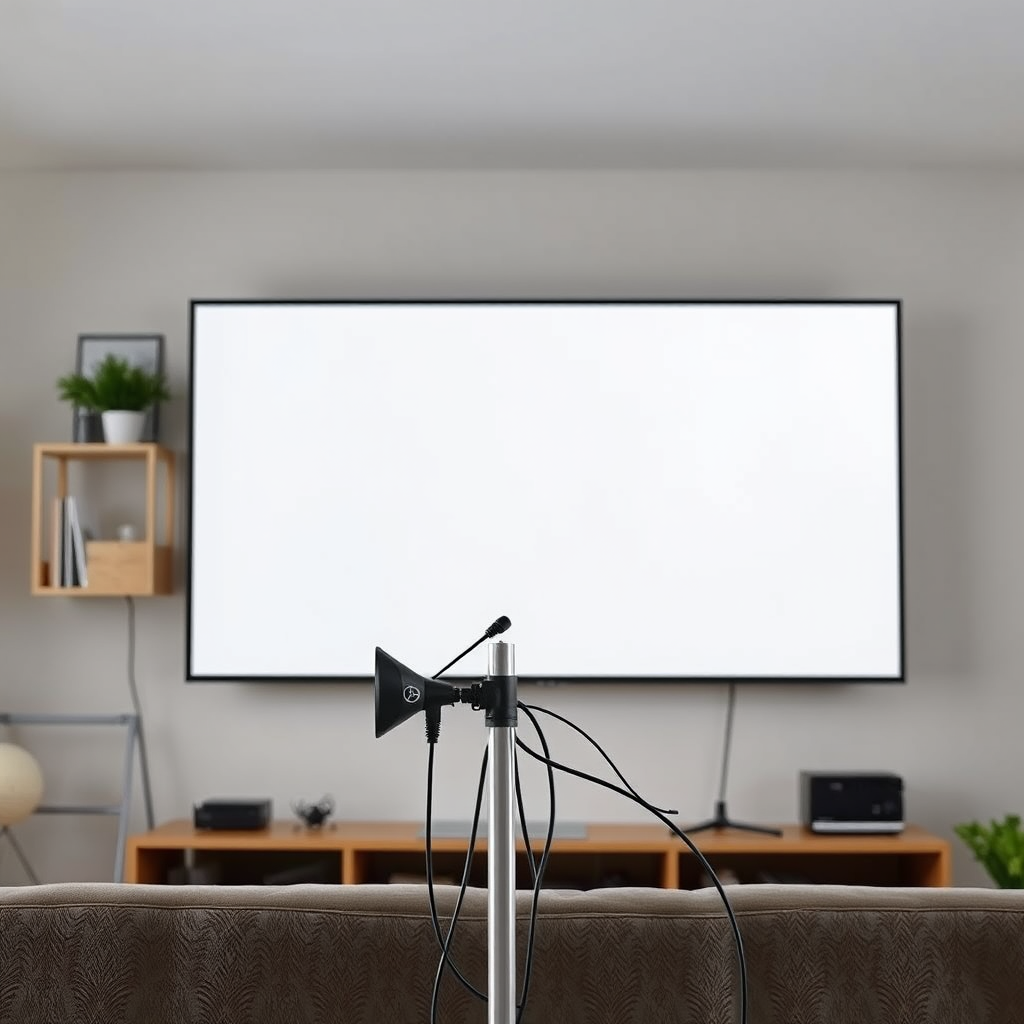
When considering an antenna for your smart TV, it’s essential to understand the two primary types: indoor and outdoor antennas. Indoor antennas are compact and easy to install, making them ideal for urban areas where broadcast signals are strong. They work well for those living close to transmission towers. On the other hand, outdoor antennas are larger and typically offer a more robust signal reception, making them suitable for rural areas or homes located farther from broadcast towers. They can be mounted on rooftops or exterior walls, often providing access to more channels.
Installation
Setting up your antenna properly is crucial for optimal signal reception. Begin by placing the antenna in a location with minimal obstructions, ideally near a window or on the roof. If you’re using an indoor antenna, try different locations within your home to find the best reception. Once positioned, connect the antenna to your TV and perform a channel scan through your TV settings. This will allow your TV to detect all available local channels. Remember to adjust the antenna’s position if you notice any issues with signal quality.
Streaming Services
Popular Options
Streaming services have revolutionized the way we access local channels. Notable options include Hulu + Live TV, YouTube TV, and FuboTV. These platforms offer live streaming of local channels alongside a variety of on-demand content. Hulu + Live TV, for example, provides access to major networks such as ABC, NBC, CBS, and FOX, making it a comprehensive option for viewers. YouTube TV offers a similar range of local channels and is praised for its user-friendly interface and unlimited DVR storage. FuboTV caters especially to sports fans, featuring a robust selection of local sports channels.
Subscription Considerations
While streaming services provide convenience, it’s essential to consider their costs and channel availability. Typically, subscriptions range from $65 to $85 per month, depending on the service and package you choose. Additionally, channel availability may vary by location, so it’s advisable to check each service’s lineup in your area before committing. Many platforms also offer free trials, allowing you to test their offerings before making a financial commitment.
Cable Provider Apps
Downloading the App
If you already have a cable subscription, downloading your cable provider’s app can be a straightforward way to access local channels. Most major cable providers, such as Comcast Xfinity, Spectrum, and AT&T U-verse, offer dedicated apps for smart TVs. To download the app, navigate to your TV’s app store, search for your provider’s app, and follow the on-screen instructions to install it.
Accessing Channels
Once the app is installed, you’ll need to log in using your cable account credentials. After logging in, you can browse through the available local channels and watch them live or access them on-demand. Many cable provider apps also include features like cloud DVR, allowing you to record shows for later viewing.
Channel Scanning
How to Scan
To ensure you’re receiving all available local channels, it’s essential to perform a channel scan on your smart TV. This process typically involves going to the TV’s settings menu, selecting the ‘Channel’ or ‘Broadcast’ option, and choosing ‘Scan for channels.’ The TV will then search for all available signals and create a list of channels for you to access.
Troubleshooting
If local channels do not appear after scanning, several factors could be at play. Ensure that your antenna is correctly connected and positioned for optimal reception. Additionally, check for any obstructions like buildings or trees that might interfere with the signal. If issues persist, consider re-scanning your channels or adjusting the antenna’s position again.
Smart TV Features
Built-in Options
Many smart TVs come with built-in apps that can stream local channels, providing another avenue for access. For instance, platforms like Pluto TV and Locast offer free streaming of local broadcast channels, although availability may differ based on your location. These apps can be accessed directly from your TV’s menu without requiring any additional hardware.
Updates and Upgrades
Keeping your smart TV’s software up to date is crucial for optimal performance. Manufacturers frequently release updates that enhance features, improve functionality, and ensure compatibility with new apps. Regularly check for updates in your TV’s settings menu to ensure you have the latest version installed, which can also enhance streaming capabilities.
Considerations for Viewing
Signal Strength
The quality of your viewing experience heavily relies on signal strength. Factors affecting signal strength include your distance from broadcast towers, geographical barriers, and the quality of your antenna. Using a signal amplifier can enhance reception, especially if you’re located far from transmission towers or in an area with weak signals.
Local Channel Availability
Researching local channel availability in your area is essential before committing to any method. Websites like AntennaWeb or FCC’s DTV Reception Maps can provide insights into which channels are accessible based on your location. Understanding geographical limitations will help you select the best method for accessing local channels on your smart TV.
Top Streaming Services for Local Channels (2023)
| # | Service | Monthly Cost | Local Channels | DVR Storage |
|---|---|---|---|---|
| 1 | Hulu + Live TV | $69.99 | ABC, NBC, FOX, CBS | 50 hours |
| 2 | YouTube TV | $72.99 | ABC, NBC, CBS, FOX | Unlimited |
| 3 | FuboTV | $74.99 | CBS, NBC, FOX, ABC | 1,000 hours |
| 4 | Sling TV | $40.00 | Some local channels | 10 hours |
| 5 | Philo | $25.00 | Limited local channels | N/A |
| 6 | DirecTV Stream | $69.99 | ABC, NBC, FOX, CBS | 20 hours |
| 7 | AT&T TV | $69.99 | ABC, NBC, CBS, FOX | 20 hours |
By following these methods, you’ll be able to enjoy local channels on your smart TV without hassle. Whether you choose an antenna, opt for streaming services, or utilize your cable provider’s app, there are plenty of options available to suit your viewing preferences. Start exploring these solutions today to enhance your TV experience!
Frequently Asked Questions
How can I get local channels on my smart TV without cable?
You can get local channels on your smart TV without cable by using an over-the-air (OTA) antenna. Simply connect the antenna to your TV, perform a channel scan in the settings, and you’ll be able to watch local broadcasts for free. Additionally, streaming services like Hulu Live, YouTube TV, and Sling TV often include local channels in their packages.
What are the best streaming services for watching local channels on a smart TV?
The best streaming services for accessing local channels on a smart TV include YouTube TV, Hulu + Live TV, and Sling TV. These services offer a variety of local channels depending on your location, and they allow you to watch live broadcasts as well as on-demand content. Make sure to check their channel lineup to see which local stations are available in your area.
Why can’t I find local channels on my smart TV?
If you’re unable to find local channels on your smart TV, it may be due to a few reasons, such as not properly connecting an OTA antenna or not performing a channel scan. Additionally, ensure your TV settings are configured to receive over-the-air signals. If you’re using a streaming service, verify that your subscription includes local channels for your region.
Which type of antenna is best for receiving local channels on a smart TV?
The best type of antenna for receiving local channels on a smart TV depends on your location and distance from broadcast towers. Generally, an indoor antenna works well for urban areas, while an outdoor antenna is recommended for rural locations where signals are weaker. Look for antennas with strong gain ratings and good reviews to ensure optimal reception.
How do I set up an antenna to get local channels on my smart TV?
To set up an antenna for local channels on your smart TV, first connect the antenna to the TV’s coaxial input. Next, power on your TV and navigate to the settings menu to perform a channel scan, which will locate all available local channels. Once the scan is complete, you can enjoy watching your favorite local broadcasts.
References
- https://www.lifewire.com/how-to-get-local-channels-on-smart-tv-5072760
https://www.lifewire.com/how-to-get-local-channels-on-smart-tv-5072760 - https://www.nbcnews.com/tech/streaming/how-watch-local-tv-streaming-rcna96064
https://www.nbcnews.com/tech/streaming/how-watch-local-tv-streaming-rcna96064 - https://scholar.google.com/scholar?q=how+to+get+local+channels+on+smart+tv Google Scholar
https://scholar.google.com/scholar?q=how+to+get+local+channels+on+smart+tv - https://scholar.google.com/scholar?q=local+channels+smart+tv+access Google Scholar
https://scholar.google.com/scholar?q=local+channels+smart+tv+access - https://scholar.google.com/scholar?q=streaming+local+tv+channels+smart+tv Google Scholar
https://scholar.google.com/scholar?q=streaming+local+tv+channels+smart+tv - https://en.wikipedia.org/wiki/Special:Search?search=how+to+get+local+channels+on+smart+tv
https://en.wikipedia.org/wiki/Special:Search?search=how+to+get+local+channels+on+smart+tv - https://www.ncbi.nlm.nih.gov/search/research-articles/?term=how+to+get+local+channels+on+smart+tv
https://www.ncbi.nlm.nih.gov/search/research-articles/?term=how+to+get+local+channels+on+smart+tv

[…] my wireless screen mirror lag during video playback?Most lag comes from Wi‑Fi congestion, weak signal strength, or network settings that limit streaming […]
[…] generally can’t fully “pause” Hulu + Live TV the way you pause a recorded DVR program—in most cases, live streams either keep playing or only […]
[…] during adapter negotiation. When Remote Play stutters, the fastest fix is usually improving Wi‑Fi signal strength, switching to 5 GHz, or reducing interference. Re-seating HDMI cables and confirming adapter video […]
[…] easiest, while a transmitter is the more reliable path when you care about lip-sync and consistent signal strength, especially in 2025-era smart […]
[…] 6 MHz channel carries roughly 19.39 Mbps of capacity for video/audio multiplexing (ATSC A/53). A channel scan (“tuning” or “auto program”) is required after you connect an antenna to populate your […]