

Connecting speakers is straightforward if you follow the right steps. In this guide, you’ll learn how to properly hook up speakers to various audio sources, ensuring you get the best sound quality and performance from your equipment. Understanding your specific setup and the components involved is crucial for creating an immersive audio experience, whether it be for a home theater, music system, or professional audio setup.
Understanding Your Equipment
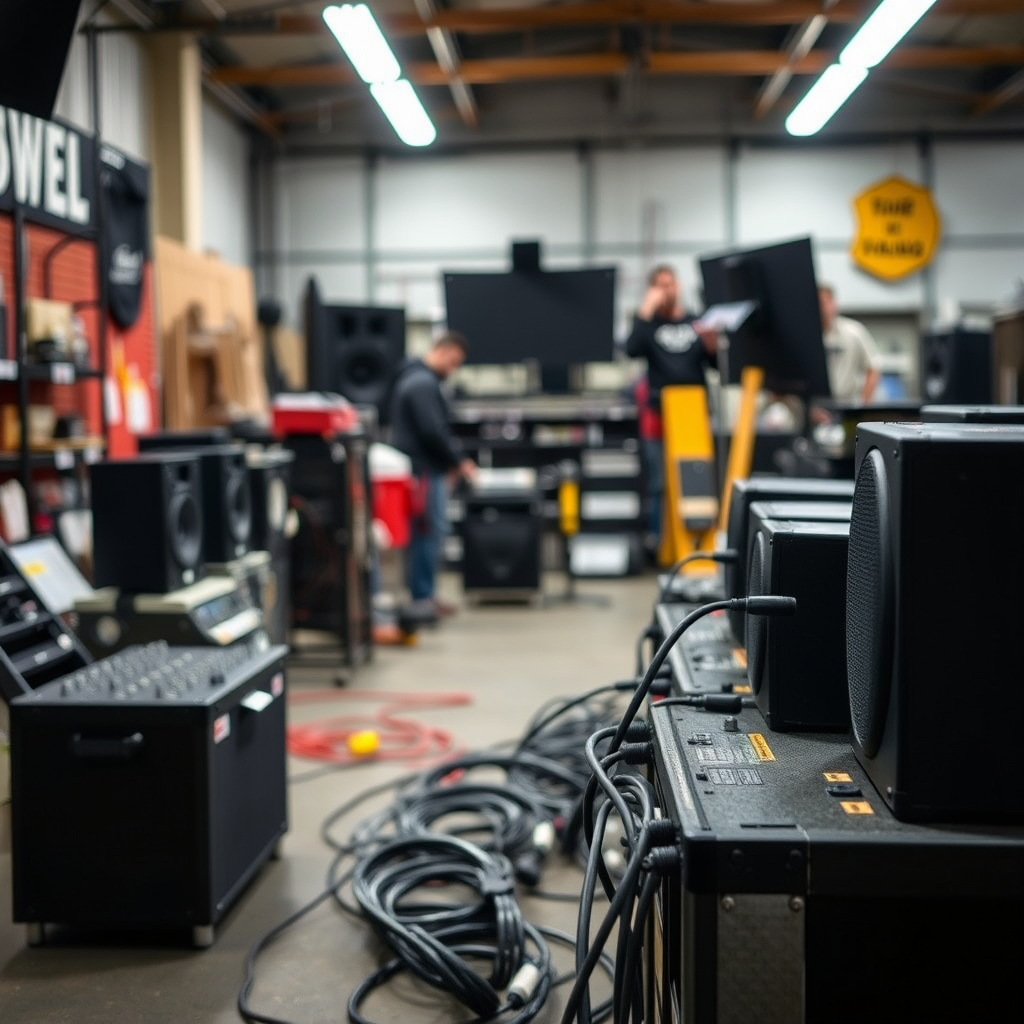
To begin, it’s essential to identify the type of speakers you have. There are two primary categories: active (powered) and passive (unpowered) speakers. Active speakers have built-in amplifiers, allowing them to connect directly to audio sources without requiring an external amplifier. On the other hand, passive speakers require an amplifier to drive them, as they do not have their own power source.
Next, check the compatibility of your audio source. This could be a receiver, amplifier, computer, or any other audio output device. Ensure that the output specifications (e.g., impedance and power ratings) match those of your speakers to avoid damaging your equipment. For example, connecting 8-ohm speakers to a 4-ohm output can lead to distortion, while connecting 4-ohm speakers to an 8-ohm output may not provide adequate power.
Choosing the Right Cables
Selecting the right cables is critical for achieving optimal sound quality. The primary distinction lies between speaker wire and audio cables. Speaker wires are designed to carry amplified signals from an amplifier to passive speakers, typically consisting of two conductors. The gauge of the wire matters; for longer distances, a thicker gauge (lower number) is recommended to minimize resistance.
Audio cables, on the other hand, are used for connecting active speakers or audio sources. These can include RCA, TRS, or XLR cables, depending on your equipment’s output. It’s advisable to opt for high-quality cables that minimize signal loss and interference, ensuring that your audio remains crystal clear. Investing in well-shielded cables can reduce unwanted noise, especially in environments with multiple electronic devices.
Connecting Passive Speakers
To connect passive speakers, follow these steps:
1. Prepare the Speaker Wire: Strip the ends of the speaker wire to expose the copper strands, typically about half an inch. Be careful not to damage the wire’s insulation.
2. Connect to the Amplifier: Locate the speaker terminals on the amplifier. Match the positive (usually red) and negative (usually black) terminals on the amplifier to those on the speaker.
3. Secure the Connections: Insert the stripped wire into the terminal and tighten securely. Ensure that no copper strands are touching each other, as this can cause short-circuits.
4. Repeat for the Other Speaker: Follow the same steps for the second speaker, ensuring that the wiring remains consistent (positive to positive, negative to negative).
By carefully following these steps, you can effectively connect passive speakers to your amplifier, ensuring a robust sound performance.
Speaker Connection Types and Recommendations
| # | Speaker Type | Power Requirement | Cable Type | Best For |
|---|---|---|---|---|
| 1 | Active Speakers | Self-Powered | Audio Cable (RCA/TRS) | Home Audio Systems |
| 2 | Passive Speakers | External Amplifier Required | Speaker Wire | Home Theater Systems |
| 3 | Bookshelf Speakers | External Amplifier Required | Speaker Wire | Compact Spaces |
| 4 | Floorstanding Speakers | External Amplifier Required | Speaker Wire | High-Quality Sound |
| 5 | In-Wall Speakers | External Amplifier Required | Speaker Wire | Space-Saving Audio |
| 6 | Subwoofers | External Amplifier Required | Speaker Wire | Enhanced Bass |
| 7 | Outdoor Speakers | External Amplifier Required | Speaker Wire | Patio or Garden Use |
Connecting Active Speakers
Connecting active speakers is slightly different due to their built-in amplifiers. Here’s how to do it effectively:
1. Locate Input Ports: Find the input ports on your active speakers. These may include RCA, AUX, or XLR inputs.
2. Select the Right Cable: Depending on your audio source, choose the appropriate audio cable. For example, if you are connecting a computer to the speakers, an AUX cable is often sufficient. If you’re connecting a professional audio interface, XLR cables may be preferable.
3. Connect to the Audio Source: Plug one end of the audio cable into the output of your audio source and the other end into the input of your active speakers. Ensure a snug fit to prevent any potential signal loss.
4. Power Up the Speakers: Once everything is connected, power on the speakers and your audio source.
By following these steps, you will ensure that your active speakers are properly hooked up and ready to deliver high-quality sound.
Testing Your Setup
After connecting your speakers, it’s crucial to test the setup to ensure everything is functioning correctly. Start by playing a test audio track—preferably one that you are familiar with, as this will help you identify any discrepancies in sound quality.
1. Check for Sound Output: Listen for clear sound from both speakers. If one speaker produces no sound, check the connections and make sure the cables are securely attached.
2. Adjust Volume Levels: Ensure the volume levels on both the audio source and the speakers are appropriately set. Start at a low volume to avoid sudden loud sounds that could damage your hearing or the speakers.
3. Speaker Placement: Consider the placement of your speakers. Ideally, they should be positioned at ear level and spaced evenly apart to create a balanced sound stage. Adjust the positioning based on your listening environment for optimum acoustics.
Testing your setup thoroughly will help you catch any potential issues early, allowing for a more enjoyable listening experience.
Troubleshooting Common Issues
Even with careful setup, audio issues can arise. Here are some common problems and their solutions:
1. No Sound: If you hear no audio, first check all connections. Ensure that the cables are firmly connected and that the correct input source is selected on your audio source.
2. Distorted Sound: Distortion can result from overdriving the speakers or using inadequate cables. Lower the volume and check to ensure you are using high-quality cables.
3. Imbalanced Sound: If one speaker sounds louder than the other, check the balance settings on your audio source. Adjust the balance to ensure a more even sound distribution.
4. Static or Interference: This can occur due to poor quality cables or interference from other electronic devices. Try relocating the cables away from potential interference sources or replacing them with higher-quality options.
By being proactive and methodical, you can troubleshoot these common issues effectively, ensuring a seamless audio experience.
Maintaining Your Speakers
Proper maintenance of your speakers will extend their lifespan and preserve sound quality. Here are some best practices:
1. Regular Cleaning: Dust and dirt can accumulate on connections and speaker surfaces. Use a soft, dry cloth to gently clean the speakers and connections regularly.
2. Check Connections: Periodically inspect your cables and connections for wear and tear. Replace any damaged cables to avoid sound degradation.
3. Proper Storage: If you need to store your speakers, keep them in a dry, temperature-controlled environment. Avoid stacking heavy items on top of them to prevent physical damage.
By incorporating these maintenance tips into your routine, you can ensure that your speakers continue to perform at their best for years to come.
Summarizing the steps to hook up speakers can ensure you enjoy your audio experience to the fullest. By following these guidelines, you can connect your speakers with confidence. Whether you’re setting up for a home theater or a music system, take the next step to enhance your sound quality today!
Frequently Asked Questions
How do I connect speakers to my computer?
To connect speakers to your computer, first identify the audio output port, typically a green 3.5mm jack or USB port. For wired speakers, plug the audio cable into the correct port, then turn on the speakers. If using Bluetooth speakers, ensure they are in pairing mode, go to your computer’s Bluetooth settings, and select the speakers from the list.
What type of speaker wires should I use for my home audio system?
The best speaker wires for a home audio system are typically 16-gauge or 14-gauge wires, depending on the distance between your speakers and amplifier. Thicker wires (lower gauge numbers) are better for longer distances to reduce signal loss. Always choose oxygen-free copper wire for optimal sound quality and durability.
Why won’t my speakers connect to my TV?
If your speakers won’t connect to your TV, check the audio output settings on your TV to ensure they are configured correctly for external speakers. Also, verify that all cables are securely connected and that your speakers are powered on. If using Bluetooth speakers, ensure they are in pairing mode and within range of the TV.
Which connection type is best for hooking up speakers: wired or wireless?
The best connection type for hooking up speakers depends on your needs. Wired connections provide superior sound quality with no latency, making them ideal for audiophiles. However, wireless connections offer convenience and flexibility, eliminating clutter from cables, which is perfect for casual listeners and modern setups.
How can I troubleshoot speaker connection issues?
To troubleshoot speaker connection issues, start by checking all cables and connections for damage or loose fittings. Next, ensure that your audio source is set to the correct output and that the speakers are powered on. If using Bluetooth, try reconnecting or resetting the speakers, and check for any software updates that may affect connectivity.
References
- https://en.wikipedia.org/wiki/Speaker_(audio
https://en.wikipedia.org/wiki/Speaker_(audio - https://www.britannica.com/technology/speaker-audio
https://www.britannica.com/technology/speaker-audio - https://www.sciencedirect.com/topics/engineering/loudspeakers
https://www.sciencedirect.com/topics/engineering/loudspeakers - https://scholar.google.com/scholar?q=how+to+hook+up+speakers Google Scholar
https://scholar.google.com/scholar?q=how+to+hook+up+speakers - Google Scholar Google Scholar
https://scholar.google.com/scholar?q=speaker+installation - Google Scholar Google Scholar
https://scholar.google.com/scholar?q=loudspeaker+connections - https://www.loudspeakers101.com/
https://www.loudspeakers101.com/ - how to hook up speakers – Search results
https://en.wikipedia.org/wiki/Special:Search?search=how+to+hook+up+speakers - https://www.ncbi.nlm.nih.gov/search/research-articles/?term=how+to+hook+up+speakers
https://www.ncbi.nlm.nih.gov/search/research-articles/?term=how+to+hook+up+speakers
