

Connecting speakers to your TV can significantly enhance your viewing experience with better sound quality. This guide will provide you with various methods to hook up speakers to your TV, whether you opt for wired connections, Bluetooth, or an external sound system. Each method will be explained in detail, ensuring you can make an informed choice that best suits your needs.
Understanding Your TV’s Audio Output Options
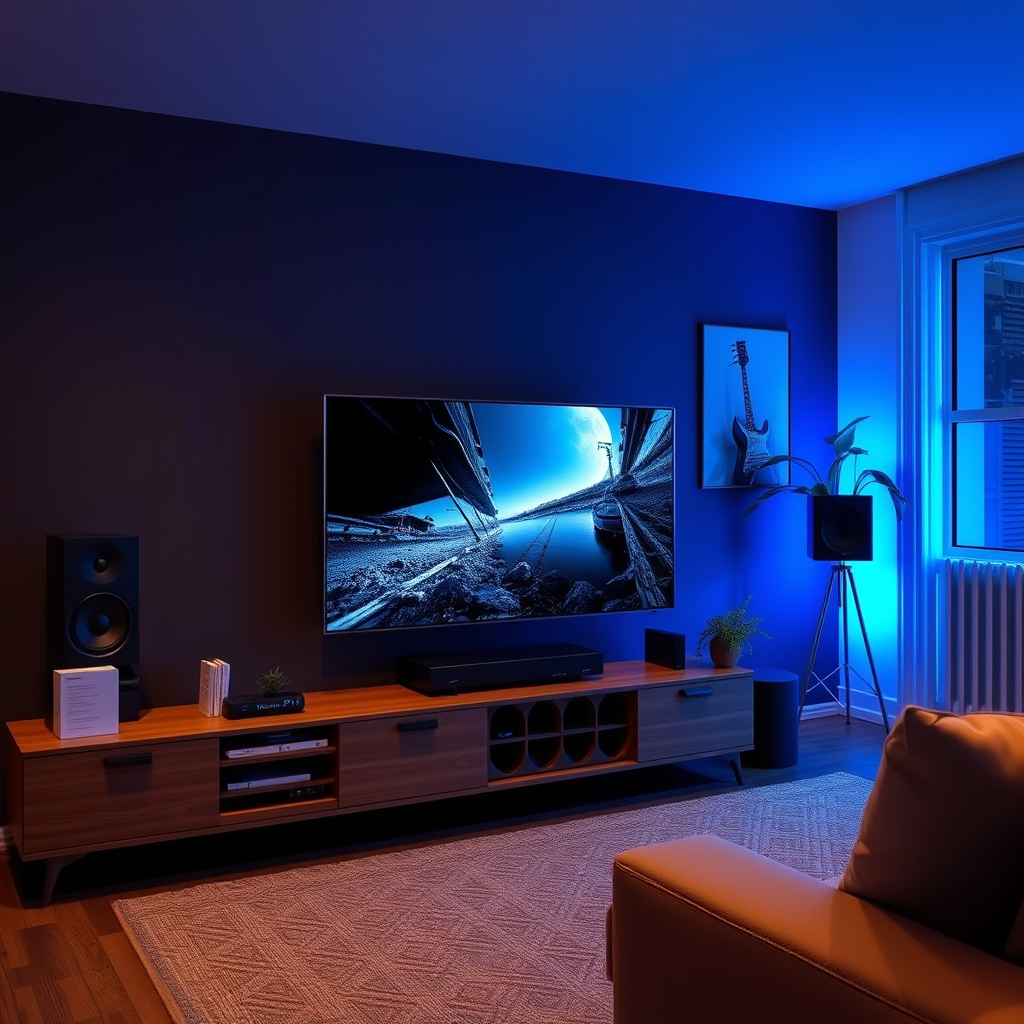
Before connecting speakers, it’s crucial to identify the available audio output ports on your TV. Common ports include HDMI ARC (Audio Return Channel), optical audio, and RCA (red and white connectors).
– HDMI ARC: This port allows for high-quality audio transmission and can also control multiple devices with a single remote, making it a preferred choice for modern setups.
– Optical: Offers digital audio output and is widely used for connecting to soundbars and home theater systems.
– RCA: This analog output is often found in older TVs and is compatible with various speaker systems, but it might not provide the best sound quality compared to digital options.
Understanding the differences between these ports will help you determine the best connection method for your speakers.
Choosing the Right Speakers
Selecting the right speakers is essential for achieving the optimal sound experience. The main types of speakers include:
– Soundbars: These are compact, easy to install, and provide a significant improvement over built-in TV speakers. They are suitable for smaller rooms and offer a range of features like Bluetooth connectivity.
– Bookshelf Speakers: Ideal for audiophiles, these speakers deliver superior sound quality and can be connected to the TV via a receiver. They require more space but are perfect for creating a stereo sound experience.
– Surround Sound Systems: Comprised of multiple speakers, these systems provide immersive sound and are perfect for home theater setups. However, they require more wiring and spatial arrangement.
When choosing speakers, consider your room size, speaker power, and personal sound preferences to ensure the best match for your home entertainment system.
Wiring Speakers Directly to the TV
To connect wired speakers directly to your TV, follow these steps:
1. Identify the Output Port: Check which audio output port your TV has (HDMI ARC, optical, or RCA).
2. Gather Required Cables: Depending on the output type, you will need the appropriate cables (HDMI, optical cable, or RCA cables).
3. Connect the Speakers: Plug one end of the cable into the TV’s audio output and the other end into the speaker input.
4. Power On the Speakers: Ensure your speakers are powered on and set to the correct input source.
5. Adjust TV Settings: Go to the TV’s audio settings to select the appropriate output and adjust volume levels.
By ensuring secure connections and checking for compatibility between your speakers and TV, you can achieve optimal sound quality.
Top 7 Speaker Types for TV Connection (2024)
| # | Speaker Type | Audio Quality | Ease of Setup | Best For |
|---|---|---|---|---|
| 1 | Soundbar | ★★★★☆ | Easy | Small Rooms |
| 2 | Bookshelf Speakers | ★★★★★ | Moderate | Music Lovers |
| 3 | Surround Sound | ★★★★★ | Difficult | Home Theaters |
| 4 | Portable Speakers | ★★★☆☆ | Very Easy | Flexibility |
| 5 | In-Wall Speakers | ★★★★☆ | Moderate | Minimalist Designs |
| 6 | Active Speakers | ★★★★☆ | Easy | Versatility |
| 7 | Subwoofers | ★★★★★ | Easy | Bass Lovers |
Connecting via Bluetooth
For those who prefer a wireless setup, connecting Bluetooth speakers to your TV is a convenient option. Here’s how to do it:
1. Enable Bluetooth on Your TV: Navigate to the TV settings and turn on Bluetooth.
2. Put Your Speakers in Pairing Mode: Follow the manufacturer’s instructions to activate pairing mode on your Bluetooth speakers.
3. Pair the Devices: On your TV, search for available Bluetooth devices. Select your speakers from the list to establish the connection.
4. Test the Connection: Play audio from your TV to ensure that the speakers are correctly paired and functioning.
Common issues may arise during this process. If you experience audio lag, ensure that both devices are within close proximity and that no other devices are interfering with the connection.
Using an External Receiver or Sound System
An external audio receiver or sound system can dramatically improve sound quality. Here’s how to connect your TV to an external system:
1. Identify the Output Port: Use HDMI ARC, optical, or RCA outputs from your TV to connect to an audio receiver.
2. Connect the Receiver: Use the appropriate cables to connect the TV to the receiver. For example, connect an HDMI cable from the HDMI ARC port on the TV to the HDMI input on the receiver.
3. Speaker Setup: Follow the instructions to connect your speakers to the receiver. This typically involves connecting multiple speakers using speaker wire, particularly for a surround sound setup.
4. Configure the System: Once connected, you may need to configure settings on both the receiver and TV to ensure optimal sound output.
Utilizing an external receiver offers advantages such as enhanced sound quality, support for multi-channel audio, and the ability to fine-tune audio settings.
Adjusting Audio Settings on Your TV
To optimize your audio experience, familiarize yourself with your TV’s audio settings. Here are some features to explore:
– Equalization: Adjust the frequency levels to suit your listening preferences. Many TVs come with preset options for music, movies, and sports.
– Surround Sound Modes: If available, enable surround sound modes to enhance audio immersion while watching movies or playing games.
– Volume Control: Ensure that the volume settings on both your TV and external speakers are balanced for an optimal listening experience.
Experimenting with these settings can lead to a more tailored audio experience that enhances your enjoyment of movies and shows.
Troubleshooting Common Issues
Even after setting up your speakers, you may encounter some common audio issues. Here are tips to troubleshoot:
– Audio Delay: If there is a noticeable delay between video and audio, check your TV’s audio settings for synchronization options. Additionally, some soundbars and receivers have a lip-sync adjustment feature.
– Static Noise: Ensure all connections are secure and that cables are not damaged. Wireless speakers might experience interference; try moving them closer to the TV.
– No Sound Output: Verify that the correct audio output is selected in your TV settings. Also, check if the speakers are powered on and connected properly.
By addressing these issues promptly, you can ensure that all components of your audio setup work harmoniously together.
Summarizing, hooking up speakers to your TV can significantly improve your audio experience, whether through wired or wireless methods. By understanding the options available and following the outlined steps, you’ll be able to enjoy high-quality sound in no time. Don’t hesitate to experiment with settings and configurations to find what works best for your setup!
Frequently Asked Questions
How do I connect my speakers to a TV without an audio receiver?
To connect your speakers directly to your TV without an audio receiver, look for the audio output options on your TV, such as a headphone jack, RCA outputs, or optical audio output. Use the appropriate cables to connect your speakers; for example, use a 3.5mm to RCA cable for headphone jacks or a digital optical cable for optical outputs. Ensure your TV audio settings are adjusted to route sound through the connected speakers.
What type of speakers are best for connecting to a TV?
The best type of speakers for connecting to a TV largely depends on your space and audio preferences. Bookshelf speakers offer great sound quality and are ideal for smaller rooms, while soundbars provide a compact, all-in-one solution with surround sound capabilities. Wireless speakers are also popular for their convenience, but ensure they are compatible with your TV’s connectivity options.
Why is there no sound from my speakers after connecting them to the TV?
If there’s no sound from your speakers after connecting them to the TV, first check your TV’s audio settings to ensure the correct output is selected. Also, verify that the speakers are powered on and their volume levels are adjusted properly. If you’re using Bluetooth speakers, make sure they are paired correctly with the TV and within range.
How do I connect Bluetooth speakers to my TV?
To connect Bluetooth speakers to your TV, first ensure that your speakers are in pairing mode. Navigate to your TV’s settings menu, find the Bluetooth option, and search for available devices. Select your Bluetooth speakers from the list to establish the connection, and then adjust the audio settings if necessary to ensure sound is routed through the connected speakers.
Which cables do I need to connect my wired speakers to my TV?
To connect wired speakers to your TV, you typically need speaker wire and possibly an amplifier if your speakers are passive. For active speakers, use RCA cables or a 3.5mm audio cable, depending on your TV’s audio output. Make sure to connect the positive and negative terminals correctly to avoid any audio issues.
References
- Loudspeaker
https://en.wikipedia.org/wiki/Loudspeaker - https://www.lifewire.com/how-to-connect-speakers-to-your-tv-1846589
https://www.lifewire.com/how-to-connect-speakers-to-your-tv-1846589 - https://www.crutchfield.com/learn/how-to-connect-tv-to-a-sound-system.html
https://www.crutchfield.com/learn/how-to-connect-tv-to-a-sound-system.html - Google Scholar Google Scholar
https://scholar.google.com/scholar?q=how+to+hook+up+speakers+to+a+tv - Google Scholar Google Scholar
https://scholar.google.com/scholar?q=connecting+speakers+to+television - Google Scholar Google Scholar
https://scholar.google.com/scholar?q=home+theater+speaker+setup - https://www.lifewire.com/how-to-setup-a-home-theater-system-1846624
https://www.lifewire.com/how-to-setup-a-home-theater-system-1846624 - how to hook up speakers to a tv – Search results
https://en.wikipedia.org/wiki/Special:Search?search=how+to+hook+up+speakers+to+a+tv - https://www.ncbi.nlm.nih.gov/search/research-articles/?term=how+to+hook+up+speakers+to+a+tv
https://www.ncbi.nlm.nih.gov/search/research-articles/?term=how+to+hook+up+speakers+to+a+tv
