


To determine if your TV is smart, look for built-in internet connectivity, app support, and streaming capabilities. Smart TVs typically feature access to popular streaming services, voice control, and integration with smart home devices. In this article, we will explore the key indicators that will help you identify whether your TV qualifies as a smart device.
Recognizing Smart TV Features
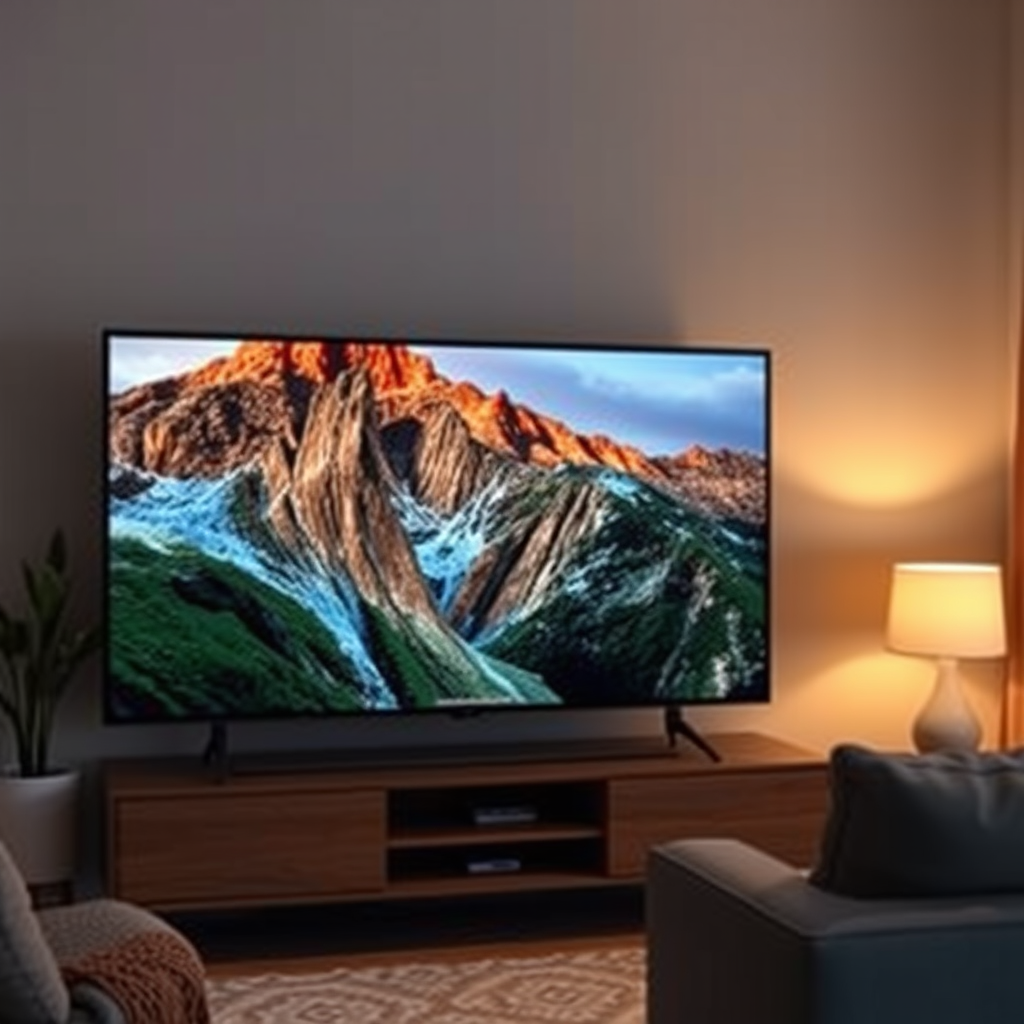
The first step in identifying whether your TV is smart is to look for essential connectivity features. A smart TV should have built-in Wi-Fi or an Ethernet port that allows it to connect to the internet. This functionality is crucial for accessing streaming services and downloading apps. If your TV lacks these features, it is likely a conventional television.
Additionally, check for pre-installed apps. Smart TVs usually come with popular applications such as Netflix, Hulu, or YouTube already integrated into their systems. If you can find these apps readily available on your TV, it’s a strong indication that you have a smart television.
Assessing Streaming Capabilities
Another vital aspect to consider is the streaming capabilities of your TV. A smart TV should allow you to stream content from various services without the need for additional hardware like streaming sticks or external devices. This means that you should be able to access platforms like Amazon Prime Video or Disney+ seamlessly.
Moreover, assess whether your TV supports multiple streaming formats, such as 4K and HDR (High Dynamic Range). These features enhance the viewing experience by providing sharper images and a broader color spectrum. If your TV does not support these formats, it may not be classified as a smart model.
Checking for Voice Control Options
In the age of smart technology, voice control has become an increasingly valuable feature. Check if your TV has voice assistant integration, such as Amazon Alexa or Google Assistant. This functionality allows you to control your television using voice commands, making it easier to search for content or change settings without a remote.
Furthermore, determine if the TV allows for voice search or command functionality. This feature significantly enhances user experience by enabling effortless navigation. If you can search for a show by simply speaking its name, you are likely using a smart TV.
Smart TV Feature Comparison (2024)
| # | Model | Internet Connectivity | App Support | Voice Control | Streaming Formats |
|---|---|---|---|---|---|
| 1 | Samsung QLED 2024 | Wi-Fi, Ethernet | Yes | Yes | 4K, HDR |
| 2 | LG OLED 2024 | Wi-Fi, Ethernet | Yes | Yes | 4K, HDR |
| 3 | Sony Bravia 2024 | Wi-Fi, Ethernet | Yes | Yes | 4K, HDR |
| 4 | TCL 6-Series 2024 | Wi-Fi, Ethernet | Yes | Yes | 4K, HDR |
| 5 | Vizio M-Series 2024 | Wi-Fi, Ethernet | Yes | Yes | 4K, HDR |
| 6 | Hisense U8H 2024 | Wi-Fi, Ethernet | Yes | Yes | 4K, HDR |
| 7 | Philips 2024 | Wi-Fi | Limited | No | 4K |
Exploring App Store Availability
A true smart TV will have access to an app store or marketplace through its interface. This feature allows users to download additional applications tailored to their viewing preferences. Look for a section labeled “Apps,” “Store,” or “Marketplace” within your TV’s menu.
Moreover, ensure that the TV supports downloading new apps beyond the pre-installed ones. The ability to expand your app library is critical for a smart TV, as it allows for the integration of various streaming services, games, and utilities. If your TV lacks this feature, it may not fully qualify as a smart device.
Examining Smart Home Integration
Smart TVs often serve as a central hub for managing other smart home devices. Verify whether your television can connect with devices like smart lights, thermostats, and security cameras. This level of integration adds significant value, allowing you to control your home environment from one location.
Check for features like screen mirroring, which enables you to cast content from your smartphone or tablet onto the TV screen. This capability enhances user convenience and flexibility. If your TV can facilitate such connections with other smart devices, it is a strong indicator of its smart capabilities.
Investigating Software Updates
A hallmark of a smart TV is its ability to receive regular software updates. Determine if your TV system has an option for automatic updates or if you can check for updates manually through the settings menu. Regular updates are essential for adding new features, enhancing performance, and ensuring security.
Confirm if the firmware can be updated directly from the TV menu. This feature is crucial for maintaining the TV’s functionality and protecting it from potential vulnerabilities. A TV that does not offer this capability may not be classified as a modern smart television.
Understanding User Interface and Experience
Finally, assess the user interface (UI) of your TV. A smart TV should provide an intuitive and easy-to-navigate experience. Look for features that enhance usability, such as a customizable home screen, quick access to favorite apps, and search functionality.
Personalized recommendations based on your viewing habits are another significant aspect of a smart TV interface. If your TV can suggest shows or movies that align with your preferences, it demonstrates a higher level of sophistication in its smart capabilities. A cluttered or confusing interface can detract from the overall experience, so prioritize models that offer a seamless user experience.
Wrapping up, identifying whether your TV is smart involves checking for internet connectivity, app support, and various smart features like voice control and smart home integration. Pay attention to the user interface and software capabilities, as these are crucial to enhancing your viewing experience. If you find that your TV lacks these features, consider upgrading to a smart model for a more connected entertainment experience.
Frequently Asked Questions
How can I tell if my TV is a smart TV?
You can determine if your TV is a smart TV by checking for built-in internet connectivity options, such as Wi-Fi or Ethernet ports. Additionally, look for pre-installed apps like Netflix, Hulu, or YouTube, which are common features of smart TVs. If your TV has a dedicated app store or the ability to download new apps, it’s likely a smart TV.
What features should I look for to confirm my TV is smart?
To confirm that your TV is a smart model, look for features like voice control capabilities, screen mirroring options, and the ability to connect to smart home devices. Smart TVs typically have an operating system like Android TV, Roku, or Tizen, and they allow for automatic software updates to improve functionality and security.
Why is it important to know if my TV is smart?
Knowing if your TV is smart is important because it determines the range of entertainment options available to you. Smart TVs provide access to streaming services, social media, and online browsing, enhancing your viewing experience. If your TV is not smart, you may need additional devices like streaming sticks or set-top boxes to access these features.
Which brands are known for making reliable smart TVs?
Brands like Samsung, LG, Sony, and TCL are well-known for producing reliable smart TVs with excellent features and performance. These manufacturers offer a range of models that cater to different budgets and preferences, ensuring you can find a smart TV that suits your needs. Always check for user reviews and ratings to gauge reliability and satisfaction.
How do I upgrade my non-smart TV to a smart TV?
You can upgrade your non-smart TV to a smart TV by using external streaming devices like Roku, Amazon Fire Stick, or Google Chromecast, which connect via HDMI. These devices provide access to a variety of streaming platforms and apps, turning your regular TV into a smart TV. Additionally, some smart Blu-ray players and gaming consoles also offer smart capabilities.
References
- Smart TV
https://en.wikipedia.org/wiki/Smart_TV - https://www.lifewire.com/how-to-tell-if-your-tv-is-smart-5076720
https://www.lifewire.com/how-to-tell-if-your-tv-is-smart-5076720 - https://www.nytimes.com/wirecutter/guides/how-to-choose-a-tv/
https://www.nytimes.com/wirecutter/guides/how-to-choose-a-tv/ - Google Scholar Google Scholar
https://scholar.google.com/scholar?q=how+to+know+if+my+tv+is+smart - Google Scholar Google Scholar
https://scholar.google.com/scholar?q=smart+TV+technology - Google Scholar Google Scholar
https://scholar.google.com/scholar?q=smart+TV+features - https://www.bbc.com/news/technology-55381788
https://www.bbc.com/news/technology-55381788 - https://www.sciencedirect.com/topics/computer-science/smart-tv
https://www.sciencedirect.com/topics/computer-science/smart-tv - how to know if my tv is smart – Search results
https://en.wikipedia.org/wiki/Special:Search?search=how+to+know+if+my+tv+is+smart - https://www.ncbi.nlm.nih.gov/search/research-articles/?term=how+to+know+if+my+tv+is+smart
https://www.ncbi.nlm.nih.gov/search/research-articles/?term=how+to+know+if+my+tv+is+smart
