
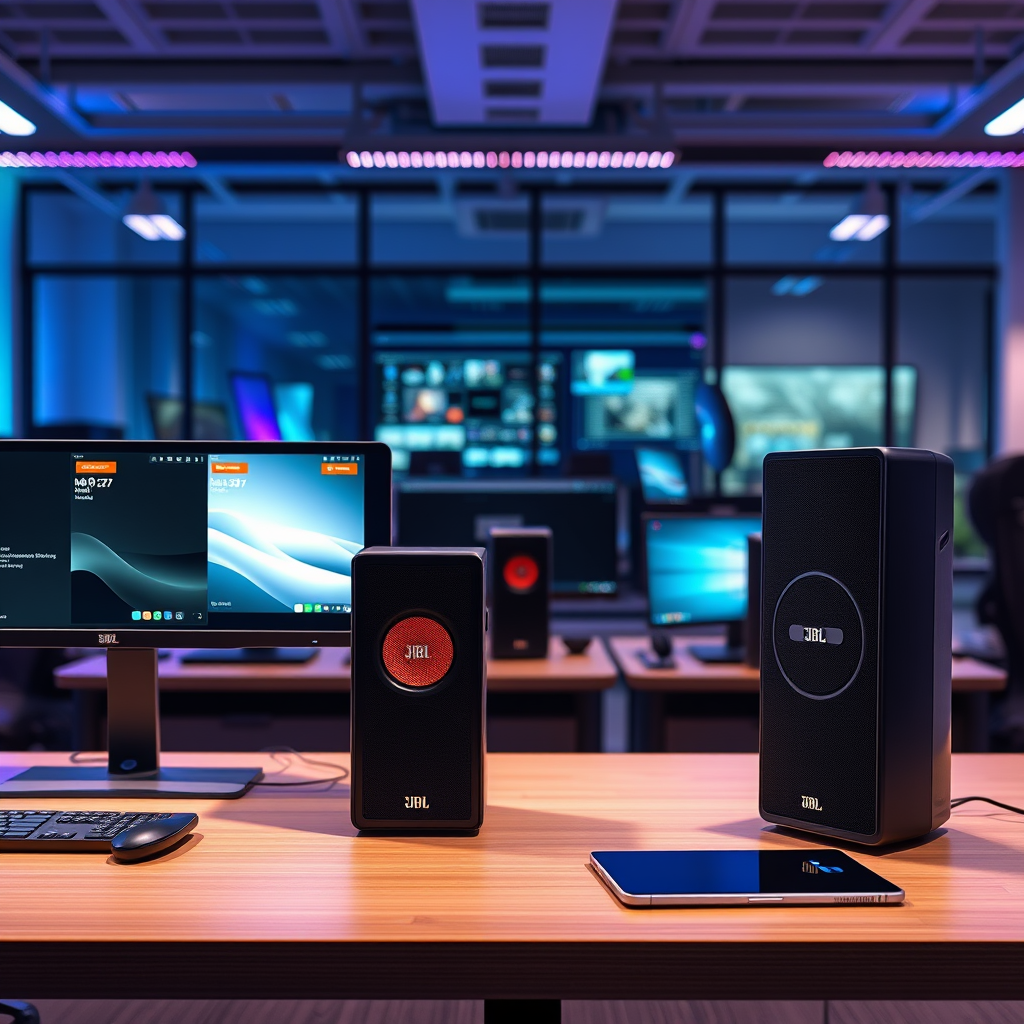

Pairing two JBL speakers is a straightforward process that enhances your audio experience, allowing you to enjoy a richer sound environment. Whether you’re hosting a party or simply want to amplify your music, this guide will walk you through the steps to connect your JBL devices seamlessly. With a few simple steps, you can create an impressive sound setup that delivers high-quality audio for any occasion.
Understanding JBL Speaker Pairing Modes
JBL speakers offer two primary pairing modes: Stereo Mode and Party Mode, each tailored to different listening experiences.
Stereo Mode allows you to designate one speaker as the left channel and the other as the right channel. This setup creates a more immersive soundstage, ideal for music listening, as it enhances the depth and spatial quality of the audio. This mode is particularly favored by audiophiles who appreciate the nuances in sound.
Party Mode, on the other hand, enables both speakers to play the same audio simultaneously. This mode is best suited for social gatherings or outdoor activities where you want to fill a larger space with sound. By using Party Mode, everyone can enjoy the same music regardless of where they are positioned in relation to the speakers.
Understanding these modes is crucial as it helps you choose the best configuration based on your needs, whether for a quiet evening of relaxation or a lively gathering.
Preparing Your Speakers for Pairing
Before you initiate the pairing process, ensure both JBL speakers are adequately charged and powered on. Having fully charged devices will prevent interruptions during your listening experience.
Next, check their Bluetooth connectivity. This involves disabling any previous connections to avoid confusion. You can do this by going into your device’s Bluetooth settings and clearing any paired devices that are not currently being used. This step ensures a smooth connection when you attempt to pair the two JBL speakers.
Lastly, make sure you are within the recommended range (usually around 30 feet) for Bluetooth devices, as being too far away can lead to connectivity issues.
Pairing Two JBL Speakers Using the JBL Connect App
To pair your JBL speakers using the JBL Connect app, follow these steps:
1. Download the JBL Connect App: The app is available on both Android and iOS platforms. Simply search for “JBL Connect” in the app store and install it.
2. Open the App: Once installed, open the app and ensure your Bluetooth is enabled on your smartphone.
3. Connect to Your Speakers: The app will automatically search for available JBL speakers. Select both speakers from the list to connect.
4. Follow the Prompts: The app will guide you through the remaining steps, allowing you to choose between Stereo and Party modes. You can also manage settings and get updates through the app.
Using the JBL Connect app not only simplifies the pairing process but also provides additional features such as firmware updates and customizable sound settings.
Pairing via Bluetooth Without the App
If you prefer not to use the app, you can still pair your JBL speakers through standard Bluetooth settings on your device. Here’s how to do it:
1. Activate Bluetooth: On your smartphone or tablet, ensure Bluetooth is turned on.
2. Power On Your JBL Speakers: Turn on both speakers and put them into pairing mode. This is usually done by pressing and holding the Bluetooth button until you hear a sound notification or see a blinking light.
3. Locate Your Speakers: In your device’s Bluetooth settings, search for available devices. You should see both JBL speakers listed.
4. Pairing: Tap on the first speaker to connect. Repeat the process for the second speaker. If you wish to use Stereo Mode, you may need to connect to one speaker first, then follow up with the second speaker to ensure they sync correctly.
Following these steps will allow you to enjoy a robust audio experience without needing to download additional applications.
Troubleshooting Common Pairing Issues
While pairing JBL speakers is generally straightforward, you may encounter some common issues:
– Connection Drops: This can occur if the speakers are too far apart or if there are physical obstructions. Ensure they are within range and there are no barriers.
– Failure to Find Devices: If your device cannot find the speakers, ensure they are in pairing mode. Try turning them off and back on to reset the Bluetooth connection.
– Resetting Speakers: If issues persist, resetting the speakers can often resolve connectivity problems. Consult the user manual for specific reset instructions, as the method may vary by model.
By staying aware of these common issues and solutions, you can swiftly resolve problems as they arise.
Tips for Optimal Performance
To get the most out of your paired JBL speakers, consider these tips:
1. Speaker Placement: Position your speakers at an equal distance from your listening area to create a balanced sound. Avoid placing them in corners, as this can distort audio.
2. Firmware Updates: Regularly check for firmware updates via the JBL Connect app. Updates can enhance performance and add new features.
3. Regular Maintenance: Keep your speakers clean and free of dust. Regular maintenance ensures longevity and optimal sound quality.
4. Volume Levels: Experiment with volume levels on both speakers to find a setting that maximizes sound quality without distortion.
Implementing these strategies will enhance your listening experience, ensuring that you enjoy premium sound quality consistently.
Enjoying Your Paired JBL Speakers
Now that your JBL speakers are paired, it’s time to enjoy the enhanced audio experience. Experiment with different music genres to fully appreciate the sound. Genres like classical music can showcase the depth of sound in Stereo Mode, while upbeat tracks can bring energy to your gatherings in Party Mode.
Share your setup with friends and family to create a collective audio experience. Host listening parties where everyone can enjoy the superior sound quality together, enhancing the overall atmosphere of your events.
With these steps and insights, you are now equipped to maximize the potential of your JBL speakers.
JBL Speaker Comparison (2024)
| # | Model | Battery Life | Water Resistance | Weight | Sound Rating |
|---|---|---|---|---|---|
| 1 | JBL Flip 6 | 12 hours | IP67 | 0.96 kg | ★★★★☆ |
| 2 | JBL Charge 5 | 20 hours | IP67 | 0.96 kg | ★★★★★ |
| 3 | JBL Xtreme 3 | 15 hours | IP67 | 1.5 kg | ★★★★☆ |
| 4 | JBL Go 3 | 5 hours | IP67 | 0.2 kg | ★★★☆☆ |
| 5 | JBL Pulse 4 | 12 hours | IP67 | 1 kg | ★★★★☆ |
| 6 | JBL Link Portable | 8 hours | IP67 | 0.96 kg | ★★★★☆ |
| 7 | JBL Boombox 2 | 24 hours | IP67 | 2.95 kg | ★★★★★ |
Summarizing the steps to pair two JBL speakers, you can enhance your listening experience with ease. By understanding the modes, preparing your devices, and troubleshooting any issues, you can enjoy powerful sound in no time. Ready to amplify your audio? Grab your JBL speakers and start pairing today!
Frequently Asked Questions
How do I pair two JBL speakers together?
To pair two JBL speakers, first ensure both devices are charged and turned on. Then, activate the Bluetooth feature on your phone or device and connect to the primary speaker. Once connected, press the “PartyBoost” or “Connect+” button on both speakers to link them together for a synchronized audio experience.
What is the difference between JBL PartyBoost and Connect+ for pairing speakers?
JBL PartyBoost is a feature designed for newer JBL models that allows you to connect multiple speakers with PartyBoost capability. In contrast, Connect+ is used with older JBL models. It’s essential to check your speaker model to use the correct pairing feature for optimal performance.
Why won’t my JBL speakers connect to each other?
If your JBL speakers are not connecting, it could be due to compatibility issues, as not all JBL speakers support the same pairing technology. Additionally, ensure that both speakers are in pairing mode, close to each other, and not connected to any other devices. Restarting both speakers can also help resolve connectivity issues.
Which JBL speakers can I pair together?
You can pair JBL speakers that support either PartyBoost or Connect+ features, but you cannot mix the two. Models like the JBL Flip 5, Charge 4, and Xtreme 3 support PartyBoost, while older models like the JBL Charge 3 are compatible with Connect+. Always check the specifications of your speakers to ensure compatibility.
What are the benefits of pairing two JBL speakers?
Pairing two JBL speakers enhances your listening experience by providing stereo sound or amplifying the audio output for larger spaces. This setup allows you to fill a room with sound without any distortion and creates a more immersive experience for music, parties, or movies. Additionally, it offers flexibility for multi-room audio setups.
References
- https://www.jbl.com/bluetooth-speakers/Bluetooth-Speakers.html
https://www.jbl.com/bluetooth-speakers/Bluetooth-Speakers.html - https://www.jbl.com/support/faq/how-to-connect-two-jbl-speakers.html
https://www.jbl.com/support/faq/how-to-connect-two-jbl-speakers.html - https://www.sciencedirect.com/topics/engineering/bluetooth-speakers
https://www.sciencedirect.com/topics/engineering/bluetooth-speakers - https://www.bbc.com/news/technology-56619711
https://www.bbc.com/news/technology-56619711 - https://www.cdc.gov/nceh/lead/faq.htm
https://www.cdc.gov/nceh/lead/faq.htm - Google Scholar Google Scholar
https://scholar.google.com/scholar?q=how+to+pair+two+jbl+speakers - Google Scholar Google Scholar
https://scholar.google.com/scholar?q=bluetooth+speaker+pairing+techniques - Google Scholar Google Scholar
https://scholar.google.com/scholar?q=JBL+speaker+connectivity+methods - how to pair two jbl speakers – Search results
https://en.wikipedia.org/wiki/Special:Search?search=how+to+pair+two+jbl+speakers - https://www.ncbi.nlm.nih.gov/search/research-articles/?term=how+to+pair+two+jbl+speakers
https://www.ncbi.nlm.nih.gov/search/research-articles/?term=how+to+pair+two+jbl+speakers
