


To stop your smart TV from spying on you, begin by adjusting privacy settings, disabling voice recognition features, and ensuring your network is secure. With the prevalence of data collection and surveillance embedded in modern technology, it is vital to take control of your smart TV’s privacy features. This article will guide you through essential steps to regain control over your viewing experience and protect your privacy.
Understand the Privacy Risks
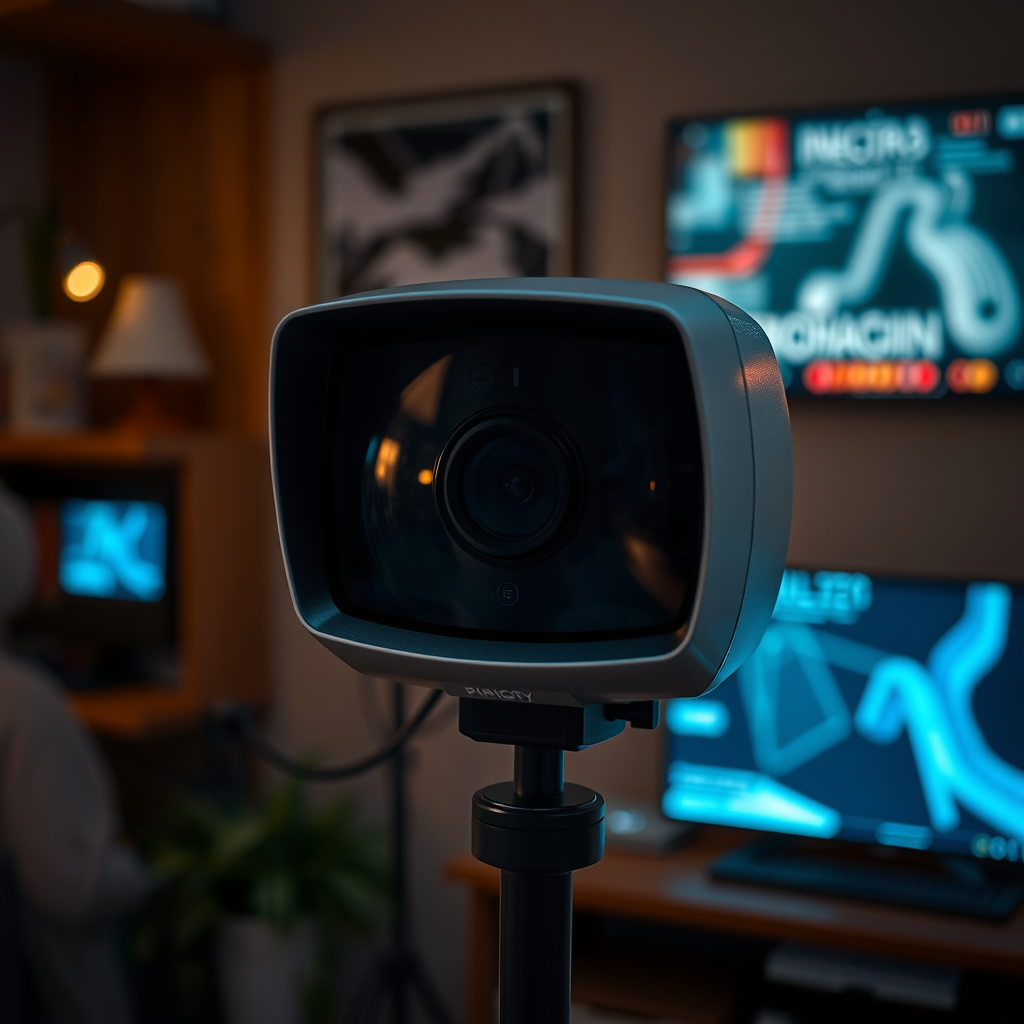
Smart TVs have revolutionized the way we consume content, offering a plethora of streaming services and features. However, these conveniences come with significant privacy risks. Smart TVs can collect extensive data on your viewing habits, such as what you watch, when you watch it, and even your personal information if linked to other accounts. This data can be utilized for targeted advertising, but it can also pose a risk if it falls into the wrong hands.
Moreover, many smart TVs are connected to the internet, making them vulnerable to hacking and unauthorized access. A compromised device can lead not only to data theft but also to potential security breaches in your home network. Understanding these risks is the first step in protecting your privacy.
Adjust Privacy Settings
One of the most effective ways to stop your smart TV from spying on you is to adjust its privacy settings. Access the settings menu on your smart TV, and look for options related to privacy and data collection. Most modern smart TVs come with features that track your viewing habits and serve personalized ads based on your preferences.
Disabling such features can significantly minimize the amount of data collected. Look for options labeled as “Smart Features,” “Personalized Ads,” or “Data Collection” and turn them off. Additionally, some TVs may allow you to limit the amount of data shared with third-party applications. By taking these steps, you can regain a degree of control over your viewing data.
Disable Voice Recognition Features
Many smart TVs are equipped with voice recognition features that enable users to control their devices using voice commands. While this feature can enhance user convenience, it can also be a significant privacy concern. To mitigate the risk of your smart TV listening to your conversations, it is advisable to turn off voice assistant services.
Navigate to the microphone settings within your TV’s settings menu and disable any features that allow the TV to listen for voice commands. In some cases, you may need to deactivate the entire voice assistant function altogether. This simple step can ensure that your smart TV is not continuously monitoring your home environment.
Smart TV Privacy Features Comparison (2024)
| # | TV Model | Data Collection | Voice Control | Privacy Rating |
|---|---|---|---|---|
| 1 | Samsung QLED 4K | Yes | Enabled | ★★★★☆ |
| 2 | LG OLED | Yes | Disabled | ★★★★★ |
| 3 | Sony Bravia | Yes | Enabled | ★★★☆☆ |
| 4 | TCL 6-Series | No | Disabled | ★★★★★ |
| 5 | Vizio Smart TV | Yes | Enabled | ★★☆☆☆ |
| 6 | Roku TV | No | Disabled | ★★★★★ |
| 7 | Philips Smart TV | Yes | Enabled | ★★★☆☆ |
Secure Your Home Network
Securing your home network is another critical step in preventing your smart TV from spying on you. A strong, unique password for your Wi-Fi network can deter unauthorized access. If your smart TV is connected to an unsecured or poorly secured network, it becomes an easy target for hackers who can exploit vulnerabilities.
To enhance your network security, consider setting up a guest network specifically for your smart devices. This allows you to isolate your smart TV and other IoT devices from your main network, further reducing the risk of hacking. Additionally, utilize WPA3 encryption if available, as it offers improved security over older encryption methods.
Keep Your Software Updated
Keeping your smart TV’s software updated is vital for maintaining security and protecting your privacy. Manufacturers regularly release firmware updates that contain critical security patches and bug fixes. Failing to update your device can leave it exposed to vulnerabilities that cybercriminals can exploit.
Regularly check for firmware updates in your TV’s settings menu and enable automatic updates if the option is available. This simple action can help ensure that your smart TV is equipped with the latest security features and is less susceptible to breaches.
Use a VPN for Extra Privacy
For those seeking an additional layer of privacy, using a Virtual Private Network (VPN) can be beneficial. A VPN encrypts your internet traffic, making it difficult for third parties to monitor your online activities. This can be especially useful if you frequently use streaming services or browse the web through your smart TV.
When choosing a VPN, look for one that supports smart TVs and offers strong encryption protocols. Some VPNs provide dedicated apps for specific smart TV platforms, making the installation process straightforward. Utilizing a VPN can significantly enhance your privacy and security while using your smart TV.
Explore Alternatives
If privacy remains a major concern, it might be worth considering alternatives to smart TVs. Standard televisions, which do not have internet connectivity, eliminate the risk of data collection altogether. Additionally, there are streaming devices available that prioritize user privacy and offer enhanced controls compared to built-in smart TV features.
Devices like Roku or Amazon Fire Stick allow you to stream content without the inherent risks associated with smart TVs. Many of these devices also come with privacy settings that can be configured to limit data collection, giving you peace of mind as you enjoy your favorite shows and movies.
By following these steps, you can significantly reduce the chances of your smart TV spying on you. Focus on adjusting settings, securing your network, and staying updated to keep your privacy intact. Take action now to protect your personal information and enjoy a more secure viewing experience.
Frequently Asked Questions
What privacy settings should I adjust on my smart TV to prevent it from spying on me?
To enhance your privacy, navigate to the settings menu of your smart TV and disable features like voice recognition, location tracking, and personalized ads. Additionally, consider turning off automatic software updates, as these can sometimes reinstall tracking features. Regularly review and update these settings to ensure your privacy is maintained.
How can I stop my smart TV from collecting my viewing data?
You can stop your smart TV from collecting viewing data by opting out of data collection in the privacy settings. Look for options related to viewing history or usage data and disable them. It’s also advisable to check the privacy policies of any apps installed on your TV and manage their permissions accordingly.
Why is my smart TV collecting data, and how can I stop it?
Smart TVs collect data to improve user experience, deliver personalized content, and target advertisements. To stop this, you can turn off data collection features in the settings menu, limit app permissions, and use a VPN to mask your internet activity. Regularly reviewing your privacy settings can help keep your data safe.
What is the best way to secure my smart TV from unauthorized access?
The best way to secure your smart TV is to change the default passwords and enable network security features like firewalls. Additionally, keep your TV’s firmware updated to protect against vulnerabilities and consider using a separate Wi-Fi network for your smart devices to limit access. Regularly reviewing connected devices can also help maintain security.
Which smart TV brands offer better privacy controls to prevent spying?
Brands like LG, Samsung, and Sony are known for providing comprehensive privacy controls, allowing users to easily adjust settings related to data collection and tracking. When purchasing a smart TV, check for models that emphasize user privacy and provide clear options to disable unwanted features. Reading user reviews can also provide insights into privacy experiences with various brands.
References
- https://www.nytimes.com/2020/01/27/technology/smart-tv-privacy.html
https://www.nytimes.com/2020/01/27/technology/smart-tv-privacy.html - https://www.bbc.com/news/technology-50890085
https://www.bbc.com/news/technology-50890085 - https://www.theguardian.com/technology/2020/jan/15/smart-tv-privacy-issues
https://www.theguardian.com/technology/2020/jan/15/smart-tv-privacy-issues - https://www.scholar.google.com/scholar?q=how+to+stop+smart+tv+from+spying+on+you Google Scholar
https://www.scholar.google.com/scholar?q=how+to+stop+smart+tv+from+spying+on+you - https://www.scholar.google.com/scholar?q=smart+tv+privacy+protection Google Scholar
https://www.scholar.google.com/scholar?q=smart+tv+privacy+protection - https://www.scholar.google.com/scholar?q=smart+tv+data+collection+privacy Google Scholar
https://www.scholar.google.com/scholar?q=smart+tv+data+collection+privacy - Richard Leakey, Kenyan conservationist, has died
https://www.nbcnews.com/tech/consumer/how-stop-your-smart-tv-spying-you-rcna10682 - Google Scholar Google Scholar
https://scholar.google.com/scholar?q=how+to+stop+smart+tv+from+spying+on+you - how to stop smart tv from spying on you – Search results
https://en.wikipedia.org/wiki/Special:Search?search=how+to+stop+smart+tv+from+spying+on+you - https://www.ncbi.nlm.nih.gov/search/research-articles/?term=how+to+stop+smart+tv+from+spying+on+you
https://www.ncbi.nlm.nih.gov/search/research-articles/?term=how+to+stop+smart+tv+from+spying+on+you
