

To determine if your television is a smart TV, look for features such as internet connectivity, built-in streaming apps, and advanced functionalities that surpass those of traditional televisions. Smart TVs integrate seamlessly with online services and offer a range of interactive features that enhance the viewing experience. In this article, we will explore several key indicators that can help you identify whether your television is equipped with smart technology.
Recognizing Built-in Apps
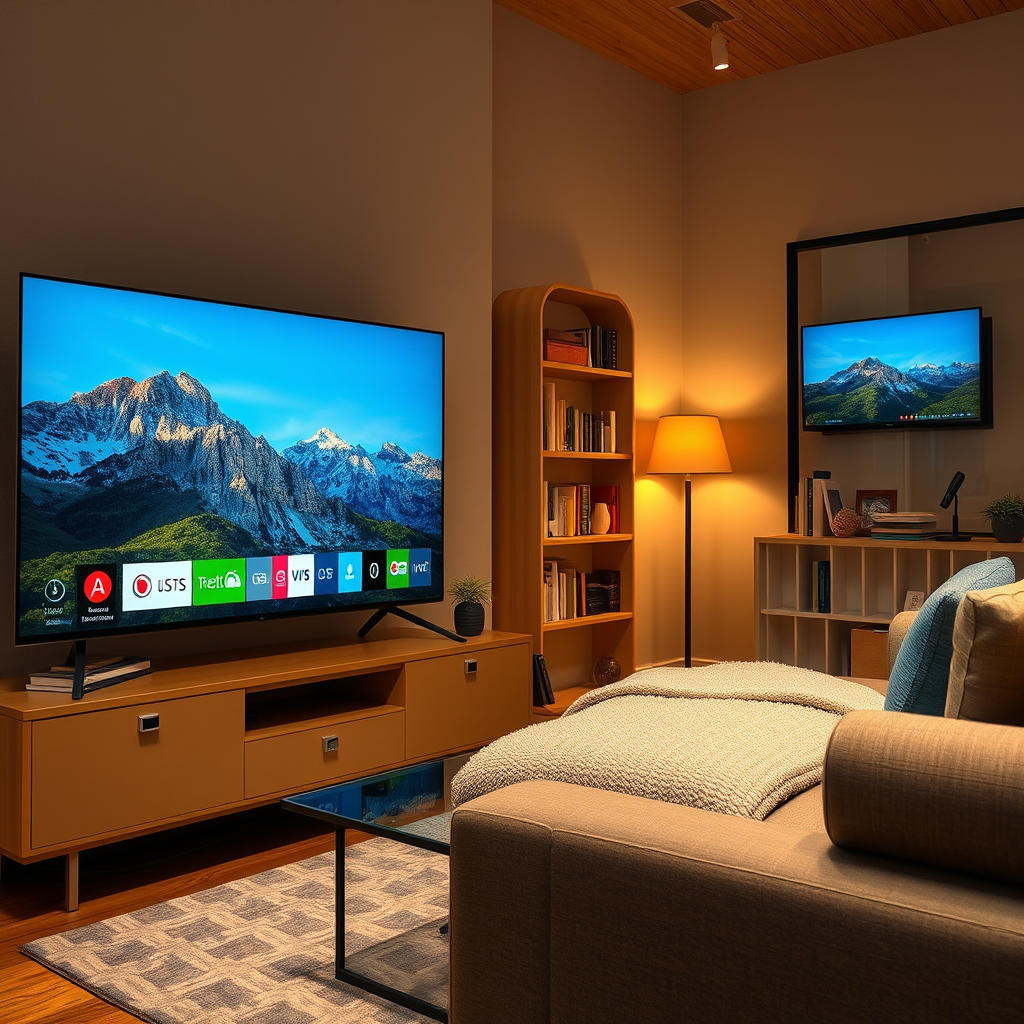
One of the most evident signs of a smart TV is the presence of built-in applications. Most smart TVs come pre-installed with popular streaming services such as Netflix, Hulu, and Amazon Prime Video. These applications allow users to access a vast library of content without needing additional devices.
To check for built-in apps, navigate to your TV’s home screen or app menu. If you see icons for streaming platforms or other media services, your TV is likely a smart model. Additionally, many smart TVs feature dedicated app stores similar to those found on smartphones, where you can download additional applications for news, sports, gaming, and more. For instance, platforms like Roku or Android TV offer extensive app selections that can drastically enhance your entertainment options.
Internet Connectivity Options
Another critical feature of smart TVs is their internet connectivity. If your television has the ability to connect to Wi-Fi, it is a strong indicator of being a smart model. To verify this, check your TV’s settings menu for Wi-Fi options. If you see an option to connect to your home network, congratulations; your TV is likely a smart device.
Moreover, some smart TVs also come equipped with Ethernet ports, allowing for a wired internet connection. This can provide a more stable and faster internet experience compared to wireless options. If you find an Ethernet port on the back of your television, it is further confirmation of its smart capabilities.
Remote Control Features
Smart TVs often come with specialized remote controls that enhance user interaction. These remotes may include voice command features or touchpads for easier navigation. For example, some remotes allow users to issue voice commands to search for shows or control playback without needing to navigate through menus.
Additionally, many smart TV remotes feature dedicated buttons for quick access to popular streaming services or features. If your remote has buttons for Netflix, YouTube, or similar services, this is a clear indication that your television is designed with smart technology in mind.
Screen Mirroring and Casting Capabilities
The ability to mirror or cast content from smartphones and tablets to your TV is another hallmark of a smart TV. Features such as Chromecast, AirPlay, or Miracast enable users to display their mobile device screens on the television, enhancing the viewing experience for videos, photos, and presentations.
To verify if your TV supports these features, check the settings menu for options related to screen mirroring or casting. If you find this functionality, your TV can connect with various devices, making it a smart model.
Top Smart TV Brands and Features (2024)
| # | Brand | Built-in Apps | Wi-Fi Capability | Screen Mirroring |
|---|---|---|---|---|
| 1 | Samsung | Yes | Yes | Yes |
| 2 | LG | Yes | Yes | Yes |
| 3 | Sony | Yes | Yes | Yes |
| 4 | TCL | Yes | Yes | Yes |
| 5 | Vizio | Yes | Yes | Yes |
| 6 | Panasonic | Yes | Yes | Yes |
| 7 | Hisense | Yes | Yes | Yes |
User Interface and Navigation
The user interface of a smart TV plays a pivotal role in the overall experience. Smart TVs typically feature user-friendly menus that allow for easy navigation through available content. If your TV has a sleek, organized interface that categorizes shows and movies, it is likely a smart model.
Additionally, many smart TVs offer personalized recommendations based on your viewing habits, which can enhance user engagement. Features like voice search functionality allow users to find specific content quickly without scrolling through endless lists. This combination of usability and personalization is a strong indicator that your TV is more than just a traditional model.
Updates and Upgrades
Regular software updates are a hallmark of smart TVs. These updates can introduce new features, improve system performance, and enhance security. If your TV prompts you to install updates from time to time, it is likely a smart device. Manufacturers often provide these updates to keep the software current and ensure compatibility with new apps and features.
To check for updates, navigate to your TV’s settings menu. Look for an option labeled “Software Update” or “System Updates.” If you find this option and your TV regularly prompts you to update, it confirms its functionality as a smart model.
Additional Smart Features
Finally, smart TVs often integrate with smart home devices, providing users with additional control and convenience. If your television can be controlled by voice assistants like Alexa or Google Assistant, it is a strong indicator of its smart capabilities. This integration allows you to control various smart devices in your home from your TV.
Moreover, many smart TVs offer customizable home screens, allowing users to select their favorite apps and services for easy access. Being able to connect with other smart devices further enhances the versatility of your TV, adding to its classification as a smart model.
In summary, a smart TV is distinguished by its internet connectivity, built-in applications, advanced remote control features, and capabilities for screen mirroring. By checking for these characteristics, you can easily determine if your television is a smart model. If you discover that you have a smart TV, take the time to explore its features further to maximize your viewing experience and enjoy the flexibility it provides.
Frequently Asked Questions
How can I check if my TV is a smart TV?
To determine if your TV is a smart TV, look for built-in internet connectivity features. Check for apps like Netflix, Hulu, or YouTube pre-installed on the TV, or look for Wi-Fi settings in the menu. If your TV has an operating system, such as Android TV, Roku, or Tizen, it is most likely a smart TV.
What features distinguish a smart TV from a non-smart TV?
Smart TVs typically come with internet connectivity, allowing you to stream content directly from online platforms. They also offer features like voice control, app access, and screen mirroring capabilities. In contrast, non-smart TVs generally require external devices for streaming and lack integrated software.
Why is it important to know if I have a smart TV?
Knowing if you have a smart TV is crucial for maximizing your viewing experience. Smart TVs offer a variety of streaming services and apps that enhance entertainment options, while non-smart TVs may limit you to traditional cable or satellite. Understanding your TV’s capabilities can help you make informed decisions about upgrades or additional devices.
Which brands are known for making smart TVs?
Leading brands known for producing smart TVs include Samsung, LG, Sony, and Vizio. These manufacturers offer a wide range of models with various smart features, such as integrated streaming services and voice assistants. Researching different brands can help you find a smart TV that fits your entertainment needs and budget.
How do I connect my smart TV to the internet?
To connect your smart TV to the internet, go to the settings menu and select the network option. Choose between a wired Ethernet connection or a Wi-Fi connection, and follow the prompts to enter your network credentials. Once connected, you can access various apps and streaming services available on your smart TV.
References
- Smart TV
https://en.wikipedia.org/wiki/Smart_TV - https://www.bbc.com/news/technology-50914529
https://www.bbc.com/news/technology-50914529 - https://www.theguardian.com/technology/2020/jan/07/smart-tv-privacy-issues
https://www.theguardian.com/technology/2020/jan/07/smart-tv-privacy-issues - https://www.ncbi.nlm.nih.gov/pmc/articles/PMC7073132/
https://www.ncbi.nlm.nih.gov/pmc/articles/PMC7073132/ - https://www.sciencedirect.com/science/article/pii/S246801411730005X
https://www.sciencedirect.com/science/article/pii/S246801411730005X - https://www.mayoclinic.org/healthy-lifestyle/consumer-health/in-depth/smart-televisions/art-20477827
https://www.mayoclinic.org/healthy-lifestyle/consumer-health/in-depth/smart-televisions/art-20477827 - https://www.pcmag.com/news/how-to-tell-if-your-tv-is-smart
https://www.pcmag.com/news/how-to-tell-if-your-tv-is-smart - https://www.cdc.gov/healthcommunication/toolstemplates/entertainmenteducation/smarttv.html
https://www.cdc.gov/healthcommunication/toolstemplates/entertainmenteducation/smarttv.html - Google Scholar Google Scholar
https://scholar.google.com/scholar?q=how+to+identify+smart+TV - Google Scholar Google Scholar
https://scholar.google.com/scholar?q=features+of+smart+TVs
