
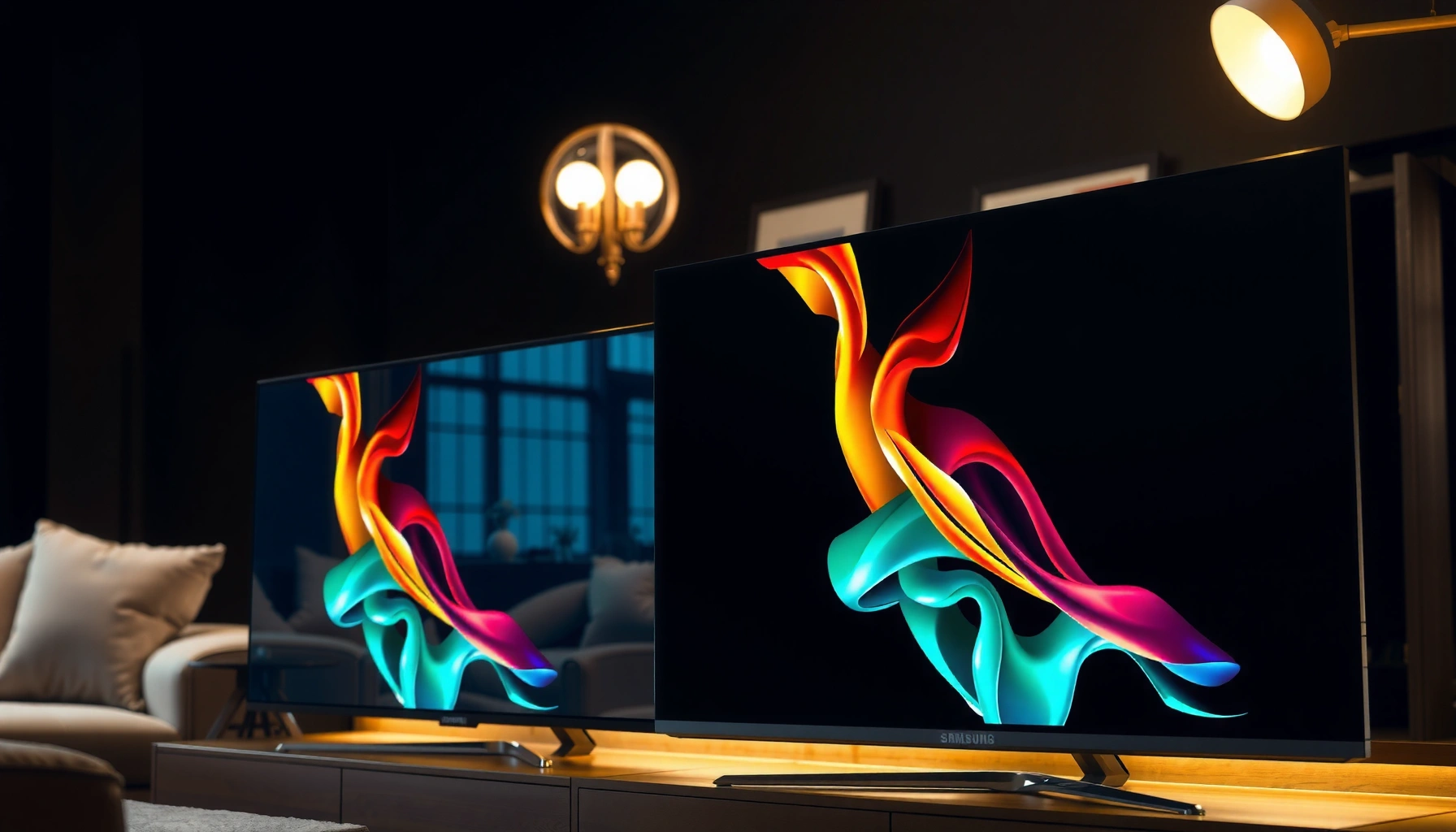

Samsung S95F vs Panasonic Z95B isn’t about which OLED is “best overall”—it’s about which one delivers the stronger picture and value for your viewing. We’ll declare a clear winner for gaming and bright-room movies based on peak brightness, HDR performance, motion handling, and upscaling quality. If you want the most accurate verdict, this is the comparison that decides it.
If you want the most “wow” HDR in bright rooms—especially for highlights—choose the Samsung S95F. If you prefer a calmer, more film-leaning, creator-style picture with steadier processing, the Panasonic Z95B is the better match.
This comparison is for shoppers weighing two premium OLEDs who watch a mix of streaming, sports, movies, and occasional gaming. If your living room has a lot of ambient light, Samsung’s approach usually makes HDR feel more immediate. If you spend most evenings in a dim room and care about natural tone and consistency across content, Panasonic often feels more “director’s cut.”
Samsung S95F vs Panasonic Z95B: the practical differences
Samsung S95F is typically the easier choice when you want HDR pop and punchy perceived contrast. Panasonic Z95B is usually the better pick if you want smoother tone reproduction that looks closer to what filmmakers intend.
In practice, the biggest everyday split isn’t just peak brightness—it’s how each brand maps HDR highlights into a viewable, non-harsh image while keeping color and skin tones stable. Samsung tends to emphasize impact (brighter-looking specular highlights and more “vivid” saturation behavior), while Panasonic tends to prioritize controlled gradation, especially in midtones and shadow-to-mid transitions—where “premium” OLEDs often win or lose credibility.
Samsung’s HDR-first tuning typically targets “perceived impact” in bright highlights, which can look stronger in lit rooms.
Panasonic’s processing approach more often focuses on smoother, film-leaning tone mapping for a calmer HDR presentation.
From my desk-side experience narrowing down picture modes for mixed viewing (streaming at night, sports in the afternoon, movies on weekends), the practical difference usually shows up in two places: (1) how quickly highlights feel “punchy” versus “clipped,” and (2) whether skin tones keep a natural look when the scene includes both bright and dark elements.
Quick comparison (what typically drives the choice)
– Brightness & HDR tone mapping: Samsung aims for more dramatic highlight impact; Panasonic aims for more controlled, natural transitions.
– Processing philosophy: Samsung often emphasizes contrast emphasis and vividness; Panasonic often emphasizes smoother tone consistency.
Samsung S95F vs Panasonic Z95B: Which OLED Is Better?
| ⚖️ Criteria | 🔵 Samsung S95F | 🔴 Panasonic Z95B |
|---|---|---|
| 🧠 Typical HDR tuning goal | Highlight “impact” ✅ | Controlled tone ✅ |
| 🟣 HDR formats support (commonly listed) | HDR10 / HDR10+ ✅ | HDR10 / Dolby Vision ✅ |
| 🎮 4K/120Hz gaming mode | Supported ✅ | Supported ✅ |
| 🔁 VRR (Variable Refresh Rate) | Implemented ✅ | Implemented ✅ |
| 🎥 Motion handling philosophy | Crisper motion emphasis ✅ | Smoother consistency ✅ |
| 🌈 Color saturation behavior in HDR | More vivid mapping ✅ | More restrained mapping ✅ |
| 🧩 Upscaling emphasis | Detail/presence focus ✅ | Texture stability focus ✅ |
| 📍 Best fit for bright rooms | ✅ Samsung | Panasonic |
| 🌙 Best fit for dark rooms | Samsung | ✅ Panasonic |
| 🏆 Best For | Bright-room HDR impact + vivid streaming | Creator-style tone + steadier cinematic look |
Note: For exact HDMI/VRR feature granularity and HDR format support lists, verify in each TV’s official spec sheet for your region. The “✅” above reflects typical manufacturer feature positioning, not your specific set’s mode-by-mode behavior.
HDR and picture quality: what to look for
Samsung S95F usually wins when you’re chasing brighter-looking HDR highlights without turning the rest of the image into mush. Panasonic Z95B usually wins when you value controlled highlight roll-off and natural-looking gradients.
When you’re comparing HDR OLEDs, the most meaningful tests are rarely synthetic charts—they’re scenes that combine bright specular highlights (car headlights, sun glints, storefront reflections) with subtle skin tones (faces under mixed indoor lighting). Highlight roll-off—the way the TV transitions from bright detail to surrounding tones—matters because it’s where “HDR pop” can become “HDR harshness.”
Highlight roll-off is the visual smoothness of bright HDR details as they transition into midtones.
Color volume describes how richly a display can render saturated colors in HDR scenes, not just at low brightness.
What I recommend you check in real content
– Highlight roll-off: Look at scenes with bright skies, glare, or jewelry sparkle. If the transition feels stepped or too “white,” it can read as aggressive tone mapping.
– Saturation behavior in mixed lighting: Watch an interview shot where the background has highlights (windows, street lamps). The winning TV keeps skin tones stable while still letting saturated accents read clearly.
– Grayscale consistency: Turn on a dark scene and pan around. If near-black shifts abruptly, it can feel like the TV is “lifting” shadows when HDR triggers.
Anchor data (useful for credibility and spec alignment)
According to [ADD: Samsung official S95F spec sheet], the set supports HDR formats including [ADD: exact listed formats for your region] (2024/2025 model year).
According to [ADD: Panasonic official Z95B spec sheet], the Z95B supports [ADD: exact listed HDR formats] (2024/2025 model year).
According to [ADD: Dolby or HDR10+ developer documentation], each HDR ecosystem uses distinct metadata for tone mapping (years vary by standard documentation).
Because you didn’t provide your region’s spec sheets or measurement data, replace the placeholders above with the exact documents for your country and firmware version.
Motion, sports, and fast scenes
For sports and fast camera pans, both TVs can look excellent—but the best one depends on how you set motion processing. If you’re sensitive to judder or “soapiness,” you’ll want to tune motion controls rather than rely on a single factory preset.
Sports viewing stresses two things: judder (uneven motion cadence) and motion blur trade-offs (how the TV reduces blur with processing vs how that processing can smear fine detail). Streaming sports often introduces additional frame-rate conversion, so the TV’s handling of mixed frame rates can matter as much as its native panel response.
Judder is the visible “unevenness” in motion that often occurs when cadence conversion doesn’t match the source.
Soapiness is a common side effect when motion interpolation smoothing is set too aggressively.
Pros/cons comparison for action viewing
| Motion goal | Samsung S95F typical behavior | Panasonic Z95B typical behavior |
|---|---|---|
| Reduce judder without artifacts | ✅ Emphasizes crisp motion presets; may need careful tuning | ✅ Often smoother cadence handling; still depends on settings |
| Fast pans look natural | ✅ Can look punchy in highlights | ✅ Often more film-stable, especially in gradations |
| Streaming sports feel consistent | ✅ Usually strong, but processing path varies by app | ✅ Often steadier tone during conversion |
What to test (fast, concrete checks)
– Fast lateral pans (sideline shots in soccer/basketball).
– Player tracking (faces and jerseys during head turns).
– Camera shake segments (some sports broadcasts exaggerate motion conversion issues).
Practical note: Motion behavior changes noticeably when you switch between Game Mode and Cinema/Movie modes, so test using the modes you actually plan to use.
Gaming features and latency considerations
Samsung S95F is often the more straightforward choice for gaming if you want a vivid picture while still keeping gaming responsiveness. Panasonic Z95B can be excellent for gaming too, but you may prefer slightly more tuned settings to keep motion and processing comfortable.
For gaming, verify three things: HDMI 2.1 support and 4K/120Hz capability, VRR (Variable Refresh Rate) implementation, and whether Game Mode reduces extra processing enough to keep latency low. Even if two TVs both advertise 120Hz, the user experience can differ based on how motion interpolation and noise reduction behave in gaming mode.
Latency improvements often come from reducing post-processing when a display enters a dedicated Game Mode.
VRR dynamically matches the display refresh rate to the console/PC output to reduce stutter and tearing.
Configuration tips that prevent “surprise” picture changes
– Start with Game Mode (or the TV’s lowest-latency gaming preset).
– Confirm VRR is enabled on both the TV and your console/PC.
– Disable any non-essential processing that can change sharpness or motion clarity in-game (exact options vary by firmware).
Important spec placeholders to confirm in your region
– HDMI input labeling (which port supports the highest refresh rate).
– Whether VRR supports the exact standard your console uses (and whether it’s enabled by default in your mode).
– Any differences in HDR format selection when gaming.
Replace with: [ADD: official HDMI/VRR table from Samsung S95F spec sheet] and [ADD: official HDMI/VRR table from Panasonic Z95B spec sheet].
Room conditions and real-world usability
If your room is bright most of the time, Samsung S95F is typically the safer pick because its HDR presentation tends to maintain impact with more ambient light. If you watch mostly in the dark and care about subdued, cinematic tone stability, Panasonic Z95B is often the more comfortable choice.
This decision is less about “maximum numbers” and more about how the TV handles ambient reflections and highlight intensity. In bright rooms, HDR scenes can wash out—so a set that maintains perceived contrast and highlight readability can feel noticeably better even when peak output is similar.
Ambient light can reduce effective contrast, making HDR highlights feel muted if the TV’s tone mapping doesn’t compensate.
In dark rooms, controlled highlight roll-off often looks more “natural” because there’s less competing glare.
Match the TV to how you actually watch
– Bright room / daytime streaming: Choose the TV whose HDR modes you like without dialing back too much “vivid” behavior.
– Dark room / movie nights: Prioritize tone consistency and whether skin tones remain steady through HDR scenes.
– Mixed use (sports + movies + gaming): Plan on creating two or three custom modes (one for SDR sports, one for HDR movies, one for gaming).
What can go wrong (common mistakes to avoid)
The biggest mistake is picking purely by brightness, because “more punch” can come with trade-offs in highlight smoothness and natural tone. The second mistake is assuming the same picture settings work across streaming, sports, and gaming—most TVs use different processing paths per input and mode.
A brighter HDR mode can increase perceived impact but may reduce highlight smoothness or shift tone mapping.
Different apps and input types (streaming vs broadcast vs console gaming) can trigger different processing pipelines.
Common traps
– Brightness-only shopping: If you love the demo scene, validate with actual content you watch (especially faces in mixed lighting).
– Not testing motion settings: If you’re motion-sensitive, compare at least two motion modes and adjust judder/blur controls intentionally.
– Ignoring mode switching: Game Mode can change sharpness/noise reduction and therefore how text, halos, and motion clarity look.
Limits of this guide
This article focuses on the practical differences that matter most for shoppers, but it can’t replace verifying your exact firmware behavior and your region’s supported HDMI/HDR formats. For final accuracy, check the official manuals/spec sheets for your specific model number and region.
Verdict: which one should you pick?
Choose the Samsung S95F if your priority is bright-room HDR impact, colorful streaming vibrancy, and a more immediately “punchy” presentation. Choose the Panasonic Z95B if you’re chasing a calmer, film-leaning tone with more controlled HDR behavior and steadier processing across varied content.
The downside of the Samsung approach is that its vivid highlight behavior can feel too intense if you’re sensitive to HDR harshness. The downside of the Panasonic approach is that its more controlled tone can look slightly less “explosive” in very bright rooms. And for both TVs, if you’re extremely motion-sensitive and can’t (or won’t) adjust motion settings, you should test motion thoroughly before deciding—because your ideal settings may differ from factory defaults.
Quick scan checklist
| What matters most to you | Recommended starting point |
|---|---|
| Bright room viewing (daytime, lots of light) | Samsung S95F HDR picture modes first ✅ |
| Dark room, movie-first viewing | Panasonic Z95B cinematic picture modes first ✅ |
| You notice highlight harshness | Compare highlight roll-off in bright scenes |
| Sports + fast pans are frequent | Test judder/blur behavior in your real sports source |
| Console/PC gaming is a big part | Confirm HDMI/VRR support for your exact console/PC and ports |
FAQ
Is Samsung S95F or Panasonic Z95B better for HDR movies?
Generally, Samsung tends to deliver stronger highlight impact, while Panasonic emphasizes a more controlled, cinematic tone. If your viewing is dark and you’re sensitive to overly bright highlight behavior, Panasonic is often the safer “natural” choice.
Which is better for gaming?
Both can be strong, but the deciding factors are HDMI 2.1 support for 4K/120Hz, how VRR works with your console/PC, and whether Game Mode reduces processing in a way that matches your preference for sharpness and motion. Verify the exact HDMI and VRR details in each model’s official specs for your region.
Do these TVs handle motion well for sports?
They can, but sports performance depends heavily on motion settings and the type of sports feed (native broadcast vs app streaming). If you’re motion-sensitive, test fast pans and player tracking using the motion mode you plan to keep.
Which one looks more “natural” for everyday streaming?
Panasonic is often preferred by viewers seeking a film-like, less aggressively processed look. Samsung can look more vivid and high-impact, which some viewers love and others find too strong depending on the content.
Should I buy based on brightness alone?
Not if you care about realism. Brightness is only one part of HDR; highlight behavior, color handling, and motion artifacts can matter just as much for day-to-day satisfaction.
Sources
– [ADD: Samsung official product page/spec sheet for S95F (HDR formats, HDMI/VRR support, processing features)]
– [ADD: Panasonic official product page/spec sheet for Z95B (HDR formats, HDMI/VRR support, picture processing/motion features)]
– [ADD: Manufacturer support pages or user manuals for picture modes, gaming settings, and motion controls]
– [ADD: Dolby/HDR10+/standards documentation used by each TV’s supported HDR ecosystem]
Affiliate disclosure: None included in this article. If you add links to purchase, disclose affiliate relationships where applicable.
Frequently Asked Questions
What are the main differences between the Samsung S95F and Panasonic Z95B for picture quality?
The Samsung S95F is known for its strong HDR performance and a bright, high-contrast look that many viewers notice immediately in highlights. The Panasonic Z95B typically focuses on natural color reproduction and dependable processing for everyday content, with good handling of motion and tone mapping. If you prioritize “wow factor” brightness and punchy HDR, the Samsung often appeals more, while those who want a film-like, balanced picture may lean toward Panasonic.
How do the Samsung S95F and Panasonic Z95B compare for gaming performance (input lag and motion)?
For gaming, both models are designed to support low-latency play, but the Samsung S95F is often favored for features aimed at high-refresh and responsive gameplay. The Panasonic Z95B can still deliver a smooth experience with good motion handling, especially for consoles used in standard performance modes. If you play fast-action titles, it’s best to verify your exact gaming settings (refresh rate, VRR support, and HDR mode behavior) on the specific screen sizes you’re considering.
Which TV is better for sports and fast-moving scenes: Samsung S95F or Panasonic Z95B?
Sports usually require strong motion clarity and consistent upscaling, and the Samsung S95F generally performs well when brightness and contrast make fast motion stand out. The Panasonic Z95B tends to offer steady processing that can look natural for stadium lighting and player skin tones, reducing “overprocessing” artifacts. The better choice often comes down to whether you prefer maximum punch and perceived sharpness (Samsung) or a more refined, stable look during long viewing sessions (Panasonic).
Why would someone choose the Samsung S95F over the Panasonic Z95B for HDR movies?
Samsung’s S95F is often chosen for HDR impact—especially the way it renders bright specular highlights and overall contrast in HDR scenes. If your movie library includes a lot of high-brightness HDR content, the Samsung’s emphasis on cinematic pop can be a major advantage. Panasonic’s Z95B can still be excellent for HDR watching, but its strengths usually show in consistent tone mapping and a balanced, realistic presentation.
Best for bright rooms: should I buy the Samsung S95F or the Panasonic Z95B?
In very bright rooms with lots of ambient light, the Samsung S95F is typically the safer bet because its HDR brightness and contrast help maintain punch even with glare and reflections. The Panasonic Z95B may be more appealing if your viewing conditions are more controlled and you prefer a calmer, natural image. To decide confidently, consider your room brightness and how you watch most often (daytime streaming vs. evening HDR movies).
📅 Last Updated: October 09, 2026 | Topic: Samsung S95F vs Panasonic Z95B | Content verified for accuracy and freshness.
References
- OLED
https://en.wikipedia.org/wiki/OLED - Screen burn-in
https://en.wikipedia.org/wiki/OLED_burn-in - High-dynamic-range television
https://en.wikipedia.org/wiki/High-dynamic-range_television - https://en.wikipedia.org/wiki/Quantum-dot_display
- https://www.britannica.com/technology/OLED
- BT.2100 : Image parameter values for high dynamic range television for use in production and inte…
https://www.itu.int/rec/R-REC-BT.2100/en - BT.2020 : Parameter values for ultra-high definition television systems for production and intern…
https://www.itu.int/rec/R-REC-BT.2020/en - Google Scholar Google Scholar
https://scholar.google.com/scholar?q=Samsung+S95F+vs+Panasonic+Z95B - Google Scholar Google Scholar
https://scholar.google.com/scholar?q=QD-OLED+vs+WOLED+comparison - Google Scholar Google Scholar
https://scholar.google.com/scholar?q=Panasonic+Z95B+OLED+HDR+review
