


Smart TVs provide a plethora of functionalities that extend far beyond traditional television viewing. With the capability to stream your favorite shows and movies, access a variety of gaming options, browse the internet, and connect with smart home devices, they have transformed the way we engage with content. This article will explore the diverse activities available on smart TVs, helping you maximize your entertainment and productivity experience.
Streaming Movies and TV Shows
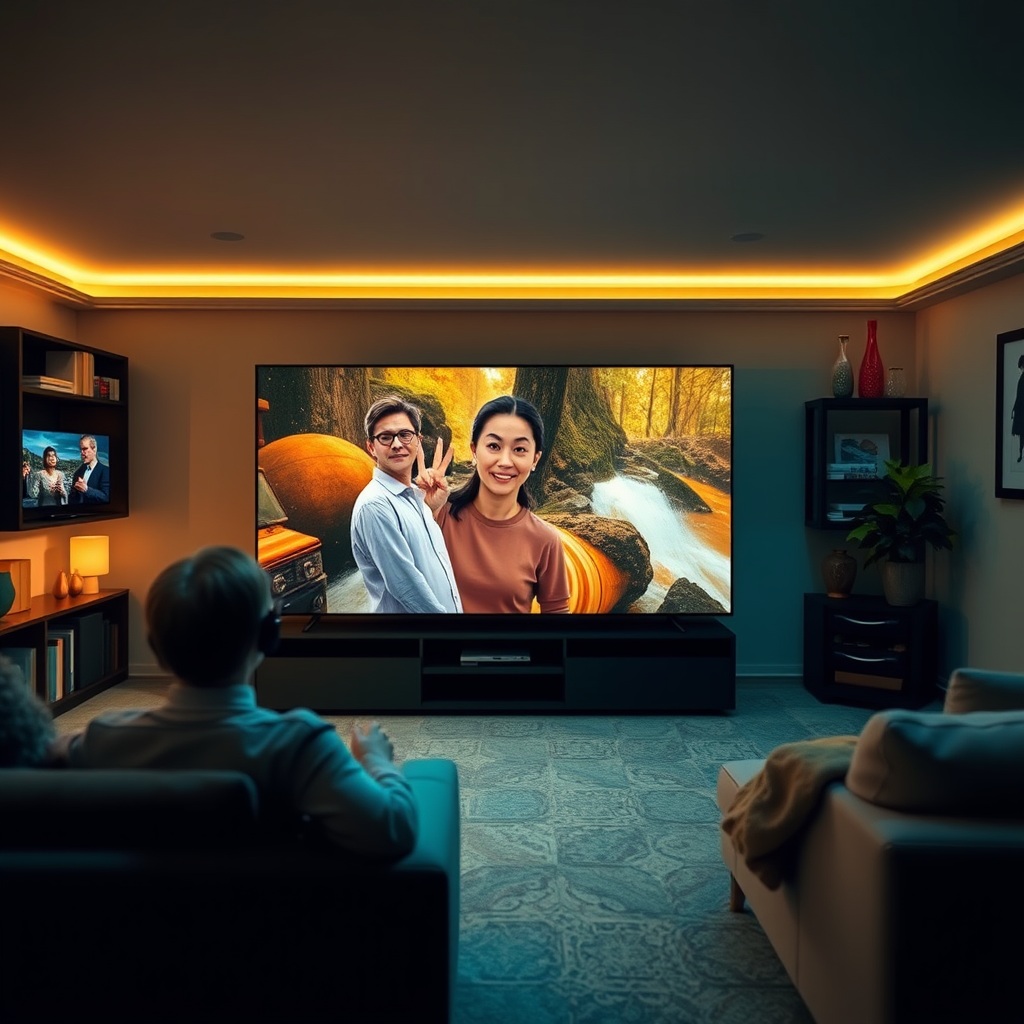
One of the primary attractions of smart TVs is their ability to stream content seamlessly. Most smart TVs come equipped with built-in applications for popular streaming services such as Netflix, Hulu, Amazon Prime Video, Disney+, and Apple TV+. This eliminates the need for additional devices, allowing you to access a vast library of films, documentaries, series, and original content directly from your television.
Moreover, smart TVs often utilize algorithms to analyze your viewing habits, offering personalized recommendations tailored to your preferences. This means you can discover new content easily, whether it’s the latest blockbuster or an indie film that aligns with your tastes.
The user interface on many smart TVs has also been designed to improve user experience. Most have intuitive navigation menus that allow you to browse through genres, trending titles, or new releases without hassle. With features like watch lists and parental controls, you can curate your viewing experience further.
Browsing the Internet
In addition to streaming, smart TVs enable users to browse the internet with built-in web browsers. This feature allows you to visit websites, check your email, or even engage on social media platforms like Facebook, Twitter, and Instagram. The larger screen can enhance the browsing experience, making it more comfortable for activities such as reading news articles or viewing photos.
Many smart TVs also support screen mirroring or casting, enabling you to mirror content from your smartphone or tablet directly to the TV. This functionality is particularly useful for sharing presentations during meetings or showing vacation photos to family and friends in a more engaging format.
Gaming Options
Smart TVs have become a hub for gaming enthusiasts, providing access to a myriad of gaming options. You can download games directly from app stores available on your TV, offering a range from casual games to more intricate ones that require skill and strategy. Titles like “Fortnite,” “Stardew Valley,” and “Minecraft” are often accessible, ensuring there’s something for every type of gamer.
Furthermore, smart TVs support connections with gaming consoles such as PlayStation, Xbox, and Nintendo Switch, allowing you to enjoy a more immersive gaming experience on a significantly larger display. Many models also offer low-latency modes and high refresh rates, improving gameplay performance and responsiveness.
Connecting to Smart Home Devices
Smart TVs play a crucial role in the smart home ecosystem, allowing you to control various smart devices using your TV interface. This includes smart lights, thermostats, and security cameras, all manageable from the comfort of your couch.
For instance, if your smart TV is compatible with voice assistants like Amazon Alexa or Google Assistant, you can issue voice commands to control your home environment without needing to grab your phone or use a remote. This integration simplifies tasks like dimming the lights or adjusting the thermostat while you watch your favorite show.
Using Apps for Productivity
Beyond entertainment, smart TVs can enhance productivity. Many models come equipped with apps that allow you to manage your calendar, set reminders, and even conduct video conference calls through platforms like Zoom or Microsoft Teams. This feature is particularly advantageous for remote workers who want to participate in meetings without being confined to a traditional computer setup.
Additionally, productivity apps for note-taking and task management can help you stay organized while multitasking at home. The larger screen makes it easier to view multiple applications simultaneously, increasing your efficiency.
Enjoying Music and Podcasts
Smart TVs are not just for visual entertainment; they also provide substantial audio experiences. You can stream music from various platforms like Spotify, Apple Music, or Amazon Music directly on your TV. This capability turns your living room into a mini-concert hall, allowing you to enjoy high-quality sound while relaxing or hosting gatherings.
Moreover, many smart TVs allow you to access podcasts and radio stations, providing an alternative form of entertainment. Whether you prefer listening to informative discussions or engaging storytelling, you can enjoy these audio experiences while going about your daily activities.
Customizing Your Smart TV Experience
Smart TVs offer numerous customization options, enabling you to tailor your home screen to display your favorite apps and channels for easy access. You can prioritize the content you watch most often, making navigation more efficient and user-friendly.
Additionally, exploring the settings menu can help you enhance picture and sound quality to suit your preferences. Many smart TVs allow you to adjust brightness, contrast, and sound settings for a more personalized viewing experience.
Top Smart TV Features and Benefits (2024)
| # | Feature | Availability | User Rating | Popularity |
|---|---|---|---|---|
| 1 | Streaming Services | Yes | ★★★★☆ | High |
| 2 | Internet Browsing | Yes | ★★★★☆ | Medium |
| 3 | Gaming Options | Yes | ★★★★★ | High |
| 4 | Smart Home Control | Yes | ★★★★☆ | Medium |
| 5 | Productivity Apps | Yes | ★★★☆☆ | Low |
| 6 | Music Streaming | Yes | ★★★★★ | High |
| 7 | Podcast Access | Yes | ★★★★☆ | Medium |
Summarizing the vast capabilities of smart TVs, there are numerous activities you can engage in, from streaming and gaming to controlling smart home devices and enhancing productivity. By exploring these features, you can truly make the most out of your smart TV experience today!
Frequently Asked Questions
What can I do on a smart TV besides watching regular TV channels?
A smart TV offers a variety of features beyond traditional TV viewing. You can stream content from popular platforms like Netflix, Hulu, and Amazon Prime, access social media, browse the internet, and even play video games. Additionally, many smart TVs support screen mirroring, allowing you to display content from your smartphone or tablet directly on the TV screen.
How do I set up streaming apps on my smart TV?
To set up streaming apps on your smart TV, first, connect your TV to the internet via Wi-Fi or Ethernet. Then, navigate to the app store on your smart TV’s home screen, search for your desired streaming app, and follow the on-screen prompts to download and install it. Once installed, log in with your account credentials, and you’re ready to enjoy your favorite shows and movies.
Why is my smart TV slow or lagging, and how can I fix it?
A slow or lagging smart TV can be caused by various factors, including a poor internet connection, outdated software, or too many apps running simultaneously. To fix this issue, ensure your Wi-Fi signal is strong, close unused apps, and check for software updates in the settings menu. Restarting your TV can also help refresh its performance.
What are the best smart TV brands for streaming performance?
Some of the best smart TV brands renowned for their streaming performance include Samsung, LG, and Sony. These brands often feature high-quality displays, intuitive interfaces, and robust app support, making them ideal for streaming enthusiasts. It’s also beneficial to consider models with higher processing power and faster operating systems for smoother navigation.
Which smart TV features should I look for to enhance my viewing experience?
When enhancing your viewing experience with a smart TV, look for features like 4K resolution for sharper images, HDR for improved color contrast, and a wide array of streaming app compatibility. Additionally, consider models with voice control capabilities, built-in Chromecast, or compatibility with smart home devices to make your viewing experience more versatile and enjoyable.
References
- Smart TV
https://en.wikipedia.org/wiki/Smart_TV - https://www.bbc.com/news/technology-42437564
https://www.bbc.com/news/technology-42437564 - https://www.theguardian.com/technology/2020/jan/10/smart-tvs-how-to-secure-your-privacy
https://www.theguardian.com/technology/2020/jan/10/smart-tvs-how-to-secure-your-privacy - https://www.ncbi.nlm.nih.gov/pmc/articles/PMC7565246/
https://www.ncbi.nlm.nih.gov/pmc/articles/PMC7565246/ - https://www.sciencedirect.com/science/article/pii/S2210650219300376
https://www.sciencedirect.com/science/article/pii/S2210650219300376 - https://www.nytimes.com/2019/01/15/technology/smart-tv-privacy.html
https://www.nytimes.com/2019/01/15/technology/smart-tv-privacy.html - https://www.mayoclinic.org/healthy-lifestyle/adult-health/in-depth/smart-tvs/art-20459587
https://www.mayoclinic.org/healthy-lifestyle/adult-health/in-depth/smart-tvs/art-20459587 - https://www.reuters.com/article/us-tech-smarttv-insight-idUSKCN1V10N4
https://www.reuters.com/article/us-tech-smarttv-insight-idUSKCN1V10N4 - Google Scholar Google Scholar
https://scholar.google.com/scholar?q=smart+tv+features - Google Scholar Google Scholar
https://scholar.google.com/scholar?q=smart+tv+applications+and+uses

[…] Smart TVs (Bluetooth audio) […]