
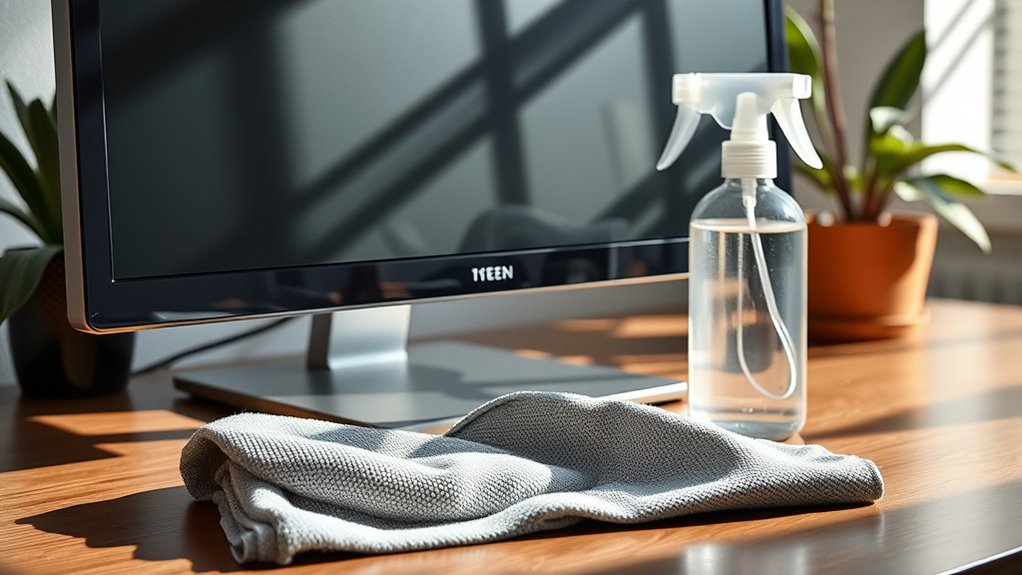

To clean your monitor, first identify its type—LCD or OLED—then choose a suitable cleaner. For safe options, mix equal parts distilled water and white vinegar, or use alcohol-free commercial products. Grab a microfiber cloth to avoid scratches, and dampen it with your cleaning solution before gently wiping the screen in circular motions. Don’t forget to maintain this routine and protect your monitor from future smudges. Want to guarantee your monitor stays pristine? There’s more to explore!
Understanding Your Monitor Type
When it comes to cleaning your monitor, understanding your monitor type is essential. Different screens require different care. If you’ve got an LCD type monitor, be cautious—these screens can scratch easily. Use a soft, lint-free cloth and a gentle touch to avoid damage. On the other hand, OLED displays offer vibrant colors but are also sensitive. You’ll want to steer clear of harsh chemicals that could affect the screen’s quality. Remember, knowing your monitor type helps you choose the right cleaning methods, ensuring your screen stays in top shape. So, whether it’s an LCD or an OLED, treat your monitor with respect, and you’ll enjoy a clearer, more vibrant viewing experience for years to come!
Recommended Cleaning Solutions
While you might be tempted to grab any household cleaner for your monitor, using the right cleaning solutions is crucial for maintaining its integrity. Natural cleaners, like a simple mix of equal parts distilled water and white vinegar, can effectively remove smudges without damaging your screen. If you prefer convenience, there are commercial products specifically designed for electronics that guarantee safety and effectiveness. Look for alcohol-free sprays that are safe for screens and avoid harsh chemicals. Always check the label for compatibility with your monitor type. By choosing the right cleaning solution, you can keep your monitor crystal clear and functioning well, giving you the freedom to enjoy your digital experiences without distraction.
Safe Cleaning Tools and Materials
Choosing the right tools and materials is just as important as selecting the right cleaning solution for your monitor. Start with microfiber cloths; they’re gentle and effective, preventing scratches while picking up dust and smudges. Avoid paper towels or rough fabrics, as they can damage your screen.
Next, consider using a vinegar solution for a natural cleaning option. Mix equal parts vinegar and water in a spray bottle, but don’t spritz directly on your monitor. Instead, lightly dampen your microfiber cloth and wipe the screen gently. This method won’t just clean your monitor; it’ll also keep it in great condition. With the right tools, you can guarantee your monitor stays clear and vibrant, giving you that freedom to enjoy your digital experience.
Step-by-Step Cleaning Process
To guarantee your monitor is thoroughly cleaned without causing damage, follow this simple step-by-step process. First, confirm your monitor is turned off and unplugged to avoid any electrical issues. Next, use a microfiber cloth slightly dampened with a mixture of water and a gentle cleaning solution. Gently wipe the screen in circular motions, avoiding excessive pressure. For stubborn stains, let the solution sit briefly before wiping. Don’t forget to clean the frame and base of your monitor with the same cloth. You should aim for a cleaning frequency of at least once a month to maintain ideal clarity. Consistent monitor maintenance is key to prolonging its lifespan and guaranteeing a clear, distraction-free viewing experience.
Tips for Preventing Future Smudges
Since keeping your monitor clean can save you from frequent deep cleaning sessions, consider adopting a few simple habits to prevent future smudges. First, invest in screen protection, like a high-quality anti-glare film. This not only reduces glare but also acts as a shield against dust and fingerprints. Next, keep your hands clean when using your device; consider using a stylus or keyboard shortcuts to minimize contact. Also, create a clutter-free workspace; this helps prevent accidental contact with your monitor. Finally, adjust your lighting to reduce reflections, making it easier to see your screen without straining or smudging. By incorporating these habits, you’ll enjoy a clearer view and reduce the need for constant cleaning.
Common Mistakes to Avoid
Even with the best habits in place, mistakes can still happen when cleaning your monitor. To keep your screen safe and clear, avoid these common pitfalls:
- Using the wrong materials: Paper towels can scratch your screen. Stick to microfiber cloths for gentle cleaning.
- Neglecting cleaning frequency: Don’t wait too long between cleanings. Regular maintenance keeps smudges and dust at bay.
- Applying too much pressure: Pressing hard can damage the screen. Light, gentle strokes are all you need.
- Ignoring screen protection: Consider using a screen protector to minimize direct contact with dirt and oils.
Frequently Asked Questions
Can I Use Paper Towels to Clean My Monitor?
Think of your monitor as a delicate canvas. You shouldn’t use paper towels; they can scratch. Instead, stick with microfiber cloths and suitable cleaners for a gentle touch that keeps your screen pristine and vibrant.
How Often Should I Clean My Monitor?
You should clean your monitor every few weeks for ideal maintenance. Regular cleaning frequency helps remove dust and smudges, ensuring a clear view. Keeping it clean enhances your experience and prolongs its lifespan.
Is It Safe to Use Alcohol on My Monitor?
It’s not safe to use isopropyl alcohol on your monitor. It can cause screen damage, especially on delicate surfaces. Instead, opt for a microfiber cloth with a gentle cleaner specifically designed for screens.
Can I Clean My Monitor With Vinegar?
Vinegar’s a viable vinegar solution for cleaning! However, consider caution; it might damage screens. Explore other cleaning alternatives like microfiber cloths and gentle solutions to keep your monitor sparkling without risking harm.
What Should I Do if My Monitor Has Scratches?
If your monitor’s scratched, consider using a scratch repair kit designed for screens. Additionally, applying screen protection can help prevent future scratches, giving you peace of mind while enjoying your monitor’s display.
