


Smart TVs are designed to enhance your viewing experience by connecting to the internet and offering a variety of interactive features. They allow you to stream content, connect to smart home devices, and access a multitude of apps, making your entertainment options virtually limitless. In this article, we’ll explore the key functionalities of smart TVs and how they can transform your home viewing experience.
Streaming Services and Apps
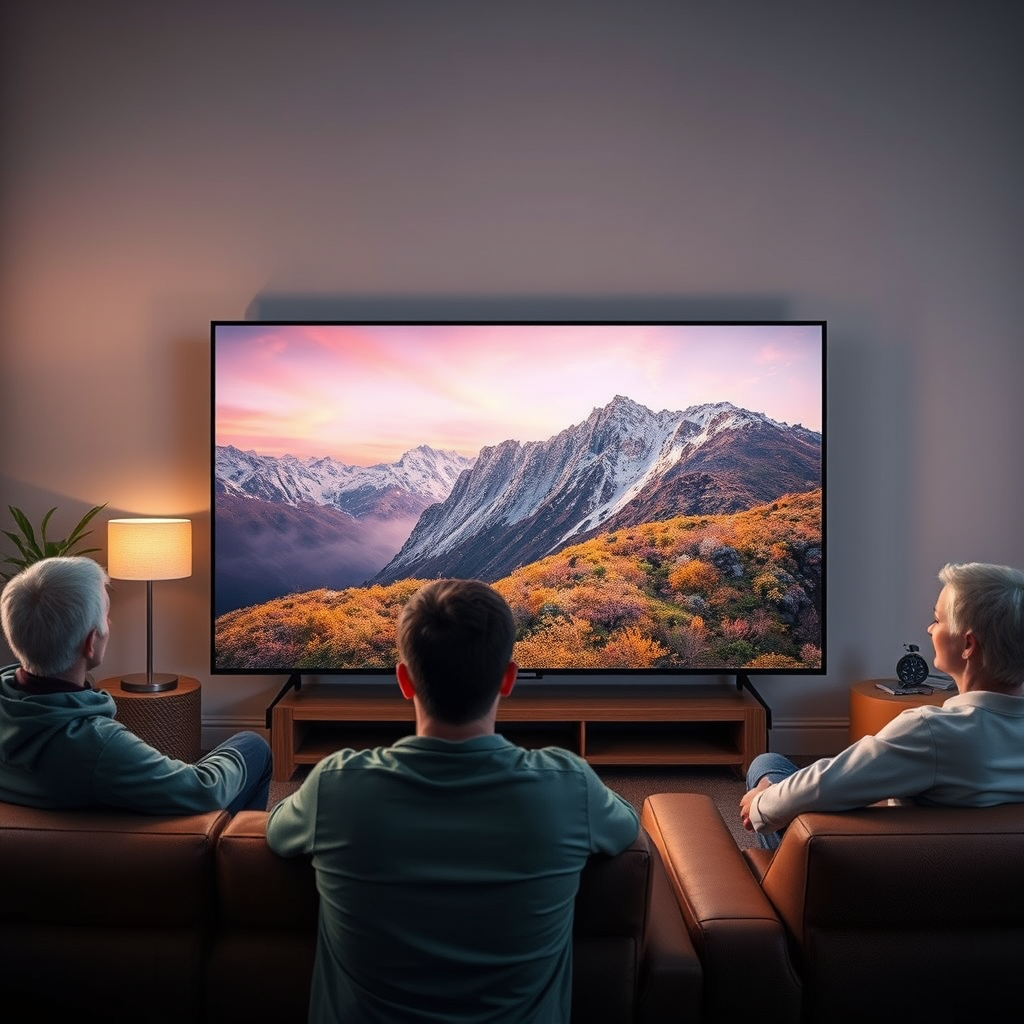
One of the most significant advantages of smart TVs is their ability to provide access to a plethora of streaming services and applications. With popular platforms like Netflix, Hulu, Amazon Prime Video, and Disney+, users can enjoy a vast library of movies, TV shows, and documentaries at their fingertips. The convenience of having all these services integrated into one device eliminates the need for multiple subscriptions on various devices, simplifying the viewing experience.
Moreover, smart TVs often come with the ability to download additional applications, enhancing their functionality. Users can access news applications, music streaming services like Spotify or Apple Music, and even games, creating a comprehensive entertainment hub. The seamless integration of these apps ensures that users have everything they need in one place, making it easier to switch between different types of content.
Internet Browsing
Smart TVs are not just limited to watching videos; they also feature integrated web browsers that allow users to surf the internet directly on their TVs. This capability means you can check your email, browse social media platforms like Facebook or Twitter, and even shop online, all from the comfort of your couch. The larger screen provides a more immersive browsing experience compared to traditional computers or smartphones.
Additionally, the ease of accessing various online content, such as news articles or blogs, enhances the versatility of smart TVs. Users can watch video tutorials, read articles, or follow their favorite influencers without needing any additional devices. This integration of internet browsing capabilities into smart TVs represents a significant enhancement in user interaction and accessibility.
Smart Home Integration
As smart home technology continues to evolve, smart TVs have become central hubs for controlling various smart devices within the home. Users can manage their smart lights, thermostats, and security systems directly from their TV interfaces. This integration allows for greater convenience, as viewers can adjust their home environment without needing to get up from their seats.
Furthermore, many smart TVs are compatible with voice assistants like Amazon Alexa and Google Assistant. This compatibility means users can control their TV and other smart devices using simple voice commands, further streamlining the process. For instance, you could say, “Turn off the living room lights,” or “What’s the weather today?” without picking up the remote.
Top Smart TV Brands and Features (2024)
| # | Brand | Smart Features | Voice Control | Streaming Apps |
|---|---|---|---|---|
| 1 | Samsung | Yes | Yes | 500+ |
| 2 | LG | Yes | Yes | 300+ |
| 3 | Sony | Yes | Yes | 400+ |
| 4 | TCL | Yes | No | 200+ |
| 5 | Vizio | Yes | Yes | 250+ |
| 6 | Hisense | Yes | No | 150+ |
| 7 | Panasonic | Yes | No | 180+ |
Screen Mirroring and Casting
Screen mirroring and casting functionality is another essential feature of smart TVs. This allows users to share content from their smartphones, tablets, or laptops directly onto their TV screens. With the help of technologies like Chromecast, AirPlay, or Miracast, streaming photos, videos, or presentations onto a larger screen has never been easier.
This feature is particularly beneficial for families or social gatherings, where sharing memories or showcasing content becomes more interactive. For example, users can easily display their travel photos during a family get-together or stream a live sports event from their mobile device to the TV screen. The ease of connecting and sharing content enhances the overall entertainment experience, making it more engaging for everyone involved.
Gaming Capabilities
The gaming capabilities of smart TVs are increasingly becoming a focal point for many consumers. Many modern smart TVs come equipped with dedicated gaming modes that optimize performance for consoles like PlayStation and Xbox. This includes features such as low latency, variable refresh rates, and enhanced visuals, providing gamers with an immersive experience that rivals traditional gaming monitors.
Moreover, with the rise of cloud gaming services like Google Stadia and NVIDIA GeForce Now, users can play high-quality games without the need for a dedicated console. This opens up a world of possibilities for casual gamers who may not want to invest in expensive hardware. The ability to access a library of games via streaming adds tremendous value to smart TVs, positioning them as multifunctional entertainment devices.
Voice Control Features
Voice control features in smart TVs have transformed how users interact with their devices. Built-in voice recognition systems allow for hands-free operation and easier navigation. Users can control their TV, search for shows, and adjust settings using simple voice commands, making the overall experience more user-friendly.
For instance, a user could say, “Show me action movies” or “Turn the volume up,” eliminating the need to navigate through multiple menus using a remote. This feature is particularly beneficial for individuals with mobility challenges, as it provides a more accessible means of controlling their entertainment system. The convenience of voice control enhances user satisfaction and encourages greater engagement with the device.
Regular Updates and Upgrades
Smart TVs benefit from regular software updates that improve functionality and introduce new features. These updates ensure that users have access to the latest apps and streaming services as they become available. For example, a smart TV that receives regular updates can support new streaming platforms and maintain compatibility with the latest smart home devices.
Additionally, manufacturers often enhance the user interface and performance through these updates, providing users with a smoother experience over time. This continual evolution not only extends the lifespan of the device but also ensures that it remains relevant as technology advances.
Smart TVs have revolutionized how we consume media, making it easier than ever to access a wide range of entertainment options. By integrating various features such as streaming services, internet browsing, and smart home controls, they provide a comprehensive entertainment hub. Explore the benefits of owning a smart TV and discover how it can enhance your viewing experience today!
Frequently Asked Questions
What features can I expect from a smart TV?
A smart TV typically includes built-in Wi-Fi connectivity, allowing you to stream content from popular services like Netflix, Hulu, and YouTube directly. Additionally, smart TVs often come with voice control capabilities, access to apps, and integration with smartphones and smart home devices, enhancing your viewing experience.
How do I set up a smart TV for streaming?
To set up your smart TV for streaming, first connect it to your home Wi-Fi network through the settings menu. Once connected, you can download apps for your preferred streaming services, sign in with your account, and start enjoying your favorite shows and movies seamlessly on the big screen.
Why should I choose a smart TV over a traditional television?
Choosing a smart TV over a traditional television offers significant advantages, such as access to a wider variety of content without needing external devices. Smart TVs also receive software updates that can enhance performance and introduce new features, making them a future-proof choice for entertainment.
Which brands offer the best smart TVs on the market?
Some of the best smart TV brands include Samsung, LG, Sony, and TCL, known for their exceptional picture quality, user-friendly interfaces, and extensive app selections. Each brand has unique features, so it’s important to consider your specific needs, such as gaming compatibility or picture quality, when making your choice.
What should I look for when buying a smart TV?
When buying a smart TV, consider factors such as screen size, resolution (4K or 8K), smart platform compatibility, and overall picture quality. Additionally, look for features like HDR support, low input lag for gaming, and a comprehensive app ecosystem to ensure that the TV meets all your entertainment needs.
References
- Smart TV
https://en.wikipedia.org/wiki/Smart_TV - https://www.bbc.com/news/technology-45280673
https://www.bbc.com/news/technology-45280673 - https://www.theguardian.com/technology/2021/mar/12/smart-tv-security-privacy-risk
https://www.theguardian.com/technology/2021/mar/12/smart-tv-security-privacy-risk - https://www.nytimes.com/2019/11/19/technology/smart-tv-privacy.html
https://www.nytimes.com/2019/11/19/technology/smart-tv-privacy.html - https://www.sciencedirect.com/science/article/pii/S2352864818303077
https://www.sciencedirect.com/science/article/pii/S2352864818303077 - https://www.mayoclinic.org/healthy-lifestyle/adult-health/in-depth/smart-tv/art-20418429
https://www.mayoclinic.org/healthy-lifestyle/adult-health/in-depth/smart-tv/art-20418429 - https://www.ncbi.nlm.nih.gov/pmc/articles/PMC7442952/
https://www.ncbi.nlm.nih.gov/pmc/articles/PMC7442952/ - https://www.cdc.gov/healthyyouth/media/smarttv.htm
https://www.cdc.gov/healthyyouth/media/smarttv.htm - Google Scholar Google Scholar
https://scholar.google.com/scholar?q=smart+tv+features - Google Scholar Google Scholar
https://scholar.google.com/scholar?q=smart+tv+privacy+concerns

[…] smart TVs have unique base designs, wall-mount hardware, or cable routing that may make flat placement risky […]
[…] Smart TVs often restrict uninstalling of system and service apps, but they commonly provide a “Disable” […]
[…] availability on Samsung Smart TVs depends on the TV model/operating system, so Hulu’s support list is the first place to confirm […]
[…] Smart TVs typically include a built-in web browser app (often labeled ‘Internet’) that supports URL entry […]
[…] some smart TVs can be jailbroken, but whether you can (and how safely) depends heavily on the exact brand, model, […]