


Getting Bounce TV is simple and can be done through various methods depending on your viewing preferences. You can access Bounce TV for free over-the-air, via cable, or through streaming services. This guide will walk you through each option, ensuring you can enjoy your favorite shows and movies from Bounce TV without hassle.
Bounce TV is a dedicated American television network that primarily focuses on programming for African American audiences. Launched in 2010, it features a diverse lineup that includes a mix of original content, classic sitcoms, and popular movies. The network has become a significant player in the realm of culturally relevant entertainment, catering to viewers seeking representation and relatable stories.
Accessing Bounce TV Over-the-Air
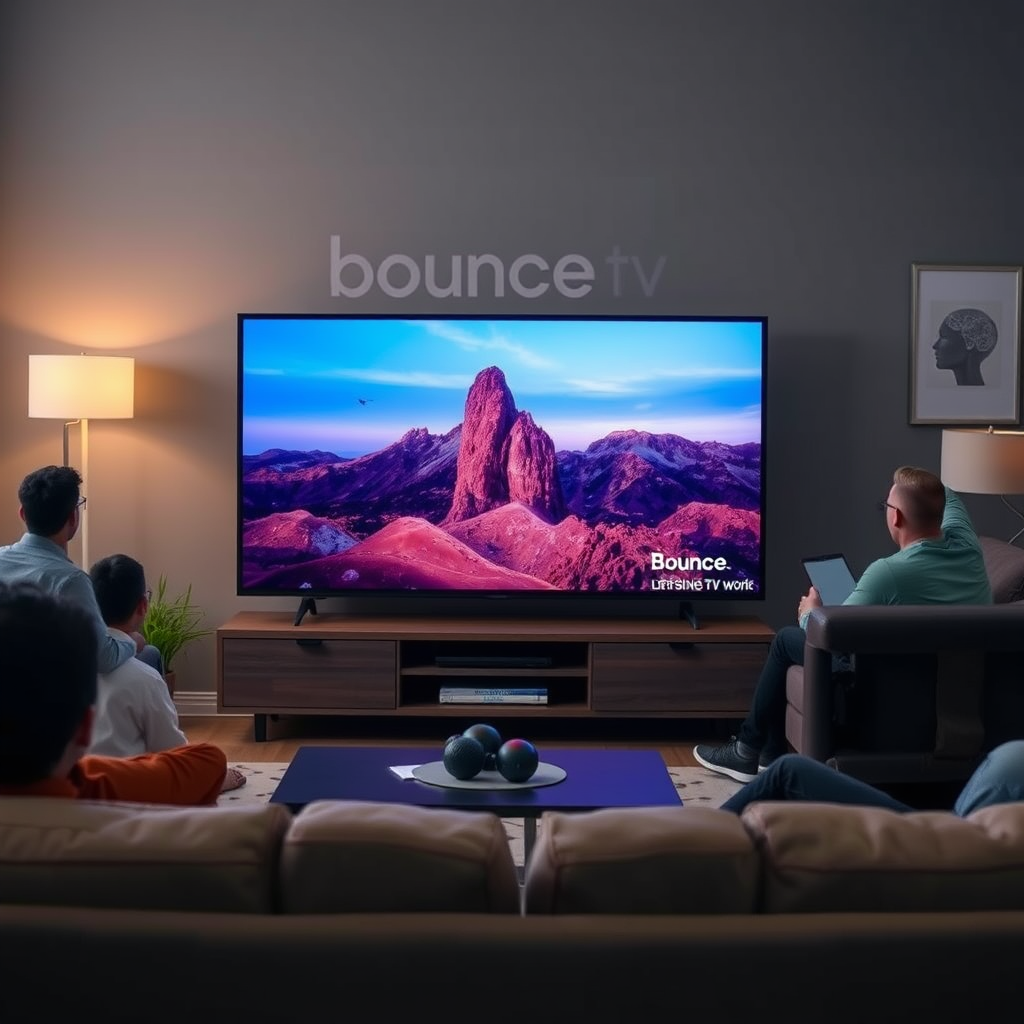
One of the most straightforward ways to access Bounce TV is through over-the-air broadcasts. This method allows you to watch the channel for free, provided you have the necessary equipment. Here’s how to get started:
1. Check Local Listings: Before investing in an antenna or any equipment, check local television listings to confirm that Bounce TV broadcasts in your area. You can do this by visiting the Bounce TV website or using a local TV guide.
2. Use an HD Antenna: If Bounce TV is available in your region, you can use an HD antenna to receive the broadcast signal. These antennas vary in price and type, with options ranging from indoor antennas suitable for apartments to outdoor antennas for rural areas. When selecting an antenna, consider the range and the quality of the signal in your location.
3. Positioning the Antenna: Proper placement of the antenna can significantly improve signal reception. Ideally, position it near a window or on a high shelf, facing the direction of the broadcast tower.
Watching Bounce TV via Cable
If you prefer traditional television viewing, subscribing to a cable service is another viable option for accessing Bounce TV. Follow these steps to ensure you can watch it through your cable provider:
1. Contact Your Cable Provider: Reach out to your cable provider’s customer service to inquire if Bounce TV is part of their channel lineup. Many major cable companies include Bounce TV in their standard packages, but availability may vary.
2. Select the Right Package: If Bounce TV is not included in your current package, ask about upgrading to a package that includes the channel. Be aware of any additional costs associated with upgrading your service.
3. Check for Promotions: It’s also worth asking about any promotions or bundled services that might offer a good deal on accessing Bounce TV along with other channels you might want.
Streaming Bounce TV Online
For those who prefer streaming services, Bounce TV is available on various platforms that allow you to watch your favorite shows and movies online. Here’s how to access Bounce TV through streaming:
1. Explore Streaming Services: Services like Sling TV, Hulu Live, and Philo include Bounce TV in their channel offerings. Each platform has its own subscription plans, so it’s essential to compare them based on your viewing habits.
2. Create an Account: Once you select a service, create an account by providing basic information and payment details. Most platforms offer free trial periods, allowing you to test the service before committing.
3. Choose a Subscription Plan: Depending on your viewing preferences, you can select a subscription plan that fits your needs. Some services may offer add-ons that enhance your viewing experience with additional channels or features.
Using Bounce TV’s Official Website and App
In addition to traditional cable and streaming options, Bounce TV provides its viewers with the flexibility to watch content on its official website and app. Here’s how to utilize these platforms:
1. Visit the Bounce TV Website: The official Bounce TV website features a variety of shows, episode guides, and streaming options. You can watch select episodes and clips for free, as well as find information about upcoming shows and events.
2. Download the Bounce TV App: For on-the-go access, download the Bounce TV app, available on both iOS and Android devices. The app allows you to watch live broadcasts, catch up on missed episodes, and receive notifications about your favorite programs.
3. Create an Account for Full Access: While some content is available for free, creating an account may grant you access to additional features, such as exclusive content and personalized recommendations.
Troubleshooting Common Issues
While accessing Bounce TV should be straightforward, some viewers may encounter issues. Here are some common problems and solutions:
1. Streaming Interruptions: If you experience buffering or interruptions while streaming, check your internet connection. A simple restart of your router can often resolve connectivity issues.
2. Antenna Signal Problems: If your over-the-air reception is spotty, adjust the position of your antenna or try rescanning for channels on your television. Additionally, ensure that there are no obstructions, like walls or large furniture, blocking the signal.
3. Cable Provider Issues: If Bounce TV is not available on your cable service despite confirming its presence in the lineup, contact customer support for assistance. Sometimes, a simple reset of your cable box can resolve missing channels.
Bounce TV Access Methods Comparison (2024)
| # | Access Method | Cost | Setup Time | Content Availability |
|---|---|---|---|---|
| 1 | Over-the-Air | Free | Quick | Full |
| 2 | Cable | $50/month | Moderate | Full |
| 3 | Sling TV | $35/month | Instant | Limited |
| 4 | Hulu Live | $70/month | Instant | Full |
| 5 | Philo | $25/month | Instant | Limited |
| 6 | Bounce TV App | Free | Quick | Limited |
Exploring Bounce TV’s Content
Once you have access to Bounce TV, you can delve into the variety of content it offers. The network’s programming includes a rich blend of genres designed to resonate with its audience. Here’s what you can expect:
1. Original Programming: Bounce TV produces a range of original series that cater to contemporary issues and storytelling styles. Shows like “Saints & Sinners” and “Johnson” have garnered acclaim for their engaging narratives and character development.
2. Classic Sitcoms: The network also airs beloved classic sitcoms such as “The Cosby Show” and “A Different World,” which help bridge generational gaps while providing family-friendly entertainment.
3. Movies and Specials: Bounce TV features an extensive collection of films, including popular blockbusters and independent productions. The network often showcases themed movie nights, highlighting specific genres or filmmakers.
4. Schedule Awareness: To maximize your viewing experience, familiarize yourself with Bounce TV’s programming schedule, which is available on the network’s website. This will help ensure you don’t miss live broadcasts of popular shows.
In summary, Bounce TV offers a diverse array of content, making it a valuable resource for those seeking entertainment that reflects African American culture and experiences.
With these options, you can easily access Bounce TV and enjoy its diverse programming. Whether you prefer traditional cable, over-the-air, or streaming, there’s a method that fits your needs perfectly. By exploring the various access methods and content offerings, you can tailor your viewing experience to suit your preferences.
Frequently Asked Questions
What is Bounce TV and what type of content does it offer?
Bounce TV is an American television network that primarily focuses on providing family-friendly programming, including movies, original series, and sitcoms aimed at African American audiences. Its content includes a mix of classic films, popular television series, and new original shows that celebrate African American culture and heritage.
How can I watch Bounce TV online?
You can watch Bounce TV online through various streaming services that carry the network, such as Hulu Live TV, Sling TV, and YouTube TV. Additionally, you can visit the Bounce TV website to access live streaming and on-demand content, often requiring a cable provider login for full access.
Why am I unable to find Bounce TV on my local cable provider?
Bounce TV may not be available on some local cable providers due to regional licensing agreements and channel lineup variations. To ensure you can access Bounce TV, check with your cable provider for availability or consider streaming options that include the network.
What devices can I use to watch Bounce TV?
You can watch Bounce TV on various devices, including smart TVs, streaming media players like Roku and Apple TV, gaming consoles, and mobile devices. Most streaming services that offer Bounce TV also have dedicated apps that can be downloaded on smartphones and tablets for easy access.
Which streaming service is the best for accessing Bounce TV?
The best streaming service for accessing Bounce TV depends on your viewing preferences and budget. Options like Hulu Live TV, Sling TV, and YouTube TV provide access to Bounce TV, but Hulu Live TV often stands out for its extensive on-demand library in addition to live streaming.
References
- Bounce TV
https://en.wikipedia.org/wiki/Bounce_TV - https://www.bbc.com/news/technology-37712027
https://www.bbc.com/news/technology-37712027 - https://www.theguardian.com/media/2021/jun/03/bounce-tv-returns-to-the-airwaves
https://www.theguardian.com/media/2021/jun/03/bounce-tv-returns-to-the-airwaves - https://www.nytimes.com/2020/11/30/business/media/bounce-tv.html
https://www.nytimes.com/2020/11/30/business/media/bounce-tv.html - Google Scholar Google Scholar
https://scholar.google.com/scholar?q=Bounce+TV+streaming - Google Scholar Google Scholar
https://scholar.google.com/scholar?q=Bounce+TV+availability - https://www.cdc.gov/media/releases/2020/p1110-bounce-back.html
https://www.cdc.gov/media/releases/2020/p1110-bounce-back.html - https://www.nature.com/articles/s41562-020-0901-7
https://www.nature.com/articles/s41562-020-0901-7 - https://www.pubmed.ncbi.nlm.nih.gov/32774956/
https://www.pubmed.ncbi.nlm.nih.gov/32774956/ - https://www.sciencedirect.com/science/article/pii/S1877050920301245
https://www.sciencedirect.com/science/article/pii/S1877050920301245

[…] compatibility across major streaming services (service support varies by […]
[…] – App updates for your streaming services […]
[…] failures. After resetting network settings, you must reconnect to Wi‑Fi or Ethernet to restore streaming services. Separating “TV reset” from “router reset” improves troubleshooting accuracy because it […]