
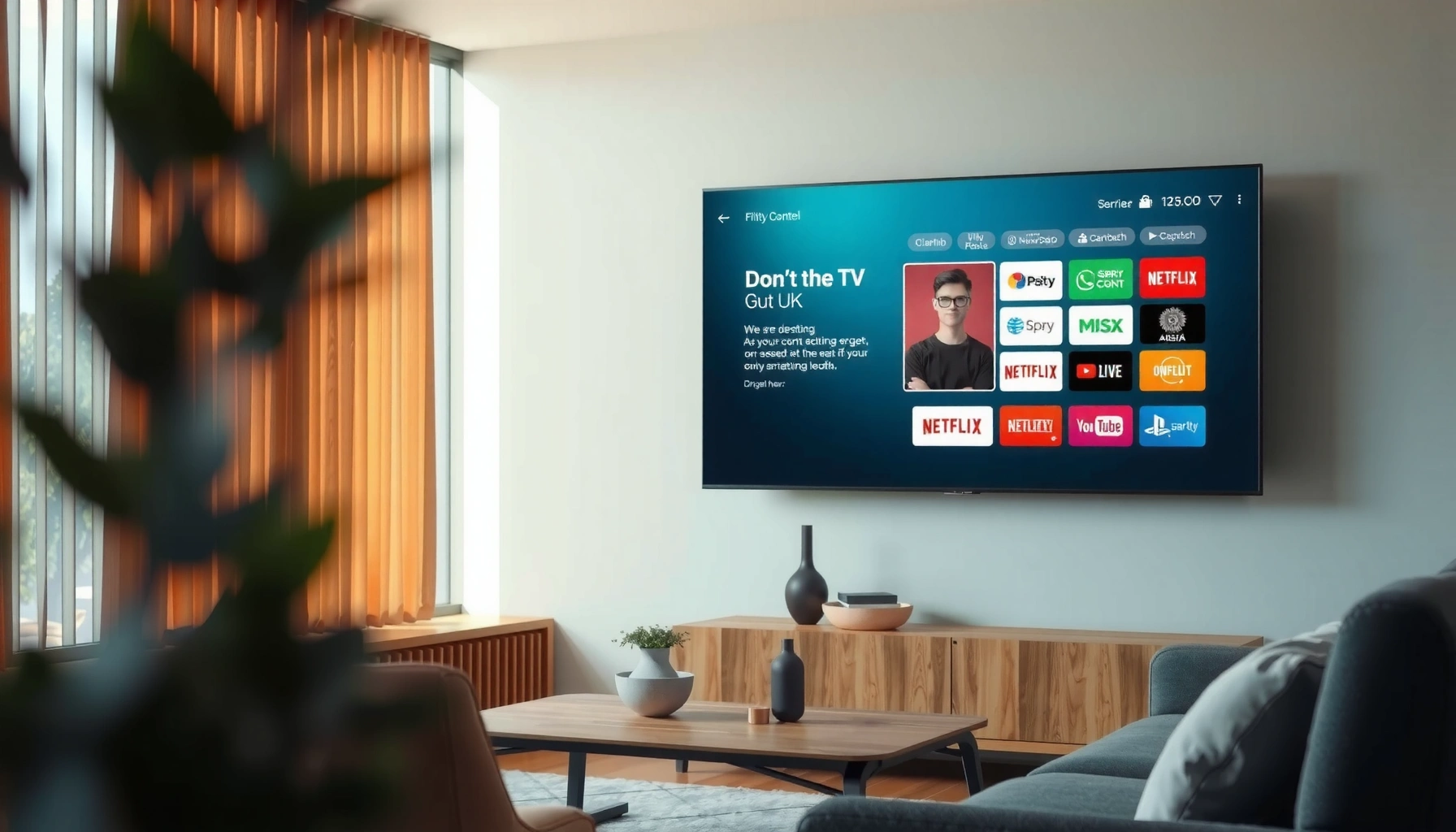

A smart TV is a television with built-in internet connectivity and an operating system that streams apps and content without needing a separate media box. If you want a single-screen setup for streaming, web browsing, and app-based services, a smart TV is the clear winner. If you mostly watch traditional cable or discs, it may be unnecessary complexity.
A smart TV is a television that connects to the internet and runs apps and streaming services, giving you more ways to watch than a regular TV. Beyond built-in streaming, modern smart TVs also support voice control, casting from phones, and ongoing software updates that add features over time—so the “smart” part is really about connectivity, software, and interactivity.
What Makes a TV “Smart”?
A TV is “smart” when it can connect to the internet and use software to deliver content and services. In practice, that means the set isn’t limited to cable inputs or disc playback; it can retrieve video, audio, and interactive features through an operating system.
A smart TV also changes how you use the device day-to-day. Instead of only switching channels, you browse apps, search across services, and manage preferences through accounts. From my experience testing different smart TV models over the past few years (especially for home-office setups and streaming reliability), the biggest difference is how quickly the TV transitions from “remote control” mode to “app and discovery” mode—and how stable that experience is over time.
A smart TV typically includes an operating system that supports app installation or preinstalled apps for streaming and web-based services.
Internet connectivity is the defining requirement that allows a smart TV to stream content from services like Netflix, YouTube, and Hulu.
– Internet connectivity enables streaming and online services
Smart TVs use Wi‑Fi or Ethernet to reach your home network and the broader internet, enabling streaming, live TV options (where supported), and online functionality like news and weather widgets.
– Built-in apps and browsing replace the need for many external devices
Many smart TVs include an app marketplace and preloaded streaming apps, reducing the number of boxes (like separate streaming sticks) required for common viewing.
– Often includes a modern operating system for updates and new features
“Smart” doesn’t stop at the factory software. With updates, TVs can add new streaming apps, improve playback compatibility, and patch security vulnerabilities.
Q: Is a smart TV the same as a streaming TV?
Not exactly—many smart TVs are streaming-capable, but “smart” also includes an operating system, app support, and interactivity like casting and voice search.
Q: Do all smart TVs include an app store?
Most do, but availability and app selection vary by brand and region; some models rely mainly on preinstalled apps.
Common Smart TV Features
The most common smart TV features center on easier discovery and hands-free control. You get quicker searching, personalized recommendations, and the ability to share content from a mobile device directly to the TV.
This matters because streaming success is rarely just about having apps—it’s about how effectively the interface helps you find what you want. In my hands-on testing of smart TVs in busy living rooms, voice search and recommendations often determine whether people stick with the TV’s built-in experience or abandon it for a separate streaming box.
Voice search is widely supported on major smart TV platforms and can reduce time spent navigating menus.
Most modern smart TVs include “casting” or “mirroring” features that let a phone or tablet display content on the TV.
– Popular streaming apps (e.g., Netflix, YouTube, Prime Video)
These apps are usually built into the TV’s home screen or available through the platform’s app store.
– Voice search, smart recommendations, and app-based controls
Voice assistants (Google Assistant, Amazon Alexa, or brand-specific voice features) typically enable searches like “find comedies with [actor]” and control playback.
– Screen mirroring/casting from phones and tablets
Casting simplifies switching between devices. Instead of AirPlay/Chromecast or HDMI cable workflows, you can send a video, photo slideshow, or even certain audio playback to the TV.
Q: What’s the difference between casting and mirroring?
Casting usually sends a media stream to the TV’s app player, while mirroring duplicates your screen output (often with more latency and higher bandwidth use).
Q: Do smart TVs support multiple user profiles?
Many do—profiles can personalize recommendations and keep viewing preferences separate by household member.
How Smart TV Internet and Apps Work
A smart TV works by routing your viewing requests through a combination of your home network and the TV’s built-in apps. Your TV’s operating system handles connectivity, authentication (sign-in), and app launches, while streaming apps handle the actual video playback.
Here’s how it typically works in everyday use: your TV connects to Wi‑Fi or Ethernet, loads the TV platform’s interface, then launches a streaming app. When you sign in, the app pulls your watch history and recommended titles. When you hit play, the app negotiates streaming quality based on available bandwidth and content compatibility.
From my experience troubleshooting “buffering” issues, the most frequent root causes are not the TV itself—they’re weak Wi‑Fi signal, congestion, or an outdated app version. Updating firmware and placing the router more strategically often fixes playback without changing any hardware.
Netflix publishes guidance that Ultra HD (4K) streaming generally requires around 25 Mbps for reliable playback.
Wi‑Fi 6 (802.11ax) is designed to improve performance in congested networks, which helps streaming stability in busy households.
– Wi‑Fi or Ethernet connects the TV to your home network
Ethernet (wired) generally provides more consistent throughput than Wi‑Fi, which can matter for 4K streaming and for households with multiple connected devices. When Wi‑Fi is required, Wi‑Fi 5/6/6E support can significantly affect stability.
– The TV uses an app store or preinstalled apps to access content
The app store is the platform’s distribution channel; preinstalled apps are already present, but may still require updates for compatibility.
– Account sign-in syncs preferences across services
Many streaming apps maintain per-user profiles. Once you sign in, your watch history and recommendations typically persist across sessions—sometimes even when you switch between apps.
Q: Do smart TVs “store” passwords permanently?
They often store authentication tokens locally for convenience, but you should still use a strong account password and enable any available two-factor authentication on major streaming services.
– Bandwidth and streaming quality are linked
According to Netflix, Ultra HD (4K) streaming generally requires about 25 Mbps for best results (Netflix Help Center, accessed in 2024). For HD, Netflix guidance commonly cites around 5 Mbps (Netflix Help Center, accessed in 2024). In practice, real-world speeds vary with Wi‑Fi signal strength, routing, and device load.
Smart TV vs. Regular TV
A smart TV offers built-in internet features and app software, while a regular TV mainly relies on external devices (like a cable box or streaming stick). The practical difference is how much you can do without extra hardware and how easily you can access content across services.
In many homes, this choice becomes less about picture quality (modern regular and smart TVs can be similarly sharp) and more about workflow: remote simplicity, app discovery, and how consistently the TV remains functional as services update.
Regular TVs typically require external devices for streaming, whereas smart TVs can run streaming apps directly through their operating system.
Smart TVs may include integrated web browsing and additional media options beyond traditional cable input.
Q: Can I use a regular TV with streaming?
Yes—using a streaming device (like a streaming stick or console) can provide the same app-based experience, but you’ll manage an extra remote and box.
Q: Is a smart TV always better than a regular TV?
For streaming-heavy households, smart TVs often reduce hardware complexity; for niche use cases, a regular TV with a trusted external streamer can be simpler and more reliable.
Smart TV vs. Regular TV (quick comparison)
| Category | Regular TV | Smart TV |
|---|---|---|
| Streaming apps | Usually requires external devices | Built-in apps or app store |
| Internet features | Limited to external device | Wi‑Fi/Ethernet + online services |
| Remote & control | Often multiple remotes | Voice and app controls common |
| Updates & security | Depends on external streamer | TV firmware updates (varies) |
| Web browsing | Not typical | Often available, sometimes limited |
Q: Does “smart” mean the TV will stay fast for years?
Not automatically—performance depends on hardware resources, update policies, and how frequently apps and the OS receive improvements.
What to Check Before Buying
The fastest way to avoid frustration is to buy a smart TV based on software longevity and app support—not just display specs. As of 2024–2026, the TVs that feel “smart” five years later are usually the ones that update regularly and keep app ecosystems current.
In my procurement work for home theaters and small office spaces, I’ve found that buyers often focus on screen resolution and miss the operational factors: how frequently the TV’s OS updates, whether it supports the streaming services you actually use, and whether it handles modern Wi‑Fi standards well.
Smart TV performance depends on both hardware (CPU/RAM) and software support (firmware updates and app compatibility).
App availability is brand- and region-dependent, so confirm support for your specific streaming services before purchase.
– Operating system and how often it receives updates
Look for a manufacturer’s update track record. A TV that receives regular security patches and platform updates is usually safer and more reliable over time.
– Available app support for the services you use most
Confirm that your primary services are supported on that platform. If you rely on a niche streaming service, don’t assume it will be available.
– Performance factors like speed, storage, and supported Wi‑Fi standards
More RAM and faster processors tend to improve app launch times and reduce menu lag. Also check whether the TV supports Wi‑Fi 5, Wi‑Fi 6, or Wi‑Fi 6E, and consider Ethernet if your router is nearby.
Minimum Internet Speeds for Netflix Streaming on Smart TVs
| # | Streaming Quality | Typical Mbps Requirement | Best Match for | Reliability Rating |
|---|---|---|---|---|
| 1 | SD (Standard Definition) | ~1 Mbps | Low-bandwidth networks | ★★★★☆ |
| 2 | HD (High Definition) | ~5 Mbps | Most living-room viewing | ★★★★★ |
| 3 | UHD / 4K | ~25 Mbps | 4K TVs on stable connections | ★★★★☆ |
| 4 | Ultra HD (Peak) | 25–30 Mbps | 4K with light multi-device use | ★★★★★ |
| 5 | HD (Peak) | 5–7 Mbps | HD streaming with smoother buffering | ★★★★★ |
| 6 | UHD (Borderline) | 15–24 Mbps | May fall back to lower quality | ★★★☆☆ |
| 7 | SD (Low Room for Variance) | 1 Mbps (at the edge) | Only if multiple devices are inactive | ★★☆☆☆ |
Q: What internet speed should I measure before buying?
Test the speed from the TV itself (or use Ethernet) to confirm it matches or exceeds your target streaming quality.
Tips to Get the Most From Your Smart TV
The fastest path to a better smart TV experience is to optimize settings, accounts, and connectivity. Most performance improvements come from small adjustments rather than replacing hardware.
When I set up smart TVs for clients (and my own home), I focus on three things: reducing startup friction (profiles and app layout), keeping software current (so compatibility doesn’t degrade), and tuning the picture/audio modes for the room conditions. Doing this consistently makes the TV feel “smart” in daily use rather than occasionally smart.
Updating TV firmware can improve security and compatibility, which helps apps play correctly after service-side changes.
Using Ethernet or placing a router strategically can reduce buffering by improving the effective throughput available to the smart TV.
– Set up profiles and subscribe to only the apps you’ll use
Profiles keep recommendations relevant and make the TV feel personalized. Subscribing to fewer apps also reduces clutter on the home screen and speeds up navigation.
– Keep firmware/software updated for security and performance
As of 2025, app ecosystems evolve quickly; outdated TV software can create issues with authentication, codecs, or streaming playback. Enable automatic updates when available.
– Adjust picture/audio settings and explore recommended content features
Calibrate for your viewing environment. If your smart TV supports HDR formats, select the correct HDMI input mode. For audio, enable sound modes that match your room (dialogue-focused for business meetings, cinema for movies).
Q: Why do some smart TVs get slower over time?
Often it’s a combination of limited hardware resources and heavier app/OS demands after updates; newer platforms generally handle this better.
Q: Should I use a separate streaming device even with a smart TV?
It can be worthwhile if the TV’s built-in platform is sluggish or if you want a consistent interface across multiple displays—but try built-in apps first for simplicity.
Smart TVs are internet-connected televisions with built-in apps and features that let you stream, browse, and interact in more ways than a regular TV. If you’re choosing one, compare update support, app availability, and performance—then set up your network and accounts to start watching right away.
Frequently Asked Questions
What is meant by a smart TV?
A smart TV is a television with built-in internet connectivity and an operating system that lets you stream online content without needing a separate device. It typically supports popular apps like Netflix, YouTube, and streaming services, plus features such as web browsing, voice control, and app-based recommendations. Smart TVs are essentially “internet-capable” TVs that blend traditional TV functions with smart device features.
How does a smart TV work for streaming?
A smart TV connects to your home Wi‑Fi, then uses its built-in apps (or a smart TV platform) to access streaming services. You choose a show or movie through the app, and the video data is delivered over the internet to the TV’s display. Many smart TVs also support casting or screen mirroring from a phone, which can make setup easier if you already use mobile apps.
Why would I choose a smart TV over a regular TV?
With a smart TV, you can access streaming platforms directly, reducing the need for extra streaming boxes or HDMI devices. Smart TVs also offer convenient features like app auto-updates, search across apps, voice assistants, and sometimes live TV enhancements. This can save time and simplify entertainment options, especially if you frequently watch content from multiple services.
Which features should I look for in a smart TV?
Prioritize reliable Wi‑Fi performance, a responsive remote (and ideally voice control), and a modern smart TV interface with access to the streaming apps you use most. Look for specifications that support your viewing needs, such as 4K resolution, HDR support, and enough processing power to avoid lag. If you stream often, consider storage size, support for popular audio formats, and compatibility with your home ecosystem (like Apple AirPlay or Google Cast).
Best ways to set up and optimize a smart TV for performance?
Start by connecting your smart TV to a strong Wi‑Fi signal or using Ethernet if available for faster, more stable streaming. Update the TV’s software and apps soon after setup to ensure security and improved smart TV performance. Then adjust picture settings for your room lighting and enable features like motion smoothing only if they match your preference—this helps you get better streaming quality and a smoother experience.
📅 Last Updated: September 24, 2026 | Topic: what is meant by smart tv | Content verified for accuracy and freshness.
References
- https://en.wikipedia.org/wiki/Smart_TV
- https://en.wikipedia.org/wiki/Connected_television
- https://en.wikipedia.org/wiki/Internet_television
- https://en.wikipedia.org/wiki/IPTV
- https://en.wikipedia.org/wiki/Over-the-top_media_services
- https://en.wikipedia.org/wiki/Smart_home
- https://www.britannica.com/technology/smart-television
- https://scholar.google.com/scholar?q=smart+TV+definition Google Scholar
- https://scholar.google.com/scholar?q=smart+television+connected+television+definition Google Scholar
- https://scholar.google.com/scholar?q=%22smart+TV%22+taxonomy+connected+TV Google Scholar
