

Smart TVs can potentially spy on you, depending on their features and settings. Many smart TVs collect data about your viewing habits and may even have microphones and cameras that can be used for spying. In this article, we’ll explore how smart TVs gather information, the privacy risks involved, and what you can do to protect yourself.
Understanding Smart TV Data Collection
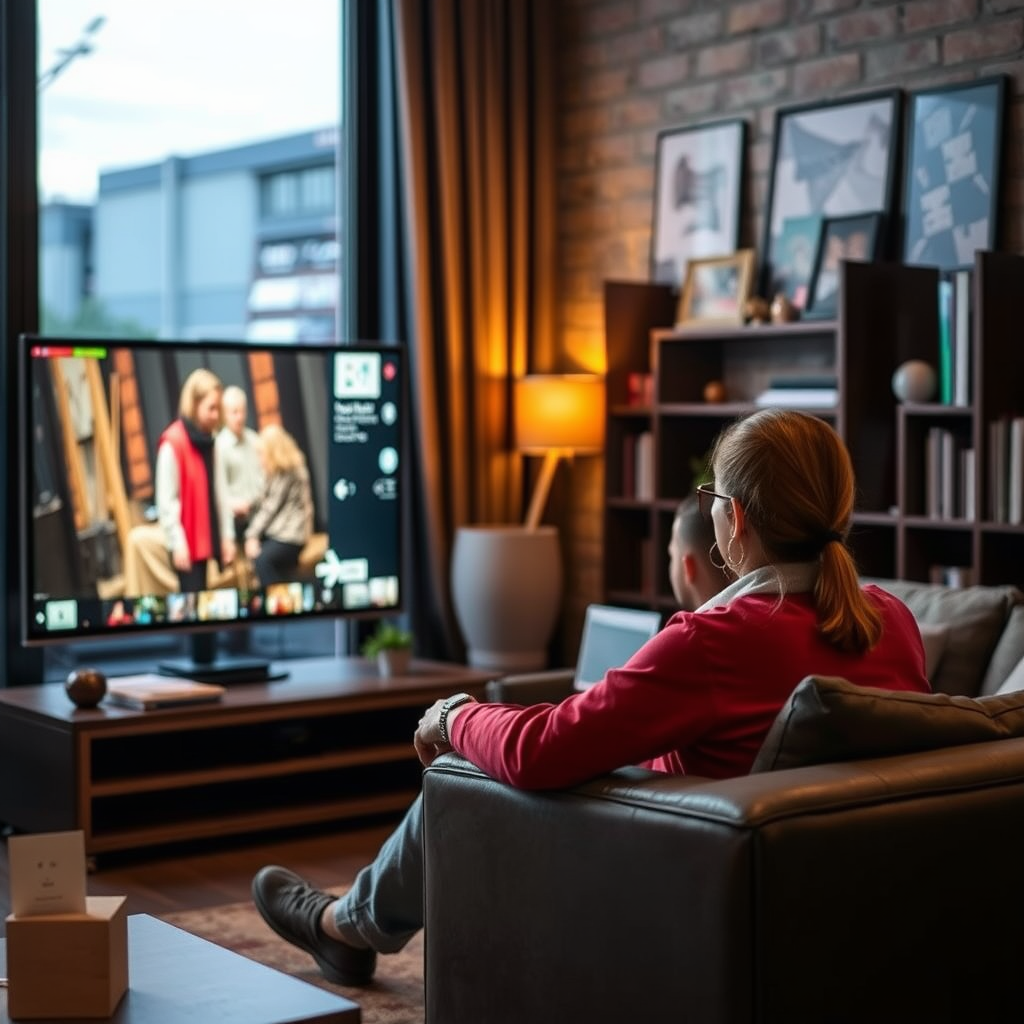
Smart TVs are designed to enhance your viewing experience by providing personalized content and advertisements. To do this, manufacturers often collect data on viewing habits, which can include information about what you watch, how long you watch, and even your geographic location. This data is typically gathered through various technologies, including:
– Usage Tracking: Smart TVs log the titles of programs and movies you view, along with the duration of each session. This information is often used to tailor recommendations and advertisements to your preferences.
– Location Data: Many smart TVs can access location data through your internet connection or GPS features. This can help in localizing content, such as news or weather updates.
– Usage Patterns: By analyzing how frequently and for how long you watch certain channels or types of content, companies can infer your preferences and market products accordingly.
While this data collection can enhance your experience, it raises significant concerns about privacy and the extent to which your personal information is being monitored and utilized.
Privacy Features in Smart TVs
Manufacturers have recognized the potential privacy concerns associated with smart TVs and typically include various privacy features that allow users to manage data collection. Key privacy settings include:
– Voice Recognition Controls: Most smart TVs come equipped with voice assistants that can be activated by voice commands. Users can often disable this feature to prevent the TV from continuously listening.
– Camera Access: Some smart TVs have built-in cameras for video calls or gesture controls. Users can disable camera functionality or cover the lens when not in use to mitigate privacy risks.
– Data Collection Opt-Out: Most brands provide options in the settings menu to opt out of data collection practices. This can include disabling personalized advertising and limiting the sharing of your viewing history with third parties.
Taking the time to familiarize yourself with these settings is crucial for protecting your privacy while enjoying the benefits of smart technology.
Risks of Smart TV Surveillance
Despite the privacy features available, smart TVs are not immune to risks. There are several key vulnerabilities that users should be aware of:
– Hacking Risks: Hackers can exploit security flaws in smart TVs to gain unauthorized access. This can lead to privacy invasions, where personal information or viewing habits are exposed. In some cases, hackers have been able to take control of the microphone or camera.
– Unsecured Networks: If your smart TV is connected to an unsecured Wi-Fi network, it increases the risk of unauthorized access. Hackers can infiltrate your network and access your devices, including your TV, leading to potential data breaches.
– Data Sharing with Third Parties: Many smart TVs share collected data with third-party advertisers, raising concerns about how your information is being used and who has access to it. This can lead to unwanted targeted advertising and, in some cases, the potential for data misuse.
Being aware of these risks can empower users to take preventive measures to protect their privacy.
Top Smart TV Brands and Privacy Features (2024)
| # | Brand | Voice Control | Camera | Data Sharing |
|---|---|---|---|---|
| 1 | Samsung | Yes | Yes | Opt-out available |
| 2 | LG | Yes | Yes | Opt-out available |
| 3 | Sony | Yes | Yes | Opt-out available |
| 4 | TCL | Yes | No | Opt-out available |
| 5 | Roku | Yes | No | Opt-out available |
| 6 | Vizio | Yes | Yes | Opt-out available |
| 7 | Philips | Yes | No | Opt-out available |
Best Practices for Smart TV Security
To safeguard your privacy while using a smart TV, implementing best practices for security is essential. Here are several actionable steps you can take:
– Regular Firmware Updates: Manufacturers frequently release firmware updates to patch known security vulnerabilities. Keeping your smart TV’s firmware up to date is crucial for maintaining security.
– Secure Home Network: Use a strong, unique password for your home Wi-Fi network. Consider enabling WPA3 encryption if your router supports it. A secure network makes it significantly harder for unauthorized users to gain access to your devices.
– Disable Unnecessary Features: If your smart TV has features you don’t use, such as voice control or camera access, disable them. This minimizes the potential avenues for unauthorized access.
– Network Isolation: If possible, consider creating a separate network for your smart devices. This isolates them from other devices, making it harder for a hacker to access sensitive information stored on your other devices.
Combining these security measures will bolster your defenses against potential privacy invasions.
How to Manage Your Smart TV Settings
Managing your smart TV settings is critical to maintaining control over your data. Here are steps you can follow to customize privacy options:
– Access Settings Menu: Start by navigating to the settings menu on your smart TV. Look for sections related to privacy or network settings.
– Review Privacy Options: Check for options related to data collection, advertising preferences, and voice control. Make sure to disable any features that you are uncomfortable with.
– Read Terms of Service: Before agreeing to the terms and conditions, take the time to read the privacy policy and terms of service. Understanding how your data will be used is essential for making informed decisions.
– Periodic Reviews: Regularly review your settings to ensure they align with your current privacy preferences. As software updates occur, settings may revert or change, necessitating additional reviews.
By actively managing your smart TV settings, you can ensure that your privacy preferences are respected.
Alternatives to Smart TVs
If privacy remains a significant concern for you, consider alternatives to traditional smart TVs. Here are two viable options:
– Non-Smart Televisions: Opting for a non-smart television can eliminate the risks associated with data collection and surveillance. These devices do not connect to the internet, providing a more secure viewing experience.
– Streaming Devices: If you still want to enjoy streaming services, consider using separate streaming devices with robust privacy controls. Devices like Roku, Amazon Fire Stick, or Apple TV typically provide better management of privacy settings compared to built-in smart TV features.
Choosing these alternatives can help you maintain a higher level of privacy while enjoying your entertainment.
In summary, while smart TVs can pose privacy risks by collecting and potentially sharing your data, there are various ways to manage these risks. By adjusting settings, securing your network, and understanding the technology, you can enjoy your smart TV with greater peace of mind. For more tips on enhancing your digital privacy, explore our other articles on technology safety and security.
Frequently Asked Questions
Can smart TVs listen to my conversations?
Yes, many smart TVs come equipped with voice recognition features that can listen for commands. These devices often have built-in microphones that can pick up ambient sounds, potentially including conversations. It’s important to review the privacy settings of your smart TV and disable voice recognition if you are concerned about privacy.
How can I tell if my smart TV is spying on me?
Signs that your smart TV may be collecting data include unexpected ads based on your conversations or viewing habits and settings that change without your input. Additionally, you can check the privacy policy of your device and review the permissions granted to apps installed on your TV. Regularly monitoring network activity can also help you identify unusual data transmission.
Why do smart TVs collect data about users?
Smart TVs collect data to enhance user experience and provide personalized content recommendations. This data can include viewing habits, preferences, and even voice commands, allowing companies to target advertising more effectively. However, this data collection raises privacy concerns for many users, leading to calls for more transparent practices.
What can I do to protect my privacy on a smart TV?
To protect your privacy on a smart TV, start by adjusting the privacy settings in the device menu. Disable features like voice recognition and limit data sharing options. Additionally, consider using a VPN to encrypt your internet connection and regularly check for software updates to ensure your TV’s security features are up to date.
Which smart TVs are the most privacy-conscious?
Brands like LG, Samsung, and Sony offer various privacy settings that allow users to control data collection. Look for smart TVs with robust privacy policies and features that enable you to disable tracking options. Researching user reviews and expert recommendations can also help you find models known for prioritizing user privacy.
References
- Smart TV
https://en.wikipedia.org/wiki/Smart_TV - https://www.bbc.com/news/technology-44352863
https://www.bbc.com/news/technology-44352863 - https://www.theguardian.com/technology/2017/oct/18/smart-tvs-privacy-concerns-data-collection
https://www.theguardian.com/technology/2017/oct/18/smart-tvs-privacy-concerns-data-collection - https://www.nytimes.com/2020/01/09/technology/smart-tv-privacy.html
https://www.nytimes.com/2020/01/09/technology/smart-tv-privacy.html - https://www.sciencedirect.com/science/article/pii/S0167739X19301451
https://www.sciencedirect.com/science/article/pii/S0167739X19301451 - https://www.ncbi.nlm.nih.gov/pmc/articles/PMC7312542/
https://www.ncbi.nlm.nih.gov/pmc/articles/PMC7312542/ - https://www.cdc.gov/niosh/topics/privacy.html
https://www.cdc.gov/niosh/topics/privacy.html - https://scholar.google.com/scholar?q=can+smart+tv+spy+on+you Google Scholar
https://scholar.google.com/scholar?q=can+smart+tv+spy+on+you - Google Scholar Google Scholar
https://scholar.google.com/scholar?q=smart+tv+privacy+concerns - Google Scholar Google Scholar
https://scholar.google.com/scholar?q=smart+tv+data+collection+security

[…] Yes—smart TVs can “watch” you in some ways, primarily by collecting viewing behavior and device/app identifiers, and sometimes by using microphones/cameras if those features are enabled. In practice, whether your TV is “watching” you like a camera depends on the model, the apps you install, and the permissions and settings you leave on—so the fastest privacy wins come from tightening ad personalization, app permissions, and voice/camera access. […]