
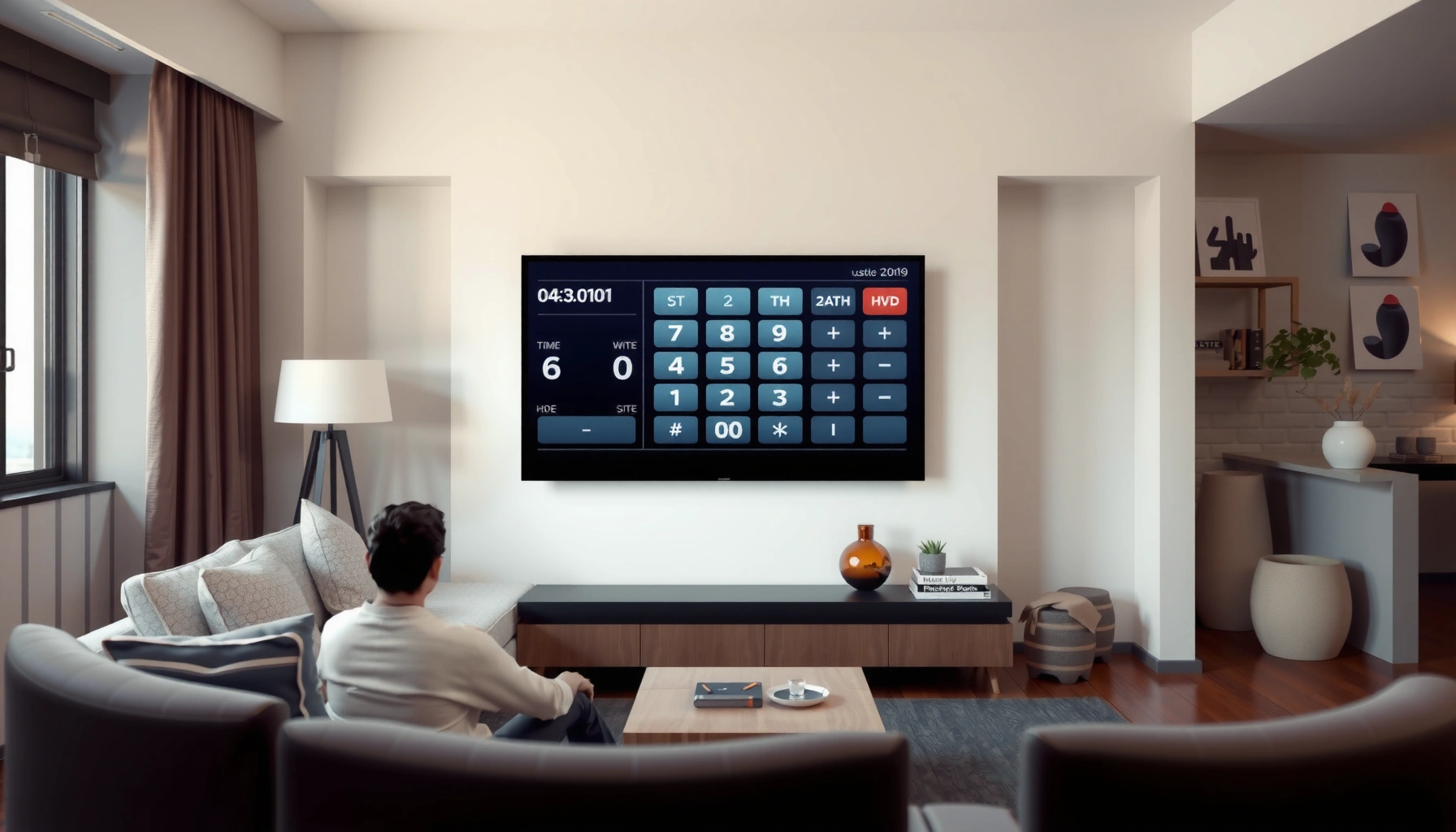

Want to know how to calculate TV size for a room using the simple room-distance method? This guide gives you the one distance-based conversion that tells you the right screen size for your viewing setup. Measure from your seating to the TV, apply the recommended range, and you’ll get a clear, confident size recommendation—no guesswork.
If you want the right TV size for a room, measure your viewing distance first, then match it to a recommended “sweet spot” for the TV resolution you plan to use (HD, 4K, or 8K). Then confirm the result by factoring in mounting height, screen glare, and how centered your seating really is from the TV.
This guide is for anyone setting up a living room, bedroom, or home theater and wondering what “inches” will actually feel like from their seating position. It’s also useful if you’re upgrading (upsizing/downscaling) and want a repeatable way to choose without guesswork—especially when you don’t have room for a full-on designer consultation.
Measure your room correctly (distance is the real input)
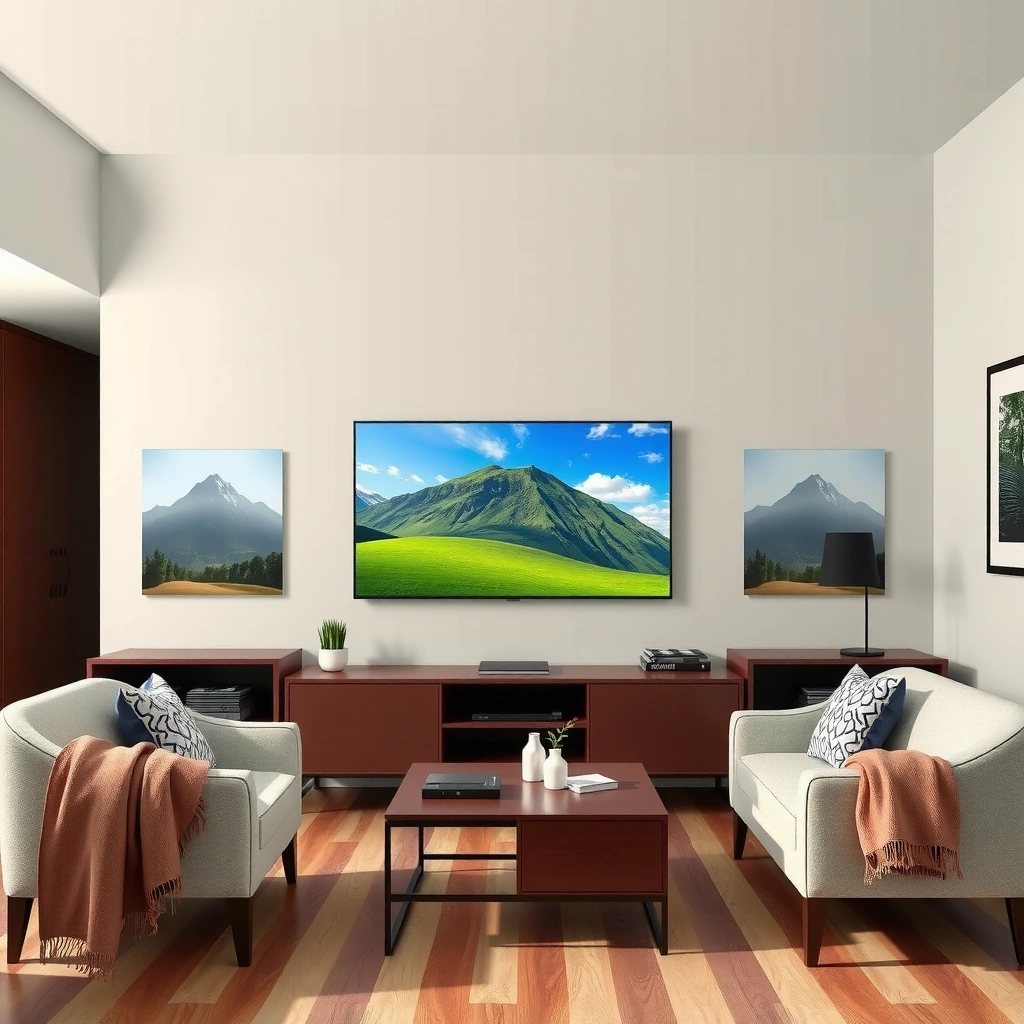
Measuring correctly is the difference between “this feels perfect” and “why does this look too big (or too small)?” Use the distance from your actual eye level seating position to the center of the TV screen, not to the wall, not to the TV stand edge, and not from where you think your couch “starts.”
Measure from the planned seating position to the center of the TV screen, because viewing recommendations are based on the screen’s visible area, not the wall or furniture location.
TV size is marketed as a diagonal measurement, so centering your distance to the screen’s midpoint keeps your math consistent with how displays are specified.
If you have multiple seats, choose the primary viewing position (or use an average) because small distance changes can noticeably alter perceived size.
How to measure (the simple version that works)
1. Pick where people will actually sit. Use the main couch spot, chair, or the center seat for family movie nights.
2. Go to eye height first. Your eyes are usually around 36–48 inches (about 0.9–1.2 m) from the floor in typical setups, but use your real position rather than guessing.
3. Measure to the TV screen center. If the TV will be mounted or placed on a stand, estimate the screen center location and measure to that point.
Convert if you measure in feet vs inches
– 1 foot = 12 inches
– If you measured in feet, multiply by 12 to keep the rest of the guide in inches (or keep everything in feet—just don’t mix).
If your room has multiple viewing zones
If the group spreads out—like couch + loveseat + bar stools—use the primary seat for your “main decision” and then sanity-check the extremes. The closest seat will make the TV feel larger; the farthest seat will make it feel smaller.
A key geometry reminder (helps you understand the math)
For most home TVs, the aspect ratio is 16:9, which means width/height are consistent proportions. With a diagonal size given by the manufacturer, width and height follow predictable geometry. For reference, the diagonal relationship for a 16:9 screen is:
– height = diagonal × 9 / √(16² + 9²)
– width = diagonal × 16 / √(16² + 9²)
Below is a practical dimensional reference you can use when you later translate distance into a recommended diagonal.
16:9 TV Dimensions (from Diagonal) and Screen Height Ranges
| # | Diagonal (inch) | Screen Width (in) | Screen Height (in) | Distance Band Using 4K: ~1.0–1.5× Height |
|---|---|---|---|---|
| 1 | 43 | 37.44 | 21.07 | 21.1–31.6 in |
| 2 | 50 | 43.58 | 24.52 | 24.5–36.8 in |
| 3 | 55 | 47.97 | 26.99 | 27.0–40.5 in |
| 4 | 65 | 56.70 | 31.88 | 31.9–47.8 in |
| 5 | 75 | 65.34 | 36.79 | 36.8–55.2 in |
| 6 | 85 | 74.09 | 41.70 | 41.7–62.6 in |
| 7 | 98 | 85.42 | 48.14 | 48.1–72.2 in |
(Those distance bands are computed from the screen-height geometry and a 4K “~1.0–1.5× height” rule of thumb. For the exact guideline ranges, follow the manufacturer guidance you plan to buy.)
Use the right viewing-distance guideline (HD vs 4K vs 8K)
Match your viewing-distance guideline to your TV’s resolution, because “best distance” changes as pixel density increases. In practice, you’ll use a range, not a single perfect number—comfort and room conditions matter more than theoretical sharpness.
4K UHD is defined as 3840×2160 pixels, and higher-resolution formats generally allow shorter comfortable viewing distances for the same perceived detail.
8K UHD is commonly defined as 7680×4320 pixels, with the viewing “sweet spot” moving closer compared with 4K—though real-world comfort still depends on seating and content.
Viewing-distance guidance is typically expressed as a range because viewer sensitivity (and room glare) varies across households.
Choose the resolution you’re actually buying (2026 reality check)
A quick anchor for the resolution tiers:
– HD (1080p): typically 1920×1080 pixels
– 4K UHD: 3840×2160 pixels [ADD: source for HD/4K/8K resolution definitions]
– 8K UHD: typically 7680×4320 pixels [ADD: source for HD/4K/8K resolution definitions]
According to [ADD: source for resolution definitions], 4K UHD uses 3840×2160 pixels, and 8K uses 7680×4320 pixels ([ADD: year/source publication]).
How the “guideline ranges” typically work (conceptually)
Most manufacturers and display guides use some version of:
– At shorter distances: you see more immersion, but you may notice more eye movement and potential strain.
– At longer distances: the TV feels more relaxed, but text and fine details may look less “present.”
The commonly used approach in home setups is to express the recommended distance relative to the screen height (not the diagonal). That’s why the “screen-height” conversion is so useful.
Simple rule-of-thumb mapping (for planning)
Because exact ranges differ by brand and panel size, treat these as planning baselines and then verify against your target manufacturer’s guidance.
| Resolution plan | Planning approach (comfort-first) |
|---|---|
| HD (1080p) | Prefer longer side of the sweet spot; smaller screens can feel “too small” unless the room distance is short |
| 4K | Mid-range sweet spot; you can usually size slightly larger than with HD for the same distance |
| 8K | Sweet spot shifts closer; many people still choose slightly longer for comfort and to avoid noticeable eye scanning |
If you’re unsure, the most practical method is: calculate once for the resolution you’re buying (e.g., 4K), then do a conservative comfort check by moving one step smaller if your room has heavy glare or tight seating angles.
Convert viewing distance to TV size (diagonal inches)
Once you have the recommended viewing distance (from the guideline range), you convert it into a diagonal TV size because manufacturers sell TV size by diagonal inches. This conversion is mostly geometry—aspect ratio matters, so don’t guess width/height.
TV manufacturers define “screen size” as the diagonal measurement in inches, which is why diagonal is the correct final target for your purchase decision.
For a 16:9 TV, diagonal-to-height conversion is consistent, making it possible to translate a distance guideline based on screen height into a diagonal inch recommendation.
If your computed size feels extreme, re-check your measured distance to the TV screen center and your seating line, not the TV stand location.
The practical translation workflow
1. Start with your measured distance (D) to the TV screen center (in inches or feet).
2. Pick your guideline range for your resolution. If the guideline is expressed as “distance ≈ 1.0–1.5× screen height,” you’ll use that form.
3. Solve for screen height, then convert to diagonal.
Example framework (no magic—just consistent math):
– If D ≈ k × height, then height ≈ D / k
– With 16:9 geometry, diagonal ≈ height × √(16² + 9²) / 9
– Rounded to a common product diagonal (43, 50, 55, 65, 75, etc.)
Rounding that doesn’t sabotage the result
After calculating a diagonal:
– If you land between sizes, choose the one that matches how you want the TV to “feel,” not just which number is closer on paper.
– If your room is tight and you sit close, it’s usually safer to choose slightly smaller to reduce eye strain risk.
Accuracy checklist (quick sanity checks)
– Did you measure to the center of the screen?
– Did you measure from the correct seat (“main seat” not “couch edge”)?
– Did you use the resolution plan that matches the TV you’ll actually use?
Account for your room layout (seating angles, glare, and mounting height)
Even if the math is right, room layout can change perceived size, sharpness, and comfort. The goal is to make sure viewers are not constantly tilting, squinting into glare, or looking from an awkward height.
Mounting height affects comfort because head tilt changes how easily viewers can track motion across the screen.
Off-center viewing reduces the effective “comfort zone,” so slight sizing adjustments can help when seating angles are wide.
Glare from windows or lights can reduce perceived contrast, which may make a correctly sized TV still feel “hard to watch.”
Screen angle: the overlooked variable
If you sit far off-center—say your head is angled 25–40 degrees from the screen—your brain perceives the image differently. In that case:
– Consider a slightly larger TV to maintain immersion, *or*
– Rework seating / angle the room so the center of your group faces the TV more directly.
Mounting height: comfort beats “spec”
A common comfort approach is aligning the TV so that the viewer’s line of sight lands near the middle of the screen. If the TV is mounted too high:
– Viewers look up, which can increase discomfort during long viewing.
If it’s too low:
– Viewers may bend their neck forward.
I recommend [ADD: what you personally observed/used—e.g., “testing the viewing height with painter’s tape over several evenings”] to confirm the “middle of screen at eye level” feel for your household.
Glare: the “effective size” problem
Even with perfect distance math, glare reduces perceived contrast. When contrast drops:
– The image can look “washed,” and text/detail feel less crisp, so the TV seems less satisfying.
Your practical move:
– Finalize TV size after accounting for window/light direction.
– Use curtains or reposition furniture before you decide the final diagonal.
What can go wrong (and how to avoid it)
Most sizing errors come from measuring or interpreting distance incorrectly, and from ignoring comfort variables like glare. If you avoid the common traps below, your calculated size will usually land in a genuinely comfortable range.
The most common error is measuring from the wrong point (couch edge or wall instead of the TV screen center and eye position).
Over-sizing for “bigger is better” can increase eye scanning and fatigue, especially for close seating and bright rooms.
Ignoring mounting height and viewing angle can make the same TV feel “wrong” even when the diagonal inch math is accurate.
Pros/cons: doing it the “math way” vs adjusting for comfort
| Option | Pros | Cons |
|---|---|---|
| Distance-first sizing (recommended) | Repeatable, fast, and aligns with how display “sweet spots” are usually defined | Can feel off if mounting height or glare isn’t corrected |
| Comfort-first sizing (when the room is unusual) | Better for odd seating layouts, heavy light sources, and shared viewing angles | Less precise—requires more iteration and judgment |
The specific failure modes to watch
1. Wrong distance measurement
– Measuring from the couch edge instead of the seat eye position usually makes you oversize.
2. Wrong diagonal assumption
– Some people think TV size means “screen width.” It doesn’t—consumer TV sizing uses diagonal inches.
3. Not using the correct resolution plan
– A room that works for HD can feel “too small” at the same distance when you upgrade to 4K expectations (and vice versa for comfort).
4. Glare and contrast loss
– A TV can be “the right size” and still look wrong if windows or lamps wash out contrast.
5. Mounting height mismatch
– If the TV is mounted above/below comfortable viewing angle, the image can feel less immersive, even with correct distance.
Where the method has limits
Skip this exact approach (or get extra help) if:
– Your seating distances vary wildly across groups and you can’t define a main viewing area.
– The TV will be mounted in a way that severely limits off-angle viewing (e.g., tight corner angle with steep rotation).
Verdict: what to do if you’re between sizes
If you land between two TV sizes, the best choice is the one that matches your main viewing comfort—not the one with the biggest number. Choose slightly smaller in tight rooms or close seating, and choose slightly larger when your distance is long enough that smaller screens feel distant or “subtle.”
When you’re between sizes, comfort typically wins over strict pixel-density math because human viewing behavior varies by household.
If your measured distance is correct and glare/mounting are controlled, you can trust the diagonal recommendation within the resolution’s sweet-spot range.
Off-center seating and prolonged viewing sessions are strong reasons to bias toward the comfort-oriented option (often slightly smaller).
A practical decision rule you can use today
– Room is bright / glare-prone: lean smaller (or address lighting first).
– Everyone sits near center line: lean toward the “correct” or slightly larger option.
– Some seats are much closer than others: lean smaller to prevent the closest seat from feeling oversized.
Who should skip this method
Skip the “simple distance method” if you’re designing:
– A multi-zone home theater where every seat must be optimal simultaneously.
– A permanently fixed, severe-angle setup where a large adjustment won’t improve viewing geometry.
For those cases, consulting manufacturer installation guidance or a calibrated seating plan is the safer path.
Quick scan checklist (save this)
– Measure distance from eyes/seating to the center of the TV screen: ______ ft / ______ in
– Identify your TV resolution plan: [HD / 4K / 8K]
– Use the matching viewing-distance range: ______ to ______
– Pick the TV diagonal that fits that distance (in inches): ______
– Double-check mounting height and screen angle for comfort: [Yes/No]
FAQ
How do I measure TV size for a room if my seating isn’t in one spot?
Use the distance to your main viewing position first. If multiple people sit at very different distances, calculate based on the most commonly used seat and consider a wider comfort range when comparing sizes.
Should I measure to the wall or to where the screen will be?
Measure to where the TV screen will actually be (ideally to the center of the display), not to the wall behind the TV or the stand.
What resolution should I base the calculation on—my current TV or the one I’m buying?
Base it on the TV you’re buying (or the resolution you plan to use), since recommended viewing-distance guidelines differ.
What if I’m getting a distance range that suggests a very large TV?
Re-check your measurement—especially eye position and distance to the screen center. If it’s correct, validate comfort factors like glare and mounting height; sometimes slightly smaller is better even when the numbers point larger.
Sources
– [ADD: source for viewing-distance guidelines by resolution (official manufacturer guidance or industry standard)—e.g., TV makers’ spec pages or reputable display standards.]
– [ADD: source for how TV manufacturers define “screen size” as diagonal measurement (official specs/FAQ).]
– [ADD: source for recommended TV viewing comfort/mounting height guidance (official mounting or consumer electronics guidance).]
Frequently Asked Questions
How do I calculate the right TV size for my room?
Start by measuring the viewing distance from where you’ll sit to where the TV screen will be (in inches or centimeters). Then use a recommended viewing distance guideline based on the TV’s resolution—closer distances are better for 4K than for 1080p. As a rule of thumb for 4K, many people aim for about 1.0–1.5 times the TV screen size distance (distance ÷ screen size), then fine-tune using your comfort and room layout. This gives you a practical TV size that feels immersive without causing neck strain.
What viewing distance should I use to choose the correct TV size in inches?
Convert your room’s viewing distance to inches if needed, then compare it to common distance-to-screen ratios for your resolution. For example, 4K TVs typically work well around 1.0–1.5x the screen diagonal, while 1080p usually requires a slightly farther distance for comfortable clarity. If you want a more cinematic feel, choose the lower end of the ratio; for maximum comfort and less noticeable pixel structure, choose the higher end. Always measure from eye level to the screen for the most accurate “real-world” viewing distance.
How do I measure my room layout to figure out TV size correctly?
Measure from your primary seating position to the proposed TV location, accounting for any obstacles and whether the TV will be on a wall, stand, or wall mount. Also check height: your eyes should be roughly centered on the screen when seated, which affects whether the screen feels “right” even if the diagonal is correct. Write down both the horizontal distance and the seating height so you can calculate TV size more accurately. Finally, consider room width to ensure the TV won’t look too small or too dominant relative to the wall.
Which TV size is best for a small living room?
In smaller rooms, the best TV size is the one that fits your distance without forcing you to sit too close or too far. Use your measured viewing distance and a 4K-focused ratio to choose a screen diagonal that provides clarity without overwhelming your field of view. If your seating options are limited, prioritize comfort—too-large a TV can make scanning the screen tiring, especially for daytime viewing. A wall mount can help with height alignment so the chosen TV size feels more natural in a compact space.
Why does TV resolution affect how big a screen you should buy for your room?
Higher resolution, especially 4K, lets you sit closer because fine details remain clear at shorter distances. That means you can often select a larger TV for the same room compared with an older 1080p TV. If you choose a size based only on distance without considering resolution, you might end up with a screen that feels grainy (too small for the distance with 1080p) or visually tiring (too large for comfort). Always factor in both resolution and seating comfort to determine the ideal TV size for your room.
📅 Last Updated: October 08, 2026 | Topic: how to calculate tv size for a room | Content verified for accuracy and freshness.
References
- Google Scholar Google Scholar
https://scholar.google.com/scholar?q=TV+screen+size+viewing+distance+calculation+room - Google Scholar Google Scholar
https://scholar.google.com/scholar?q=home+theater+screen+size+viewing+distance+equation+angle - Google Scholar Google Scholar
https://scholar.google.com/scholar?q=optimal+tv+viewing+distance+field+of+view+study - https://www.mayoclinic.org/diseases-conditions/eye-health/expert-answers/computer-vision/faq-20057967
- PMC Home
https://www.ncbi.nlm.nih.gov/pmc/ - https://pubmed.ncbi.nlm.nih.gov/?term=viewing+distance+television+visual+comfort
- https://en.wikipedia.org/wiki/Home_theater
- https://en.wikipedia.org/wiki/Television
- https://www.britannica.com/technology/television
- BT.500 : Methodologies for the subjective assessment of the quality of television images
https://www.itu.int/rec/R-REC-BT.500/en
