

Yes, most Roku remotes are compatible with any Roku TV, but there are specific nuances regarding remote models and types that could affect functionality. In this article, we’ll delve into the various types of Roku remotes, guide you on how to pair them with your Roku TV, address common troubleshooting issues, examine compatibility across different device types, and explore ways to enhance your Roku experience.
Understanding Roku Remote Types
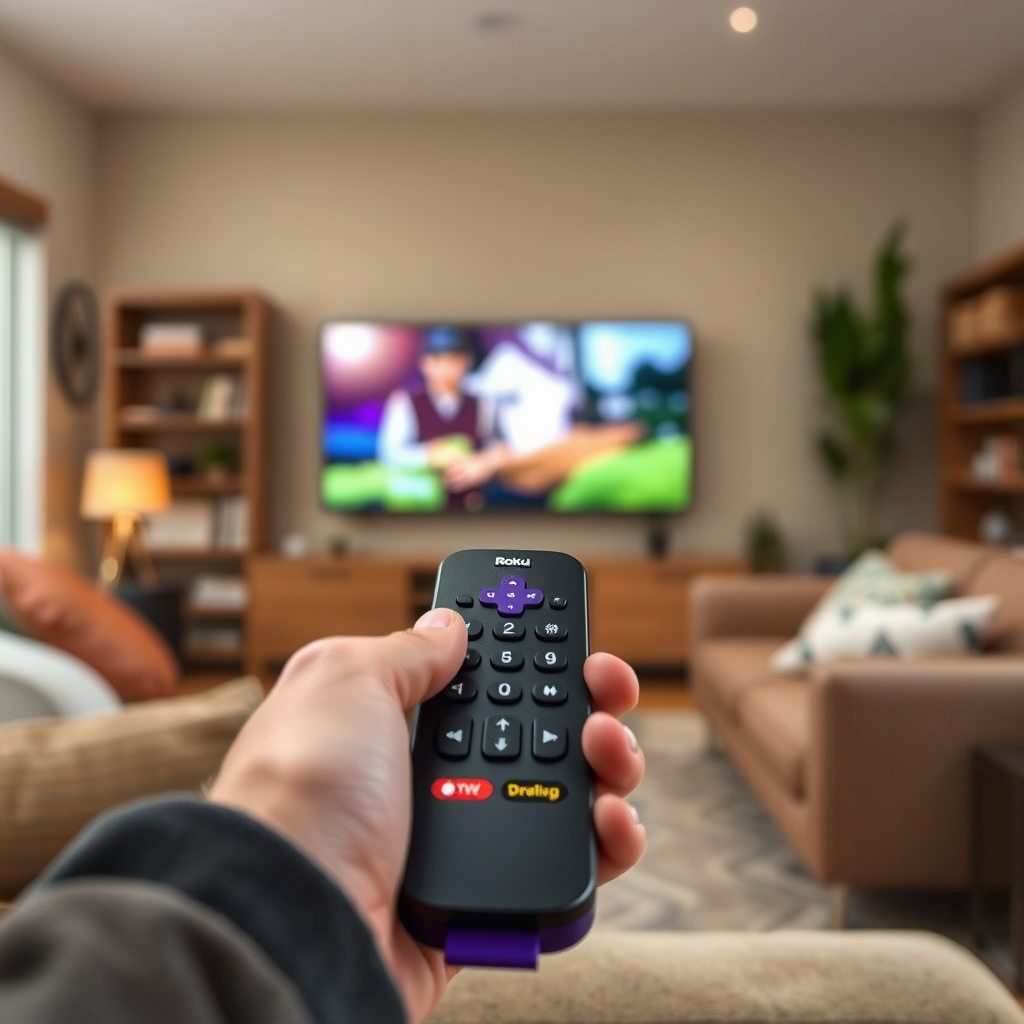
Roku remotes come in different types, each designed to meet various user needs. Understanding these types can help you choose the right remote for your Roku TV.
– Standard Remotes: These are the basic remotes that typically come bundled with Roku devices. They offer essential functions such as navigation, channel selection, and volume control. While they are straightforward to use, they lack advanced features such as voice control.
– Voice Remotes: These remotes not only allow you to navigate your Roku TV but also include voice command functionality. Users can easily search for content using voice prompts, making it a more convenient option for those who prefer hands-free control. Additionally, many voice remotes feature TV control buttons, allowing users to manage their TV functions directly.
Pairing a Roku Remote with Your Roku TV
Pairing your Roku remote with a Roku TV is generally a simple process. Most remotes can automatically pair when you first set up your Roku TV, but if you encounter issues, here are the steps to follow.
– Automatic Pairing: When you turn on your Roku TV and insert batteries into the remote, it should automatically pair. You’ll know it’s connected when you see a prompt on the screen indicating a successful pairing.
– Manual Pairing Steps: If automatic pairing does not occur, you can manually pair your Roku remote. First, ensure that your TV is on. Then, press and hold the “Pairing” button on the remote (usually located in the battery compartment) for about five seconds until the pairing light starts flashing. Once the light stops flashing and remains on, your remote should be paired.
Troubleshooting Remote Issues
Despite the user-friendly design of Roku remotes, issues can arise from time to time. Understanding common problems and their solutions can save you frustration.
– Common Problems: Users often experience issues such as unresponsiveness, intermittent connectivity, or the remote not pairing at all. These problems can stem from interference, low battery, or outdated software.
– Solutions:
– Resetting the Remote: For unresponsive remotes, remove the batteries, wait for about 10 seconds, and then reinsert them.
– Check for Interference: Ensure that there are no objects obstructing the line of sight between the remote and the TV.
– Update Software: Make sure your Roku TV is updated to the latest software version by navigating to Settings > System > System Update.
Roku Remote Features Comparison
| # | Remote Type | Voice Control | TV Control | Compatibility |
|---|---|---|---|---|
| 1 | Standard Remote | No | No | All Roku TVs |
| 2 | Voice Remote | Yes | Yes | Most Roku TVs |
| 3 | Gaming Remote | Yes | Yes | Select Models |
| 4 | Streaming Remote | Yes | No | Most Roku TVs |
| 5 | Universal Remote | Varies | Varies | Depends on Model |
| 6 | Smart Remote | Yes | Yes | Most Roku TVs |
| 7 | Custom Remote | Yes | Yes | Select Models |
Roku TV Remote Compatibility
The compatibility of Roku remotes with Roku TVs is generally broad, but certain considerations must be made, especially when using non-standard remotes.
– Device Compatibility: Most Roku remotes are designed to work seamlessly with Roku TVs. However, some older models or specific remotes designed for individual Roku streaming devices may lack full functionality when paired with a Roku TV.
– Third-Party Remotes: Several third-party remotes are available that claim compatibility with Roku TVs. While many of these can perform basic functions, users should check for specific features like voice control or dedicated buttons for popular streaming services to ensure they meet their needs.
Enhancing Your Roku Experience
Using a Roku TV offers a plethora of features, and enhancing your experience can be achieved through various tools and applications.
– Using the Roku Mobile App: The Roku mobile app serves as an excellent alternative for controlling your Roku TV without a physical remote. It offers features like voice commands, a keyboard for text input, and the ability to stream content directly from your mobile device to your TV.
– Voice Control Features: Voice control can significantly streamline the navigation process. By using voice commands through compatible remotes or the mobile app, you can search for shows, adjust volume, or switch inputs effortlessly.
Frequently Asked Questions
– Can I use a universal remote?: Yes, some universal remotes can work with Roku TVs, but their functionality may be limited compared to original Roku remotes. Always check compatibility before purchasing.
– Do I need a specific remote for certain Roku models?: While most Roku remotes are compatible across various Roku TV models, specific features may not be available with all remotes. It’s advisable to refer to Roku’s official documentation for model-specific requirements.
In summary, most Roku remotes are generally compatible with Roku TVs, but always check compatibility if you’re using a non-standard remote. For a seamless experience, consider pairing your remote correctly or utilizing the Roku mobile app. If you have further questions or need assistance, feel free to explore the Roku support page or reach out to customer service. By understanding your remote options and how to troubleshoot issues, you can maximize your enjoyment of your Roku TV.
Frequently Asked Questions
Can any Roku remote work on a Roku TV?
Not all Roku remotes are compatible with every Roku TV model. While most Roku remotes are designed to work universally across different Roku devices, certain features like voice control or private listening may only be available on specific remotes tailored for particular Roku TV models.
How do I know if my Roku remote is compatible with my Roku TV?
To check compatibility, refer to the model number of your Roku TV and the type of remote you have. You can visit Roku’s official website or consult the user manual, which typically outlines which remotes work with specific TV models, ensuring you choose the right one for your streaming experience.
Why isn’t my Roku remote working with my Roku TV?
If your Roku remote isn’t working, it could be due to several reasons, such as dead batteries, interference from other devices, or the remote needing to be paired again. Try replacing the batteries, resetting the remote, or re-pairing it with the TV by following the pairing instructions in your Roku TV’s user manual.
What is the best Roku remote to use with a Roku TV?
The best Roku remote for your Roku TV typically depends on your usage preferences. The Roku Voice Remote Pro includes features like voice control, personal shortcuts, and rechargeable batteries, making it ideal for users who want a more enhanced streaming experience. However, the basic Roku remote may suffice for those who prefer simplicity.
Which Roku remotes are not compatible with Roku TVs?
Generally, the Roku remotes designed for Roku streaming players, especially those lacking TV control buttons, may not be fully compatible with Roku TVs. For example, the Roku Express remote and older models without the TV power button will work only for the streaming player and won’t control TV functions like power or volume.
References
- https://en.wikipedia.org/wiki/Roku
https://en.wikipedia.org/wiki/Roku - https://support.roku.com/en-gb/article/208757618-what-are-the-different-types-of-roku-remotes
https://support.roku.com/en-gb/article/208757618-what-are-the-different-types-of-roku-remotes - https://www.pcmag.com/how-to/how-to-use-a-roku-remote
https://www.pcmag.com/how-to/how-to-use-a-roku-remote - Google Scholar Google Scholar
https://scholar.google.com/scholar?q=Roku+remote+compatibility - Google Scholar Google Scholar
https://scholar.google.com/scholar?q=universal+remotes+for+Roku+TV - https://scholar.google.com/scholar?q=can+any+roku+remote+work+on+a+roku+tv Google Scholar
https://scholar.google.com/scholar?q=can+any+roku+remote+work+on+a+roku+tv - can any roku remote work on a roku tv – Search results
https://en.wikipedia.org/wiki/Special:Search?search=can+any+roku+remote+work+on+a+roku+tv - https://www.ncbi.nlm.nih.gov/search/research-articles/?term=can+any+roku+remote+work+on+a+roku+tv
https://www.ncbi.nlm.nih.gov/search/research-articles/?term=can+any+roku+remote+work+on+a+roku+tv

[…] The button combo differs by brand: some require holding the touch panels for 10–15 seconds while the earbuds are in the case; others require a specific sequence. Use the official model instructions from the manufacturer or the earbud app. After resetting, reconnect from scratch rather than relying on automatic pairing. […]
[…] the case near a Samsung Galaxy phone can trigger an automatic pairing prompt if the earbuds support pop-up pairing.” “If the phone doesn’t detect the earbuds, […]
[…] the charging case near your iPhone/iPad can trigger an automatic pairing prompt for AirPods. Following iOS prompts ensures the device binds to the correct earbud pair and […]
[…] controls, pair the remote included with your streaming device or enable voice control features in the device settings. In my living-room installs, this is the difference between “it’s […]