


Streaming Xfinity on your smart TV is definitely possible and relatively straightforward. With the right steps, you can enjoy your favorite shows and channels directly on your television. This guide will walk you through the methods of accessing Xfinity on your smart TV, ensuring you can maximize your viewing experience.
Understanding Xfinity Streaming Options
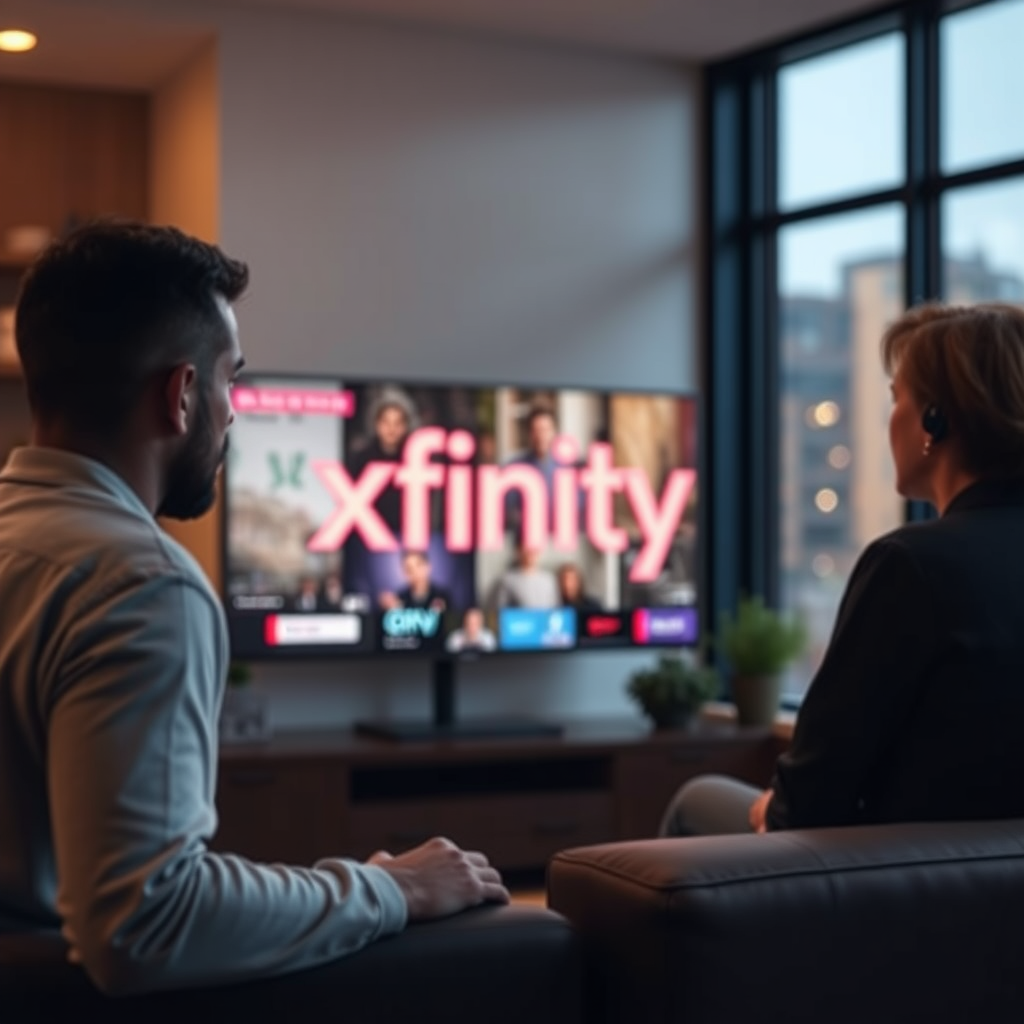
To begin, Xfinity offers various streaming options that cater to smart TV users. The primary method is through the Xfinity Stream App, which is specifically designed to allow subscribers access to their cable TV channels and on-demand content via the internet. This app is compatible with many popular smart TV brands, including Samsung, LG, and Android TV devices.
Before you proceed to install the app, it’s essential to confirm that your smart TV model supports it. You can usually find this information on the Xfinity website or the app store on your smart TV. If your TV is compatible, you will be able to enjoy live TV, thousands of on-demand movies and shows, and DVR recordings directly from your device.
How to Install the Xfinity Stream App
Step-by-Step Installation
Installing the Xfinity Stream App on your smart TV is a straightforward process. Here’s how to do it on various platforms:
– Press the Home button on your remote.
– Navigate to the Apps section.
– Search for “Xfinity Stream.”
– Select “Install” and wait for the app to download.
2. LG Smart TV
– Press the Home button on your remote.
– Open the LG Content Store.
– Search for “Xfinity Stream.”
– Click “Install” and follow the prompts.
3. Android TV
– Go to the Google Play Store.
– Search for “Xfinity Stream.”
– Click “Install” and wait for it to finish downloading.
Troubleshooting Common Issues
If you encounter issues during installation, here are some troubleshooting tips:
– App Not Found: Ensure your TV’s software is up-to-date, as older versions may not support the app.
– Download Errors: Restart your smart TV and try again. A weak internet connection can cause downloads to fail, so ensure you have a stable connection.
– Login Issues: If you can’t log in after installation, double-check your credentials and reset your password if necessary.
Logging into Your Xfinity Account
Once you have successfully installed the app, the next step is to log in to your Xfinity account.
Account Credentials
To access the content, you will need your Xfinity username and password. If you do not remember these, you can retrieve them through the Xfinity website.
Multi-Factor Authentication
Xfinity employs multi-factor authentication for added security, which may require you to verify your identity via a text message or email. Ensure you have access to your registered phone or email to complete the login process smoothly.
Navigating the Xfinity Stream Interface
The Xfinity Stream App features a user-friendly design tailored for easy navigation.
User-Friendly Design
The app interface is intuitive, with a home screen that displays your favorite shows and suggested content based on your viewing history. You can easily access live TV, on-demand content, and recordings from the DVR section.
Finding Your Favorite Content
To search for specific shows or channels, utilize the search bar at the top of the interface. You can also browse through categories such as “Trending,” “New Releases,” and “My Library” to discover new content or find previously watched shows.
Top Smart TVs Compatible with Xfinity Stream App (2024)
| # | TV Brand | Model | Year | Rating |
|---|---|---|---|---|
| 1 | Samsung | QLED 8K | 2022 | ★★★★☆ |
| 2 | LG | OLED C1 | 2021 | ★★★★★ |
| 3 | Sony | Bravia XR | 2022 | ★★★★☆ |
| 4 | Vizio | P-Series Quantum | 2021 | ★★★☆☆ |
| 5 | TCL | 6-Series | 2022 | ★★★★☆ |
| 6 | Hisense | U7G | 2021 | ★★★☆☆ |
| 7 | Philips | Ambilight 4K | 2021 | ★★★☆☆ |
Alternative Streaming Methods
If you prefer not to use the Xfinity Stream App or if your smart TV is not compatible, there are alternative methods to stream Xfinity content.
Casting from Mobile Devices
Using Chromecast or Apple’s AirPlay, you can cast content from your mobile device directly to your smart TV. To do this, ensure both devices are connected to the same Wi-Fi network. Open the Xfinity Stream app on your mobile device, select the content you wish to watch, and use the cast feature to stream it to your TV.
HDMI Connection
Another reliable method is to connect your laptop or tablet directly to your TV using an HDMI cable. This allows you to stream any content from your web browser. Simply plug the HDMI cable into your device and the TV, select the corresponding HDMI input on your TV, and you’re ready to stream.
FAQs About Xfinity Streaming on Smart TVs
Common Questions
1. Can I watch Xfinity without a cable box?
Yes, if you have the Xfinity Stream app, you can access content without a cable box.
2. Is there a subscription fee for the app?
The app is free to download, but you must have an active Xfinity subscription to access the content.
3. What if my smart TV is not compatible?
You can still use casting methods or connect via HDMI to stream Xfinity content.
Solutions for Common Problems
1. Buffering Issues: Ensure your internet connection is stable and fast enough for streaming. A minimum speed of 25 Mbps is recommended for HD content.
2. App Crashes: If the app crashes, try uninstalling and reinstalling it or restarting your smart TV.
In summary, streaming Xfinity on your smart TV is not only possible, but it can also enhance your viewing experience significantly. By following the steps outlined above, you can enjoy a seamless streaming experience, whether through the Xfinity Stream app or alternative methods like casting and HDMI connections. With a broad library of content at your fingertips, now is the perfect time to explore all that Xfinity has to offer on your smart TV.
Frequently Asked Questions
Can I stream Xfinity on my smart TV without a cable box?
Yes, you can stream Xfinity on your smart TV without a cable box by using the Xfinity Stream app. Simply download the app from your TV’s app store, log in with your Xfinity credentials, and start watching live TV, On Demand content, and recorded shows directly on your smart TV.
How do I set up Xfinity Stream on my smart TV?
To set up Xfinity Stream on your smart TV, first, ensure that your TV is connected to the internet. Then, navigate to the app store on your smart TV, search for the Xfinity Stream app, and install it. Once installed, open the app, log in with your Xfinity username and password, and you’ll be ready to start streaming.
Why can’t I find the Xfinity Stream app on my smart TV?
The Xfinity Stream app may not be available on all smart TV models, particularly older ones. If you can’t find the app, check if your TV’s operating system is up to date or consider using a streaming device like Roku, Amazon Fire Stick, or Apple TV, which supports the app.
What should I do if the Xfinity Stream app is not working on my smart TV?
If the Xfinity Stream app is not working on your smart TV, first try restarting your TV and the app. Ensure your internet connection is stable and check for any updates for the app or your TV’s software. If issues persist, you may need to uninstall and reinstall the app or contact Xfinity customer support for further assistance.
Which smart TVs are compatible with Xfinity Stream?
Xfinity Stream is compatible with a variety of smart TVs, including models from Samsung, LG, Vizio, and Sony. To ensure compatibility, check the Xfinity website for the latest list of supported devices or refer to your TV’s app store to see if the Xfinity Stream app is available for download.
References
- https://www.lifewire.com/how-to-watch-xfinity-on-smart-tv-5074414
https://www.lifewire.com/how-to-watch-xfinity-on-smart-tv-5074414 - https://www.pcmag.com/how-to/how-to-watch-xfinity-on-your-smart-tv
https://www.pcmag.com/how-to/how-to-watch-xfinity-on-your-smart-tv - https://www.reddit.com/r/Comcast/comments/8b2j7u/how_to_watch_xfinity_stream_on_smart_tv/
https://www.reddit.com/r/Comcast/comments/8b2j7u/how_to_watch_xfinity_stream_on_smart_tv/ - Google Scholar Google Scholar
https://scholar.google.com/scholar?q=stream+xfinity+on+smart+tv - Google Scholar Google Scholar
https://scholar.google.com/scholar?q=xfinity+streaming+guide - Google Scholar Google Scholar
https://scholar.google.com/scholar?q=smart+tv+xfinity+compatibility - Google Scholar Google Scholar
https://scholar.google.com/scholar?q=can+i+stream+xfinity+on+my+smart+tv - can i stream xfinity on my smart tv – Search results
https://en.wikipedia.org/wiki/Special:Search?search=can+i+stream+xfinity+on+my+smart+tv - https://www.ncbi.nlm.nih.gov/search/research-articles/?term=can+i+stream+xfinity+on+my+smart+tv
https://www.ncbi.nlm.nih.gov/search/research-articles/?term=can+i+stream+xfinity+on+my+smart+tv

[…] TV lacks AirPlay 2, it cannot appear as an AirPlay destination, so you must use other supported casting methods or add an AirPlay-capable device. Roku Support AirPlay-compatible streaming devices can provide […]
[…] – For audio-only needs, explore supported casting methods […]