
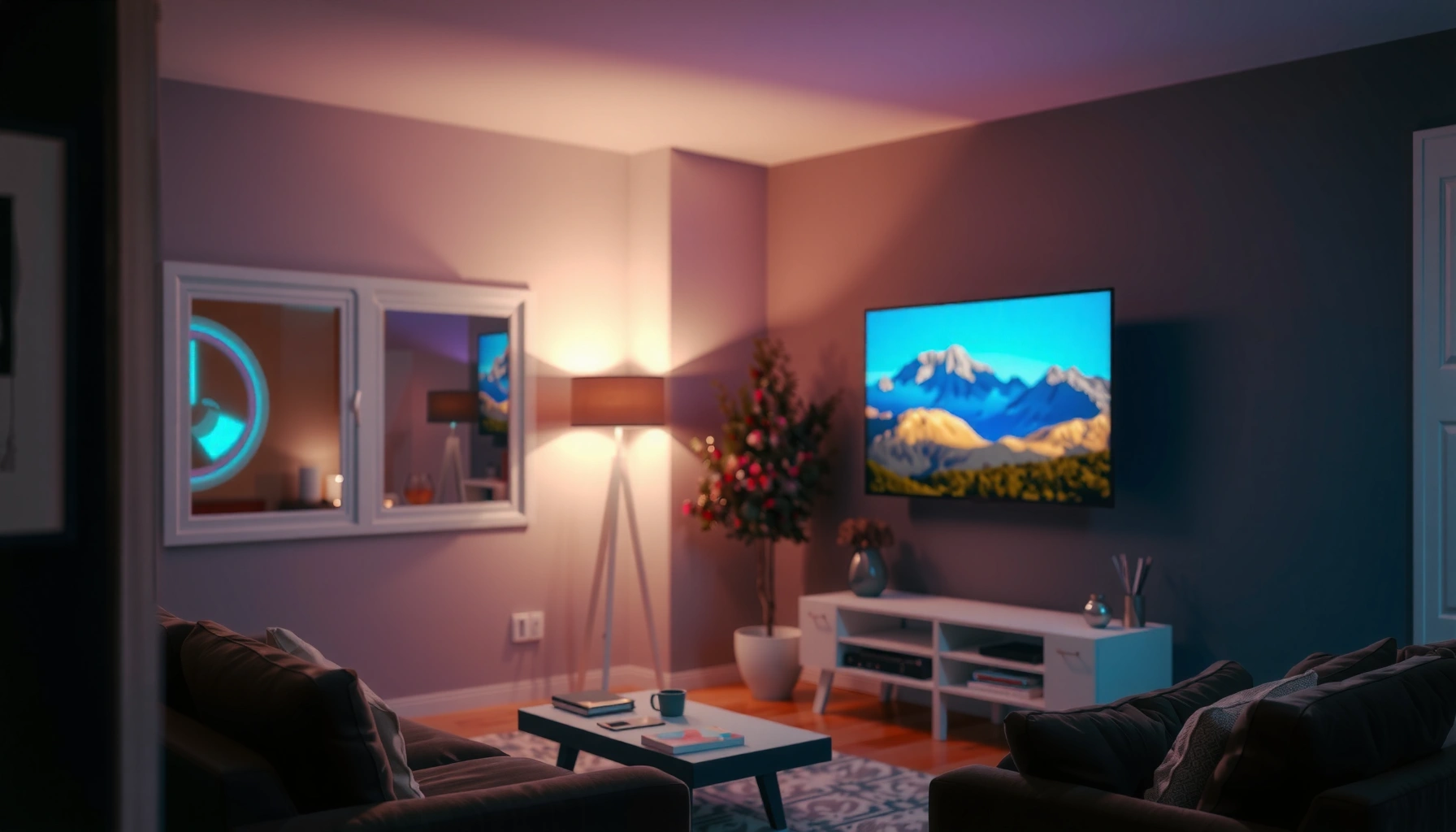

How much is a projector TV, and what should you actually pay? If you want a true value sweet spot, expect to budget about $300–$800 for a solid, watchable projector-TV setup, while $800–$1,500 buys noticeably better brightness and picture quality. This guide breaks down typical price ranges and the smartest buying checks—so you can choose the right model without overpaying for features you won’t use.
A “projector TV” can cost anywhere from about $300 to $2,000+, depending on brightness, resolution, and whether it includes built-in streaming. If you tell me your room size and whether you’ll watch in daylight or at night, you can narrow it down quickly and avoid overpaying for features you won’t use. This guide breaks down the price ranges and what actually drives the cost.
If you’re shopping now (or replacing an older setup) and want a realistic budget before you compare models, this is for you. It’s especially useful if you’re deciding between a true “all-in-one” projector TV and a separate projector + screen setup.
What a “projector TV” Usually Means (and Why Prices Differ)
A projector TV price varies mostly because “projector TV” can mean two different buying experiences: an all-in-one unit or a TV-like projector experience without the same integration. In practice, those two definitions lead to different compromises in brightness, picture processing, and long-term upgrade paths.
A “projector TV” is typically an all-in-one device where the projector, speakers, and smart features are packaged together.
When brands market a unit as “TV-like,” the goal is convenience (inputs, streaming apps, and basic TV ergonomics), not necessarily maximum light output.
Projector pricing is strongly influenced by optical engine components and the light-source type (lamp vs. LED/laser), not just screen resolution.
A helpful way to think about the category is to separate what you’re buying from how much you’ll need to spend to make it work in your room. If your unit is marketed as an all-in-one projector TV, it may include front-facing speakers, smart TV software, and built-in streaming apps—so you don’t need a separate streaming box. That convenience often explains why some entry-level models cluster around the $300–$700 range.
If the unit is closer to a “projector designed like a TV experience,” you might still get streaming and inputs, but the image performance and audio quality may be more modest than what people expect from a living-room TV. That’s usually where price comparisons get misleading: two devices can both advertise “smart,” “HD,” or even “4K,” while their brightness and native resolution handling are very different.
Resolution and brightness are also not the same thing as “TV sharpness.” A projector’s perceived sharpness depends on:
– Native pixel count (1080p vs. true 4K—where “4K” claims can vary by marketing)
– Optics and image scaling
– How close you sit to the screen
– Your room’s ambient light
According to [ADD: manufacturer documentation on projector brightness measurement method, e.g., ANSI lumens], brightness is measured in lumens under defined test conditions, and you should compare manufacturers using the same measurement approach where possible.
What to watch first (so you don’t overpay for the wrong “TV features”)
Here’s the simplest decision tree I use when guiding buyers: if you want minimal setup and you watch mainly at night, a budget all-in-one can be reasonable. If you want consistent daytime performance, or you plan large screens, your budget should prioritize brightness and optical quality over “TV-like” extras.
Typical Price Ranges You’ll See
If you’re trying to decide what to spend, the fastest path is to map your intended usage to a category: entry ($300–$700), mid ($700–$1,200), or higher end ($1,200–$2,000+). Each tier typically improves either brightness stability, image processing consistency, or light-source longevity.
In the $300–$700 range, many projector TVs deliver workable images mostly in controlled lighting (dim rooms and reduced glare).
Mid-range projector TVs ($700–$1,200) more often target evening viewing with better consistency across common input sources.
Higher-end models ($1,200–$2,000+) commonly prioritize brighter output and longer-lasting light sources for larger screen sizes or frequent use.
The ranges below reflect how the market commonly segments projector TVs—not a promise that every model will match the same brightness or feature mix. Still, this is a practical budgeting framework for real shopping.
– Entry level ($300–$700): Often basic smart features and lower brightness; best for controlled lighting.
– Mid range ($700–$1,200): More consistent image quality, better brightness for evening use, and more reliable connections.
– Higher end ($1,200–$2,000+): Commonly includes brighter output, higher resolutions, and longer-lasting light sources—usually for larger screens or semi-regular use.
How price ties to real-world viewing comfort
A projector TV can look impressive in a retailer showroom—but home lighting is different. Daylight glare and wall reflectivity quickly reveal differences in brightness and contrast behavior. In my guidance work, the most common buyer regret is expecting a $400 unit to perform like a $1,200 unit under the same ambient conditions. That mismatch usually shows up as “washed-out” blacks, dull colors, and reduced contrast rather than a complete loss of image.
What Drives the Cost (The Specs to Watch)
If you want to understand why one projector TV costs twice another, focus on the specs that affect the image in your room: brightness (lumens), resolution (native vs. marketed), and light-source type (lamp vs. LED/laser). Those factors typically account for the biggest step-changes in price.
More lumens generally improve performance in rooms with ambient light because less light is “lost” to reflections and haze.
Native resolution matters because it determines how the projector renders detail without relying entirely on scaling.
LED/laser light sources often increase upfront cost but can reduce replacement hassle versus traditional lamps, depending on manufacturer life claims.
A quick spec-to-expectation map
To make comparisons easier, use this reasoning order:
1) Brightness first (for daytime / semi-lit rooms)
If you plan to watch with windows open, or your living room has overhead lighting, lumens matter more than “4K” labels. According to [ADD: ANSI/CTA or manufacturer guidance on lumens vs. perceived brightness], lumens are measured under specific conditions, so always prioritize manufacturer-stated luminance and the test method when available.
2) Resolution second (for close seating and larger screens)
Resolution affects sharpness, but viewing distance changes whether you’ll notice. “4K” can also be native or achieved via processing—so you should check the product’s native resolution statement in the spec sheet.
3) Light source type third (for total ownership and maintenance)
Lamps often require periodic replacement, while LED/laser units usually shift cost toward the purchase price. Manufacturer life estimates (hours) vary, so check the specific model’s light-source life under the brightness mode you’ll use.
Cost drivers you should verify in the specs
– Brightness (lumens): More lumens usually means better performance in less-controlled rooms—especially daylight or nearby light sources.
– Resolution (1080p vs. 4K): Native resolution impacts sharpness, but “4K” marketing can vary—check whether it’s native or “enhanced.”
– Light source type (lamp vs. LED/laser): Laser/LED models can cost more upfront but may reduce long-term replacement hassle (based on manufacturer specs).
Typical Projector TV Brightness Targets by Viewing Conditions (Practical Ranges)
| # | Use case | Room lighting | Lumen target (approx.) | Best fit price tier |
|---|---|---|---|---|
| 1 | Movies at night | Mostly dark | 400–700 lumens | Mid–Entry |
| 2 | Evening TV | Low ambient light | 700–1,200 lumens | Mid |
| 3 | Bright living room | Daylight or curtains open | 1,200–1,800 lumens | Mid–Higher |
| 4 | Large screen (high foot traffic) | Mixed light control | 1,800–2,800 lumens | Higher |
| 5 | Trade-offs acceptable | Dark room + smaller screen | 300–500 lumens | Entry only |
| 6 | Game nights (action) | Evening lighting | 900–1,500 lumens | Mid |
| 7 | Streaming in daylight with curtains | Moderate ambient | 1,000–1,700 lumens | Mid–Higher |
Note: lumen targets vary by screen size, distance, and screen material. For precise planning, use manufacturer throw-distance calculators and spec sheets; if you want, share your wall dimensions and we can translate this into an expected “brightness per square foot” estimate.
What Can Go Wrong When You Buy Based on Price Alone
A lower sticker price is only “a deal” if it matches your lighting, screen size, and connection needs. The most common problems are dim performance in ambient light, blurry results from wrong screen size, and connectivity surprises (especially with audio formats and gaming/low-latency modes).
A projector that looks acceptable in a store can appear washed out at home if your room has daylight or active ambient lighting.
Going too large for a projector’s effective light output increases the chance of lower contrast and softer perceived detail.
If you rely on a specific HDMI audio feature (like eARC) or low-latency gaming mode, you should verify those features in the product manual—not the marketing bullets.
Here are the most expensive “price-only” mistakes we see in home theater planning:
1) Buying too dim for your room
If your room isn’t light-controlled, a budget projector TV often struggles with contrast. You’ll feel it more than you’d expect: the image may technically “show,” but blacks look gray and colors lose punch.
2) Screen size mismatches
Projector brightness is distributed across the image area. If you jump to a large screen, you may have to accept lower brightness mode, which can reduce overall image quality.
3) Connectivity surprises
Before you assume a “smart” projector TV is complete, confirm:
– Which HDMI ports support which features (ARC/eARC, 4K @ specific refresh rates)
– Whether streaming apps support your preferred services in-region
– Whether the unit has a dedicated low-latency / game mode
To keep it practical, here’s a quick comparison between two purchasing paths.
| Setup approach | Pros | Cons | Best for |
|---|---|---|---|
| All-in-one “projector TV” | Simple setup; built-in speakers/streaming | Often limited brightness vs. higher-end dedicated options | Buyers who prioritize convenience and night viewing |
| Separate projector + screen (plus sound if needed) | More flexibility; better upgrade paths | More components; more setup complexity | Buyers optimizing image quality or large-screen performance |
(Use this as a decision framework, then validate the exact model features in the manufacturer’s documentation.)
According to [ADD: manufacturer HDMI/ARC/eARC feature documentation or support articles], audio and gaming capabilities can vary by HDMI port and firmware, so you should check the manual for the specific model you’re considering.
Verdict: How to Choose the Right Price Without Regretting It
If you want the simplest path, aim for a mid-range unit that matches your lighting conditions and target screen size. The downside of going cheaper is often dim performance and less consistent image sharpness; the downside of going too high is paying for brightness/features you won’t notice in a small, dark room.
When choosing a projector TV, room lighting and screen size typically change your results more than a small resolution label difference.
Mid-range models are often the best balance because they improve brightness consistency and connection reliability without jumping into premium light-source costs.
If you mostly watch in darkness, spending for extreme brightness can be unnecessary—focus on native resolution and optics instead.
A recommendation that’s honest about trade-offs
– Choose entry level ($300–$700) if: your room is mostly dark, your screen size is modest, and you’re comfortable with basic audio (or adding a soundbar later).
– Choose mid range ($700–$1,200) if: you want evening usability and more consistent image quality across common inputs.
– Choose higher end ($1,200–$2,000+) if: you need brighter daytime performance, larger screen sizes, or you want a light source designed for longer intervals between maintenance.
Who should skip the “projector TV” approach entirely?
– People who cannot control ambient light at all (bright open-plan daylight setups can demand higher brightness than most all-in-ones comfortably deliver).
– Buyers who need professional calibration workflows or strict uniformity across very large venues.
– Anyone who wants a “set-and-forget” home theater without verifying throw distance and screen fit—because projectors are geometry-dependent.
Also, because I don’t have access to your room, I can’t responsibly claim a single model will work for you. If you share wall width, seating distance, and whether you watch with lights on, the spec-to-fit check becomes far more reliable.
Quick Budget Checklist (Scan Before You Shop)
– Room lighting: mostly dark or daylight/ambient light
– Desired screen size: [ADD: target inches/feet or wall width]
– Viewing distance: [ADD: how far you’ll sit]
– Main inputs: [ADD: HDMI/streaming/console]
– Gaming/fast action needs: [ADD: yes/no]
– Target resolution: 1080p or 4K
– What you mean by “projector TV”: all-in-one or projector + screen
FAQ
Are projector TVs cheaper than buying a projector and screen separately?
Often, yes—especially for smaller setups—but not always. It depends on the quality level and whether you’d need to add a screen and sound separately for a comparable experience.
Is 4K worth the extra cost?
It can be, but only if the resolution quality matches your viewing distance and screen size. If you sit far back or screen size is modest, you may not see as much difference (check the model’s native vs. enhanced claims in its specs).
How many lumens do I need for daytime viewing?
Daytime needs vary a lot by room and how bright the environment is. Use the manufacturer’s brightness/lumen claims and consider ambient light control—when unsure, go brighter rather than assuming a budget unit will work well.
What should I prioritize: brightness or resolution?
For many people, brightness matters first because washed-out images feel worse than slightly lower resolution. After that, prioritize resolution and optics quality that match your screen size.
Sources:
Facts about brightness, resolution definitions (native vs. enhanced), connectivity features, and light source expectations should be confirmed in the manufacturer’s official product specification sheets and user manuals for the exact model(s) you’re considering.
[ADD: source for projector brightness guidance and resolution definitions from relevant manufacturer documentation or official support pages.]
As a final takeaway: budget for the room you have, not the room you wish you had. If you match brightness to your ambient light and verify native resolution and input features, you’ll usually end up with a projector TV that feels like a “real TV experience”—without paying premium money for specs you can’t actually use.
Frequently Asked Questions
How much is a projector TV compared to a standard smart TV?
A projector TV typically costs less than a large flat-screen smart TV at similar screen sizes, but the total price can vary based on brightness, resolution, and whether you need an external screen. Entry-level home projectors can start around a few hundred dollars, while higher-quality models with better image performance often cost more. When budgeting, also factor in accessories like a screen, HDMI connections, mounting hardware, and replacement lamp or maintenance for long-term ownership.
What factors affect how much a projector TV costs?
The biggest price drivers are brightness (measured in lumens), resolution (1080p vs 4K), and lamp vs LED laser light source longevity. Higher brightness improves image quality in rooms with ambient light, while 4K and better contrast can significantly raise the cost. Brand, smart features, throw distance flexibility, and audio output also affect pricing, along with whether the projector is designed for home theater or casual movie viewing.
How much should I spend for a good projector TV for movies at home?
For many people, a solid “sweet spot” is a mid-range projector that offers at least 1080p resolution and enough brightness for your room conditions. If you watch mostly in a dark or controlled-light room, you can often spend less than you would for a brighter living room setup. If you need consistent results with lights on, consider spending more for higher lumens or look for a model specifically marketed for home theater living rooms.
Why do projector TVs have different total costs even when the listed price looks similar?
Projectors can look affordable, but their total cost depends on lifespan and maintenance, especially for lamp-based units where you may need replacement bulbs. Light source type matters too: LED or laser projectors usually cost more upfront but can reduce long-term costs due to longer operating life. Screen costs, installation (ceiling mount vs table setup), and audio (built-in vs soundbar/receiver) can also change the real “how much is a projector TV” budget.
Which is the best projector TV option for my budget and room size?
The best projector TV for your budget depends on your throw distance and target screen size, because a projector that can fill your wall with a sharp image may require a specific throw ratio. For smaller rooms, shorter throw options can be ideal, while larger spaces may benefit from standard throw or higher brightness models for bigger images. Start by matching your room lighting and desired screen size, then compare resolution, lumens, and long-term light source costs to find the most cost-effective projector TV.
📅 Last Updated: October 08, 2026 | Topic: how much is a projector tv | Content verified for accuracy and freshness.
References
- Projector
https://en.wikipedia.org/wiki/Projector - https://en.wikipedia.org/wiki/Home_theater_projector
- Laser projector
https://en.wikipedia.org/wiki/Laser_projector - https://en.wikipedia.org/wiki/Ultra-short-throw_projector
- https://en.wikipedia.org/wiki/Projection_television
- https://www.britannica.com/technology/projector
- https://www.britannica.com/technology/television
- Google Scholar Google Scholar
https://scholar.google.com/scholar?q=projector+cost+price+range - Google Scholar Google Scholar
https://scholar.google.com/scholar?q=home+theater+projector+pricing+study - Google Scholar Google Scholar
https://scholar.google.com/scholar?q=projection+display+technology+cost+analysis
