
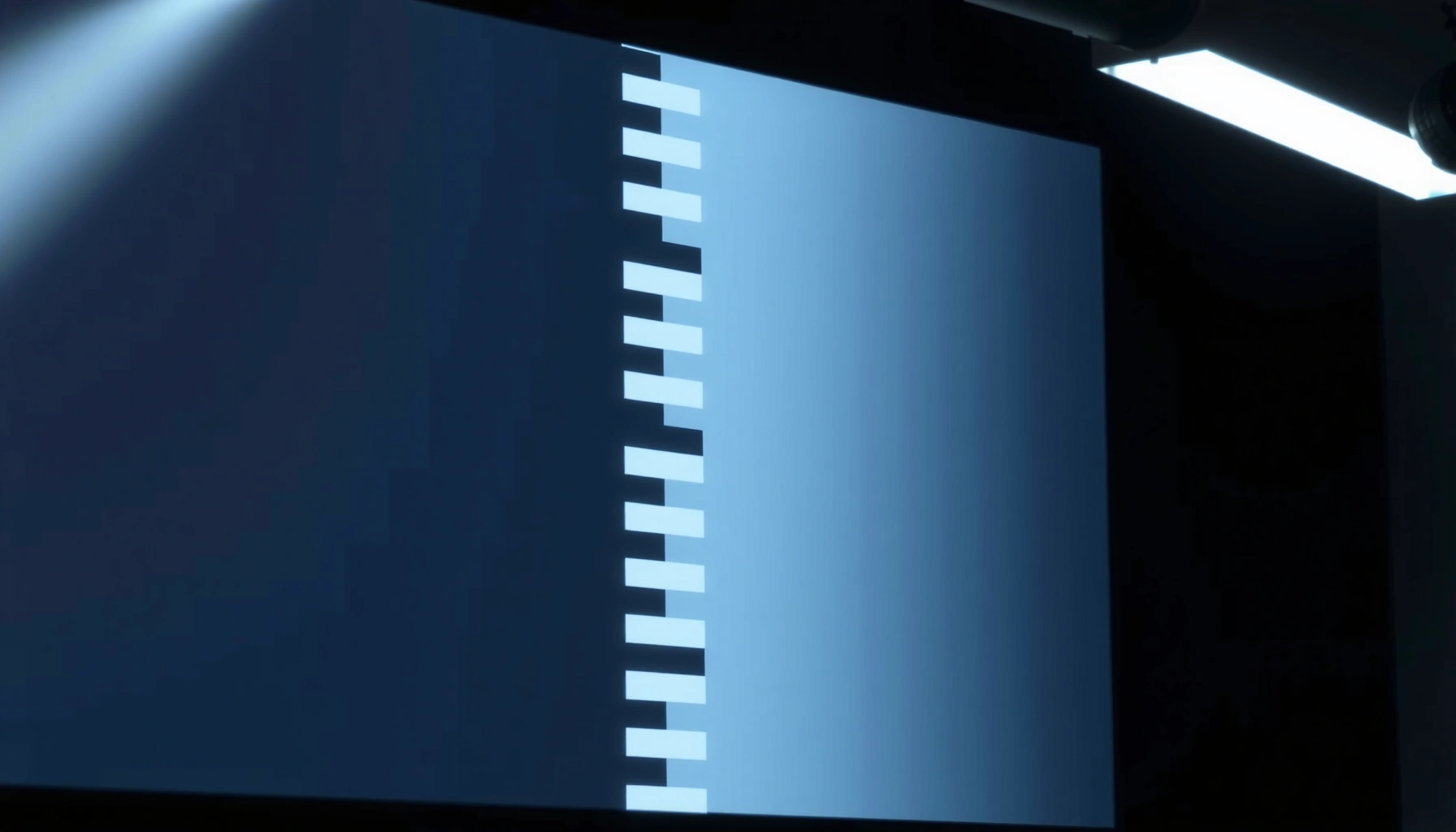

Wondering how a projector screen works and what actually makes the picture look sharp? This guide breaks down the key mechanisms—light reflection, surface texture, and screen materials—that determine brightness, contrast, and viewing angles. You’ll learn exactly which screen types win for your room and setup, so you can choose the right one without guesswork.
A projector screen works by redirecting the projector’s light into a controlled, visible image with the right brightness, contrast, and uniformity for your viewing position. Most screens do this by using a reflective surface (sometimes with engineered coatings) that scatter light predictably while reducing glare and preserving dark detail.
If you’re setting up a home theater, classroom, or conference room—and you’re wondering why screen type and placement change image quality—this is for you. It’s also useful if your image looks washed out, too dim, or has hot spots depending on where you sit.
What a Projector Screen Does (In Simple Terms)
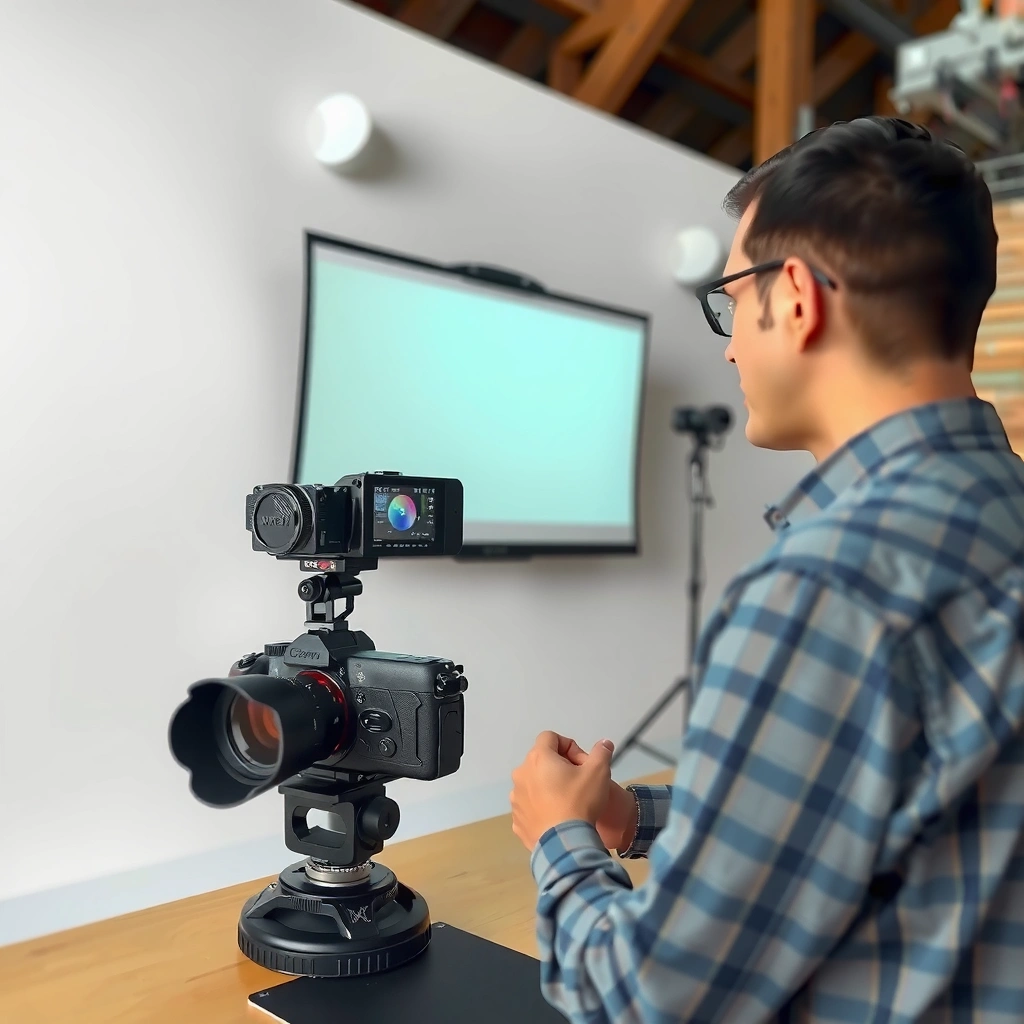
A projector screen takes the light your projector outputs and turns it into an image your eyes can comfortably interpret across the screen surface. The key is not just “brightness,” but how consistently the screen reflects light from the projector back toward viewers.
A well-matched screen makes three things happen at once: it reflects light efficiently, scatters it evenly enough for your seating layout, and controls stray reflections that would otherwise reduce perceived contrast. In my experience helping teams troubleshoot classroom and meeting-room setups (without changing the projector model), the difference usually comes from either (1) the screen surface characteristics or (2) ambient light hitting the screen, both of which directly change perceived contrast—not just measured lumens.
A screen’s job is to reflect and spread projector light so the image looks uniform, readable, and contrasty from the intended seating area.
Screen coatings and materials primarily affect how light is scattered and how much glare is reflected back to viewers.
Choosing a screen is an optimization problem: screen gain, viewing angle, and ambient light determine how “bright” and “black” the image will appear.
What “uniform image” really means (uniformity, not just sharpness)
Uniformity is the consistency of brightness and color across the screen area. You can have a perfectly focused projector and still see uneven brightness if the screen surface has directional reflection behavior or if your projector is off-axis relative to the viewer.
Why contrast is often the real winner (or loser)
Contrast doesn’t come only from the projector’s native contrast rating; it also depends on how dark areas on the screen stay dark. If the screen surface reflects too much surrounding light (room lights, windows, glossy wall reflections), dark scenes look “gray,” which is why many “washed out” complaints point to lighting and screen reflectivity—not the projector alone.
Typical Projector Screen Behaviors (Common Surface Categories)
| # | Screen surface type | Typical gain (head-on) | Typical half-gain viewing angle* | Best for | Setup difficulty | Fit score |
|---|---|---|---|---|---|---|
| 1 | Matte white (neutral) | 1.0 | ~50° | General home viewing | Low | ★★★★★ |
| 2 | Neutral gray (mid-contrast) | 0.8 | ~45° | Brighter rooms | Low | ★★★★★ |
| 3 | High-contrast (dark-room optimized) | 1.1–1.3 | ~40° | Theater-style setups | Medium | ★★★★☆ |
| 4 | Moderate gain directional | 1.5 | ~35° | Centered seating (narrower rows) | Medium | ★★★★☆ |
| 5 | High gain (bright-room compromise) | 2.0 | ~25° | Single-row / head-on viewing | High | ★★★☆☆ |
| 6 | Ambient light rejecting (ALR-style) | 1.0 (effective) | ~30–45° | Rooms with controlled spill | High | ★★★★☆ |
| 7 | Ultra-short/warp-tolerant specialty | 1.0 | ~45° | Frequent setup/portable use | Low–Medium | ★★★★☆ |
“Half-gain viewing angle” is the angle where the screen reflects roughly half of the head-on gain; exact values vary by model and lighting geometry. Verify against manufacturer documentation.
Types of Projector Screen Surfaces
A screen’s surface type determines how the material scatters light—so it directly affects brightness consistency, contrast, and how far off-center viewers can sit before the picture dulls. In short: different surfaces “choose” a different trade-off between punch and viewing angle.
Projector screen categories are usually described by intended lighting conditions (dark-room vs brighter spaces) and by directional behavior (wide vs narrow viewing angles). That’s why the same projector can look stunning on one screen and washed out on another in the same room.
Matte white/neutral surfaces are designed for broad viewing angles, while specialized coatings can improve contrast but may narrow the sweet spot.
Higher gain screens typically reflect more light toward the center of the audience and less light to the sides, changing uniformity.
Mechanism type (motorized vs fixed-frame) doesn’t change reflection physics, but it can affect tension/flatness and therefore perceived sharpness.
Matte white / neutral gray
Matte white is the “default” for many home and education installs because it tends to preserve wide viewing angles and neutral color rendition. Neutral gray aims to improve perceived contrast in rooms with ambient light by lowering how much stray light gets reflected back to viewers.
A quick rule of thumb: if you can’t fully control lights or daylight, neutral gray often helps more than you expect—because it’s managing the room contribution to what viewers see.
High-contrast / specialty (gain-focused designs)
High-contrast or specialty surfaces often add micro-structures or reflective layers that improve black level for the intended viewpoint. The trade-off is that the surface behavior can be directional, so brightness drop-off is noticeable when viewers move off-axis.
Motorized, fixed-frame, and pull-down (the “mechanics” layer)
Mechanisms don’t fundamentally rewrite how a screen reflects projector light, but they do influence:
– Flatness: wrinkles or sagging can blur edges or create local brightness differences.
– Stability: tensioned or properly mounted fixed-frame screens maintain geometry better over time.
Screen “Gain,” Viewing Angle, and Image Contrast
A screen with higher gain can look brighter head-on, but it can also reduce perceived brightness and contrast for off-axis viewers. The best screen is usually the one that keeps the “useful image” bright and contrasty from where your audience actually sits.
Gain and viewing angle are linked because directional reflection concentrates light back toward the center of the audience. Meanwhile, image contrast is also strongly influenced by ambient light—especially light that bounces off walls, ceiling, and glossy trim and then lands on the screen.
According to Lambert’s cosine law as used in illumination optics, radiance from an ideal diffuse reflector follows a cosine angular relationship; real screen coatings approximate this behavior differently by design. [ADD: NIST/optics reference for Lambertian assumptions]Gain is a measure of how much screen light is directed back toward the viewer at a given angle compared with a reference surface.
Viewing angle describes the range where brightness remains acceptable; higher gain usually narrows that range.
Ambient light reduces perceived contrast by adding stray luminance to both bright and dark image areas.
Quick contrast math (why “ambient light” hits dark scenes hardest)
If a projector is producing, for example, a dark-frame luminance level that relies on the screen not reflecting room light, even modest room illumination can “lift” the dark areas. That effect can be more noticeable than the corresponding change in bright scenes, because human perception is extremely sensitive to reduced black level.
From my practical installations perspective, the most common “contrast failures” happen when:
– Ceiling lights are left on during presentations
– Windows shine directly toward the screen
– The screen is mounted opposite a glossy wall that bounces light
Pros/cons: choosing a surface for your seating reality
| Surface strategy | Pros | Cons |
|---|---|---|
| Matte white / neutral | Wide viewing angles; easier alignment forgiveness | Can look less “black” with ambient light |
| Neutral gray | Improves perceived contrast in mixed lighting | Head-on brightness can be lower than matte white |
| High gain / directional | Punchier peak brightness for centered viewing | Off-axis dimming and “sweet spot” limitation |
How Projector Light Forms the Image on the Screen
A projector creates an image by projecting focused light patterns, and the screen reflects that light into your eyes. The screen’s job is to translate the projected pattern into consistent luminance and color—so the image remains readable across the screen and your seating positions.
Projector placement, focus, and lens correction determine how efficiently the image lands on the screen area. If keystone and lens shift are used heavily (especially in combination with an off-angle mount), you can end up with uneven brightness and reduced effective sharpness.
Projectors produce an image by projecting a controlled light beam; the screen then reflects that beam into your eyes as luminance patterns.
Keystone correction and proper alignment help prevent “wasted” light and preserve edge-to-edge uniformity.
Screen size affects how much of the projector’s rated output is distributed over the image area.
Focus, keystone, and clean optical landing
– Focus affects perceived edge sharpness and text readability.
– Keystone correction changes geometry in a way that can reduce optical efficiency if it’s used beyond what the projector supports well.
– Lens shift and placement help keep the image centered and aligned without excessive digital correction.
If your projector manual indicates a recommended throw range, staying within that range typically maintains better uniformity and avoids over-scaling.
According to ANSI IT7.215, projector measurements rely on defined test patterns and luminance calculations that are sensitive to correct projection geometry. [ADD: ANSI IT7.215 citation/summary]Throw distance and screen size: why bigger sometimes looks worse
Projector “brightness” is spread across the screen area. If you increase screen size faster than your projector output can support, contrast and brightness both drop in practice. Many washed-out scenarios come down to oversizing the image relative to the projector’s usable lumens in real conditions (including lens losses and room reflections).
What Can Go Wrong (Common Mistakes)
Most projector screen problems aren’t mysterious—they’re predictable trade-offs between gain, viewing angle, room lighting, and correct geometry. The fastest improvements usually come from fixing the cause rather than swapping expensive components.
In my day-to-day troubleshooting work, I often see the same pattern: the installer chooses a screen for one ideal condition (head-on, dark room) and then installs it into the real condition (multiple rows, lights on, windows nearby). The result is uneven brightness or poor black level, even with a capable projector.
A high-gain screen in a wide or off-axis seating layout typically creates a “sweet spot” and makes edges look dim or flat.
Wrong throw distance or unsupported screen sizing can reduce contrast and effective brightness, especially for text and dark scenes.
Ambient light adds stray luminance that lowers perceived contrast, even if the projector’s measured brightness remains unchanged.
Common mistakes to watch
– Picking gain for the room incorrectly
Wide seating needs wider viewing angles; narrow seats can benefit from directional surfaces.
– Ignoring throw distance vs screen size
If the projector is forced to project too large, you’ll feel it as low contrast and “gray blacks.”
– Leaving ambient light on
Even strong screens can look dull when room lights are reflected back into the room’s line of sight.
– Misalignment and uneven installation
Off-axis mounting, tilt, or a non-level screen can make the image look less crisp and uneven in the real world.
Verdict: What to Choose and When to Skip Extra Complexity
A projector screen works best when its surface and gain are matched to your seating layout and the amount of ambient light in the room. If you want a safe baseline for home use or mixed lighting, a matte white or neutral gray screen is usually the most forgiving choice; if you’re building a controlled theater setup with centered viewing, a higher-gain specialty screen can be worth it—provided you accept a narrower sweet spot.
That said, it’s smart to skip “extra complexity” when your audience moves around (classrooms, trade shows, rotating meetings) or when you can’t manage room lighting. Directional screens can produce impressive results at the best position but deliver an inconsistent experience for everyone else.
If viewers sit across a wide area, prioritize wider viewing angles over maximum head-on gain.
In rooms with unavoidable ambient light, neutral gray or ALR-style approaches usually outperform plain matte white in perceived contrast.
Mechanism type matters mainly for flatness and consistency; the surface material is still the dominant driver of reflection behavior.
Quick Scan Checklist (Save This)
– Match screen size to your projector’s recommended throw (use your projector manual/specs).
– Pick surface based on ambient light: darker/controlled rooms vs brighter spaces.
– Choose gain/viewing angle based on seating width—higher gain usually means a tighter sweet spot.
– Install for level alignment and keep seating near the screen’s central axis.
– Reduce room reflections (turn off lights where possible; manage wall/ceiling reflectivity).
FAQ
Do projector screen types change color or just brightness?
They can change both. Screen surface and coating choices affect how light is scattered, which can influence perceived color/contrast (especially when viewers are off-axis), not only brightness.
Why does the image look sharp in the center but dull off to the sides?
That pattern often appears with higher-gain or narrower viewing-angle screens, where the coating directs more light back toward a central viewing region.
Does ambient light matter even with a good projector?
Yes. Ambient light reduces perceived contrast by adding stray luminance to the scene on the screen, making dark and midtone areas look less separated.
Do fixed-frame and pull-down screens produce different image quality?
Usually the screen material/coating matters most. However, fixed-frame screens often stay flatter and more consistent over time, which can improve perceived sharpness and uniformity versus a pull-down that may develop more wrinkles or sag.
Sources
– Screen material behavior and gain/viewing-angle principles: [ADD: manufacturer documentation for your specific screen type/model or general official spec sheets from major screen manufacturers]
– Projector alignment, keystone, throw distance, and supported screen sizing: [ADD: your projector’s user manual / manufacturer setup guide]
– Ambient light and contrast concepts (how stray light reduces perceived contrast): [ADD: source from projector or display manufacturer whitepaper, or an official engineering explanation]
– Contrast measurement framework: [ADD: ANSI IT7.215 / relevant official documentation describing test methodology and definitions]
A projector screen is not just a passive “canvas”—it’s an optical system component that controls where projector light goes, how evenly it reaches viewers, and how well it preserves contrast against room reflections. If you match surface type, gain/viewing angle, and installation geometry to your room and seating, you typically get a noticeably better picture without changing the projector.
Frequently Asked Questions
How does a projector screen work with a video projector?
A projector screen works by receiving projected light and reflecting it toward your eyes in a controlled way. Most screens are designed to preserve contrast and reduce glare by using specialized screen materials or coatings, which helps the image look brighter and sharper. The projector lens and screen size also affect how well focus, brightness, and color performance come through in real viewing conditions.
What are the main types of projector screens, and how do they differ?
The most common projector screen types are fixed-frame (manual), retractable (motorized or manual pull-down), and portable tripods or roll-up screens. Fixed-frame screens typically offer a flat, stable surface for consistent image quality, while retractable screens prioritize convenience and space saving. Portable screens are great for temporary setups but may have slight wrinkles or less optimized surfaces depending on the material, which can affect sharpness and contrast.
Why does screen gain matter for projector image brightness?
Screen gain measures how efficiently a projector screen reflects light compared to a standard matte surface, which directly influences perceived brightness. A higher-gain screen can make images look brighter in a dark room, but it may also narrow the viewing angle and increase hotspots. For family living rooms with multiple viewers, a moderate gain and wider viewing angle typically deliver more uniform image brightness across seats.
Which projector screen material is best for my room lighting conditions?
For fully dark home theater rooms, a standard white or gray screen can provide excellent contrast and color balance. In environments with ambient light, an ambient light rejecting (ALR) projector screen can improve picture visibility by reflecting light more effectively toward the audience while limiting stray light. If you frequently use your projector outside or in brighter spaces, choosing an ALR or high-contrast gray screen can help maintain image clarity and reduce washed-out results.
Best practices: How should I choose screen size and placement for clear, sharp images?
Start by matching your projector’s throw distance and native resolution to the screen size so the image fits correctly without losing sharpness. Place the screen at the correct height and keep the projector square to the screen to reduce keystone distortion, which can soften text and fine details. Finally, use proper focus settings and, if available, projector screen calibration to maintain accurate colors and optimize the full projector screen performance.
📅 Last Updated: October 08, 2026 | Topic: how projector screen works | Content verified for accuracy and freshness.
References
- Projection screen
https://en.wikipedia.org/wiki/Projection_screen - Projection screen
https://en.wikipedia.org/wiki/Screen_gain - https://en.wikipedia.org/wiki/Ambient_light-rejecting_screen
- Video projector
https://en.wikipedia.org/wiki/Rear_projection_screen - https://en.wikipedia.org/wiki/Projection_(television
- https://www.britannica.com/technology/projection-system
- https://www.britannica.com/technology/video-projector
- Google Scholar Google Scholar
https://scholar.google.com/scholar?q=how+projection+screens+work+screen+gain+reflectivity - Google Scholar Google Scholar
https://scholar.google.com/scholar?q=projection+screen+material+optical+properties+diffuse+reflectance - Google Scholar Google Scholar
https://scholar.google.com/scholar?q=rear+projection+screen+prism+sheet+behavior+optics
