


Connecting Klipsch speakers is a straightforward process that involves ensuring proper wiring and setup for optimal sound quality. In this guide, you’ll learn the essential steps to connect your Klipsch speakers, whether you’re using them with a home theater system, stereo receiver, or Bluetooth device. This comprehensive guide will equip you with the knowledge needed to achieve the best audio experience possible.
Understanding Your Klipsch Speakers
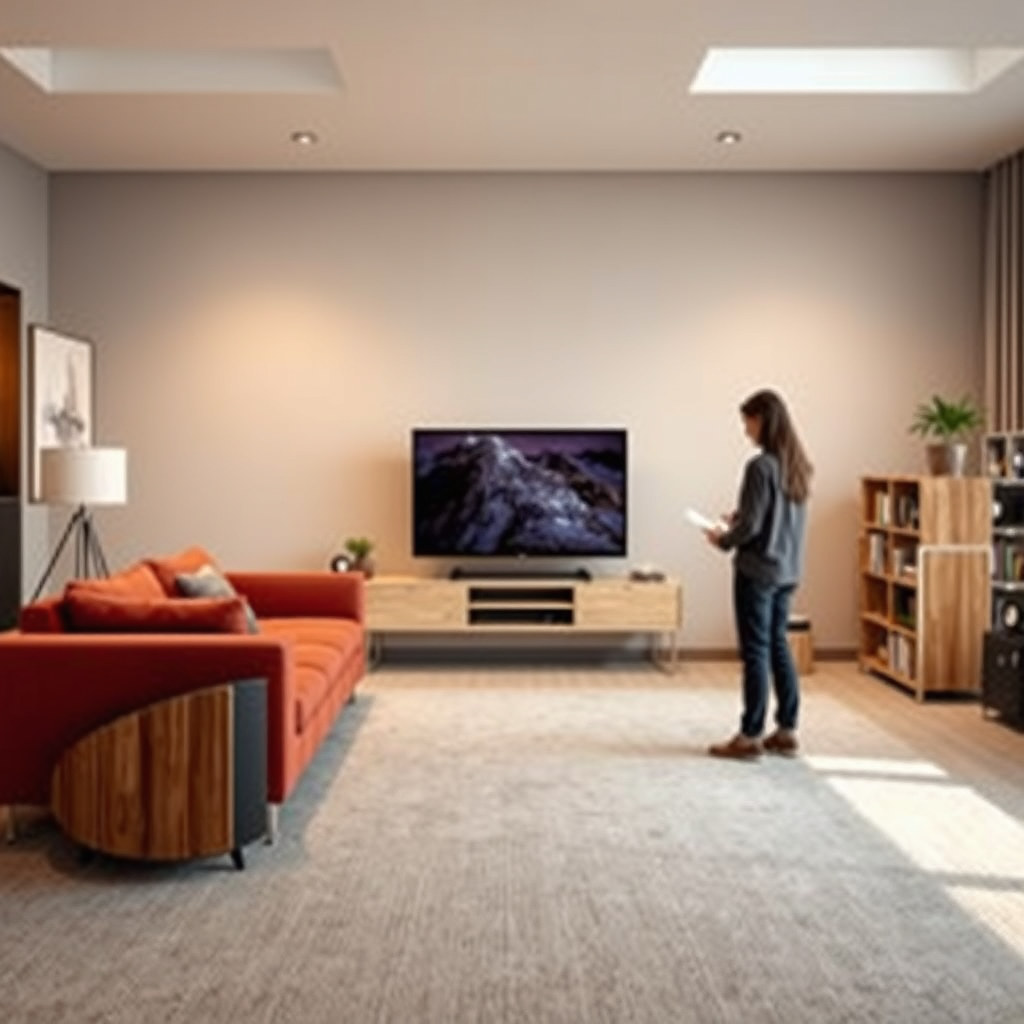
To effectively connect your Klipsch speakers, it is crucial to first understand the different types available. Klipsch offers a variety of speaker types, including floor-standing speakers, bookshelf speakers, and specialized subwoofers. Floor-standing speakers, such as the Klipsch RP-8000F, are designed for full-range sound and can fill larger rooms with powerful audio. Bookshelf speakers like the Klipsch R-41M are compact and versatile, making them ideal for smaller spaces or as part of a surround sound setup. Additionally, Klipsch subwoofers, such as the R-120SW, provide deep bass and are essential for enhancing the low-end frequencies in your audio experience.
Moreover, familiarize yourself with the key features of your specific model, such as built-in amplifiers, connectivity options, and sound profiles. Some models may come with wireless capabilities, while others will require a wired connection. Understanding these features will help you determine the best setup for your listening environment.
Gather Necessary Equipment
Before you begin the connection process, ensure you have all the necessary equipment at hand. The type of cables you will need depends on your specific setup. Generally, you will require speaker wire for wired connections, RCA cables for connecting to receivers, or HDMI cables if you are using a home theater system.
In addition, check if you need an amplifier or a receiver. Most Klipsch speakers are passive, meaning they require an external amplifier or receiver to function. If you are connecting wireless speakers, ensure you have a compatible Bluetooth device or a Wi-Fi network for seamless connectivity. Having the right equipment ready will streamline the setup process and save you time.
Connecting Wired Klipsch Speakers
Connecting wired Klipsch speakers is a simple process that involves a few key steps:
1. Prepare the Speaker Wire: Begin by stripping the speaker wire to expose approximately half an inch of the copper strands at both ends. This will facilitate a secure connection to the speaker terminals.
2. Connect to the Speaker: Locate the binding posts on the back of your Klipsch speakers. Insert the stripped end of the wire into the corresponding terminal, ensuring that you connect the positive terminal (usually marked in red) to the positive wire and the negative terminal (usually marked in black) to the negative wire.
3. Connect to the Receiver: Repeat the same process on the receiver end. Ensure that the speaker wire is securely connected to the respective terminals on the receiver.
4. Check Polarity: It’s vital to maintain proper polarity throughout the connection. Incorrect polarity can lead to phase issues, resulting in diminished sound quality and a lack of bass response.
5. Test the Setup: Once all connections are made, turn on your receiver and speakers to test the setup. Play music or a movie with dynamic audio to ensure everything is functioning correctly.
Klipsch Speaker Models Comparison (2023)
| # | Model | Type | Power (W) | Frequency Response | Bluetooth |
|---|---|---|---|---|---|
| 1 | Klipsch RP-8000F | Floor-standing | 150 | 32Hz-25kHz | No |
| 2 | Klipsch R-41M | Bookshelf | 50 | 68Hz-21kHz | Yes |
| 3 | Klipsch R-120SW | Subwoofer | 400 | 29Hz-120Hz | No |
| 4 | Klipsch Reference R-52C | Center | 150 | 82Hz-24kHz | No |
| 5 | Klipsch R-41PM | Bookshelf | 50 | 68Hz-21kHz | Yes |
| 6 | Klipsch R-34C | Center | 100 | 82Hz-24kHz | No |
| 7 | Klipsch R-100SW | Subwoofer | 300 | 32Hz-120Hz | No |
Connecting Wireless Klipsch Speakers
Connecting wireless Klipsch speakers, such as the Klipsch R-41PM, can enhance your listening experience by eliminating the clutter of wires. Here are the steps to set up your wireless speakers effectively:
1. Power On Your Speakers: Begin by turning on your wireless Klipsch speakers and ensuring they are fully charged or plugged into a power source.
2. Enter Pairing Mode: Most wireless Klipsch speakers have a dedicated Bluetooth button or a pairing mode option. Press this button to put the speakers into pairing mode, which usually involves a blinking LED light.
3. Connect via Bluetooth Device: On your smartphone, tablet, or laptop, navigate to the Bluetooth settings and search for available devices. Select your Klipsch speakers from the list of discoverable devices.
4. Confirm the Connection: Once you select the speakers, you may need to confirm the pairing by tapping “Pair” or entering a code if prompted. After a successful connection, the LED light on the speakers should stabilize.
5. Audio Source Selection: Depending on your setup, you may need to select the appropriate audio source on your Bluetooth device. This could involve choosing a music app, streaming service, or any other audio source.
6. Test Your Setup: Play audio to test the connection. Adjust the volume and settings as needed to ensure optimal sound quality.
Setting Up Your Sound System
Once your Klipsch speakers are connected, it’s crucial to set up your sound system correctly to maximize audio performance. Begin by adjusting the settings on your receiver or amplifier. Make sure to select the right speaker configuration, whether you’re using a 2.1, 5.1, or 7.1 surround sound setup.
Consider utilizing an audio calibration tool, which can automatically adjust the settings based on your room’s acoustics. Many modern receivers come with built-in calibration systems that use a microphone to analyze the room and optimize sound output accordingly. Additionally, you may want to experiment with the speaker placement in your room, as this can significantly impact your listening experience. For example, placing speakers at ear level and away from walls can enhance sound clarity and reduce unwanted reflections.
Troubleshooting Common Issues
Despite the simplicity of connecting Klipsch speakers, you may encounter some common audio issues. Here are some troubleshooting tips to help you resolve them:
1. Check Connections: If you experience sound issues, first check all connections. Ensure cables are securely connected to both the speakers and the receiver, and inspect them for any visible damage.
2. Polarity Issues: If your speakers sound distorted or lacking bass, verify that the speaker wires are connected with the correct polarity.
3. Power Supply: For wireless models, ensure that the speakers are powered and that the batteries are charged. Sometimes, simply resetting the connection can resolve issues.
4. Refer to the User Manual: Each Klipsch model comes with a user manual that contains specific troubleshooting tips related to that model. It’s advisable to consult this resource for tailored guidance.
Enhancing Your Klipsch Experience
To truly elevate your audio experience with Klipsch speakers, consider exploring additional features and setups. For instance, setting up a surround sound system can provide an immersive listening experience, especially when watching movies or playing games. Klipsch speakers pair exceptionally well with home theater systems, enhancing both dialogue clarity and sound effects.
Additionally, integrating your Klipsch speakers with smart home devices can provide convenience and versatility. Many Klipsch models support voice control through platforms like Amazon Alexa or Google Assistant, allowing you to control playback with simple commands. Experimenting with speaker placement in your room can also yield significant improvements in sound quality. For instance, positioning speakers at optimal angles and distances from walls can create a more balanced audio field.
Summarizing the key steps to connect your Klipsch speakers can help you achieve the best audio experience possible. Whether you’re setting up a simple stereo or a full home theater system, following these guidelines will ensure you enjoy the rich sound that Klipsch is known for. Don’t hesitate to reach out for further assistance or check the Klipsch website for more detailed resources.
Frequently Asked Questions
How do I connect my Klipsch speakers to a receiver?
To connect your Klipsch speakers to a receiver, start by ensuring that the receiver is powered off. Use speaker wire to connect the positive (+) terminal of the speaker to the positive terminal on the receiver, and the negative (-) terminal of the speaker to the negative terminal on the receiver. Make sure to match the polarity correctly to avoid any sound issues.
What type of cables are best for connecting Klipsch speakers?
The best cables for connecting Klipsch speakers are high-quality speaker wires that are oxygen-free copper to ensure optimal conductivity and sound quality. A wire gauge of 16 or lower is recommended for most home setups, and using banana plugs can make the connection process easier and more secure.
Why won’t my Klipsch speakers connect to my Bluetooth device?
If your Klipsch speakers won’t connect to your Bluetooth device, ensure that both devices are in pairing mode. Check that your Bluetooth device is within the appropriate range and that it’s not already connected to another device. If problems persist, try resetting the speakers or updating the Bluetooth firmware, if applicable.
Which Klipsch speaker setup is best for a home theater system?
For a home theater system, a 5.1 setup is often the best choice with Klipsch speakers, incorporating five speakers and one subwoofer for immersive sound. The Klipsch Reference series, such as the RP-600M for front speakers and the RP-404C for a center channel, paired with a Klipsch subwoofer like the R-120SW, will provide excellent audio quality and performance.
How do I connect Klipsch wireless speakers to a network?
To connect Klipsch wireless speakers to a network, first, download the Klipsch Connect app on your smartphone. Follow the app’s instructions to connect your speakers to your Wi-Fi network, ensuring that the speakers are powered on and in setup mode. Once connected, you can stream music directly from your favorite apps, giving you a seamless audio experience.
References
- Klipsch Audio Technologies
https://en.wikipedia.org/wiki/Klipsch - Google Scholar Google Scholar
https://scholar.google.com/scholar?q=how+to+connect+Klipsch+speakers - https://www.hifiadvice.com/how-to-connect-speakers/
https://www.hifiadvice.com/how-to-connect-speakers/ - https://www.audioholics.com/how-to/connecting-speakers
https://www.audioholics.com/how-to/connecting-speakers - https://www.lifewire.com/how-to-connect-speakers-to-a-receiver-1846866
https://www.lifewire.com/how-to-connect-speakers-to-a-receiver-1846866 - Google Scholar Google Scholar
https://scholar.google.com/scholar?q=Klipsch+speaker+setup - Google Scholar Google Scholar
https://scholar.google.com/scholar?q=Klipsch+speaker+connections+guide - Google Scholar Google Scholar
https://scholar.google.com/scholar?q=how+to+connect+klipsch+speakers - how to connect klipsch speakers – Search results
https://en.wikipedia.org/wiki/Special:Search?search=how+to+connect+klipsch+speakers - https://www.ncbi.nlm.nih.gov/search/research-articles/?term=how+to+connect+klipsch+speakers
https://www.ncbi.nlm.nih.gov/search/research-articles/?term=how+to+connect+klipsch+speakers
