

Connecting wired speakers is straightforward and can significantly enhance your audio experience. In just a few simple steps, you can set up your speakers and enjoy high-quality sound. This guide will walk you through the process, ensuring you have everything you need for a successful connection.
Understanding Your Speaker Types
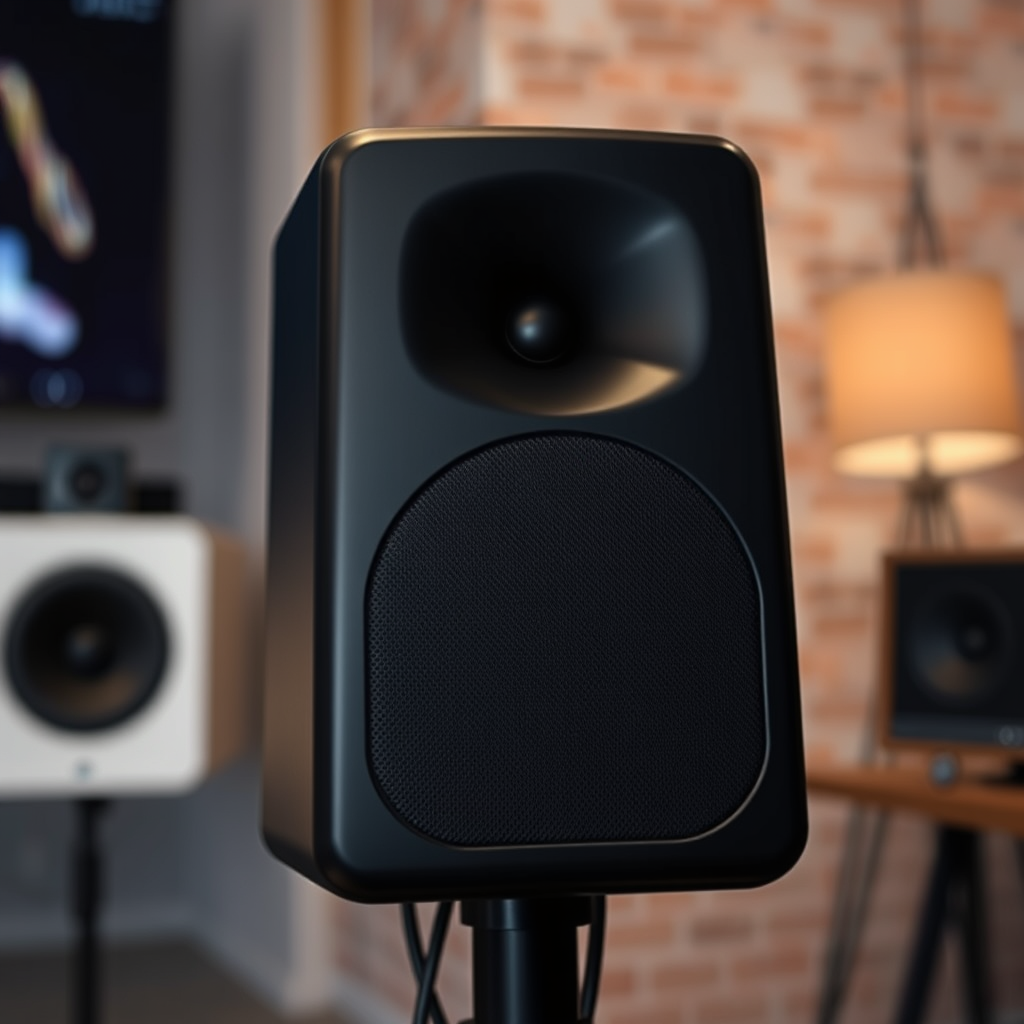
Before diving into the connection process, it is essential to understand the types of speakers you may have. Speakers generally fall into two categories: passive and active. Passive speakers require an external amplifier or receiver to power them, as they do not have built-in amplification. This means you’ll need to ensure you have an appropriate amplifier that matches the speaker’s wattage and impedance specifications.
Active speakers, on the other hand, come with built-in amplifiers, allowing you to connect them directly to your audio source without the need for separate amplification. This makes them easier to set up, as you won’t have to worry about matching components. Understanding your speaker type will guide the rest of your setup process, ensuring compatibility and optimal performance.
Gathering Necessary Equipment
Once you know your speaker type, the next step is to gather all the necessary equipment. Depending on whether you have passive or active speakers, your requirements may differ slightly.
For passive speakers, you will need:
– Speaker wire: Typically 16-gauge is suitable for most setups.
– Amplifier or receiver: Ensure it matches the specifications of your speakers.
– Audio source: This could be a computer, a stereo system, or a high-fidelity music player.
For active speakers, you’ll need:
– Audio cable: This may include RCA, XLR, or 1/4-inch TRS cables, depending on your speakers’ input requirements.
– Audio source: Similar to passive speakers, but ensure it has the appropriate output for your active speakers.
You might also need tools like wire strippers for preparing speaker wire, a screwdriver for securing connections, and possibly a drill for mounting speakers if required.
Preparing the Room
Optimal placement of your speakers is crucial for achieving the best sound quality. Ideally, speakers should be positioned at ear level when you are seated, and they should form an equilateral triangle with your listening position. This placement enhances soundstage and stereo imaging, allowing you to experience a more immersive audio environment.
Additionally, consider the acoustics of your room. Hard surfaces can reflect sound, creating echoes and muddiness, while soft furnishings can absorb sound, leading to a warmer tone. Experiment with different placements and adjustments to find the best sound profile for your space.
Effective cable management is also essential. Use cable ties or clips to keep speaker wires organized, preventing tripping hazards and maintaining a neat appearance. This can also help in avoiding interference from other electronic devices, which can distort the audio signal.
Top 7 Wired Speaker Brands (2024)
| # | Brand | Type | Price (USD) | Customer Rating |
|---|---|---|---|---|
| 1 | Bose | Active | $499 | ★★★★☆ |
| 2 | Sonos | Active | $599 | ★★★★★ |
| 3 | Klipsch | Passive | $399 | ★★★★☆ |
| 4 | JBL | Active | $349 | ★★★★☆ |
| 5 | Audioengine | Active | $199 | ★★★★☆ |
| 6 | Pioneer | Passive | $249 | ★★★★☆ |
| 7 | Bowers & Wilkins | Passive | $799 | ★★★☆☆ |
Connecting the Speakers
Now that you have everything set up, it’s time to connect your speakers. For passive speakers, follow these steps:
1. Prepare the Speaker Wire: Cut the speaker wire to the desired length, ensuring you have enough to reach from your amplifier to the speakers. Strip about half an inch of insulation from both ends of the wire.
2. Connect to the Amplifier: Plug one end of the speaker wire into the appropriate terminal on your amplifier. Make sure to match the positive (+) and negative (-) terminals correctly, as reversing these can lead to poor sound quality.
3. Connect to the Speakers: Connect the other end of the speaker wire to the respective terminals on your passive speakers, again ensuring proper polarity.
For active speakers, simply connect your audio source to the speakers using the appropriate audio cable. Ensure that the audio source has a compatible output, and check the volume settings to avoid any damage from sudden loud sounds.
Testing Your Setup
Once everything is connected, it’s time to test your setup. Start by playing a well-produced audio track that you are familiar with. This will help you assess the sound quality effectively. Listen for clarity, balance, and any distortion. If you notice any issues, consider making adjustments to speaker placement, as well as checking the amplifier settings.
If your speakers are passive and connected to an amplifier, ensure that the amplifier is turned on and set to the correct input. For active speakers, verify that they are powered on and that the input source is selected properly.
Troubleshooting Common Issues
Even with the best setups, issues can occur. Here are some common problems you might encounter, along with their solutions:
– No Sound: Check all connections, ensuring that they are secure. Verify that the amplifier is powered on and that the correct input source is selected.
– Distortion: This can arise from overloading the amplifier. Reduce the volume and check the settings to ensure you’re not pushing the speakers beyond their limits.
– Imbalanced Sound: If one speaker sounds louder than the other, double-check the wiring and ensure that both speakers are receiving equal power from the amplifier.
Enhancing Your Audio Experience
To further improve your audio experience, consider exploring additional equipment such as subwoofers for deeper bass or soundbars for a more expansive soundstage. Quality cables can also make a significant difference in audio fidelity, reducing interference and improving signal transmission.
Investing in high-quality speaker stands can enhance placement and improve sound projection. Additionally, acoustic treatments such as sound-absorbing panels can help mitigate reflections and enhance the overall listening experience.
Summarizing the steps to connect wired speakers can lead to an improved listening experience. By following this guide, you’ll have your speakers set up in no time. If you have further questions or want to dive deeper into audio setups, feel free to explore additional resources or reach out for expert advice.
Frequently Asked Questions
How do I connect wired speakers to my receiver?
To connect wired speakers to your receiver, first ensure your receiver is powered off. Next, locate the speaker outputs on the back of the receiver, typically labeled with positive (+) and negative (−) terminals. Use speaker wire to connect each speaker’s positive terminal to the receiver’s positive output and the negative terminal to the negative output. Make sure the connections are secure to ensure optimal sound quality.
What type of speaker wire is best for connecting wired speakers?
The best type of speaker wire for connecting wired speakers depends on your distance and speaker impedance. Generally, 16-gauge wire is suitable for most home setups, while 14-gauge wire is recommended for longer distances over 50 feet or for speakers with lower impedance. Always choose oxygen-free copper wire for better conductivity and durability.
Why are my wired speakers not working after connecting them?
If your wired speakers are not working after connecting them, first check all connections to ensure they are secure and properly configured. Additionally, verify that the receiver is set to the correct input source and that the volume is turned up. If the problem persists, test the speakers with a different receiver or amplifier to rule out any equipment issues.
Which speaker terminals should I use for connecting my wired speakers?
When connecting wired speakers, use the positive (+) and negative (−) terminals on both the speakers and the receiver. It is crucial to match the polarities correctly between the speaker and receiver; otherwise, you may experience phase issues that can affect sound quality. Always ensure that the wire color coding (usually red for positive and black for negative) is followed.
How can I enhance the sound quality of my wired speakers after installation?
To enhance the sound quality of your wired speakers after installation, consider the placement of the speakers in your room. Position them at ear level and away from walls to avoid sound reflections. Additionally, using quality speaker wire, ensuring your receiver is correctly calibrated, and adding acoustic treatments to your room can significantly improve audio performance.
References
- https://en.wikipedia.org/wiki/Speaker_(audio
https://en.wikipedia.org/wiki/Speaker_(audio - https://www.audioholics.com/how-to-articles/how-to-connect-wired-speakers
https://www.audioholics.com/how-to-articles/how-to-connect-wired-speakers - https://www.lifewire.com/how-to-connect-wired-speakers-2487793
https://www.lifewire.com/how-to-connect-wired-speakers-2487793 - University of Southern California
https://www.usc.edu/ - Google Scholar Google Scholar
https://scholar.google.com/scholar?q=how+to+connect+wired+speakers - Google Scholar Google Scholar
https://scholar.google.com/scholar?q=audio+connections+wired+speakers - Google Scholar Google Scholar
https://scholar.google.com/scholar?q=speaker+setup+guide - how to connect wired speakers – Search results
https://en.wikipedia.org/wiki/Special:Search?search=how+to+connect+wired+speakers - https://www.ncbi.nlm.nih.gov/search/research-articles/?term=how+to+connect+wired+speakers
https://www.ncbi.nlm.nih.gov/search/research-articles/?term=how+to+connect+wired+speakers

[…] with an iPhone is straightforward—if you follow the right Bluetooth or AirPlay path. This step-by-step guide tells you exactly how to connect your speakers fast, avoid the most common pairing failures, and […]
[…] to connect a Wii to a smart TV and get it working fast? This step-by-step guide walks you through the exact inputs and cables you need, from hooking up video/audio to configuring […]
[…] to know how to plug in speakers to a PC and get sound fast? This step-by-step guide walks you through choosing the right audio jack (3.5mm, USB, or Bluetooth), connecting your […]
[…] the fastest, most reliable way to set up home theater speakers correctly the first time? This step-by-step guide shows you exactly how to position each speaker, wire or connect your system, and configure AVR/TV […]
[…] to know how to get Hulu on my smart TV? This step-by-step guide walks you through the fastest setup—finding the Hulu app, signing in, and troubleshooting common […]
[…] to wire multiple speakers together and get it right on the first try? This step-by-step guide shows the simplest, safest way to connect your speakers for the most common setups—so you’ll […]
[…] (powered) speakers because the amplification matches the drivers and the setup is straightforward. Passive speakers can sound excellent, but you need to pair them with the right amplifier and often spend more time […]