

If your TV can connect to the internet and run applications, it’s likely a smart TV. In this article, we’ll help you identify the features that distinguish a smart TV from a traditional one. You’ll learn how to check for internet connectivity, built-in apps, and more, ensuring you can make an informed decision about your television capabilities.
Understanding Smart TV Features
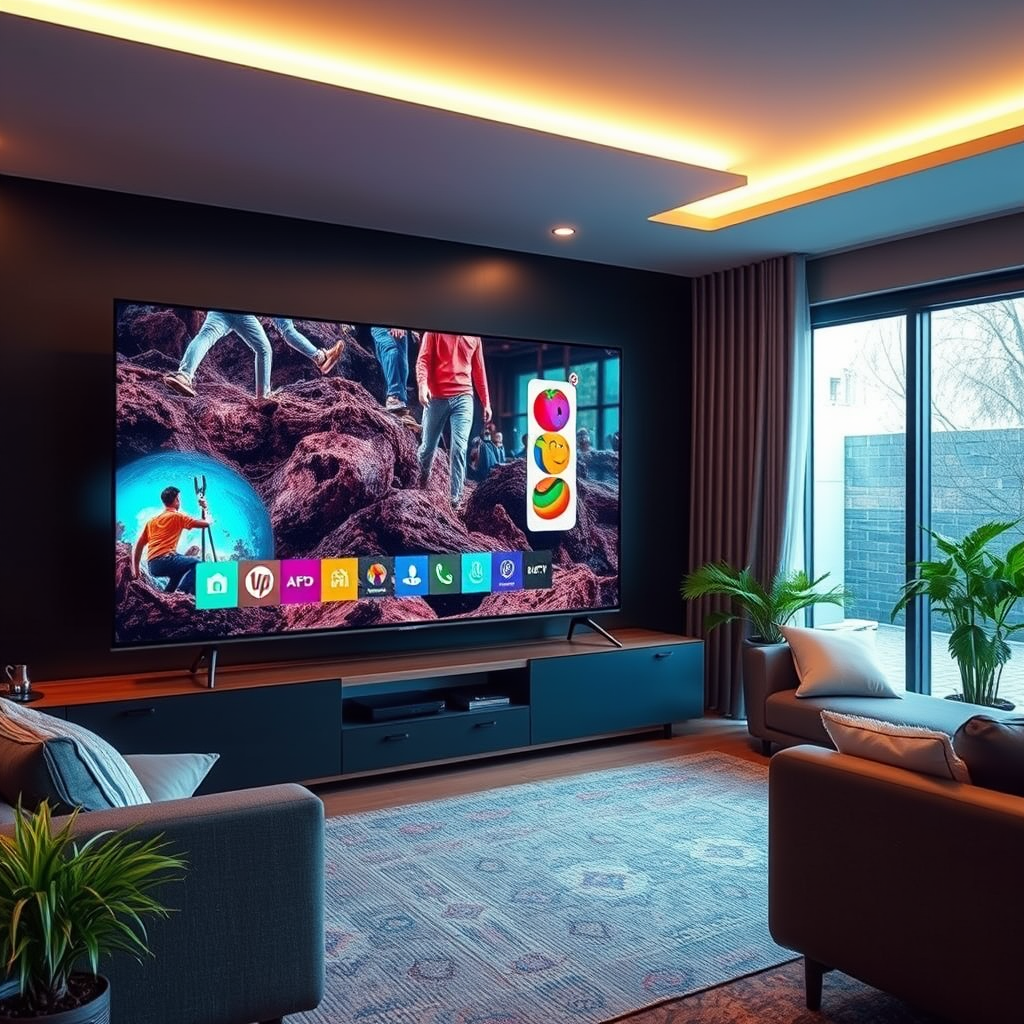
Smart TVs have revolutionized the way we experience entertainment at home. One of the primary features that defines a smart TV is its ability to connect to the internet. This connection can be established either through built-in Wi-Fi or an Ethernet port, enabling users to access a plethora of online content. Unlike traditional TVs, which rely solely on cable or satellite connections, smart TVs allow for streaming services like Netflix, Hulu, and YouTube, either pre-installed or available for download.
Moreover, smart TVs often come equipped with built-in browsers, enabling users to surf the web directly on their televisions. This connectivity not only enhances the viewing experience but also opens up a world of interactive content, from social media platforms to gaming applications. If your TV supports these features, it is likely a smart TV.
Identifying Smart TV Interfaces
When you turn on a smart TV, the user interface (UI) is a significant indicator of its capabilities. Smart TVs typically feature a home screen that includes app icons, streaming options, and personalized recommendations. If your TV incorporates a visually engaging and intuitive UI, you may be looking at a smart device.
Additionally, many smart TVs now include voice control capabilities, allowing users to navigate menus and control playback through voice commands. Smart assistants like Alexa or Google Assistant are increasingly being integrated into smart TVs, providing an extra layer of convenience for users. If your remote or TV responds to voice commands, it further confirms its smart status.
Checking for App Store Availability
A defining feature of smart TVs is their app store, which allows users to download additional applications beyond the pre-installed options. Popular smart TV platforms come with their own app ecosystems; for instance, Android TVs feature the Google Play Store, while Samsung models utilize the Samsung Smart Hub.
By checking the available apps on your TV, you can gauge its smart capabilities. If you can find popular streaming services, game apps, and other functionalities available for download, your TV is likely a smart model.
Here’s a comparison of popular smart TV app stores:
Popular Smart TV App Stores Overview
| # | Platform | App Store | Notable Apps | User Rating |
|---|---|---|---|---|
| 1 | Android TV | Google Play Store | Netflix, Hulu, Disney+ | ★★★★☆ |
| 2 | Roku TV | Roku Channel Store | HBO Max, YouTube, Amazon Prime | ★★★★★ |
| 3 | Samsung Smart TV | Samsung Smart Hub | Apple TV, Peacock, Spotify | ★★★★☆ |
| 4 | LG Smart TV | LG Content Store | Vudu, Netflix, Disney+ | ★★★★☆ |
| 5 | Sony Smart TV | Google Play Store | YouTube, Hulu, Netflix | ★★★★☆ |
| 6 | Vizio Smart TV | Vizio App Store | Tubi, Netflix, Amazon Prime | ★★★☆☆ |
| 7 | TCL Smart TV | Roku Channel Store | Netflix, Hulu, Sling TV | ★★★★☆ |
Assessing Operating Systems
The operating system of a smart TV plays a crucial role in determining its functionality and user experience. Major smart TV operating systems include Android TV, webOS, Tizen, and Roku TV. Each of these systems comes with unique features that cater to different user preferences.
For example, Android TV provides a customizable interface and seamless integration with Google services, while Roku TV is renowned for its simplicity and extensive app availability. webOS, used by LG, offers a visually appealing interface with easy access to apps and smart features. Tizen, found in Samsung TVs, provides a robust ecosystem with a focus on content personalization. Understanding the operating system your TV uses can clarify its capabilities and help you make the most of its features.
Remote Control Features
Smart TVs often come with advanced remote controls that enhance user interaction. Many remotes include dedicated buttons for popular streaming services, allowing users to access their favorite content quickly. Some smart TVs also support mobile app control, enabling you to operate the TV from your smartphone, enhancing convenience.
Additionally, voice remote controls are becoming increasingly common, allowing users to search for content, adjust volume, and switch inputs using voice commands. This capability not only provides a hands-free experience but also makes navigation more intuitive. If your remote incorporates any of these features, it further affirms that your television is indeed a smart TV.
Confirming Updates and Support
A significant advantage of owning a smart TV is the ability to receive software updates. These updates are essential for improving functionality, fixing bugs, and enhancing security. Check if your TV brand provides regular updates and customer support for troubleshooting. Many manufacturers offer support pages or forums where users can find solutions to common issues.
Additionally, some smart TVs include features that notify users when updates are available, ensuring that your device is always running the latest software. If your TV lacks this support, it may be time to consider upgrading to a more modern smart TV that provides ongoing enhancements and security.
Evaluating Additional Features
Beyond the core functionalities, many smart TVs come with features that enhance user experience. Screen mirroring and casting allow users to project content from their mobile devices onto the TV, making it easier to share photos, videos, and presentations. Compatibility with smart home systems, such as smart lights or thermostats, is also becoming more prevalent, allowing for integrated home automation.
If your TV supports these additional features, it adds significant value to your entertainment setup. The ability to seamlessly connect with other devices in your home can vastly improve your overall viewing and interactive experience.
In summary, evaluating these key aspects will help you determine if your television qualifies as a smart TV. If you find that it lacks several of these features, it might be time to consider an upgrade. Embracing the technology of a smart TV can offer you a world of entertainment options and convenience that traditional televisions simply cannot provide. Explore your options to enjoy the benefits of a smart TV today!
Frequently Asked Questions
How can I tell if my TV is a smart TV?
To determine if your TV is a smart TV, check for built-in internet connectivity options such as Wi-Fi or Ethernet ports. Additionally, look for pre-installed apps like Netflix, Hulu, or YouTube on the TV’s home screen, which are indicative of smart TV functionality.
What features distinguish a smart TV from a regular TV?
Smart TVs typically have internet access, allowing users to stream content from various online platforms, access social media, and browse the web. They also often include voice control capabilities, app stores, and software updates, which are not available in regular TVs.
Why is it important to know if my TV is a smart TV?
Knowing whether your TV is a smart TV is crucial because it impacts your viewing experience and access to online content. Smart TVs provide a broader range of entertainment options and functionalities, making them more versatile for streaming and connecting to other smart devices.
Which brands are known for producing high-quality smart TVs?
Brands like Samsung, LG, Sony, and TCL are renowned for producing high-quality smart TVs. Each of these manufacturers offers a variety of models with advanced features, ensuring options for different budgets and preferences.
How do I upgrade my regular TV to a smart TV?
You can upgrade your regular TV to a smart TV by using external devices like a streaming stick (such as Roku, Amazon Fire Stick, or Google Chromecast) or a smart set-top box. These devices connect to your TV via HDMI and provide access to various streaming services and apps, effectively transforming your viewing experience.
References
- https://www.lifewire.com/how-to-tell-if-your-tv-is-smart-4775699
https://www.lifewire.com/how-to-tell-if-your-tv-is-smart-4775699 - https://www.pcmag.com/how-to/how-to-tell-if-your-tv-is-smart
https://www.pcmag.com/how-to/how-to-tell-if-your-tv-is-smart - Google Scholar Google Scholar
https://scholar.google.com/scholar?q=how+to+identify+smart+tv - Google Scholar Google Scholar
https://scholar.google.com/scholar?q=smart+tv+features+and+identification - Google Scholar Google Scholar
https://scholar.google.com/scholar?q=smart+tv+technology+overview - https://www.bbc.com/news/technology-51054380
https://www.bbc.com/news/technology-51054380 - Google Scholar Google Scholar
https://scholar.google.com/scholar?q=how+do+i+know+if+tv+is+smart+tv - how do i know if tv is smart tv – Search results
https://en.wikipedia.org/wiki/Special:Search?search=how+do+i+know+if+tv+is+smart+tv - https://www.ncbi.nlm.nih.gov/search/research-articles/?term=how+do+i+know+if+tv+is+smart+tv
https://www.ncbi.nlm.nih.gov/search/research-articles/?term=how+do+i+know+if+tv+is+smart+tv
