

Understanding Parallel Wiring
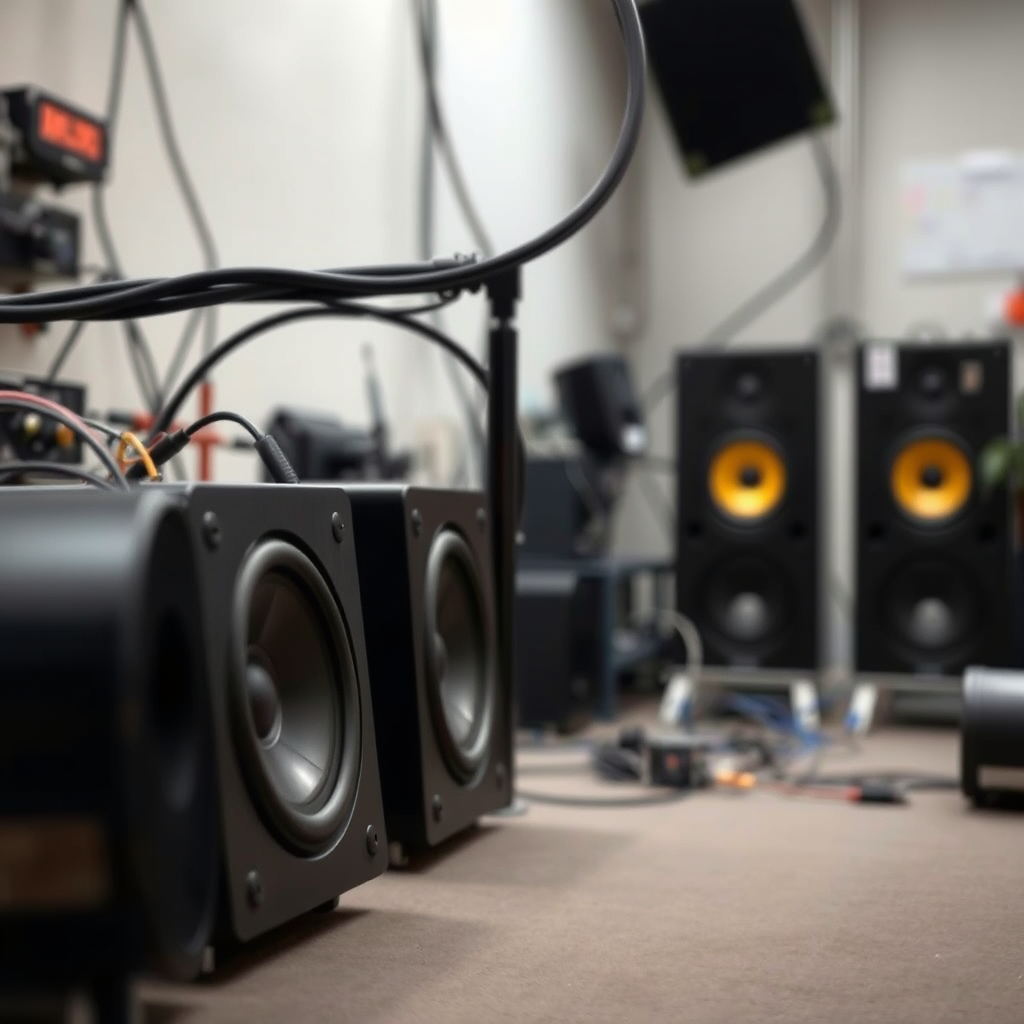
Parallel wiring connects multiple speakers to a single audio source, allowing them to share the same voltage. When speakers are wired in parallel, each speaker receives the same voltage from the amplifier, which can lead to an increase in perceived loudness and improved sound quality. This setup maintains the same impedance as the lowest impedance speaker in the array, ensuring compatibility with your amplifier. For instance, if you wire two speakers with impedances of 4 ohms and 8 ohms in parallel, the total impedance will be 2.67 ohms, making it crucial to check your amplifier’s specifications to avoid overloading.
When wiring speakers in parallel, it is vital to ensure that your amplifier can handle the lower impedance. Most amplifiers can safely handle a load of 4 ohms or higher; however, if you connect speakers that result in a lower impedance, it may cause distortion or even damage the amplifier. Therefore, it’s essential to match your speaker system with the capabilities of your audio equipment to achieve optimal performance.
Tools and Materials Needed
Before you begin wiring your speakers in parallel, it’s important to gather the necessary tools and materials. Having the right equipment on hand will streamline the process and ensure a safe and effective setup. Here’s what you’ll need:
– Wire strippers and cutters: These are essential for preparing speaker wires by stripping the insulation and cutting them to the required lengths.
– Sufficient lengths of speaker wire: You’ll need enough wire to connect each speaker to the amplifier without straining or stretching the wires.
– A soldering iron or connectors: These will secure your connections. Soldering is recommended for a more permanent solution, while connectors can provide flexibility for future modifications.
By ensuring you have all these tools and materials ready, you can avoid unnecessary delays and complications during the installation process.
Preparing the Speakers
Proper preparation of the speakers is crucial for optimal performance. Here are the steps to follow:
1. Ensure all speakers are of similar impedance: For best results, use speakers with similar impedance ratings (e.g., all 4 ohms or all 8 ohms). This uniformity ensures that the load on the amplifier is evenly distributed, reducing the risk of distortion or damage.
2. Strip the ends of the speaker wires: Using wire strippers, carefully remove about half an inch of insulation from the ends of each speaker wire. This exposes the copper strands, allowing for a solid electrical connection. Ensure that no strands are frayed or broken, as this can hinder performance.
With your speakers adequately prepared, you are ready to make the connections.
Making the Connections
The actual wiring process is straightforward but requires careful attention to detail. Follow these steps to connect your speakers in parallel:
1. Connect the positive terminals of all speakers: Use the prepared speaker wires to connect the positive (+) terminal of each speaker to the positive terminal of the amplifier. This can be done by either twisting the wires together or using a soldering iron for a more durable connection.
2. Connect the negative terminals of all speakers: Similarly, connect the negative (−) terminals of all speakers to the negative terminal of the amplifier. Ensure that the connections are tight and secure to prevent any loss of signal.
By following these steps, you will have successfully wired your speakers in parallel, ready for testing.
Speaker Impedance Ratings and Performance
| # | Speaker Model | Impedance (Ohms) | Max Power (Watts) | Performance Rating |
|---|---|---|---|---|
| 1 | JBL Studio 530 | 8 | 150 | ★★★★☆ |
| 2 | Bose 301-V | 6 | 150 | ★★★★★ |
| 3 | Klipsch R-41M | 8 | 75 | ★★★★☆ |
| 4 | Polk Audio T15 | 8 | 100 | ★★★☆☆ |
| 5 | Sony SSCS5 | 6 | 100 | ★★★★☆ |
| 6 | Yamaha NS-6490 | 8 | 100 | ★★★☆☆ |
| 7 | Infinity Primus P153 | 8 | 150 | ★★★★☆ |
Testing Your Setup
After successfully wiring your speakers in parallel, the next step is to test your audio setup to ensure everything functions as expected. Here’s how to do it:
1. Power on your audio system: Ensure all devices are plugged in and powered on. Check that the volume level is set to a moderate level before proceeding.
2. Play a test track: Choose a song or audio file that you are familiar with, allowing you to notice any discrepancies in sound quality.
3. Listen for any discrepancies in sound: Pay attention to the clarity, volume, and balance between the speakers. If one speaker sounds quieter or distorted, it could indicate a wiring issue or an impedance mismatch.
4. Adjust connections if necessary: If you detect any issues, power down the system and double-check the connections. Make sure that all wires are securely attached and that there are no shorts between the positive and negative terminals.
Testing your setup is crucial to ensure that your parallel wiring has been executed correctly and that you are getting the best sound quality possible.
Troubleshooting Common Issues
Even with careful preparation and execution, issues may arise during the wiring process or while testing your setup. Here are some common problems and their solutions:
– Uneven sound output: If one speaker is significantly louder than the others, check the connections to ensure that all speakers are wired correctly. Verify that each speaker’s terminals are connected to the correct corresponding terminals on the amplifier.
– Distortion or crackling sound: This may indicate an impedance mismatch or a loose connection. Ensure that all wires are securely connected and that the total impedance of the speaker setup is within the safe operating range of your amplifier.
– Amplifier overheating: If your amplifier becomes excessively hot, it could be due to a lower impedance load than it can handle. Verify the impedance of the connected speakers and consider either using speakers with higher impedance ratings or a different amplifier.
By being proactive in troubleshooting potential issues, you can ensure that your audio system provides the best performance.
Wiring speakers in parallel can significantly enhance your audio experience when done correctly. By understanding the principles of parallel wiring, preparing your materials, and making secure connections, you can enjoy improved sound quality and a more cohesive audio environment. Testing your setup and troubleshooting any issues that arise will help you achieve the best possible results. With this simple guide, you are now equipped to wire your speakers in parallel confidently and effectively.
Frequently Asked Questions
What is the process of wiring speakers in parallel?
Wiring speakers in parallel involves connecting the positive terminal of each speaker to the positive terminal of the amplifier, and the negative terminal of each speaker to the negative terminal of the amplifier. This configuration allows multiple speakers to share the same power source, effectively reducing the overall impedance and increasing the total sound output.
How do I determine the total impedance when wiring speakers in parallel?
To calculate the total impedance when wiring speakers in parallel, use the formula 1 / (1/R1 + 1/R2 + 1/R3 + …), where R1, R2, R3, etc., are the impedances of each speaker. For example, if you wire two 8-ohm speakers in parallel, the total impedance would be 4 ohms, which is safe for most amplifiers.
Why should I wire my speakers in parallel instead of in series?
Wiring speakers in parallel is often preferred because it allows for a lower total impedance, resulting in increased power output and better sound quality. In contrast, wiring in series increases the overall impedance, which can reduce volume and efficiency in your audio system.
What is the best speaker wire gauge for wiring speakers in parallel?
The best speaker wire gauge for wiring speakers in parallel typically depends on the total length of the wire run and the power of the amplifier. For most home audio setups, 16-gauge wire is sufficient for runs up to 50 feet, while 14-gauge wire is recommended for longer runs or higher-powered systems to minimize signal loss.
Which type of speakers can be wired in parallel?
Most types of speakers, including standard bookshelf speakers, floor-standing speakers, and car audio speakers, can be wired in parallel, provided they have compatible impedance ratings. However, always check the specifications of your amplifier to ensure it can handle the resulting impedance from your parallel wiring configuration.
References
- https://en.wikipedia.org/wiki/Speaker_impedance
https://en.wikipedia.org/wiki/Speaker_impedance - https://www.audioholics.com/audio-technologies/how-to-wire-speakers-in-parallel
https://www.audioholics.com/audio-technologies/how-to-wire-speakers-in-parallel - https://www.crutchfield.com/S-WW5mg7yZ8K/learn/wiring-speakers-in-parallel.html
https://www.crutchfield.com/S-WW5mg7yZ8K/learn/wiring-speakers-in-parallel.html - https://www.sweetwater.com/insync/wiring-speakers-parallel-series/
https://www.sweetwater.com/insync/wiring-speakers-parallel-series/ - https://www.audiomagic.com/wiring-parallel-vs-series-speakers/
https://www.audiomagic.com/wiring-parallel-vs-series-speakers/ - Google Scholar Google Scholar
https://scholar.google.com/scholar?q=how+to+wire+speakers+in+parallel - https://scholar.google.com/scholar?q=speaker+impedance+parallel+connections Google Scholar
https://scholar.google.com/scholar?q=speaker+impedance+parallel+connections - Google Scholar Google Scholar
https://scholar.google.com/scholar?q=speaker+configuration+parallel+series - how to wire speakers in parallel – Search results
https://en.wikipedia.org/wiki/Special:Search?search=how+to+wire+speakers+in+parallel - https://www.ncbi.nlm.nih.gov/search/research-articles/?term=how+to+wire+speakers+in+parallel
https://www.ncbi.nlm.nih.gov/search/research-articles/?term=how+to+wire+speakers+in+parallel
