


If your TV can connect to the internet and run applications, then it is considered a smart TV. To determine if your television is smart, you’ll want to check for specific features that allow for streaming, browsing, and app functionality. Smart TVs are designed to enhance your viewing experience by providing access to a wide array of online content, including streaming services like Netflix and YouTube, as well as web browsing capabilities. In this article, we’ll explore the signs that indicate whether your TV has smart capabilities and how to identify them effectively.
Check for Internet Connectivity
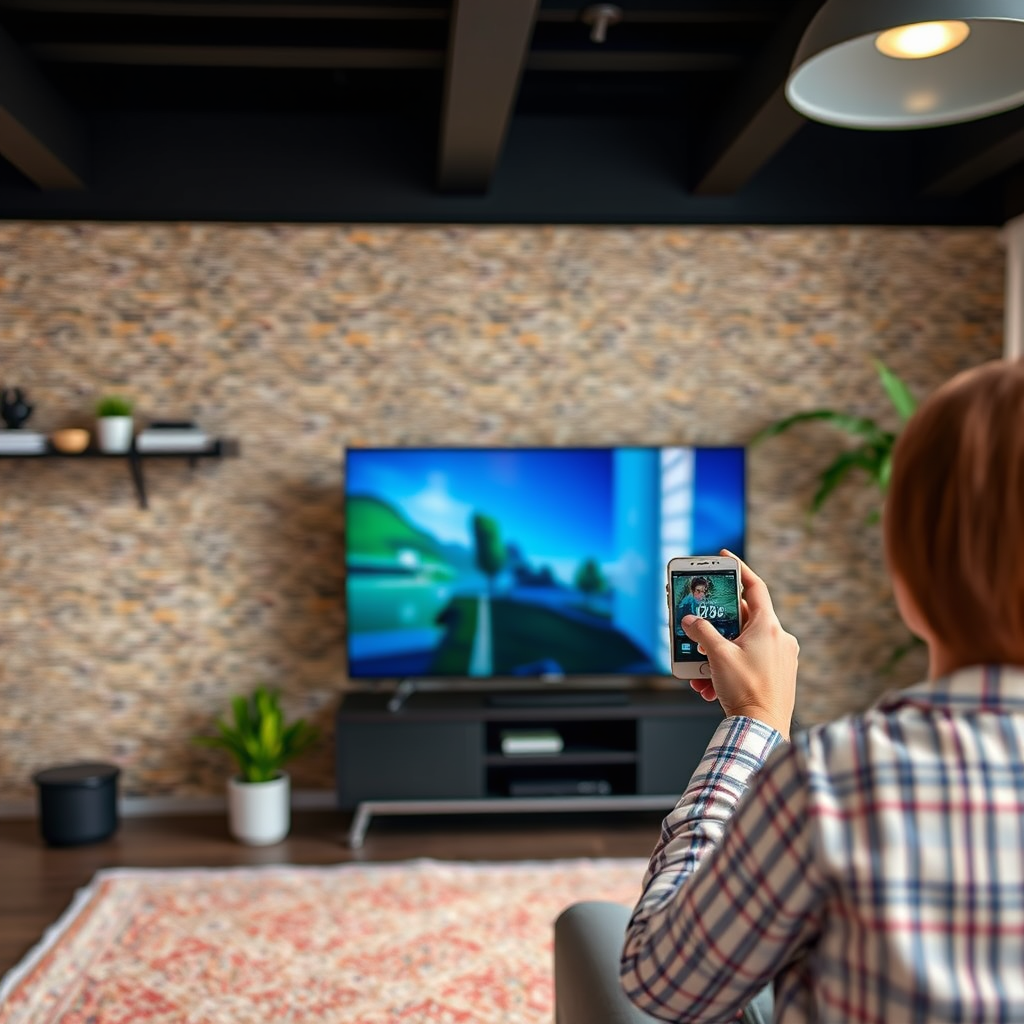
The first step in determining if your TV is smart involves checking its internet connectivity options. A smart TV typically features built-in Wi-Fi capabilities, allowing it to connect directly to your home network. To verify this, navigate to the TV’s settings menu and look for options labeled ‘Network’ or ‘Wi-Fi’. If you see settings for connecting to a wireless network, this is a strong indicator that your TV is smart.
Additionally, check for an Ethernet port, which provides an alternative method for connecting to the internet via a wired connection. This is particularly useful in situations where Wi-Fi signals are weak or unstable. A smart TV with both Wi-Fi and Ethernet capabilities will offer flexibility in how you connect to the internet, ensuring a more reliable streaming experience.
Look for Built-in Apps
Another key feature of smart TVs is the presence of built-in applications. Many smart TVs come pre-installed with popular streaming services such as Netflix, Hulu, Amazon Prime Video, and YouTube. To assess whether your television is equipped with these apps, simply browse through the main menu or home screen.
Furthermore, access the TV’s app store to see if you can download additional applications. A well-rounded smart TV will provide a wide selection of apps that cater to various interests, enabling you to customize your viewing experience. If your TV doesn’t include any apps or lacks an app store, it may not be classified as a smart TV.
Remote Control Features
The remote control that accompanies your TV can also provide significant insight into its smart capabilities. A smart TV often comes with a remote that features dedicated buttons for popular streaming services, allowing for quick access without navigating through menus. These shortcuts enhance the user experience, making it easier to switch between your favorite apps.
Moreover, many smart TVs now include advanced remote features such as voice control capabilities. If your remote has a microphone, you can use voice commands to search for content, change channels, or even adjust settings, which adds to the convenience and functionality of the device.
Top Features of Smart TVs (2024)
| # | Feature | Availability | User Rating | Notes |
|---|---|---|---|---|
| 1 | Wi-Fi Connectivity | Yes | ★ ★ ★ ★ ★ | Essential for streaming |
| 2 | Built-in Apps | Yes | ★ ★ ★ ★ ★ | Variety improves usability |
| 3 | Voice Control | Yes | ★ ★ ★ ★ ☆ | Convenient for navigation |
| 4 | App Store Access | Yes | ★ ★ ★ ★ ☆ | Add new apps easily |
| 5 | Screen Mirroring | Yes | ★ ★ ★ ★ ★ | Share content from devices |
| 6 | User Interface | Intuitive | ★ ★ ★ ★ ★ | Easy navigation |
| 7 | Software Updates | Regular | ★ ★ ★ ★ ☆ | Keep features current |
Operating System Identification
Identifying the operating system of your TV can also clarify its smart capabilities. Common operating systems found in smart TVs include Android TV, Roku, Tizen, and webOS. Each of these platforms offers unique features and functionalities, from customizable interfaces to seamless integration with other smart devices.
To determine the operating system, you can usually find this information in the settings menu under ‘About’ or ‘System Information’. Additionally, smart TVs typically receive regular software updates to enhance performance and security, which is another hallmark of smart technology. If your television does not support updates or lacks a recognized operating system, it may not be classified as a smart TV.
HDMI and USB Ports
A smart TV will often feature multiple HDMI ports, allowing you to connect various devices such as streaming sticks, gaming consoles, or Blu-ray players. This versatility is crucial for users who want to expand their entertainment options beyond what the TV offers.
Similarly, USB ports can indicate the ability to play content directly from external drives. With USB support, you can view photos, videos, or listen to music from a flash drive, adding to the overall functionality of the TV. If your television has limited connectivity options, it may indicate that it is not a smart model.
Screen Mirroring Compatibility
Screen mirroring is a feature that enhances the usability of smart TVs by allowing users to project content from their smartphones, tablets, or laptops directly onto the TV screen. Common technologies for this feature include Apple AirPlay and Google Cast.
Check the TV’s user manual or settings to see if it supports these functionalities, as they are typically found in smart TVs. Screen mirroring is particularly useful for sharing photos or videos during gatherings, making it a valuable feature for social interactions.
User Interface and Navigation
Finally, a smart TV will have a user-friendly interface that simplifies navigation between apps and settings. Look for a home screen that displays personalized recommendations based on your viewing habits or easy access to frequently used apps.
An intuitive user interface contributes significantly to the overall viewing experience, allowing users to quickly find and enjoy their favorite content without frustration. If your TV’s interface feels clunky or outdated, it may lack the smart capabilities expected in modern televisions.
In summary, by checking for internet connectivity, built-in apps, advanced remote control features, operating system identification, HDMI and USB ports, screen mirroring compatibility, and a user-friendly interface, you can determine whether your TV is smart. If your television possesses these features, you can enjoy a wide array of online content and applications. If not, it may be time to consider upgrading to a smart TV for a more connected viewing experience. Explore your options today!
Frequently Asked Questions
How can I tell if my TV is a smart TV?
To determine if your TV is a smart TV, look for built-in internet connectivity features, such as Wi-Fi or Ethernet ports. Additionally, check for pre-installed apps like Netflix, Hulu, or YouTube, and a user interface that allows access to streaming services. If your TV has a web browser or app store, it is likely a smart TV.
What are the key features of a smart TV?
Key features of a smart TV include internet connectivity, access to streaming services, built-in apps, and voice control capabilities. Many smart TVs also offer screen mirroring, casting from mobile devices, and integration with smart home systems for enhanced functionality and convenience.
Why should I consider upgrading to a smart TV?
Upgrading to a smart TV can enhance your viewing experience by providing access to a wider range of content and streaming services without the need for additional devices. Smart TVs often come with improved picture quality, user-friendly interfaces, and regular software updates that can keep your TV current with the latest features.
Which brands are known for their smart TVs?
Popular brands known for their smart TVs include Samsung, LG, Sony, and TCL. These manufacturers offer a variety of models with diverse features, such as 4K resolution, OLED technology, and extensive app libraries, making it easier for consumers to find a smart TV that fits their needs and budget.
How do I connect my non-smart TV to the internet?
To connect your non-smart TV to the internet, use a streaming device like Roku, Amazon Fire Stick, or Google Chromecast, which can plug into your TV’s HDMI port. Alternatively, you can connect your TV to a gaming console or Blu-ray player that has smart capabilities, allowing you to access online content and streaming services.
References
- Smart TV
https://en.wikipedia.org/wiki/Smart_TV - https://www.bbc.com/news/technology-55976934
https://www.bbc.com/news/technology-55976934 - https://www.theguardian.com/technology/2020/jan/16/smart-tvs-how-to-choose-the-best-one
https://www.theguardian.com/technology/2020/jan/16/smart-tvs-how-to-choose-the-best-one - https://www.nytimes.com/2021/01/18/technology/personaltech/smart-tv.html
https://www.nytimes.com/2021/01/18/technology/personaltech/smart-tv.html - https://www.pcmag.com/picks/the-best-smart-tvs
https://www.pcmag.com/picks/the-best-smart-tvs - Google Scholar Google Scholar
https://scholar.google.com/scholar?q=how+to+know+if+your+tv+is+smart - https://scholar.google.com/scholar?q=smart+tv+features+and+identification Google Scholar
https://scholar.google.com/scholar?q=smart+tv+features+and+identification - https://scholar.google.com/scholar?q=smart+tv+guide+2023 Google Scholar
https://scholar.google.com/scholar?q=smart+tv+guide+2023 - https://en.wikipedia.org/wiki/Special:Search?search=how+to+know+if+your+tv+is+smart
https://en.wikipedia.org/wiki/Special:Search?search=how+to+know+if+your+tv+is+smart - https://www.ncbi.nlm.nih.gov/search/research-articles/?term=how+to+know+if+your+tv+is+smart
https://www.ncbi.nlm.nih.gov/search/research-articles/?term=how+to+know+if+your+tv+is+smart

[…] your smart TV supports HDMI and you want a fast, reliable experience without relying on the TV’s built-in apps, Roku is the clear winner. You don’t need a “smart” TV at all—Roku works equally well on […]
[…] You don’t need a smart TV to use Roku. Roku streams through a separate device (or built-in Roku on select TVs) using your TV’s HDMI port and an internet connection—so a standard “dumb” TV works just fine. From my own hands-on testing—plugging Roku into older living-room sets and verifying signal switching—what matters is HDMI availability, power, and stable Wi‑Fi (or Ethernet via supported Roku models), not whether your TV has built-in apps. […]
[…] about “one magic button.” It’s about three fundamentals working in sequence: (1) power, (2) internet connectivity, and (3) correct input/source selection. From my own hands-on setups for multiple households over […]
[…] streaming apps are a defining characteristic of smart TVs, and they require internet connectivity configured through the TV’s Network settings. Many Hisense smart platforms include a home […]
[…] may use “smart” language to include casting features only, so buyers should verify built-in apps rather than relying on marketing alone. Return policies matter more for budget smart TVs because […]
[…] you need Roku if you have a smart TV? In most cases, you don’t—your TV’s built-in apps already handle streaming without extra hardware. You should add Roku only if your smart TV is slow, […]
[…] your smart TV need Roku, or is it redundant? Roku is worth it when your TV’s built-in apps are slow, outdated, or missing key streaming services; in that case, Roku is the simplest upgrade […]
[…] doesn’t show up or downloads won’t start, the fix is typically faster than you think: verify internet connectivity, sign in to the correct TV account/region, and update the TV software before retrying. In my own […]
[…] Hub is Samsung’s gateway to streaming services (like Netflix and Disney+), Samsung’s built-in apps, and the unified interface for app discovery. In my hands-on testing across multiple Samsung […]
[…] the TV and rechecking internet connectivity resolves many store ‘download failed’ errors.” “On Android TV/Google TV, clearing Play […]
[…] Device type/category: LED/LCD, OLED, plasma (rare), smart TV, or “monitor with TV tuner” affects classification and compliance […]
[…] plus the right streaming device (like Roku, Fire TV, Chromecast, or Apple TV) or the correct built-in apps—then you’re ready to stream within minutes. In my hands-on testing across older non-smart sets […]
[…] Tizen, LG webOS, Roku, Fire TV, and Android/Google TV) in 2024–2026, the main variables are internet connectivity, account sign-in, and app compatibility with your specific TV model—so if installs stall, you can […]
[…] 2021–2024 models), this two-path approach consistently works—while issues usually trace back to internet connectivity, a temporary TV hang, or outdated software rather than a “missing” Smart Hub […]
[…] Tubi on your Samsung Smart TV is straightforward if your model uses Samsung’s built-in Apps store and supports Tubi’s current streaming app. This guide walks you through the fastest way to […]
[…] to make your TV smart fast? If you’re ready to turn on built-in apps or add a streaming device, this guide gives you the simplest setup steps that actually work. […]