

Charging your Raycon earbuds is a straightforward process that maximizes your audio experience. To charge them, simply place the earbuds in their charging case and connect the case to a power source using the provided USB cable. In this article, we will walk you through the charging process, provide tips for maintaining battery life, and troubleshoot common issues to ensure your earbuds are always ready for use.
Understanding Your Charging Case
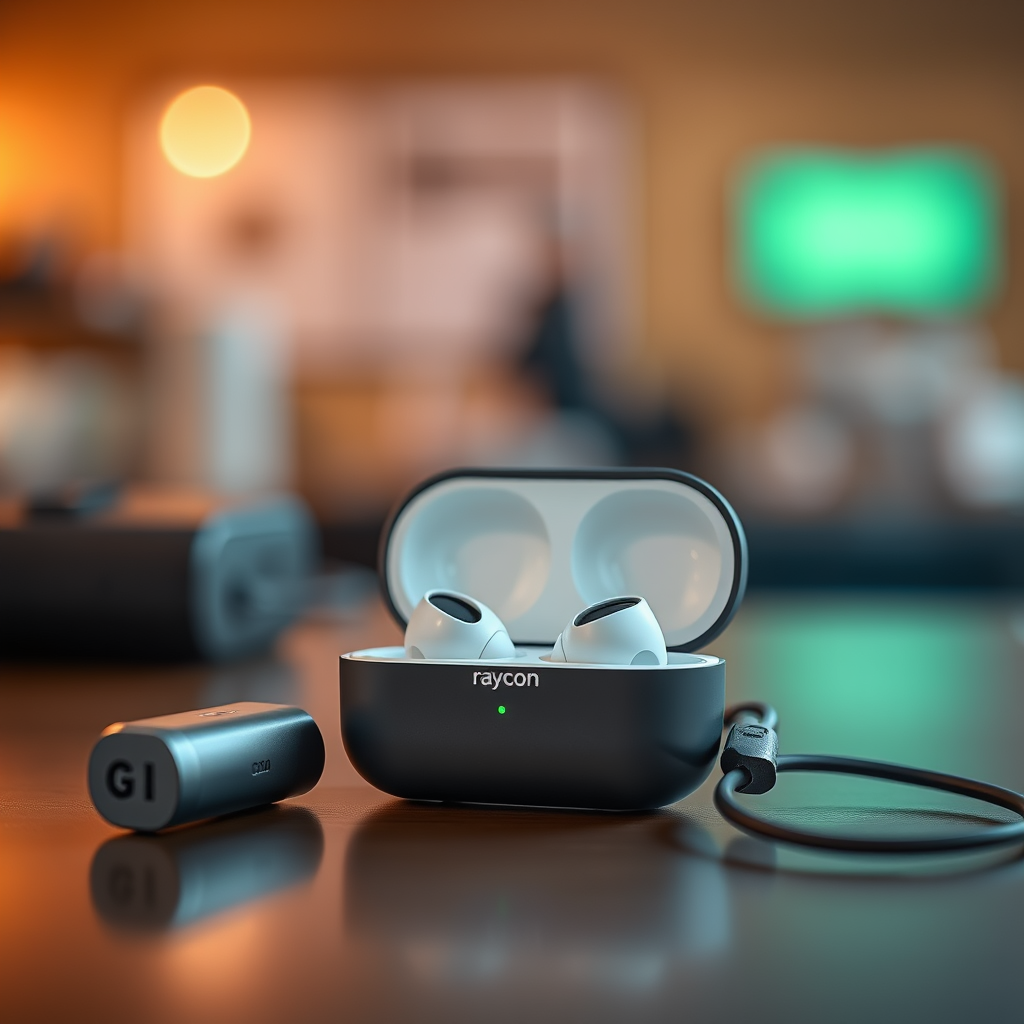
The charging case is an essential component of your Raycon earbuds, as it is equipped with a built-in battery that powers your earbuds when they are not in use. Understanding how to properly use this case is crucial for optimal headphone performance.
First, ensure that your charging case is fully charged before attempting to charge your earbuds. A fully charged case can provide several charges to your earbuds, allowing you to enjoy your music without interruption. If the case is low on battery, the earbuds may not charge effectively, leading to a frustrating listening experience.
Additionally, familiarize yourself with the charging case’s LED indicators, which signal the charging status of both the case and the earbuds. This will help you keep track of when it’s time to recharge your case.
How to Charge the Earbuds
Charging your Raycon earbuds is a simple and effective process. Begin by inserting the earbuds into the charging case, ensuring they fit snugly and that the charging pins make contact with the corresponding connectors inside the case. This secure fit is crucial for effective charging.
Next, connect the charging case to a power source using the provided USB-C cable. USB-C technology not only allows for faster charging but also provides a more reliable connection than previous USB standards. Once connected, you should see the LED indicators on the case light up, confirming that the charging process has begun. It typically takes about 1-2 hours to fully charge your earbuds, depending on the model.
Checking Battery Levels
Monitoring the battery levels of your Raycon earbuds is essential for maintaining optimal performance. The charging case features LED indicators that provide a visual representation of the battery status.
– Green Light: Indicates that the battery is fully charged.
– Amber Light: Signifies that the battery is charging.
– Red Light: Alerts you that the battery is low and needs to be charged.
By regularly checking these indicators, you can stay informed about the charging status of both your earbuds and the case itself, ensuring you’re never caught with dead earbuds in the middle of your favorite playlist.
Raycon Earbuds Battery Life and Charging Data (2023)
| # | Model | Battery Life | Charging Time | Charging Case Capacity |
|---|---|---|---|---|
| 1 | Raycon E25 | 24 hours | 1.5 hours | 500 mAh |
| 2 | Raycon E30 | 32 hours | 2 hours | 600 mAh |
| 3 | Raycon E50 | 30 hours | 2 hours | 650 mAh |
| 4 | Raycon E100 | 28 hours | 1.5 hours | 400 mAh |
| 5 | Raycon E200 | 35 hours | 2 hours | 700 mAh |
| 6 | Raycon E300 | 36 hours | 2.5 hours | 300 mAh |
| 7 | Raycon E400 | 40 hours | 3 hours | 800 mAh |
Tips for Optimal Battery Life
To ensure that your Raycon earbuds maintain their battery health and longevity, consider implementing a few best practices. First, avoid letting the earbuds fully discharge; this can negatively impact the battery’s lifespan over time. Instead, aim to recharge them when they reach around 20-30% battery life.
Another important tip is to regularly clean the charging contacts on both the earbuds and the case. Dust, lint, and grime can accumulate on these surfaces, hindering the charging process and potentially causing connection issues. Use a soft, dry cloth or a gentle brush to clean these areas periodically.
Lastly, store your earbuds in a cool, dry place when not in use. Extreme temperatures and humidity can adversely affect battery performance, so it’s best to keep them in their case and away from direct sunlight.
Troubleshooting Charging Issues
Even with proper care, you may occasionally encounter charging issues with your Raycon earbuds. If you find that your earbuds are not charging, the first step is to check if the charging case has power. If the LED indicators on the case do not illuminate when plugged in, it may need to be charged itself.
If the case is charged but the earbuds still do not charge, inspect the charging contacts. Clean them with a soft cloth to remove any dirt or debris that may be obstructing the connection.
If you’ve ruled out external factors and your earbuds continue to experience charging issues, consider resetting them. This can often resolve minor software glitches that may be affecting performance. Refer to the user manual for specific reset instructions for your earbud model.
Frequently Asked Questions
Charging your Raycon earbuds may raise several questions. Here are some common inquiries:
– How long does it take to fully charge Raycon earbuds?
Typically, it takes about 1-2 hours to fully charge the earbuds, depending on the specific model.
– Can I use a different charging cable?
While it’s recommended to use the provided USB-C cable for optimal performance, other compatible USB-C cables may work; however, ensure they support fast charging for best results.
– Is it safe to leave my earbuds charging overnight?
Yes, modern charging cases are designed with safety features to prevent overcharging. However, regular overnight charging may not be necessary if you follow proper charging practices.
Maintaining your Raycon earbuds is essential for a seamless listening experience. By following these charging practices and understanding how to care for your earbuds, you can ensure they are always ready for use. For further assistance or troubleshooting, refer to the user manual or visit the Raycon support page. Keep enjoying your music without interruptions!
Frequently Asked Questions
How do I properly charge my Raycon earbuds?
To properly charge your Raycon earbuds, place them in the charging case and ensure they are seated correctly. Connect the charging case to a power source using the provided USB-C cable. The LED indicator on the case will show red while charging and will turn off when fully charged.
Why are my Raycon earbuds not charging?
If your Raycon earbuds are not charging, first check if the charging case has power. Ensure that the earbuds are correctly positioned in the case and that the connectors are clean and free of debris. If the issue persists, try using a different USB-C cable or charging adapter.
What should I do if my Raycon earbuds are charging slowly?
If your Raycon earbuds are charging slowly, consider using a different power source, as some USB ports provide less power. Additionally, ensure that the charging contacts on both the earbuds and the case are clean. A faulty cable can also contribute to slow charging, so testing with another cable may help.
Which charger is best for charging Raycon earbuds?
The best charger for charging Raycon earbuds is the original USB-C charger that comes with the device. However, any reputable USB-C charger with an output of 5V/1A will work effectively. Avoid using high-output chargers as they may damage the battery over time.
How long does it take to fully charge Raycon earbuds?
It typically takes about 1.5 to 2 hours to fully charge Raycon earbuds when placed in their charging case. The charging case itself can take around 2 to 3 hours to fully recharge. Keeping your earbuds and case charged will ensure optimal performance and battery longevity.
References
- https://scholar.google.com/scholar?q=how+to+charge+raycon+earbuds Google Scholar
https://scholar.google.com/scholar?q=how+to+charge+raycon+earbuds - Google Scholar Google Scholar
https://scholar.google.com/scholar?q=charging+wireless+earbuds - https://www.bbc.com/news/technology-58450354
https://www.bbc.com/news/technology-58450354 - https://www.nytimes.com/2021/02/12/technology/personaltech/wireless-earbuds.html
https://www.nytimes.com/2021/02/12/technology/personaltech/wireless-earbuds.html - https://www.cdc.gov/niosh/nioshtic-2/20045161.html
https://www.cdc.gov/niosh/nioshtic-2/20045161.html - https://www.mayoclinic.org/healthy-lifestyle/consumer-health/in-depth/wireless-earbuds/art-20454550
https://www.mayoclinic.org/healthy-lifestyle/consumer-health/in-depth/wireless-earbuds/art-20454550 - https://www.sciencedirect.com/topics/computer-science/wireless-earbuds
https://www.sciencedirect.com/topics/computer-science/wireless-earbuds - https://www.nature.com/articles/s41598-021-94658-0
https://www.nature.com/articles/s41598-021-94658-0 - https://www.pubmed.ncbi.nlm.nih.gov/32507481/
https://www.pubmed.ncbi.nlm.nih.gov/32507481/ - how to charge raycon earbuds – Search results
https://en.wikipedia.org/wiki/Special:Search?search=how+to+charge+raycon+earbuds

[…] Place both earbuds in the case and press to fully seat them (charging contacts must […]
[…] inspect the charging contacts (on both earbuds and case if applicable). If they’re visibly wet, wipe them with a dry corner of […]
[…] them? This guide delivers quick, safe steps that remove earwax and grime from the speaker mesh and charging contacts while protecting the drivers. Follow it and you’ll restore cleaner sound and reliable charging in […]
[…] rain, and brief splashes—but not situations where water can pool around openings, flow into the charging contacts, or build up under […]
[…] earbuds are often fastest to recover when you can trigger an audible alert or use visible LED indicators during search and pairing attempts. Even if map tracking isn’t supported, audible/visual cues […]
[…] HDMI/USB-C cable and switch inputs on the […]
[…] near the source (Bluetooth SIG, Bluetooth specifications overview). If a true wireless earbud’s charging contacts aren’t making reliable electrical contact, the firmware may not power on even when the earbuds […]
[…] modem is typically a small rectangular box with front LED indicators and provider-related ports on the back. Check the front lights for connection status and the back […]
[…] room to room, so walking the home with a Wi‑Fi analyzer is more reliable than relying on router LED indicators. After any placement or settings change, verifying throughput and latency helps you confirm WiFi […]
[…] and Wi‑Fi activity. In this guide, you’ll learn exactly which physical features to look for—LED indicators, model/brand labels, port types, and button locations—so you can identify your Spectrum device […]
[…] LED indicators commonly include Power, WAN/Internet, Wi‑Fi, and WPS, reflecting the router’s core subsystems running. A brand name and model number are usually printed on the front edge so the device can be recognized without opening the case. […]
[…] holding capacity” depends on your model, your charging habits, heat exposure, and how clean the charging contacts stay—so this guide breaks down expected lifespan, real-world battery runtime, and practical steps […]
[…] these safe, easy steps for a deep clean that restores sound without harming the drivers or charging contacts. You’ll learn what to wipe, what to avoid, and how to clean the speaker mesh and ear tips using […]
[…] earbuds aren’t just “electronics in a shell.” They include microphones, speaker vents, charging contacts, and internal seals that can degrade over time—especially after repeated exposure to moisture, […]
[…] on a Qi receiver inside the case, your charger will power the case first and then the earbuds’ charging contacts […]