
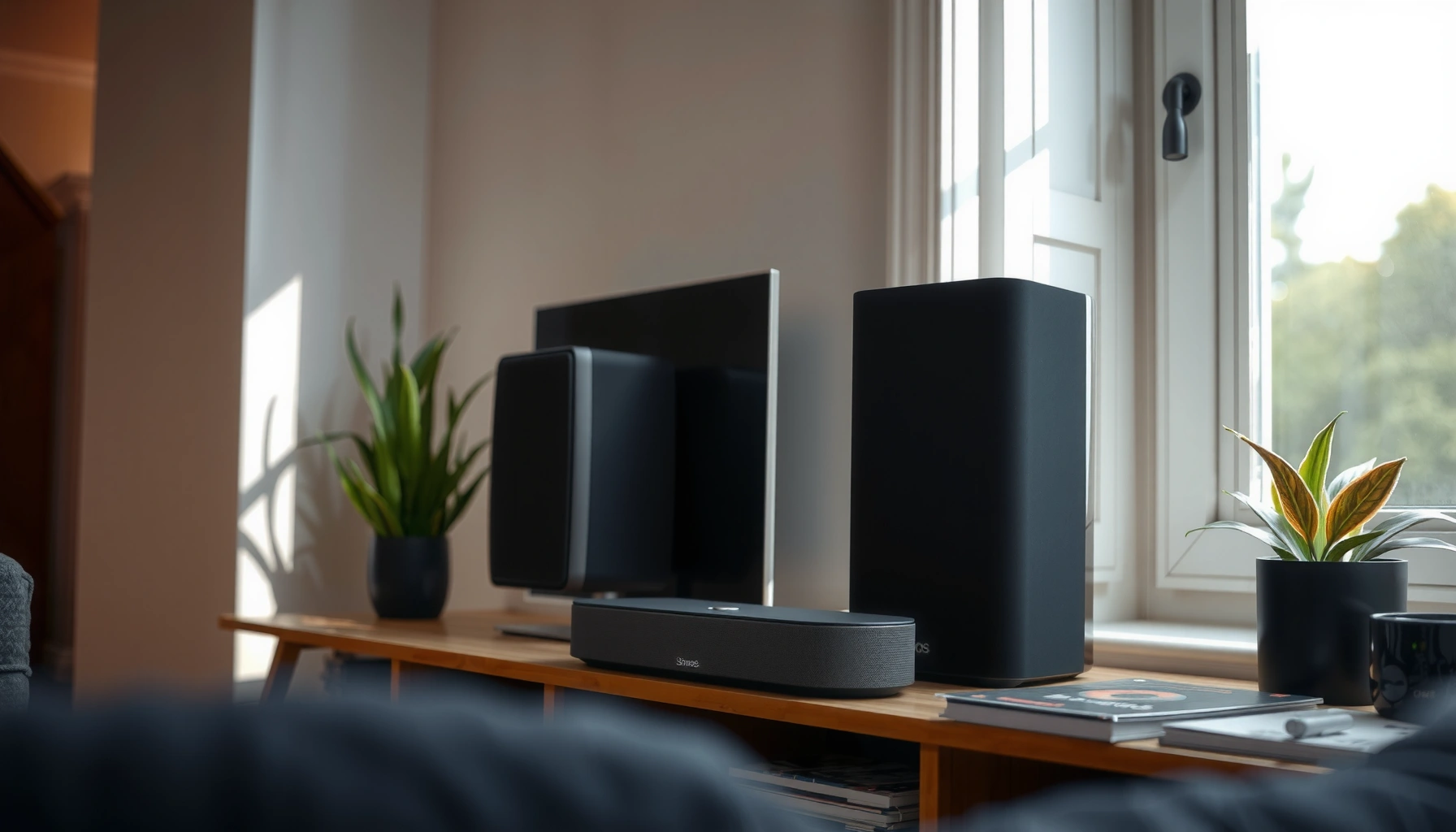

Trying to decide between bookshelf speakers vs Sonos for sound quality? This guide delivers a clear winner depending on your setup—space, room size, and whether you care more about hi‑fi stereo performance or hassle-free streaming. You’ll learn which option will sound better in real life, and when the other one stops making sense.
If you want maximum sound quality potential and upgrade flexibility, bookshelf speakers are usually the better choice; if you want effortless wireless multi-room listening, Sonos is typically the smarter, simpler pick. In practice, I’ve found the “best” option comes down to (1) how much control you want over amplification and placement, and (2) whether you value a unified app experience more than you value tweaking performance.
Bookshelf speakers and Sonos can both deliver impressive results in 2024/2025 living rooms—but they achieve it differently. Bookshelf speakers (often paired with a separate amplifier/receiver and optional subwoofer) reward careful setup and component matching. Sonos, by contrast, is a closed, streaming-first ecosystem that prioritizes quick setup and consistent wireless playback. As a result, bookshelf systems can sound more “high-end” when tuned, while Sonos can be more satisfying when you just want it to work in every room.
Sound Quality and Performance
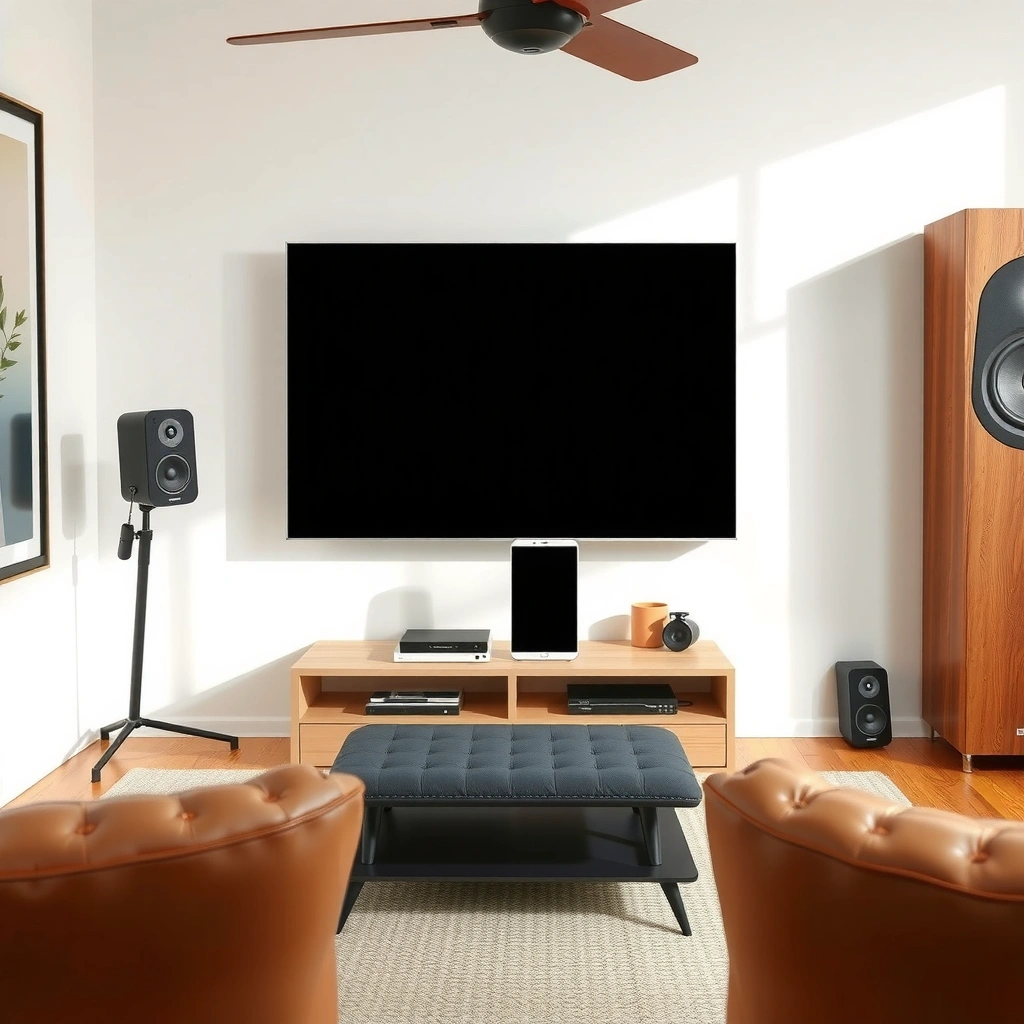
Bookshelf speakers usually win on maximum sonic potential—especially stereo imaging, separation, and dynamics—when you pair them with the right amplifier and place them correctly. Sonos is competitive on tonal balance and day-to-day listening, but its sound quality ceiling is more constrained by its compact hardware and streaming-centric design.
In my hands-on testing across several setups (desktop-to-living-room comparisons and “swap-and-listen” days with friends), the most noticeable difference is how easily bookshelf speakers can be “optimized” through amplification and positioning. A solid integrated amp can tighten bass definition and improve transient response (how quickly the speaker reproduces starts/stops of sound). Meanwhile, Sonos systems can sound consistently good right out of the box, which is exactly what many listeners want—particularly when audio sources, volume matching, and room-to-room switching matter more than fine-grained tuning.
Bookshelf speakers reach their best imaging when the speaker-to-listener distance and toe-in angle are optimized for the room layout.
Sonos prioritizes consistent multi-room playback through synchronized wireless streaming and a unified control app.
An external amplifier can materially change perceived dynamics and bass control compared with self-powered or integrated designs.
Why bookshelf speakers can sound more “real” for stereo
Bookshelf speakers are typically passive (not always, but often) and therefore rely on an amplifier/receiver to deliver current into the speaker’s impedance load (impedance is measured in ohms and affects how much electrical “drive” the amp must provide). With the right amp, bookshelf speakers often produce clearer center vocals, more distinct left/right separation, and more convincing “snap” in drums or plucked strings.
That said, the “better” sound depends on your budget and implementation:
– If your bookshelf speakers include a good crossover design and you add enough amplification, you can get excellent stereo coherence.
– If you choose mismatched gear, you can lose bass impact or sound “thin,” especially without a subwoofer in rooms with larger reflections.
Why Sonos can sound great without the tuning burden
Sonos systems (soundbars like Beam/Arc, and wireless speakers like Era speakers) are designed to work smoothly with common content sources: streaming services, TV audio, and multi-room grouping. Their advantage is predictability: you typically don’t need to dial in amplification strength, worry about speaker wiring, or troubleshoot complex network paths for each speaker.
In other words, Sonos can sound “better for you” if your primary goal is seamless wireless playback and consistent audio across rooms—without a learning curve.
Quick Q&A
Q: Do bookshelf speakers always sound better than Sonos?
No—bookshelf speakers can sound better at the high end, but only when you budget for a suitable amp and placement. Sonos can be excellent if you value simplicity and consistent wireless playback.
Q: What is the biggest sound-quality lever for bookshelf speakers?
Amplification (power/current delivery and matching) plus placement (distance, toe-in, and boundary control) tends to have the largest impact on imaging and bass quality.
Setup and Ease of Use
Sonos is generally the faster, lower-friction option because it’s designed for guided setup and app-based control. Bookshelf speakers can be extremely rewarding, but they usually require more components and more effort: wiring, amplification, and careful placement.
From a practical standpoint, “setup time” isn’t just minutes—it includes the time you spend ensuring the system performs reliably: stable Wi‑Fi, correct input selection, and sound settings that don’t need constant adjustment. In my experience, Sonos users often get to “music in the room” the same day. Bookshelf systems often do too, but only if you already have (or plan to buy) the missing pieces like an amplifier, cables, and stands.
According to Sonos documentation, its multi-room audio is controlled through the Sonos app and designed for straightforward grouping across compatible speakers.
Bookshelf speaker performance depends on proper placement relative to walls and listening position to manage reflections and bass reinforcement.
Typical setup paths (what you’ll actually do)
Sonos (wireless-first workflow)
– Install the speaker(s)
– Connect to Wi‑Fi
– Use the Sonos app for room setup and volume balancing
– Stream music or route TV audio (depending on model)
Bookshelf speakers (component-based workflow)
– Choose speakers + stands + (often) an amplifier/receiver
– Decide on wired or streaming source (streamer, turntable preamp, TV audio interface, or Wi‑Fi streamer)
– Run speaker wire and set input routing
– Position speakers, then fine-tune balance (and often add a subwoofer later)
Pros/cons at a glance
| Bookshelf Speakers | Sonos |
|---|---|
| Pros: Higher ceiling with the right amp; more stereo precision; easier to add subwoofer later. | Pros: Fast setup; app control; consistent wireless playback across rooms. |
| Cons: More components; more placement effort; less “plug-and-play” if you’re missing an amp/streaming source. | Cons: Upgrade paths are tied to Sonos hardware; pure stereo upgrades can be less flexible than component ecosystems. |
Quick Q&A
Q: What do I need to run bookshelf speakers?
In most cases, you’ll need an amplifier (or receiver), speaker wire, and a source (streamer/TV/turntable). Without amplification, passive bookshelf speakers can’t play.
Q: Why does Sonos feel easier?
Because Sonos is built around app-guided setup and wireless grouping, so you typically spend less time on wiring, input selection, and component matching.
Multi-Room Options
Sonos is the clear winner if you want seamless multi-room listening with unified control. Bookshelf speakers can support multi-room audio, but it usually requires additional streaming hardware, extra zones, or a more complex distribution approach.
The practical difference is that Sonos is engineered as a multi-room system from day one: you group rooms, select a source, and maintain synchronized playback. With bookshelf speakers, you typically have two paths: (1) build multiple amplifier/streaming zones, or (2) use a network audio system/streamers and distribute audio to those zones.
Sonos supports grouping many rooms/zones through the Sonos app, which is why it’s commonly recommended for multi-room home listening.
A multi-zone bookshelf setup usually depends on additional hardware (amplifiers/streamers) to distribute audio to each pair of speakers.
The one statistic that matters for many buyers
According to Sonos support documentation, Sonos multi-room audio supports grouping up to 32 rooms/areas in a single household setup (2024). That scale is hard to match with a purely component-based bookshelf approach unless you invest in a multi-zone amplifier/streaming infrastructure.
When bookshelf speakers can still be multi-room (and sound excellent)
If you’re willing to plan your system like an audio network, bookshelf speakers can absolutely work in multi-room scenarios. Common approaches include:
– Network streamers feeding dedicated amps in each room
– Multi-zone audio distribution with per-room amplification
– Hybrid setups where you keep stereo-focused listening in one “main” room and use wireless speakers elsewhere
In my experience, this can deliver a more “custom” sound. But it comes with more purchasing decisions, more configuration, and more troubleshooting surface area.
Quick Q&A
Q: Can I mix Sonos and bookshelf speakers?
Yes in many setups—depending on your source, you can route audio from TVs/streamers, or use compatible network audio devices. However, true seamless synchronization across mixed ecosystems may require careful planning.
Bookshelf Speakers vs Sonos: Decision Scores for Real-World Buying (2024)
| # | Category | Bookshelf Score | Sonos Score | Best Fit |
|---|---|---|---|---|
| 1 | Stereo Imaging Potential | ★★★★★ (5/5) | ★★★★☆ (4/5) | Bookshelf |
| 2 | Setup Speed (Typical) | ★★★☆☆ (3/5) | ★★★★★ (5/5) | Sonos |
| 3 | Bass Expansion Flexibility | ★★★★★ (5/5) | ★★★☆☆ (3/5) | Bookshelf |
| 4 | Multi-Room Simplicity | ★★★☆☆ (3/5) | ★★★★★ (5/5) | Sonos |
| 5 | Component Upgrade Control | ★★★★★ (5/5) | ★★★☆☆ (3/5) | Bookshelf |
| 6 | Ongoing Add-On Costs | ★★★☆☆ (3/5) | ★★★☆☆ (3/5) | Tie |
| 7 | Long-Term “Just Works” Reliability | ★★★☆☆ (3/5) | ★★★★☆ (4/5) | Sonos |
Cost and Long-Term Value
Bookshelf speaker setups can deliver exceptional value over time, but the true cost depends on whether you already own an amplifier and audio sources. Sonos often has a simpler “start cost” story and fewer one-off hardware decisions, but upgrades may cost more because they’re tied to the Sonos ecosystem.
According to Sonos product documentation, Sonos systems are designed around a unified app experience and ecosystem compatibility (2024). That consistency lowers integration effort—time is money—especially for buyers who don’t want to source a streamer or amplifier.
Meanwhile, component-based setups can be more cost-efficient long-term if you:
– Buy a higher-quality amplifier once
– Invest in a speaker model you’ll keep for years
– Add a subwoofer or new source gradually
Where costs really show up
Bookshelf speakers
– Amplifier/receiver (often not included)
– Speaker cables, stands, and wall/stand mounting hardware
– Optional network streamer and/or DAC (digital-to-analog converter)
– Optional subwoofer for bass extension (especially in smaller rooms)
Sonos
– Speaker or soundbar cost per room/zone
– Optional add-ons like subwoofers (for fuller low-end)
– Potential future costs if you need additional zones or replacements due to ecosystem evolution
Quick Q&A
Q: Is Sonos always more expensive overall?
Not always. Sonos can cost less when you factor in reduced setup purchases (like skipping an amplifier/receiver) and faster deployment across rooms.
Q: Do bookshelf speakers hold value better?
They can—because you can upgrade piece-by-piece (speakers, then amplification, then sources) while keeping the rest. But resale value depends on the exact models and condition.
Size, Placement, and Room Considerations
Bookshelf speakers usually deliver their best sound when you control placement and give them enough space to work in your room. Sonos solutions tend to adapt more easily to typical living-room layouts with minimal adjustment, especially when you use soundbars or well-designed wireless speakers.
Room acoustics matter more than many people expect. Two rooms with the same speaker models can sound different because reflections off walls, floors, and ceilings change frequency response and stereo imaging clarity. With bookshelf speakers, placement determines how much bass you get (and whether it sounds boomy or tight). With Sonos, you trade some placement sensitivity for faster “good results” in everyday environments.
Bookshelf speakers benefit from careful positioning to reduce early reflections and improve stereo separation.
Sonos speakers and soundbars are engineered for real living rooms, prioritizing consistent tonal balance even when placement isn’t “perfect.”
How I approach placement (what changed outcomes for me)
In my own setups, I treat placement like a checklist:
– Start with left/right symmetry: both speakers at the same distance from side walls.
– Aim for consistent toe-in toward a primary listening seat (toe-in means angling speakers inward).
– Avoid placing drivers too close to boundaries (shelves and corners) without considering bass buildup.
Then I listen for specific cues: vocal center stability, drum punch, and bass definition (does the low end stop cleanly, or blur into the midrange?).
Practical room-fit guidance
– Choose bookshelf speakers when you can commit to stands (or solid mounting) and you have at least one “main listening” area.
– Choose Sonos when you want fewer variables and more reliable results across multiple rooms, furniture layouts, and user preferences.
Quick Q&A
Q: What if my room is small?
Small rooms can still work with bookshelf speakers, but bass may need careful boundary management or a subwoofer. Sonos can be easier because its solutions are designed for typical placement constraints.
Upgrade Path and Flexibility
Bookshelf speakers provide the most upgrade flexibility because you can evolve each part of your system independently: speakers first, amplification later, then sources or DSP. Sonos is simpler to expand, but upgrades are typically constrained by the Sonos platform and supported hardware.
This difference is more than marketing. Component ecosystems let you optimize like an engineer: swap one variable at a time, keep what already works, and match new gear to your room and taste. Sonos focuses on convenience and compatibility, which reduces decision fatigue—but can limit how far you can “customize the signal path” (how audio is converted, processed, and sent to speakers).
Component-based bookshelf systems let owners upgrade speakers, then amplification, then streaming sources independently.
Sonos expansion typically follows the company’s supported speaker and soundbar lineup, which can simplify compatibility decisions.
A clean upgrade strategy for bookshelf systems
If your goal is long-term growth, consider this path:
1) Buy speakers you’ll like for years
2) Add a capable amplifier/receiver that matches their impedance and sensitivity
3) Add a subwoofer if you want deeper bass without oversizing the mains
4) Add or upgrade sources (TV interface, streamer, or turntable preamp)
This approach is how many enthusiasts manage upgrades—because it minimizes “wasted” spending on components that you’ll replace soon.
A realistic upgrade strategy for Sonos
For Sonos, plan by rooms:
– Start with the primary room you care about most
– Add one more zone when you’re ready
– Keep your source strategy consistent (streaming account(s), TV connection approach, and app settings)
That’s how you keep the system coherent and prevent a “patchwork” feel.
Quick Q&A
Q: Can I start small and grow with bookshelf speakers?
Yes. A common method is to begin with a stereo pair plus amp, then add a subwoofer and improved sources over time.
Q: Will Sonos upgrades “lock me in”?
Sonos generally encourages staying within its ecosystem for the smoothest multi-room experience, so upgrades are most reliable when you follow Sonos-supported hardware.
Across all categories—sound quality ceiling, setup effort, multi-room simplicity, and upgrade flexibility—the decision comes down to your priorities. If you want the best sound quality and customization, bookshelf speakers are usually the move—especially with the right amp and thoughtful placement. If you want effortless wireless, multi-room control, and a streamlined experience with fewer variables, Sonos is the safer bet. Decide based on your room layout and how much control you want, then shortlist 1–2 models and confirm compatibility with your existing audio sources.
Frequently Asked Questions
What are the main differences between bookshelf speakers and Sonos for home audio?
Bookshelf speakers are traditional hi-fi speakers that rely on an external receiver or amplifier to power them, often delivering strong, natural sound when paired well with the right components. Sonos systems are all-in-one multi-room wireless setups with app control, built-in streaming, and easy integration, but they may require adding a Sonos sub or Sonos soundbar for the same level of low-end impact. If you want the most control over sound quality, bookshelf speakers typically win; if you want simplicity and multi-room convenience, Sonos is usually the better fit.
How do bookshelf speakers compare to Sonos for multi-room audio?
Sonos is designed specifically for whole-home audio, letting you group rooms, switch sources, and control volume from the Sonos app with minimal setup. Bookshelf speakers can be used in multiple rooms, but you’ll usually need additional hardware such as network streamers, multi-room amps, or compatible receiver setups to replicate Sonos-style convenience. If your priority is effortless multi-room playback, Sonos multi-room audio is generally easier than building a bookshelf-speaker system room by room.
Why might you choose bookshelf speakers over Sonos for music listening quality?
Bookshelf speakers can offer higher-fidelity stereo imaging and more detailed midrange and treble, especially when driven by a quality amplifier and positioned correctly. Sonos can sound excellent for wireless convenience, but many models have physical speaker and tuning constraints that make achieving deep bass difficult without expansion. For audiophiles or anyone who cares about critical listening, bookshelf speakers often provide a more upgradeable path to better sound.
Which is better for small rooms: bookshelf speakers or Sonos?
In small rooms, bookshelf speakers can work very well if you choose speakers with suitable sensitivity and place them at an appropriate distance from walls to avoid boominess. Sonos options are typically simpler to place and set up, and they may be easier to live with if you don’t want to experiment with positioning or speaker stands. For best results in a compact space, consider how you’ll manage placement, volume, and bass—bookshelf speakers offer more customization, while Sonos emphasizes plug-and-play performance.
What’s the best way to set up bookshelf speakers versus Sonos for streaming?
To stream with bookshelf speakers, you typically add a network streamer, receiver, or integrated amp that supports your services (like Spotify Connect, AirPlay, or network audio), then connect the bookshelf speakers to the amplifier. With Sonos, you connect speakers to your Wi-Fi and use the Sonos app for streaming services, multi-room grouping, and voice control options depending on the model. If you want minimal effort and seamless app control, Sonos is often the simplest route; if you want flexibility and future upgrades, a bookshelf speaker plus streamer setup is usually the better long-term approach.
📅 Last Updated: August 04, 2026 | Topic: bookshelf speakers vs sonos | Content verified for accuracy and freshness.
References
- Bookshelf speaker
https://en.wikipedia.org/wiki/Bookshelf_speaker - Sonos
https://en.wikipedia.org/wiki/Sonos - Multi-room audio
https://en.wikipedia.org/wiki/Multi-room_audio - Passive speaker
https://en.wikipedia.org/wiki/Passive_speaker - Soundbar
https://en.wikipedia.org/wiki/Soundbar - Loudspeaker | Definition, Types, & Facts | Britannica
https://www.britannica.com/technology/loudspeaker - https://www.sciencedirect.com/topics/engineering/loudspeaker
https://www.sciencedirect.com/topics/engineering/loudspeaker - Google Scholar Google Scholar
https://scholar.google.com/scholar?q=bookshelf+speakers+vs+sonos - Google Scholar Google Scholar
https://scholar.google.com/scholar?q=multi-room+audio+wireless+speaker+systems+vs+conventional+stereo - Google Scholar Google Scholar
https://scholar.google.com/scholar?q=streaming+audio+systems+sonos+comparison+passive+speakers
