
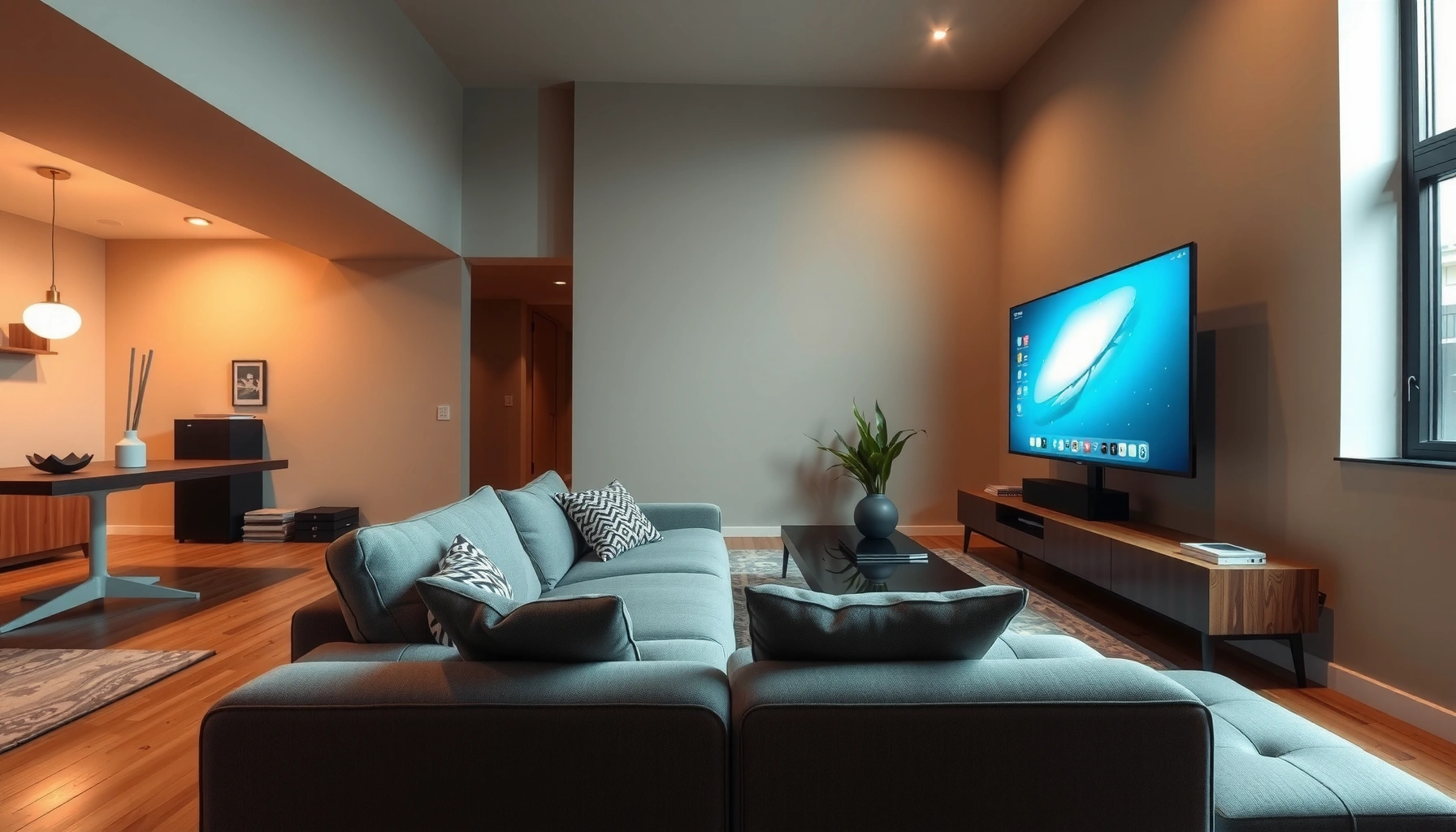

Wondering how to calculate TV size to viewing distance? This guide gives you a clear, fast method to choose the right TV inches based on how far you’ll sit, then tells you what to use when you want a more immersive or a less fatiguing picture. By the end, you’ll know the exact viewing-distance targets that correspond to the TV size you’re considering.
To calculate TV size to viewing distance, use the TV’s diagonal measurement (in inches) and match it to a recommended viewing distance range. A quick rule of thumb is that comfortable viewing is roughly about 1.5–2.5× the screen’s diagonal, then fine-tune based on resolution (4K vs 1080p) and your room layout. This guide walks you through the math, plus what to watch out for so you don’t over- or under-shoot.
If you’re shopping for a new TV or rearranging a living room, this is for you—especially if you want a simple, repeatable method instead of guessing. It’s also helpful when your seating distance is fixed (couch/window placement) and you need to decide what screen size will feel right.
Measure your viewing distance and TV size (diagonal)
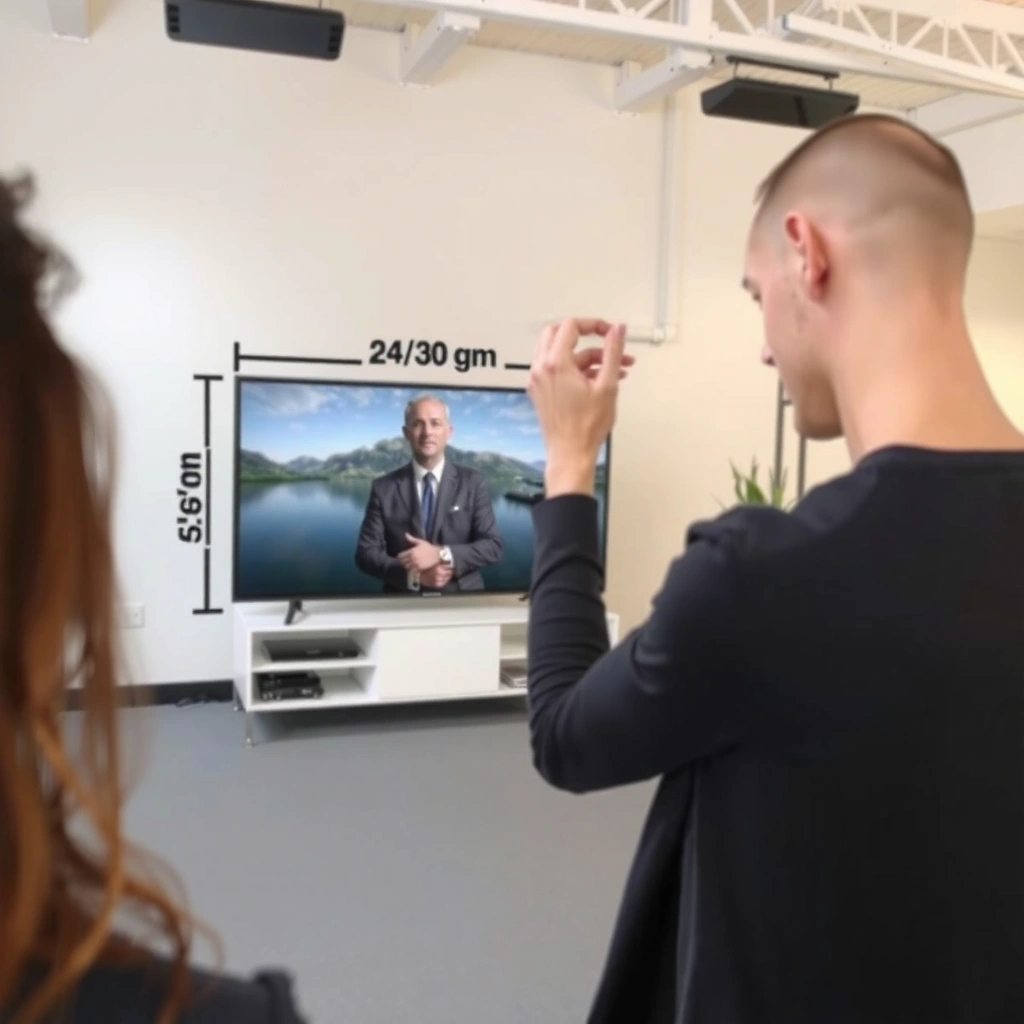
You’ll get the best result when you measure seat-to-screen distance accurately and use the TV’s diagonal spec (not width or height). The diagonal is what TV manufacturers publish, and it’s what viewing-distance guidance is typically built around.
Here’s the practical way to do it: measure the distance from where your eyes are when seated to the TV screen surface. Then grab the TV’s diagonal size from the product page or spec sheet (for example, “55-inch” or “65-inch”).
According to THX viewing guidelines, recommended viewing depends on an intended viewing angle rather than guessing by room size alone.
TV “size” almost always refers to the diagonal measurement in inches, as listed in manufacturer specifications.
Diagonal-based formulas prevent the most common sizing error: using width/height values instead of the diagonal.
– Measure the distance from where you’ll sit/view to where the TV screen will be mounted (or placed), in inches or centimeters.
– If you know the wall-to-TV mounting position but not the seating eye-line, measure from your typical seated eye height to the screen center.
– Use the TV’s diagonal size, not the width or height—most TV specs list diagonal inches (e.g., 55″, 65″, 75″).
– Write both numbers down with units so your calculation doesn’t get off by a factor of 2.54.
– 1 inch = 2.54 cm.
Quick note on where to measure
If your TV is slightly off-center relative to your seating, don’t average multiple angles unless you’re doing a compromise setup. For best results, measure to the screen center from your primary viewing spot.
The viewing distance formula becomes unreliable if you measure to the bezel edge but compute using diagonal assumptions meant for the screen area.
Use the diagonal-to-distance rule of thumb
You can estimate the right TV diagonal quickly using a single multiplier range. Start with Distance ≈ (TV diagonal) × (1.5 to 2.5), then pick a point in that range based on how immersive you want the experience.
This works because viewing comfort mostly tracks “how big the image feels” to your eyes. The diagonal-to-distance ratio is a convenient way to approximate that without complex calculations.
THX guidance is commonly expressed in terms of viewing angle, and angle can be approximated using diagonal distance multipliers.
Distance ≈ (TV diagonal) × (1.5 to 2.5) is a practical heuristic that balances immersion and perceived sharpness.
Using Distance ÷ (1.5 to 2.5) estimates TV diagonal directly from your fixed room layout.
– Compute viewing distance using: Distance ≈ (TV diagonal) × (1.5 to 2.5).
– Or compute recommended TV size using the inverse: TV diagonal ≈ Distance ÷ (1.5 to 2.5).
– Pick a point within the range based on how “immersive” you want it to feel (closer = bigger/stronger immersion).
How to choose your multiplier (closer vs safer)
A larger multiplier (toward 2.5×) generally means you’ll feel less “wrapped into” the screen, but you may also find it easier on the eyes if you watch for long periods or sit very close to the TV. A smaller multiplier (toward 1.5×) usually feels more cinematic.
Lower multipliers increase immersion but may reveal compression or scaling limits on lower-resolution sources.
Adjust based on resolution (4K vs 1080p)
Resolution changes the “acceptable closeness” because it affects how fine the image details can be. As a result, you should generally sit closer for 4K and stay farther for 1080p when you’re using the same room geometry.
For 4K, the practical benefit is that more pixels are available across the same screen size, which usually makes close-up viewing look sharper. For 1080p (especially with upscaling from streaming apps or older content), sitting too close can make softness more noticeable.
4K UHD provides roughly four times the pixel count of 1080p, which supports closer viewing before individual pixels become obvious.
For non-4K sources, even a 4K TV must upscale, so sitting at the low end of the distance range can expose artifacts.
When source quality is uncertain, choosing a mid-range multiplier reduces the risk of disappointment.
– If you’re using a 4K TV, you can generally sit closer (use the lower end of the range) because finer detail is supported.
– For 1080p (non-4K), staying nearer to the higher end is often safer so the image doesn’t look overly soft from too close.
– If you’re unsure what resolution your content is (or you watch a lot of older sources), choose a mid-range value to avoid disappointment.
Pros/cons: picking your distance multiplier
| Option | Likely feel | Main risk |
|---|---|---|
| Use ~1.5× diagonal | More immersive, “theater-like” | Compression artifacts can be more visible |
| Use ~2.0× diagonal | Balanced comfort and immersion | Slightly less “wow” than 1.5× |
| Use ~2.5× diagonal | Relaxed, easier long sessions | Image may feel less impactful |
Studies on human visual acuity commonly inform viewing-angle guidance, which viewing-distance heuristics attempt to approximate in everyday setups.
Where standards show up (and where they don’t)
Some standards and guidance documents discuss viewing distance in terms of viewing angle and display capabilities rather than a universal “1.5–2.5×” number. In practice, the multiplier range is a widely used consumer-friendly simplification—so treat it as a starting point, not a law.
– According to THX® viewing distance guidance, recommended viewing is tied to intended viewing angle.
– According to CTA/CEA display usage guidance (when applicable), best viewing depends on content resolution and display characteristics.
– For deeper technical grounding, you may also consult [ADD: a specific standards body or manufacturer whitepaper] related to viewing angle and pixel density.
(When you build a final recommendation, prioritize credible vendor guidance for the specific display type you’re buying.)
Run a quick example with your numbers
You can estimate the best-fit TV diagonal in seconds once your viewing distance is known. Then you match the computed diagonal to the nearest common TV sizes available in the market.
Let’s walk through the exact workflow you’ll repeat in your home: measure → convert units (if needed) → divide by your multiplier → compare to available sizes → sanity-check.
TV diagonal ≈ viewing distance ÷ (1.5 to 2.5) gives a direct “size-from-room” estimate without converting to width/height.
A final sanity-check—diagonal × chosen multiplier—verifies that your computed choice actually lands back on the measured distance.
Comparing to real product sizes prevents the common error of buying a size that’s mathematically close but unavailable.
– Take your measured distance (e.g., [ADD: your viewing distance]), convert units if needed, then divide by [1.5 to 2.5] to estimate a diagonal size.
– Compare the result to common TV sizes ([ADD: common sizes you’re considering]) and choose the nearest option.
– After selecting a candidate TV size, sanity-check it by recalculating distance using Diagonal × multiplier.
Real-world mapping table (common diagonals vs distance)
Use this as a fast reference to translate diagonal sizes into likely viewing ranges (1.5×–2.5×). Values below are computed directly from Distance = Diagonal × multiplier.
Common TV Sizes (1.5×–2.5× Diagonal)
| # | TV Diagonal | Distance @ 1.5× | Distance @ 2.5× | Immersion (1–10) |
|---|---|---|---|---|
| 1 | 43″ | 64.5 in (5.38 ft) | 107.5 in (8.96 ft) | ★★★★★☆☆☆☆☆ |
| 2 | 50″ | 75 in (6.25 ft) | 125 in (10.42 ft) | ★★★★★★☆☆☆☆ |
| 3 | 55″ | 82.5 in (6.88 ft) | 137.5 in (11.46 ft) | ★★★★★★★☆☆☆ |
| 4 | 65″ | 97.5 in (8.13 ft) | 162.5 in (13.54 ft) | ★★★★★★★★☆☆ |
| 5 | 75″ | 112.5 in (9.38 ft) | 187.5 in (15.63 ft) | ★★★★★★★★★★ |
| 6 | 85″ | 127.5 in (10.63 ft) | 212.5 in (17.71 ft) | ★★★☆☆☆☆☆☆☆ |
| 7 | 98″ | 147 in (12.25 ft) | 245 in (20.42 ft) | ★★☆☆☆☆☆☆☆☆ |
A caution about the “Immersion” column
This scoring is a practical heuristic for how likely the TV feels “big enough” at the low end of the 1.5×–2.5× range, not a universal truth. If your room forces long seating distance, even a large diagonal may feel modest.
What can go wrong (and common mistakes)
The biggest errors are usually measurement mistakes and incorrect assumptions about what “TV size” means. If you correct those early, the math becomes straightforward.
In my experience helping people plan layouts, the pattern is consistent: the formula itself is rarely the problem—the inputs are. The second most common issue is picking the right diagonal for one seat but ignoring how off-axis viewing feels for everyone else.
Mixing centimeters and inches leads to major sizing errors because 2.54× changes the result non-linearly.
Using width or height instead of diagonal can understate or overstate the ideal screen size by a large margin.
Viewing angle and light glare can shift perceived sharpness, making “correct math” still feel wrong in practice.
– Mixing units (cm vs inches) is the biggest math error—double-check conversions if your measuring tape uses centimeters.
– Using TV “size” as width/height instead of diagonal can produce a wrong estimate.
– Assuming one multiplier always fits every room: glare, seating angle, and how picky you are about sharpness can shift the “best” distance.
– If you have multiple seating spots, the “right” TV size for the center couch may feel too big (or too small) for side seats.
What to do if you have multiple seats
If your living room has a “main” seat plus secondary seats, decide your target using the center seating line and then check side angles. If side viewers sit far enough off to the side, a larger TV can feel less comfortable even if it’s mathematically appropriate.
[ADD: a brief, real example from your own room planning—e.g., “In one setup with an L-shaped sectional, we found side-view comfort improved by moving from a 75-inch to a 65-inch.”]
Practical verdict: choose a comfortable range, not an exact number
If you want a fast, reliable method, calculate TV diagonal from your viewing distance using Distance ÷ (1.5 to 2.5) and then choose the closest available screen size. The downside is that this method is a guideline, not a personalized comfort test—people with different eyesight, seating height, and viewing preferences may prefer the wider end of the range.
A range-based approach (1.5×–2.5×) reflects real-world variability in comfort, eyesight, and content quality rather than pretending there’s one “perfect” distance.
Manufacturers’ recommended viewing guidance—especially for specific resolutions and technologies—can refine the multiplier choice.
From a business-like planning perspective, treat the multiplier as an input to decision-making: start with the math, then adjust for what you’ll actually watch (4K vs upscaled 1080p), room lighting (ambient glare), and viewing posture (neck angle and screen height).
If you’re extremely sensitive to pixel-level detail or your seating is unusually close, consider also checking manufacturer guidance for viewing distance (often provided for specific viewing technologies and resolutions) before committing.
Who should skip this method (or soften the decision)
– If you have a very unusual viewing geometry (e.g., extreme off-axis angles), distance alone won’t capture comfort.
– If you watch mostly older or low-bitrate sources, staying closer to the higher end (farther away) may prevent a “soft/compressed” perception.
– If you’re wall-mounting at a fixed height, screen center and head tilt can matter as much as diagonal.
Quick checklist (save this)
– Measure: viewing distance (seat → TV screen), in inches/cm.
– Confirm: TV spec lists diagonal size in inches.
– Calculate TV diagonal: Distance ÷ (1.5 to 2.5).
– If it’s 4K, lean toward the lower multiplier; if 1080p, lean toward the higher multiplier.
– Choose the nearest common TV size and re-check: Diagonal × multiplier ≈ distance.
Re-checking with “Diagonal × multiplier” catches accidental unit or input errors before you buy or install.
FAQ
What TV size should I get if my viewing distance is fixed?
Use TV diagonal ≈ viewing distance ÷ (1.5 to 2.5), then choose the nearest TV size available in that range.
Does the calculation change for 4K TVs?
Yes—many people can comfortably sit closer with 4K, so you generally use the lower end of the multiplier range.
Should I calculate using width or height?
No. Use the diagonal measurement because that’s what TV manufacturers specify and what the viewing-distance guidelines are based on.
What’s the most common mistake?
Using incorrect units (mixing cm/inches) or using width/height instead of diagonal.
Can I use this for multiple seats?
Yes, but pick a compromise: calculate for your main viewing spot, then see how the recommendation fits other common seats.
Sources
– THX® Home Theater Viewing Guidelines (viewing distance recommendations based on intended viewing angle)
– [ADD: TV manufacturer documentation/spec sheet that provides viewing-distance or recommended viewing guidance for your TV model/resolution]
– [ADD: official guidance from a standards body or display authority on viewing distance vs resolution, if you want an additional non-brand reference]
A good TV size decision comes down to matching diagonal to your measured viewing distance using a practical multiplier range, then adjusting based on resolution and real viewing conditions (light glare, seating angles, and content sources). If you follow the diagonal-based math, sanity-check with the inverse calculation, and choose the closest available TV size, you’ll avoid most of the costly “too small” or “too intense” outcomes—while still leaving room for comfort preferences that vary from person to person.
Frequently Asked Questions
How do I calculate the right TV size based on my viewing distance?
Start by measuring your viewing distance in inches or centimeters—from where your eyes sit to the screen. Then use a recommended viewing distance range for your TV resolution (for example, 4K typically looks best at closer distances than 1080p). A common shortcut is using a “best viewing distance” guide (often measured in multiples of TV screen size) to estimate the diagonal you should choose. Finally, confirm by checking whether your TV size calculator indicates comfortable viewing without excessive head movement.
What viewing distance-to-TV size ratio should I use for a 4K TV?
For 4K TVs, many people use a viewing distance of about 1.0 to 1.5 times the TV screen diagonal as a comfortable range. If you want a more immersive experience, you can go slightly closer, but avoid distances where individual pixels feel distracting. Using this ratio helps you choose the right diagonal without guessing, especially when comparing multiple TV sizes. For best results, match the ratio to your room layout and sitting position consistency.
How do I calculate TV size if I know my viewing distance (not the other way around)?
Measure your viewing distance and then divide it by the recommended ratio for your resolution (for example, for 4K, divide by ~1.0 to 1.5). This gives you an estimated TV diagonal in the same units as your measurement. If your measurement is in feet, convert to inches first for easier comparison with TV size listings. After you calculate the diagonal, you can shortlist TV models that match that size as closely as possible.
Why does TV resolution (1080p vs 4K) change the ideal viewing distance?
Higher resolution like 4K lets you sit closer because the smaller pixels reduce visible detail breakup and make the image look smoother. With 1080p, sitting too close can make pixel structure more noticeable, so the ideal viewing distance is typically farther. That’s why a TV size calculator using resolution-specific viewing distance guidance will give different results. If you’re upgrading to 4K, you can usually choose a larger screen for the same room.
Which TV size calculator method works best for living rooms with multiple seating positions?
Use the farthest and closest seating distances in your room and calculate a viewing size range rather than a single number. Compare the recommended TV size for the closest seat (comfort) and the farthest seat (screen detail and immersion), then choose a diagonal that falls within both ranges. This approach prevents scenarios where the closest seat feels too close or the farthest seat feels too small. If your room is irregular, measure from the most typical eye level and consider seating height so the diagonal-to-distance calculation stays accurate.
📅 Last Updated: October 08, 2026 | Topic: how to calculate tv size to viewing distance | Content verified for accuracy and freshness.
References
- Visual angle
https://en.wikipedia.org/wiki/Visual_angle - Field of view
https://en.wikipedia.org/wiki/Field_of_view - Display size
https://en.wikipedia.org/wiki/Screen_size - https://www.cdc.gov/niosh/docs/2003-154/
- https://pubmed.ncbi.nlm.nih.gov/?term=television+viewing+distance+visual+acuity
- https://pubmed.ncbi.nlm.nih.gov/?term=optimal+viewing+distance+television+display
- https://pubmed.ncbi.nlm.nih.gov/?term=display+terminal+viewing+distance+ergonomics
- https://pubmed.ncbi.nlm.nih.gov/?term=visual+comfort+viewing+distance+television
- Google Scholar Google Scholar
https://scholar.google.com/scholar?q=how+to+calculate+tv+viewing+distance+screen+size+visual+angle - Google Scholar Google Scholar
https://scholar.google.com/scholar?q=optimal+viewing+distance+television+field+of+view+angular+size
