
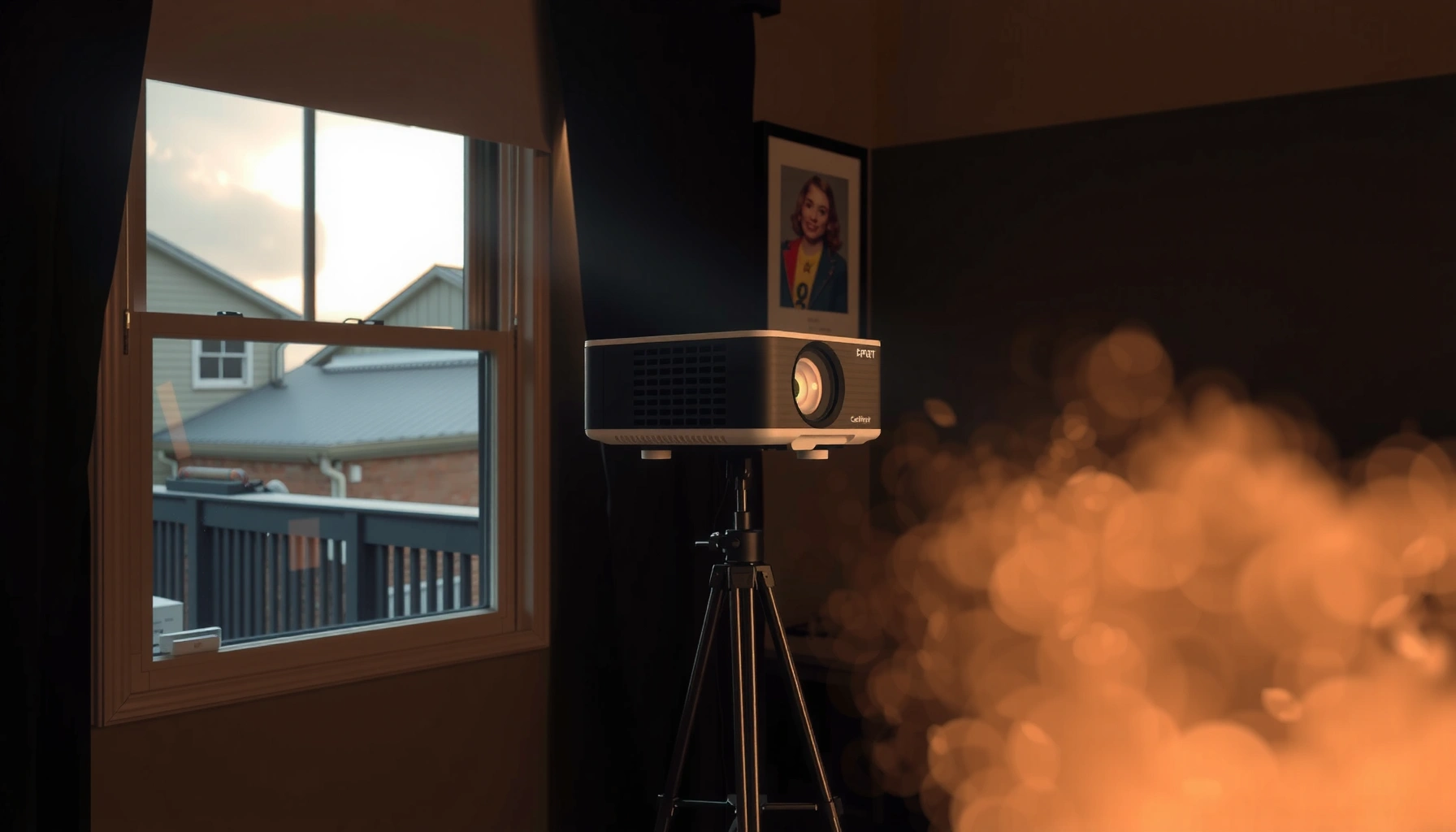

For a daylight projector, the right answer is typically 3,000–5,000 lumens for most home daylight viewing, with brighter rooms pushing you closer to 5,000+ lumens. This article tells you how many lumens you need based on room lighting, screen size, and how “daylight” your projector setup really is—no guesswork. By the end, you’ll know the single lumens target to buy for your space.
For most “daylight” (meaning: ambient light present) projector setups, you typically need at least 2,000–3,000 lumens, and you should plan for 4,000+ lumens if you can’t reliably dim the room. The right lumen target depends mainly on your screen size and how much you can control ambient light (lights, blinds, window glare). This guide shows how to estimate lumens realistically so your text stays readable instead of turning gray and washed out.
If you’re setting up a projector for presentations, movie nights, or gaming in a brighter room, this is for you—especially if you’re worried your image will look washed out. Use the steps below to match lumens to your room conditions and desired screen size.
Start with your room light: how “daylight” is it?
A daylight-capable projector is less about the sun outside and more about the contrast battle between projected light and the light already in the room. In practice, the more you can reduce ambient light, the fewer lumens you need to keep black levels and text legible.
Daylight viewing succeeds when projected brightness is high enough that the image still has contrast versus room illumination.
If you can close blinds and turn off lights, the effective lumen requirement drops because the room stops “competing” with the screen.
ANSI lumens are measured under standardized test conditions, so your real-world results vary with room lighting and picture mode.
What “room light” really means (and why it shifts lumen targets)
Projectors don’t “add brightness” to a dark room; they add light to a surface. When room lighting increases, your screen’s contrast ratio effectively collapses—meaning whites can look fine while blacks lift to gray, making text harder to read.
As of 2026, many people still use “daylight” to mean “I have some lamps on” or “there’s a window nearby,” but those situations aren’t equal. For lumen planning, group your space into one of these practical buckets:
– Good control: lights off or dimmed, blinds mostly closed, minimal direct glare on the screen.
– Partial control: some light sources remain, windows can’t be fully blocked, but glare is limited.
– Minimal control: lights stay on and/or windows are open; the screen is often exposed to noticeable ambient light.
According to ANSI/IES Standard IT7.215, ANSI lumens are based on a standardized measurement method (commonly a multi-point pattern and averaging) to reduce marketing variation (2017). That matters because even “same lumens” projectors may feel different once they’re placed in a bright room or run in different picture modes.
A projector rated for a certain lumen output may deliver less in Eco/Dynamic modes, because picture settings can trade brightness for other performance.
Quick reality check for common spaces
– Living room with lamps on: plan for the upper half of the lumen band for your screen size.
– Conference room with overhead lighting: typically behaves closer to “partial” to “minimal” control.
– Dedicated home theater with blackout curtains: can work at the lower end of “daylight” targets.
Match lumens to screen size (the brightness math that matters)
You generally need more lumens for larger screens to keep the image equally bright and readable. Think of it as “projected light spread out over a bigger area”—if the light spreads, it gets dimmer per square inch.
Here’s the core planning idea: increase screen size → increase required lumens, especially if you want readable text (presentations, captions, dashboards).
Perceived brightness drops when the same projector output is spread across a larger diagonal.
For business use (small fonts, thin lines), you should bias toward higher lumens than you would for casual movie viewing.
Throw distance and mounting position affect brightness at the screen, so setup geometry can change results even with identical lumens ratings.
Lumen planning targets by screen size (practical ranges)
Below are planning targets—not manufacturer guarantees—for daylight-capable viewing. They assume standard home setups and typical “readable text” expectations.
Daylight Projector Planning Targets (Screen Size vs. Lumens)
| # | Use case | Diagonal | Ambient control | Target lumens | Fit rating |
|---|---|---|---|---|---|
| 1 | Presentations (large text), lights dim | 80″ | Good | 2,000–2,600 | ★★★★★ |
| 2 | Movies, some room lights | 90″ | Partial | 2,400–3,300 | ★★★★☆ |
| 3 | Business dashboards (small fonts) | 100″ | Partial | 3,000–4,000 | ★★★☆☆ |
| 4 | Gaming, overhead lighting on | 100″ | Minimal | 4,000–5,500 | ★★★★☆ |
| 5 | Presentations, curtains mostly open | 110″ | Minimal | 5,000–6,800 | ★★★☆☆ |
| 6 | Home theater, bright family room | 120″ | Minimal | 6,000–8,000 | ★★☆☆☆ |
| 7 | Large-screen demo, lights remain on | 150″ | Minimal | 8,000–11,000 | ★☆☆☆☆ |
A measurement anchor you can trust
According to ITU-R BT.709, the common “reference white” target used for video mastering is around 100 cd/m² (2011/2012-era guidance used in practice across modern standards). Your screen won’t be at that level in a bright room, so your goal shifts to legibility and contrast, not “dark-room cinema fidelity.”
[ADD: if you want, include your screen gain (e.g., 1.0 matte white vs. 1.2–1.5 gain) and seating distance to refine these estimates—manufacturer manuals often specify brightness with certain screen types.]
Use a brightness “target range” instead of one magic number
A good starting point is 2,000–3,000 lumens for daylight-capable use when you can reduce ambient light. If you can’t, a safer target is 3,500–5,000+ lumens, and sometimes more for large screens or very bright spaces.
There is no single universal “daylight lumens” number because ambient lighting and screen size change the required contrast.
Projector lumen ratings depend on picture mode, so “Eco” and “Dynamic” outputs can differ significantly from “Standard.”
Screen material and gain influence perceived brightness, so two installations with the same projector can look different.
What to treat as a baseline in 2026
Most buyers land on a mental model like: “Daylight = bright = I need 5,000 lumens.” That’s not wrong, but it’s incomplete. Here are more realistic baselines:
– Partial light control: start around 2,000–3,000 lumens.
– Minimal light control: plan around 3,500–5,000+ lumens.
– Text-heavy presentations: bias upward within the range because small type needs more contrast.
Comparing projectors: read the fine print
When you compare models, verify:
1. Which picture mode the manufacturer uses for its lumen spec (often Standard).
2. Whether Eco/Dynamic modes reduce brightness.
3. Any notes about “bright room” use.
[ADD: cite/confirm from the projector manufacturer manual for lumen mode details]
What can go wrong (and how to avoid a washed-out image)
If your image looks gray or washed out, the cause is usually not “not enough lumens” alone—it’s the combination of wrong mode, wrong screen size, poor ambient control, or setup geometry. The fastest fixes are to reduce glare, choose the right picture mode, and verify throw distance compatibility.
Washed-out text is often a contrast problem caused by ambient light, not only insufficient peak brightness.
Running a projector in the wrong picture mode can materially reduce effective light output compared to the listed lumen rating.
Throw distance and lens behavior can change on-screen brightness, so installation diagrams matter.
Common failure modes (and practical countermeasures)
– Overestimating brightness: Lumen ratings can be tied to a specific picture mode; if you use Eco/Dynamic, output can drop. Check your manual for mode behavior. [ADD: cite/confirm from the projector manufacturer manual for lumen mode details]
– Choosing a screen that’s too big: Bigger isn’t always better when ambient light is present; increase lumens or reduce screen size.
– Ignoring throw distance and lens behavior: Brightness can vary with distance and lens position; follow the installation guide. [ADD: source from the manufacturer’s installation guide for brightness/throw considerations]
– Assuming “daylight” is one thing: Office lighting differs from sunlight through curtains; diffuse overhead lighting often persists even when windows are closed.
Pros/cons comparison: “Bright room with lamps on” vs. “Lights dimmed”
| Scenario | Pros | Cons |
|---|---|---|
| Lights dim / blinds mostly closed | 2,000–3,000 lumens can be sufficient for many screen sizes | Requires light control discipline during use |
| Lights on / windows open | You keep room usability (no blackout restrictions) | Often needs 4,000+ lumens and/or a higher-gain or ambient-light-rejecting screen |
What I’d do with limited room control (decision rule)
When you can’t control light, I recommend switching the question from “Can I find a projector that’s bright enough?” to “Can I optimize the whole light pipeline?” That means choosing:
– higher lumens (within budget),
– a reasonable screen size,
– and a picture mode that prioritizes brightness (then adjust color afterward).
[ADD: note any constraints from your specific projector family or organization’s procurement standards.]
Verdict: a realistic recommendation (with downsides)
If you want a safe starting point, choose a daylight projector around 2,000–3,000 lumens only if you can meaningfully reduce ambient light (blinds/curtains and overhead lights). For truly bright rooms, plan for 4,000+ lumens to avoid a gray, low-contrast picture—especially if you’re showing text.
Downside: higher-lumen projectors often cost more and may run louder or consume more power. If you can’t budget for brightness—or you can’t control the light at all—consider a different approach (smaller screen, higher lumens, or a venue designed for projection) rather than expecting a low-lumen model to “hold up” under full daylight conditions.
Quick lumens checklist (save this)
– Room light control: good / partial / minimal
– Screen diagonal: [ADD your inches/cm]
– Viewing needs: text-heavy (presentations) / mostly movies
– Starting target:
– Partial light control → ~2,000–3,000 lumens
– Minimal light control → ~3,500–5,000+ lumens
– Confirm in documentation:
– Lumens rated in which picture mode?
– Any brightness/contrast notes for ambient-light use?
FAQ
Do I need 5,000 lumens for daylight every time?
Not automatically. If you can dim the room (blinds/curtains, lights off), 2,000–3,000 lumens can work depending on screen size and content. If you can’t control light, higher lumens become much more important.
What matters more than lumens for daylight viewing?
Ambient light control and screen size matter a lot. Even with decent lumens, a larger screen or strong ambient light can reduce perceived contrast and make text harder to read.
Are LED and laser projectors “brighter” in practice?
They can be, but real brightness depends on the specific model and its rated lumen output in the mode you’ll use. Check manufacturer specs for lumen ratings and any notes about eco/dynamic modes. [ADD: source for manufacturer lumen mode definitions]
Do projector lumens claims match real-world brightness?
They often represent standardized output conditions, but real results vary by picture mode, color/brightness settings, and environment. Use manufacturer documentation and, when available, reputable measurement reports for your exact model. [ADD: source for guidance on interpreting lumen specs]
Sources
– [ADD: Manufacturer projector documentation/spec sheet for lumen ratings, picture modes (Eco/Dynamic/Standard), and any ambient-light guidance]
– [ADD: Manufacturer installation guide/spec notes on throw distance and how brightness can change with setup]
– ANSI/IES Standard IT7.215 (2017) (projector light output measurement methodology)
– ITU-R BT.709 (reference display mastering guidance commonly used for brightness/white level expectations in video workflows)
Frequently Asked Questions
How many lumens do I need for a daylight projector for a living room?
For daylight viewing, most people need at least 3,000–4,000 lumens for a typical living room, especially if the curtains are not fully blocking sunlight. If you plan to use the projector with lights on or near windows, consider 4,500 lumens or more to keep the image bright and readable. Screen size also matters—going larger reduces brightness per inch, so match lumens to your intended screen size.
How do I calculate how many lumens I need for daylight projector use?
Start by estimating your ambient light conditions and how much daylight you can control with curtains or blinds. Then choose a screen size, because larger screens require more lumens to maintain contrast and image clarity. As a practical rule, brighter environments typically call for 1.5–2x the lumens you’d use for a dark room, so you can size up from standard “home theater” recommendations.
Why do daylight projector lumens matter more than contrast in bright rooms?
In daylight, the projector’s light has to “fight” ambient illumination, and brightness (lumens) strongly impacts how visible the image will be. Even if a projector has good contrast, washed-out blacks can make the picture look dull when the room is bright. Higher lumens help preserve color and detail, especially in scenes with darker areas.
Which is better for daylight viewing: 1080p or 4K, and how many lumens should I prioritize?
In bright conditions, lumens usually matter more than resolution because ambient light reduces effective picture contrast and clarity. If two projectors have similar light output, a higher resolution like 4K can improve sharpness and text readability; however, it won’t compensate for low brightness. For true daylight projector performance, target at least 3,500–5,000 lumens for casual use, and more if your room stays brightly lit.
What is the best lumens range for a daylight projector for outdoor or daytime movie nights?
Outdoor daytime viewing is challenging because sunlight is much stronger than indoor lighting, so you’ll typically want a higher brightness range of about 5,000–10,000 lumens. To improve results, use a high-gain or ALR (ambient light rejecting) screen and aim for the darkest possible area, such as shade or late afternoon. If you’re planning midday sun, you may need an even brighter daylight projector and careful screen selection to maintain a vivid image.
📅 Last Updated: October 07, 2026 | Topic: how many lumens do i need for daylight projector | Content verified for accuracy and freshness.
References
- Lumen
https://en.wikipedia.org/wiki/Lumen - Projector
https://en.wikipedia.org/wiki/Projector - https://en.wikipedia.org/wiki/Projection_screen
- https://en.wikipedia.org/wiki/Illuminance
- Contrast ratio
https://en.wikipedia.org/wiki/Contrast_ratio - https://en.wikipedia.org/wiki/Brightness_(lighting
- Ambient lighting
https://en.wikipedia.org/wiki/Ambient_light - Google Scholar Google Scholar
https://scholar.google.com/scholar?q=projector+lumens+daylight+ambient+light - Google Scholar Google Scholar
https://scholar.google.com/scholar?q=projected+image+visibility+ambient+illumination+luminance - Google Scholar Google Scholar
https://scholar.google.com/scholar?q=projection+display+brightness+requirements+illuminance+screen+gain
