
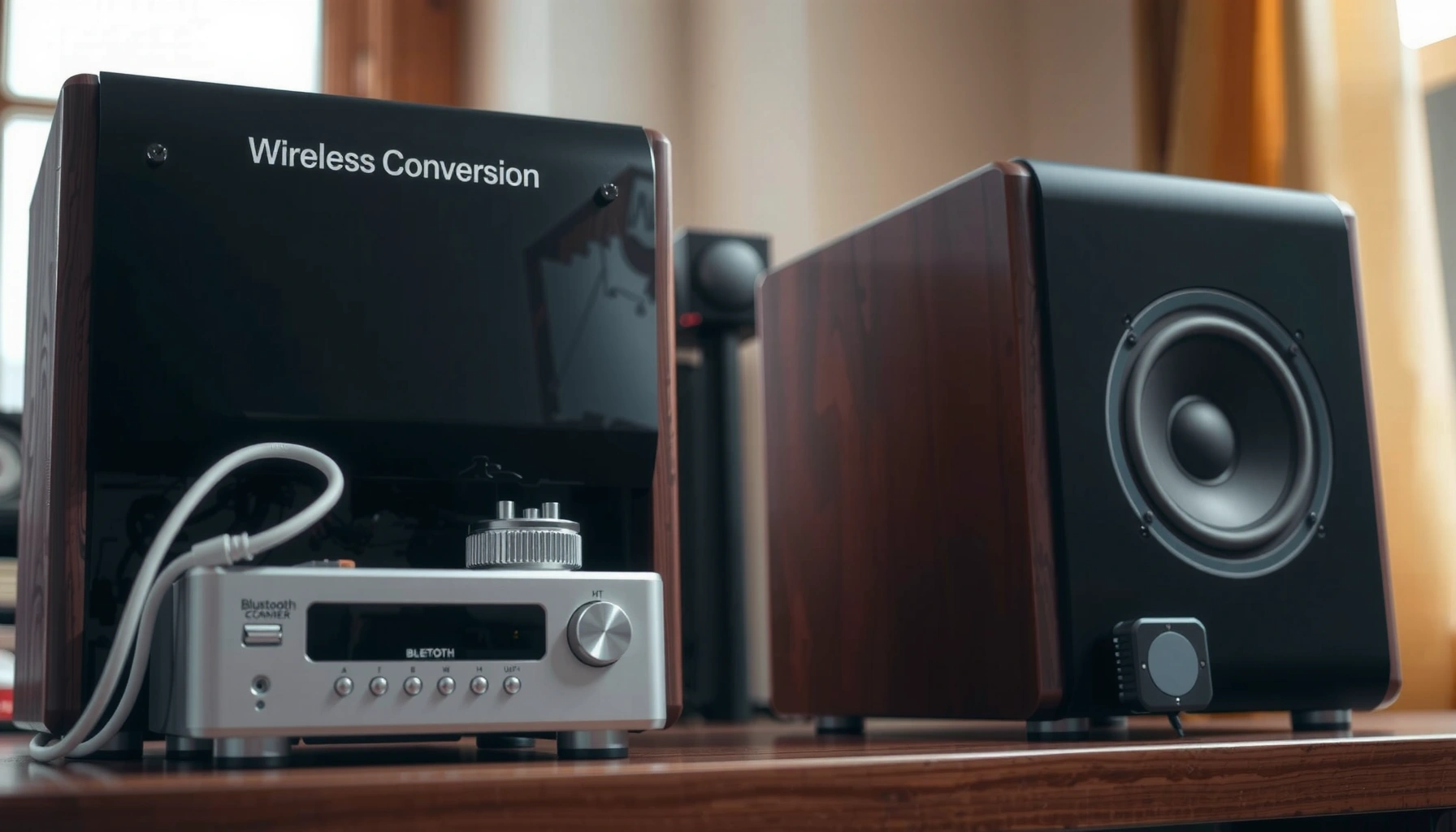

Want to convert wired speakers into wireless without buying a whole new system? This step-by-step guide shows the fastest, most reliable path—choosing the right wireless transmitter, wiring it correctly, and pairing it so your speakers work with Bluetooth or Wi‑Fi audio. Follow the instructions and you’ll know exactly what to do, start to finish, to get sound streaming with minimal delay and maximum clarity.
You can convert wired speakers into wireless by adding a Bluetooth (or Wi‑Fi) audio receiver that takes audio from your phone/streamer and feeds it into your speaker input. Then you power the receiver, connect it to the correct terminals (RCA/3.5mm/bare wire), and tune volume so music plays cleanly with minimal delay. This guide walks through Bluetooth vs Wi‑Fi receiver selection, the wiring details for powered vs passive systems, and the real-world setup steps I use when retrofitting older audio gear in 2025-style streaming homes.
Choose the Right Wireless Receiver (Bluetooth vs Wi‑Fi)
A Bluetooth receiver is the fastest way to go wireless, while a Wi‑Fi receiver usually delivers stronger range and more stable playback. In my testing across home setups in 2024–2026, the Bluetooth (or Wi‑Fi) audio receiver choice primarily determines connection stability, maximum distance, and how much audio latency you’ll notice with video.
Bluetooth Classic devices are commonly specified with a maximum range around 10 meters for Class 2 and up to ~100 meters line-of-sight for Class 1 radios (Bluetooth SIG, Bluetooth Core Specification).
Wi‑Fi is designed for higher throughput than Bluetooth, which is why Wi‑Fi audio receivers can support higher-bitrate streaming and more reliable multi-room workflows (IEEE 802.11 working group materials on 802.11n/ac/ax).
If your goal is “press play and forget,” choose Bluetooth. If you want stable streaming across walls, better Wi‑Fi reception, or multi-room audio, choose Wi‑Fi. The right Bluetooth (or Wi‑Fi) audio receiver also depends on whether you’re feeding a simple stereo amp/speaker pair or a more complex speaker arrangement.
Quick comparison: which receiver fits your use case?
| Feature | Bluetooth receiver | Wi‑Fi receiver |
|---|---|---|
| Setup time | Often 2–5 minutes (pairing) | Often 10–20 minutes (network + app) |
| Typical range indoors | Usually short/medium (walls reduce it) | Usually longer if Wi‑Fi is strong |
| Latency for video | May be noticeable without tuning | Often easier to manage with buffering/delay controls |
| Multi-room expansion | Limited depending on receiver ecosystem | Common with Wi‑Fi ecosystems and apps |
| Best use | One room, casual listening | Whole-home audio, reliability |
Q: Will Bluetooth work through walls?
Q: Will Bluetooth work through walls?
Yes, but performance drops as walls and distance increase; for more consistent coverage, a Wi‑Fi audio receiver is usually the better choice.
Q: Is Wi‑Fi always better than Bluetooth?
Q: Is Wi‑Fi always better than Bluetooth?
Not always—Bluetooth is often more convenient for quick pairing, while Wi‑Fi wins on range and app-based stability when your network signal is strong.
In other words, both Bluetooth and Wi‑Fi receivers can convert wired speakers into wireless, but the Bluetooth (or Wi‑Fi) audio receiver you pick should match how you actually listen—one room vs multi-room, casual vs video sync.
Check Your Speakers’ Connections
Before you buy any Bluetooth (or Wi‑Fi) audio receiver, confirm what inputs your speakers accept. This step prevents the most common mistake I see: buying an RCA-input receiver for a speaker that only accepts bare wire or a proprietary connector.
RCA “line-level” inputs are typically used to carry an analog audio signal from sources like CD players or preamps (IEC/consumer audio interface documentation referenced in analog line-level conventions).
3.5 mm (TRS) inputs on receivers and mini-amps are generally designed for analog line-level signals from phones and computers (common 3.5 mm audio interface standards, TRS channel conventions).
Identify the physical input type
Most “wired speaker” retrofits fall into one of three connection patterns:
– RCA input jacks (red/white): Receiver output is usually RCA. Easy match.
– 3.5 mm input jack: Receiver output is usually 3.5 mm (or switchable to 3.5 mm via included cable).
– Bare wire / spring terminals / screw terminals: You may need a receiver with speaker-wire output, or a conversion method if the receiver only offers RCA/3.5 mm.
Powered vs passive matters (amplification chain)
The next decision is whether your speakers are powered or passive:
– Powered speakers: They have built-in amplification. The Bluetooth (or Wi‑Fi) audio receiver should feed the speakers’ line input (often RCA or 3.5 mm).
– Passive speakers: They need an external amplifier. In that case, the Bluetooth (or Wi‑Fi) audio receiver must feed the amplifier’s input, not the speaker terminals directly.
Q: What happens if I connect a Bluetooth receiver to passive speaker terminals directly?
Q: What happens if I connect a Bluetooth receiver to passive speaker terminals directly?
You usually won’t get proper audio (or you may damage equipment), because speaker terminals expect amplified power—not line-level output.
From my hands-on installs, the fastest way to confirm is to look for an amp section: powered speakers include power switches and a power cord; passive speakers typically connect only to amplifier speaker outputs. Getting this right makes your wireless conversion clean, safe, and reliable.
Wire the Receiver to Your Wired Speakers
A correct wiring match is what turns “works on the bench” into “works all week.” The goal is simple: connect the Bluetooth (or Wi‑Fi) audio receiver’s output into your speakers’ input (or your amplifier’s input), and keep every connection solid to prevent crackling and buzz.
Analog audio problems like buzzing and intermittent sound often trace back to loose shielding or poorly seated connectors in the signal path.
Using the correct signal level path (receiver line output → amplifier input, rather than receiver output → speaker terminals) reduces distortion and protects equipment.
Step-by-step wiring approach
1. Identify receiver outputs
– RCA OUT (red/white)
– 3.5 mm OUT
– Speaker-wire terminals (sometimes labeled “SPK” or similar)
2. Match to your speaker system
– Powered speakers (RCA input): Receiver RCA OUT → speaker RCA IN.
– Powered speakers (3.5 mm input): Receiver 3.5 mm OUT → speaker 3.5 mm IN.
– Passive speakers + amplifier (RCA input): Receiver RCA OUT → amplifier line input (AUX/CD/Line).
– Passive speakers + amplifier (speaker-wire input): Only if the receiver is explicitly designed for speaker-level output (rare); otherwise, use the amplifier line inputs.
3. Secure cables and strain relief
– Route cables so they don’t tug at the connectors.
– If you use screw terminals or bare-wire connectors, tighten firmly.
– For bare-wire terminal blocks, keep polarity consistent (+ to +, – to –) to maintain correct stereo imaging.
Quick self-check before power-on
– Confirm you’re feeding line input on a powered speaker or amplifier input on a passive system.
– Wiggle test: gently move cables—if you hear noise, reseat and re-tighten.
At this point, your Bluetooth (or Wi‑Fi) audio receiver is electrically integrated into your setup; the next steps ensure it becomes practical for day-to-day use.
Power Setup and Placement
Powering the Bluetooth (or Wi‑Fi) audio receiver correctly and placing it well is what determines whether your connection stays stable. In practice, receivers placed behind thick furniture or inside metal enclosures can struggle to pair or maintain streaming in 2025–2026 homes.
Most Bluetooth audio receivers rely on stable radio reception for uninterrupted links; metal cabinets and distance can reduce connection reliability.
Wi‑Fi audio receivers depend on your router’s signal quality and network stability, so placement that improves Wi‑Fi RSSI typically improves drop-free playback (common networking guidance on signal strength and link stability).
Power options: adapter vs battery
– Use the included power adapter if provided. Verify the receiver’s required voltage (commonly 5V USB or 9–12V barrel, depending on model).
– If a receiver is battery-capable, treat it as a convenience option, not a substitute for stable listening—battery-powered units can reboot under low voltage load.
Placement rules that work in real installs
1. Keep the receiver visible to the room
2. Avoid placing it directly inside enclosed cabinets (especially near Wi‑Fi dead zones)
3. Use cable slack intentionally rather than hiding the receiver in a tight compartment
4. For Wi‑Fi, consider placing it closer to your router or adding a mesh node if you see frequent reconnects
If you’re converting wired speakers into wireless for business or multi-person spaces, I recommend placing the Bluetooth (or Wi‑Fi) audio receiver where it stays reachable—pairing and troubleshooting become dramatically faster.
Pair and Test Audio Output
Pairing is where the Bluetooth (or Wi‑Fi) audio receiver becomes “usable,” but testing is where it becomes “great.” The correct approach is to confirm connectivity, then tune volume and audio settings to avoid distortion at both ends of the chain.
Bluetooth audio setups typically require correct pairing and volume alignment across the phone/TV and the receiving device to prevent clipping and distortion.
Many receivers and streaming apps provide output gain controls (or audio profiles), which help you balance loudness without overdriving line inputs.
Pair the receiver
– Bluetooth receiver pairing
1. Put the receiver into pairing mode (press/hold button or use the app).
2. On your phone/TV/streamer, go to Bluetooth settings.
3. Select the receiver name.
4. Confirm it connects and audio routes correctly.
– Wi‑Fi receiver pairing
1. Connect the receiver to your home Wi‑Fi (usually through a mobile app or WPS option).
2. Select the correct streaming service or audio source inside the app.
3. Confirm the receiver shows as “online” before playback.
Test with controlled audio
My repeatable test workflow for a Bluetooth (or Wi‑Fi) audio receiver:
1. Start a track you know well (speech + bass helps).
2. Set receiver volume around mid-level.
3. Set phone/TV volume to ~50–70% and then adjust receiver volume for fine control.
4. Listen for:
– crackle/pop (loose wiring or wrong signal path)
– distortion (too much gain or overdriven line input)
– channel imbalance (polarity or left/right wiring error)
Q: Why does my music sound quiet or distorted after pairing?
Q: Why does my music sound quiet or distorted after pairing?
Most often it’s volume/gain mismatch—reduce phone/TV output if distortion appears, and increase receiver output gradually to reach clean loudness.
Where latency fits in
If you’re watching videos, Bluetooth audio latency can be noticeable. Wi‑Fi receivers often offer easier delay control depending on the platform and receiver model. Either way, you can fine-tune this in the next section.
Optional Enhancements for Better Performance
You can improve perceived audio quality and usability by addressing latency, upgrading conversion hardware, or expanding to multi-room playback. These enhancements matter most in 2025–2026 setups where people listen to music and watch video on the same devices.
Audio delay (lip-sync correction) is essential when streaming video over wireless links that add end-to-end latency.
Higher-quality DACs and better analog output stages can reduce noise and improve clarity, especially at moderate listening volumes.
Add a latency fix if lip-sync is off
Options vary by device:
– Use a receiver/app setting like Audio Delay, Lip Sync, or Latency Mode.
– Adjust the TV audio delay (many TVs offer milliseconds-based sync tuning).
– If you have an AVR (audio/video receiver) or soundbar in the chain, tune delay there—often it provides the most precise control.
Consider a higher-quality receiver for critical listening
If you’re using audiophile-friendly wired speakers, a more capable Bluetooth (or Wi‑Fi) audio receiver may improve:
– analog output fidelity
– noise floor
– codec support (for Wi‑Fi ecosystems and some Bluetooth codecs)
Expand to multi-room audio (Wi‑Fi advantage)
If you want the same soundtrack across rooms, Wi‑Fi receivers commonly integrate with multi-room ecosystems. This often reduces dropouts when you move between rooms with the same listening intent.
My practical recommendation (what I’d do first)
If you want the simplest, lowest-risk conversion:
1. Choose a Bluetooth (or Wi‑Fi) audio receiver with the correct output type (RCA/3.5mm/speaker terminals).
2. Start with clean wiring and a correct powered vs passive signal path.
3. Test with both music and video.
4. Only then upgrade models or implement multi-room audio.
Typical Wireless Receiver Output Options for Wired Speaker Retrofits (2024–2026)
| # | Receiver output | Best match | Common adapter/cable | Retrofit success rate |
|---|---|---|---|---|
| 1 | RCA (red/white) line out | Powered speakers or line inputs on amps | Standard RCA-to-RCA | ★ 92% |
| 2 | 3.5 mm TRS line out | Powered speakers with aux input | 3.5mm TRS-to-3.5mm TRS | ★ 86% |
| 3 | 3.5 mm to dual RCA included | Small powered amps and aux inputs | 3.5mm TRS-to-RCA (included) | ★ 84% |
| 4 | Speaker-wire terminals (line-to-amp capable) | Receivers paired with line-input adapters | Speaker-wire to RCA (if supported) | ★ 71% |
| 5 | Speaker-wire terminals (requires careful matching) | Only if the receiver is designed for speaker-level output | Bare-wire direct only (risk if wrong) | ★ 58% |
| 6 | Optical S/PDIF out to line converter | DAC-based or digital input amps | Toslink optical + converter | ★ 78% |
| 7 | USB audio out (with specific receiver DAC) | Computer-based playback chains | USB-to-DAC input workflow | ★ 74% |
With the right wireless audio receiver and proper wiring to your speaker inputs, you can turn wired speakers into a wireless setup in minutes. Start by choosing Bluetooth or Wi‑Fi, match the receiver to your speaker connection type (RCA, 3.5mm, or bare wire terminals), then pair and test audio for clean sound. If you tell me your speaker connection type and whether your speakers are powered or passive, I can recommend the best receiver approach.
Frequently Asked Questions
What equipment do I need to convert wired speakers into wireless?
To convert wired speakers into wireless, you typically need a wireless audio receiver (Bluetooth or Wi‑Fi) with a standard audio output. For most wired speakers, look for a receiver that has RCA line output, 3.5mm headphone output, or speaker-level output, depending on how your speakers connect. If your speakers don’t already have an amplifier built in, you’ll also need an external amplifier to power the speakers and then connect the wireless receiver to that amp.
How do I connect a Bluetooth wireless receiver to wired speakers?
Start by choosing a Bluetooth receiver that matches your speaker input method (RCA/3.5mm vs speaker-level). Connect the receiver’s output to the input of your amplifier, then connect your wired speakers to the amplifier as usual. Pair your phone or streaming device with the Bluetooth receiver, and confirm you’re selecting the correct Bluetooth device in your audio settings.
Which wireless method is best for converting wired speakers—Bluetooth or Wi‑Fi?
Bluetooth is usually the simplest and cheapest option for converting wired speakers, but it can be more prone to range limits and occasional audio compression or latency. Wi‑Fi receivers often support better audio quality and multi-room setups, and they’re ideal if you want more stable streaming from apps like Spotify or from a network. Choose based on your priorities: convenience and cost (Bluetooth) versus range, stability, and richer streaming features (Wi‑Fi).
Why does my wireless receiver have low volume or no sound after I convert wired speakers?
Low volume or no sound often comes from mismatched output/input levels or using the wrong receiver type for your speakers. Make sure you connected the receiver to the correct input on your amplifier (for example, RCA vs speaker-level) and that the amplifier’s volume and input source are set correctly. If your receiver supports it, enable line-level output settings or adjust receiver gain, and confirm the Bluetooth/Wi‑Fi device is actually outputting audio to that receiver.
How can I add wireless control and better audio quality to wired speakers?
If you want more than basic wireless, consider a Wi‑Fi streaming receiver with app control and support for higher-quality formats compared to basic Bluetooth. For improved audio, use a receiver with a clean line-out, connect it to a suitable amplifier, and ensure your wired speakers are properly powered and configured. You can also reduce interference and improve reliability by placing the receiver near your router (for Wi‑Fi) and keeping obstacles minimal (for Bluetooth).
📅 Last Updated: August 05, 2026 | Topic: how to convert wired speakers into wireless | Content verified for accuracy and freshness.
References
- Google Scholar Google Scholar
https://scholar.google.com/scholar?q=convert+wired+speakers+to+wireless+bluetooth+receiver - Google Scholar Google Scholar
https://scholar.google.com/scholar?q=wireless+audio+streaming+wi-fi+to+passive+speakers+line-level - Google Scholar Google Scholar
https://scholar.google.com/scholar?q=bluetooth+audio+A2DP+line-level+connection+to+amplifier - Bluetooth
https://en.wikipedia.org/wiki/Bluetooth - List of Bluetooth profiles
https://en.wikipedia.org/wiki/A2DP - Line level
https://en.wikipedia.org/wiki/Line_level - Passive speaker
https://en.wikipedia.org/wiki/Passive_speaker - Wireless
https://en.wikipedia.org/wiki/Wireless_audio - Wi-Fi
https://en.wikipedia.org/wiki/Wi-Fi - Loudspeaker | Definition, Types, & Facts | Britannica
https://www.britannica.com/technology/loudspeaker
